
The landscape of artificial intelligence has transformed dramatically. What once felt like science fiction now powers our everyday tasks. From morning emails to evening project reviews, AI tools have become essential companions in our daily routines.
In 2026, the question is no longer whether to use AI tools. Instead, people ask which tools deliver genuine value without overwhelming complexity. This guide cuts through the noise to present the most amazing new AI tools that actually enhance your daily life.
These aren’t experimental gadgets or overhyped platforms. Every tool featured here has proven its worth in real-world applications. Whether you manage projects, create content, communicate with teams, or simply try to stay organized, you’ll find practical solutions designed for immediate implementation.
Start Your AI Journey Today
Download our comprehensive 2026 AI Tools Quick Start Guide and discover the top 10 tools to try first, complete with setup instructions and use cases.
AI Writing and Content Creation Tools
Writing consumes significant time in our daily workflows. Emails, reports, social media posts, and documentation all demand attention. The new generation of AI writing assistants goes beyond simple grammar checks to understand context, tone, and intent.

These tools don’t replace human creativity. They amplify it. Think of them as collaborative partners that help you write faster, think clearer, and communicate more effectively across every medium you use.
ChatGPT Advanced Reasoning (GPT-5 Series)
ChatGPT has evolved from a conversation tool to a comprehensive writing platform. The 2026 release introduces advanced reasoning capabilities that understand complex requests with minimal prompting. You can now ask ChatGPT to write code, draft business proposals, or create educational content with unprecedented accuracy.
The tool’s strength lies in its versatility. Morning might start with ChatGPT drafting your team meeting agenda. By afternoon, it’s helping refine a client presentation. Evening finds it summarizing research articles for tomorrow’s report. This consistent availability across tasks makes it indispensable.
Advantages
- Advanced reasoning handles complex multi-step requests
- Context retention across conversations improves over time
- Wide range of writing styles from casual to academic
- Integration with productivity apps like Google Docs
- Voice input makes hands-free operation seamless
Limitations
- Premium features require paid subscription
- Learning curve for optimal prompt crafting
- Internet connection required for full functionality
- Output requires human review for accuracy
Claude 3 Opus
Claude brings a different approach to AI writing. Where other tools prioritize speed, Claude emphasizes thoughtfulness and nuance. The 2026 Opus version excels at understanding subtle context that makes written communication feel genuinely human.
Business professionals appreciate how Claude handles sensitive communications. It understands when an email needs empathy versus directness. The tool can adjust formality levels mid-conversation, matching your intended tone whether you’re writing to executives or team members.
One standout feature is Claude’s ability to work with uploaded documents. Feed it a 50-page report, and it will extract key points, answer questions, and even draft summaries that capture essential information. This capability saves hours every week for knowledge workers dealing with information overload.
- Extended context window handles entire documents at once
- Superior understanding of nuanced communication needs
- Strong ethical guidelines prevent problematic outputs
- Document analysis capabilities for research and review
- Consistent tone matching across long-form content
- API access for custom integrations
Jasper AI Pro
Marketing teams and content creators have embraced Jasper for its specialized templates and brand voice features. The 2026 Pro version introduces team collaboration tools that maintain consistent messaging across multiple writers and projects.

Jasper excels at understanding brand guidelines. After initial setup, it generates content that matches your company’s specific tone, terminology, and style preferences. This consistency proves invaluable for businesses managing content across multiple platforms and team members.
The template library covers everything from blog posts to ad copy. Need a product description? Jasper has templates optimized for e-commerce. Writing social media content? Templates for each platform ensure your message fits the medium. This specialization makes Jasper feel like a marketing department in software form.
Grammarly Advanced AI
Grammarly has evolved beyond grammar checking. The 2026 Advanced AI version functions as a comprehensive writing coach, offering suggestions for clarity, tone, engagement, and delivery across every application you use.
What makes Grammarly indispensable is its universal presence. It works everywhere you write, from email clients to project management tools, social media platforms to documentation systems. This consistency means you always have writing assistance regardless of your current task.
The tone detector has become remarkably sophisticated. It analyzes your writing and alerts you when the tone might not match your intent. Writing a casual message that reads as formal? Grammarly catches it. Composing a professional email that sounds too friendly? You’ll get a notification before hitting send.
Notion AI
For teams already using Notion for project management and documentation, Notion AI integrates seamlessly into existing workflows. The 2026 version understands your workspace structure and can generate content that fits perfectly into your established systems.

Notion AI shines in collaborative environments. It can summarize meeting notes automatically, extract action items from discussions, and even draft project briefs based on scattered information across multiple pages. This organizational intelligence reduces the administrative burden that typically slows down productive work.
The tool learns from your existing content. The more you use Notion, the better its AI understands your team’s communication patterns, project structures, and documentation preferences. This contextual awareness makes suggestions increasingly relevant over time.
Find Your Perfect Writing AI
Each writing tool excels in different scenarios. ChatGPT and Claude offer versatility, Jasper specializes in marketing, Grammarly provides universal editing, and Notion AI integrates with your workflow. Test multiple options to discover which combination works best for your daily writing tasks.
AI Productivity and Automation Tools
Productivity isn’t about working harder. It’s about eliminating repetitive tasks that consume time without adding value. The latest AI automation tools identify these patterns in your workflow and handle them automatically, freeing you for work that requires human judgment and creativity.
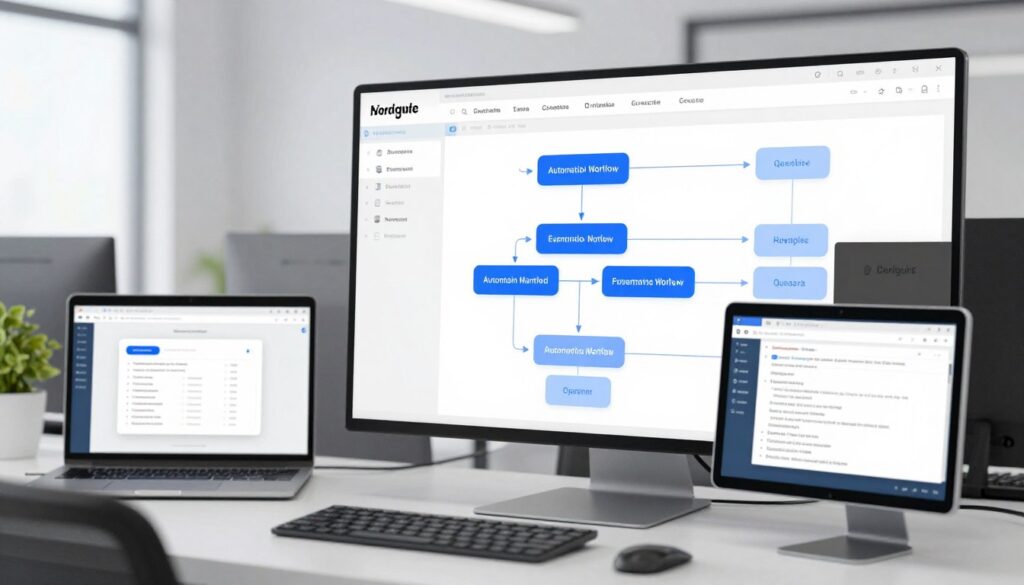
These platforms work across tools you already use. They connect your email to your calendar, your project management system to your communication apps, and your documents to your databases. The result feels like having a personal assistant who never sleeps.
Zapier AI
Zapier pioneered workflow automation, and the 2026 AI version takes automation to new levels. Instead of manually building connections between apps, you describe what you want in plain language, and Zapier AI creates the automation for you.
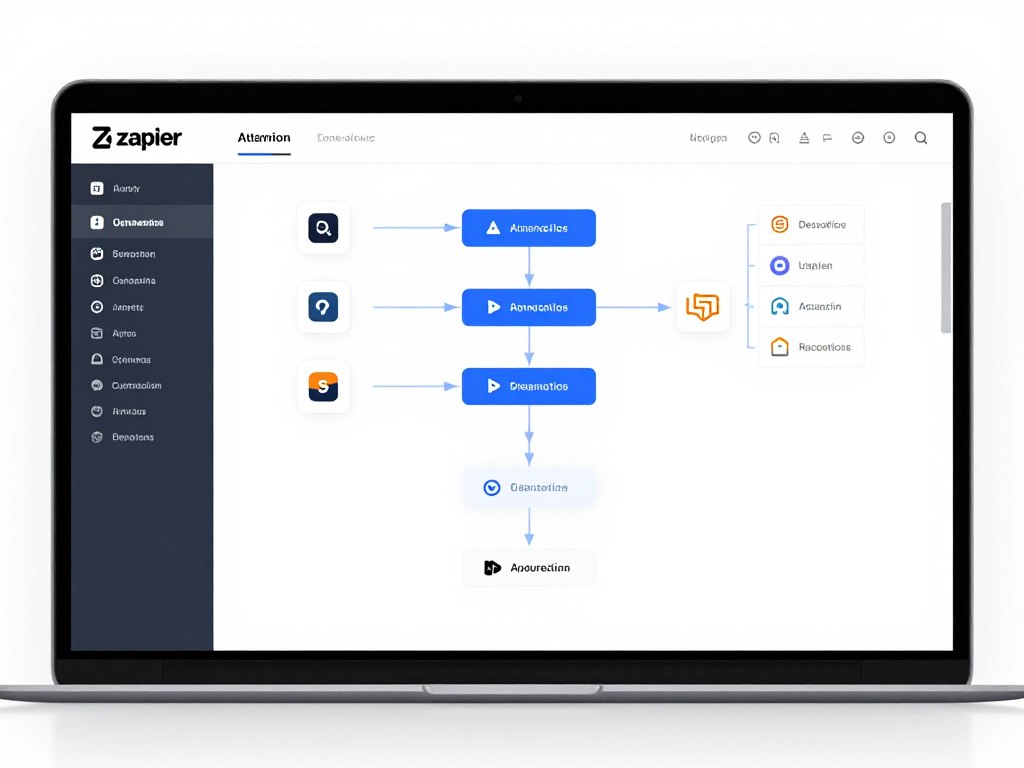
The platform connects over 6,000 applications. When an email arrives with specific keywords, Zapier can create a task in your project management tool, add an event to your calendar, and notify your team in Slack. All of this happens without any manual intervention.
What sets Zapier apart is its accessibility. You don’t need coding knowledge or technical expertise. The AI understands requests like “When I get an email from a client, create a new project folder and notify my team.” It translates this intent into functional automation that runs reliably in the background.
- Connects 6,000+ applications without coding
- Natural language automation creation
- Multi-step workflows handle complex processes
- Error handling and retry mechanisms
- Shared team templates for common workflows
- Detailed activity logs for troubleshooting
Microsoft Copilot 365
For organizations using Microsoft 365, Copilot integrates AI assistance directly into familiar applications. It appears in Word, Excel, PowerPoint, Outlook, and Teams, providing context-aware help exactly when you need it.

Copilot understands your work context. In Excel, it can analyze data and create visualizations based on simple questions. In Word, it drafts content using information from your emails and documents. In Teams, it summarizes meeting discussions and tracks action items automatically.
The integration depth makes Copilot powerful for daily use. You’re not switching between applications or copying data manually. Copilot works within your existing environment, making AI assistance feel natural rather than disruptive to established workflows.
Motion AI Calendar
Scheduling might seem simple, but it consumes surprising amounts of time. Motion AI treats your calendar as a dynamic planning system, automatically organizing tasks, meetings, and project work into an optimal daily schedule.
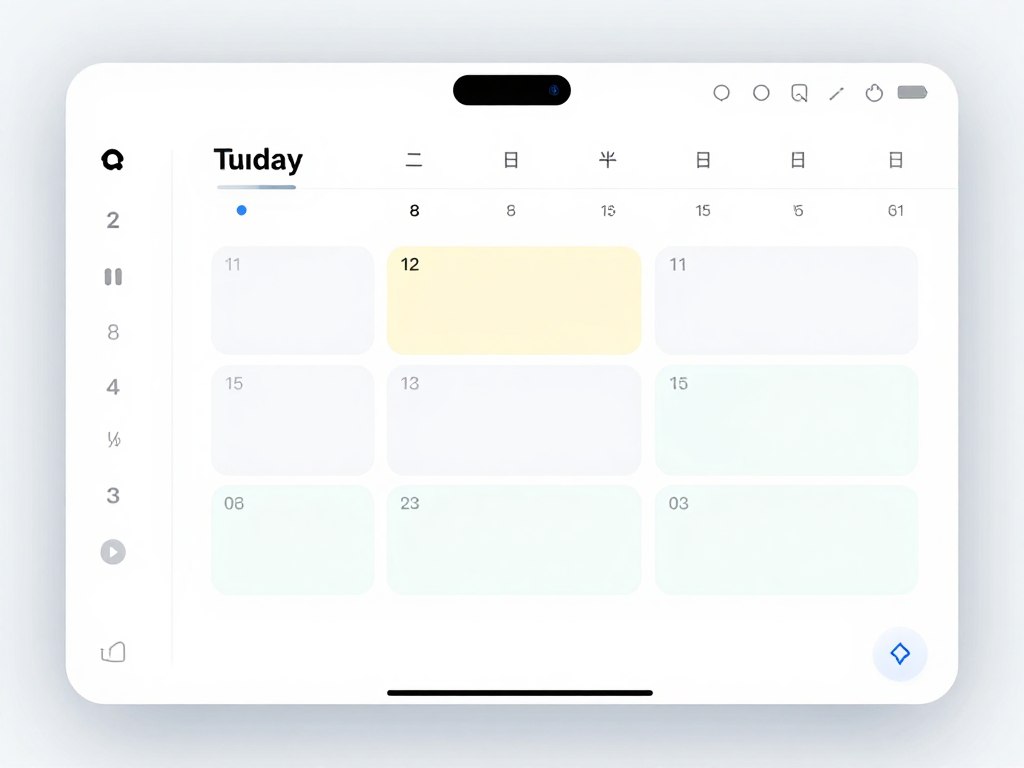
The system learns your working patterns. It knows when you’re most productive, which tasks require focused time, and how long different types of work typically take. Using this knowledge, Motion builds schedules that maximize productivity while preventing burnout.
When unexpected meetings arise, Motion automatically reschedules affected tasks. When deadlines shift, it adjusts your entire plan accordingly. This dynamic replanning eliminates the constant mental overhead of schedule management, letting you focus on actual work instead of planning work.
Otter.ai Pro
Meetings generate valuable information, but capturing it accurately while actively participating is challenging. Otter.ai records, transcribes, and analyzes meetings in real-time, creating searchable records without requiring manual note-taking.
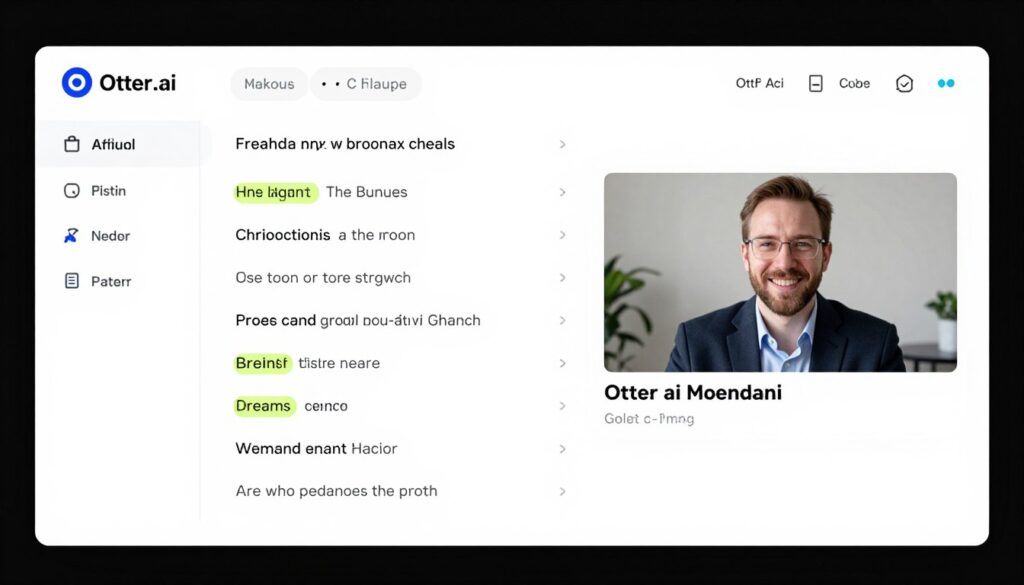
The 2026 Pro version adds speaker identification, automatic summary generation, and action item extraction. After each meeting, you receive a structured summary with key decisions, assigned tasks, and discussion highlights. Participants who couldn’t attend can quickly catch up without watching hour-long recordings.
Otter integrates with Zoom, Google Meet, and Microsoft Teams. It joins meetings automatically, works in the background, and shares transcripts with attendees. The searchable archive means you can find specific discussions from months ago in seconds, making institutional knowledge easily accessible.
Reclaim.ai
Finding time for focused work becomes increasingly difficult as calendars fill with meetings. Reclaim.ai automatically defends time for important tasks, habits, and breaks, ensuring your schedule supports both collaboration and deep work.
The tool creates flexible holds for recurring tasks like project work, exercise, or learning time. As meeting invitations arrive, Reclaim automatically moves these holds to preserve them while accommodating necessary collaboration. You maintain control over priorities without constant manual calendar adjustments.
Team features prevent scheduling conflicts across departments. Reclaim can coordinate schedules for group activities while respecting individual focus time preferences. This balance between collaboration and concentration makes it valuable for teams struggling with meeting overload.
Automate Your Workflow Today
Productivity tools work best in combination. Zapier connects your apps, Copilot assists within Microsoft 365, Motion manages your schedule, Otter captures meeting insights, and Reclaim protects focus time. Start with one tool and gradually build your automation ecosystem.
AI Visual Design and Image Creation Tools
Visual content drives engagement across every platform. Social media posts, presentations, marketing materials, and documentation all benefit from compelling imagery. AI design tools have democratized visual creation, enabling anyone to produce professional-quality graphics without extensive design training.
These platforms understand design principles automatically. They handle composition, color theory, typography, and visual hierarchy, allowing you to focus on creative direction rather than technical execution. The result is professional output in minutes instead of hours.
Midjourney V7
Midjourney has established itself as the premier AI image generation platform. Version 7 brings photorealistic quality, precise control over composition, and the ability to maintain consistent characters and styles across multiple images.
The platform works through Discord, making collaboration natural. Teams can see each other’s prompts, iterate on successful approaches, and build shared libraries of effective techniques. This community aspect accelerates learning and improves results for everyone involved.
For daily use, Midjourney excels at concept visualization, presentation imagery, and social media content. Marketing teams use it to create campaign visuals before committing to expensive photo shoots. Product designers visualize concepts before prototyping. Content creators generate unique imagery that stands out from stock photography.
DALL-E 3 Integration
Built into ChatGPT Plus, DALL-E 3 offers convenient image generation without leaving your workflow. The integration means you can describe an image in conversation, and ChatGPT generates it immediately using DALL-E 3’s capabilities.
The convenience factor makes DALL-E 3 ideal for quick visual needs. Creating a blog post and need a header image? Describe it to ChatGPT. Building a presentation and want custom diagrams? Generate them during your outline phase. The friction-free workflow keeps creative momentum flowing.
DALL-E 3 also excels at text rendering within images. Unlike earlier AI image generators, it can reliably create images containing readable text, making it valuable for creating signage, logos, and typography-heavy designs.
Canva AI Design Suite
Canva combines traditional design tools with AI assistance, offering a complete platform for creating polished visual content. The 2026 AI Design Suite adds intelligent suggestions, automatic layouts, and brand kit integration that maintains consistency across all materials.
The platform’s strength lies in its template ecosystem combined with AI customization. Start with a professionally designed template, describe your modifications, and Canva AI adapts the design while maintaining visual coherence. This approach delivers custom results without requiring design expertise.
Team collaboration features make Canva valuable for organizations. Brand kits ensure consistent colors, fonts, and logos across all team members. Approval workflows prevent off-brand content from being published. The combination of AI assistance and team management creates a comprehensive design solution.
- Extensive template library for every use case
- AI-powered design suggestions and layouts
- Brand kit maintains visual consistency
- Real-time collaboration for team projects
- Export options for web, print, and social media
- Video editing capabilities in one platform
- Stock photo library integration
Adobe Firefly
Adobe’s entry into AI image generation brings professional-grade capabilities with commercial safety. Firefly trains exclusively on licensed content, ensuring generated images don’t raise copyright concerns for business use.
Integration with Adobe Creative Cloud makes Firefly powerful for design professionals. Generate an image in Firefly, then refine it in Photoshop. Create variations in Illustrator. The seamless workflow between AI generation and traditional editing tools provides unprecedented creative flexibility.
For businesses concerned about legal implications of AI-generated content, Firefly offers peace of mind. The indemnification protection means you can use generated images in commercial projects without worrying about potential copyright claims.
Runway ML Gen-2
Video creation demands significant time and resources. Runway ML Gen-2 brings AI assistance to video editing and generation, enabling sophisticated visual effects and content creation without specialized equipment or extensive training.

The platform offers text-to-video generation, allowing you to describe a scene and watch it come to life. For existing footage, AI tools handle background removal, object tracking, and visual effects that previously required expensive software and expert knowledge.
Content creators use Runway to produce social media videos, product demonstrations, and marketing materials. The speed advantage is remarkable. Tasks that once took hours now complete in minutes, democratizing video production for individuals and small teams.
Choose Your Visual Creation Platform
Different visual tools serve different needs. Midjourney offers highest quality for custom artwork, DALL-E 3 provides convenient ChatGPT integration, Canva combines templates with AI, Adobe Firefly ensures commercial safety, and Runway ML handles video. Select tools based on your primary content type and workflow preferences.
AI Communication and Collaboration Tools
Effective communication forms the foundation of productive teamwork. Whether coordinating across time zones, managing client relationships, or keeping remote teams aligned, AI communication tools reduce friction and improve clarity in every interaction.

These platforms go beyond simple messaging. They understand context, summarize lengthy discussions, translate languages in real-time, and ensure important information doesn’t get lost in endless message threads.
Slack AI
Slack has integrated AI throughout its platform, transforming it from a messaging app into an intelligent workplace hub. The 2026 AI features include conversation summaries, smart search, and automated workflow suggestions based on team communication patterns.
Channel summaries help you catch up quickly after time away. Instead of scrolling through hundreds of messages, Slack AI presents key decisions, action items, and important updates. This feature proves invaluable for teams spanning multiple time zones or managing numerous projects simultaneously.
Smart search understands intent rather than just matching keywords. Ask “What did we decide about the product launch?” and Slack AI finds relevant discussions even if they used different terminology. This contextual understanding makes historical information actually useful instead of buried in archives.
- Automatic conversation summaries for busy channels
- Context-aware search across all messages
- Action item extraction and tracking
- Thread summarization for long discussions
- Integration with 2,000+ workplace apps
- Voice and video with real-time transcription
Microsoft Teams AI Features
Teams has evolved into a comprehensive collaboration platform with AI woven throughout. Meeting recaps, intelligent task management, and seamless Office 365 integration make it central to many organizations’ daily operations.

The meeting recap feature stands out for its practicality. After each video call, Teams AI generates a summary with timestamps, action items, and key decisions. Participants receive these recaps automatically, ensuring alignment without requiring someone to manually take notes during discussions.
For organizations already invested in Microsoft 365, Teams AI provides natural integration. Documents shared in chat open in collaborative editing mode. Calendar events sync across tools. Tasks mentioned in conversations become trackable items. This ecosystem cohesion reduces context switching and keeps work flowing smoothly.
Superhuman Email AI
Email remains essential despite predictions of its demise. Superhuman treats email as a productivity system, using AI to surface important messages, suggest optimal send times, and help you achieve inbox zero without missing critical communications.
The AI learns your email patterns and priorities. It identifies which senders typically require quick responses, which messages can wait, and which emails contain actionable items versus informational updates. This intelligent sorting means you focus on what matters without constantly triaging your inbox.
Keyboard shortcuts and AI suggestions combine to make email processing remarkably fast. Features like “Remind Me If No Reply” automatically resurface messages if recipients don’t respond within a specified timeframe. Split inbox views let you separate personal and work email while maintaining unified search and snooze capabilities.
Krisp AI Noise Cancellation
Background noise disrupts virtual meetings and recordings. Krisp uses AI to remove unwanted sounds in real-time, ensuring your voice comes through clearly regardless of your environment.
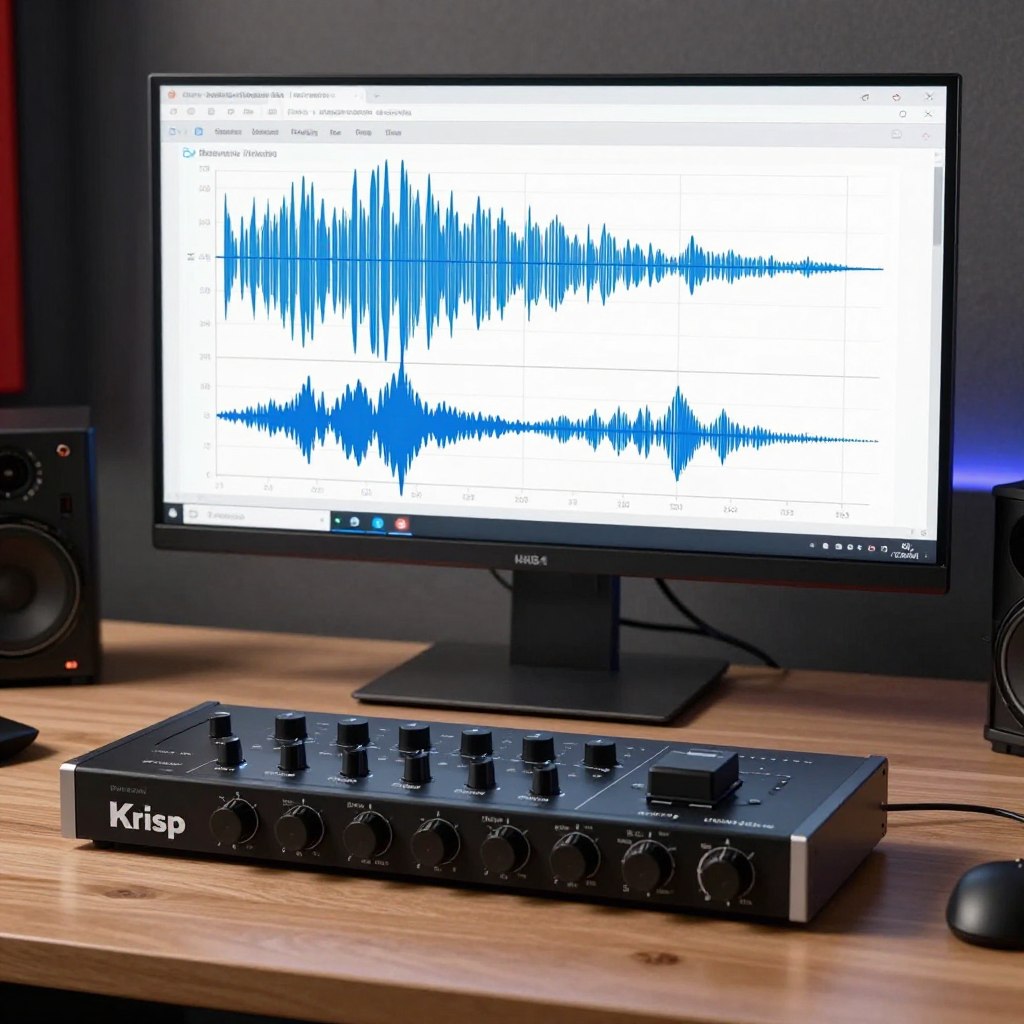
The technology works both ways. It removes noise from your microphone and from audio you hear. This bidirectional filtering means clearer conversations even when both parties are in less-than-ideal environments. Remote workers appreciate the freedom to take calls from coffee shops, shared workspaces, or homes with children without audio quality suffering.
Krisp integrates with all major communication platforms. It runs in the background, automatically processing audio without requiring manual activation. The AI distinguishes between human voices and background sounds with impressive accuracy, preserving natural speech quality while eliminating distractions.
Grammarly Business Communication
Beyond individual writing assistance, Grammarly Business ensures consistent, professional communication across teams. The platform analyzes team writing patterns, identifies common errors, and provides coaching to improve overall communication quality.
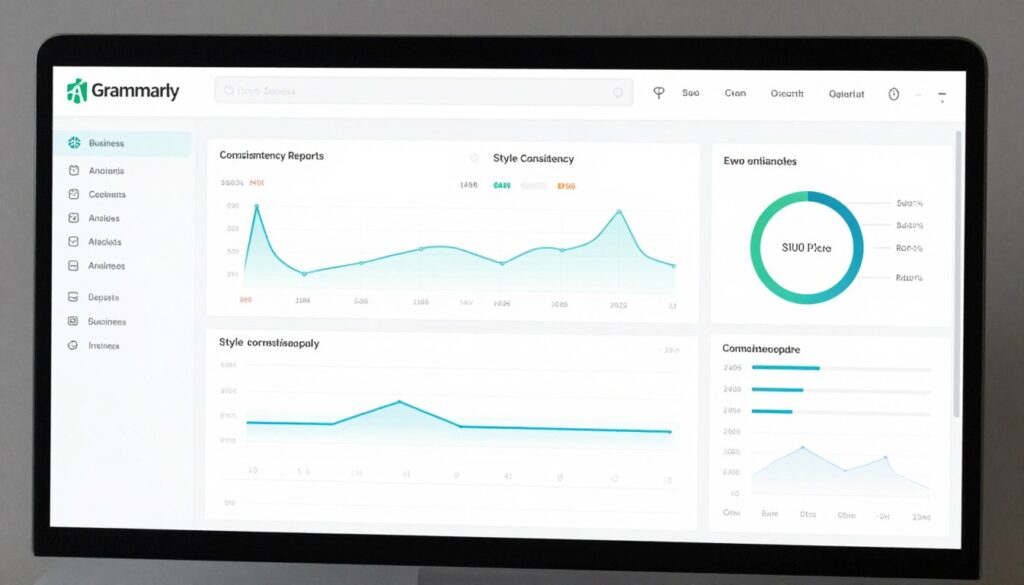
Style guides become enforceable through AI. Define your organization’s preferred terminology, tone, and formatting, and Grammarly ensures all team members follow these guidelines automatically. This consistency strengthens brand voice and reduces miscommunication with clients and partners.
Analytics reveal team-wide communication trends. Which departments write most clearly? Where do clarity issues concentrate? Which individuals might benefit from additional writing support? These insights help organizations improve communication systematically rather than reactively addressing problems as they arise.
Enhance Team Communication
Communication tools create the most value when integrated across your entire workflow. Slack or Teams for messaging, Superhuman for email management, Krisp for clear audio, and Grammarly for writing quality combine to eliminate communication friction that slows teams down.
AI Project Management and Task Organization Tools
Projects fail more often from poor organization than from technical challenges. AI project management tools bring structure to chaos, automatically tracking dependencies, predicting delays, and keeping teams synchronized across complex initiatives.
These platforms understand how projects actually unfold. They learn from historical data to provide realistic timelines, identify bottlenecks before they cause delays, and suggest optimal resource allocation based on team capacity and skill sets.
Asana AI Intelligence
Asana has integrated AI capabilities throughout its platform, transforming it from a task tracker into an intelligent project orchestration system. The 2026 Intelligence features predict project delays, suggest task assignments, and automatically organize work based on dependencies and priorities.
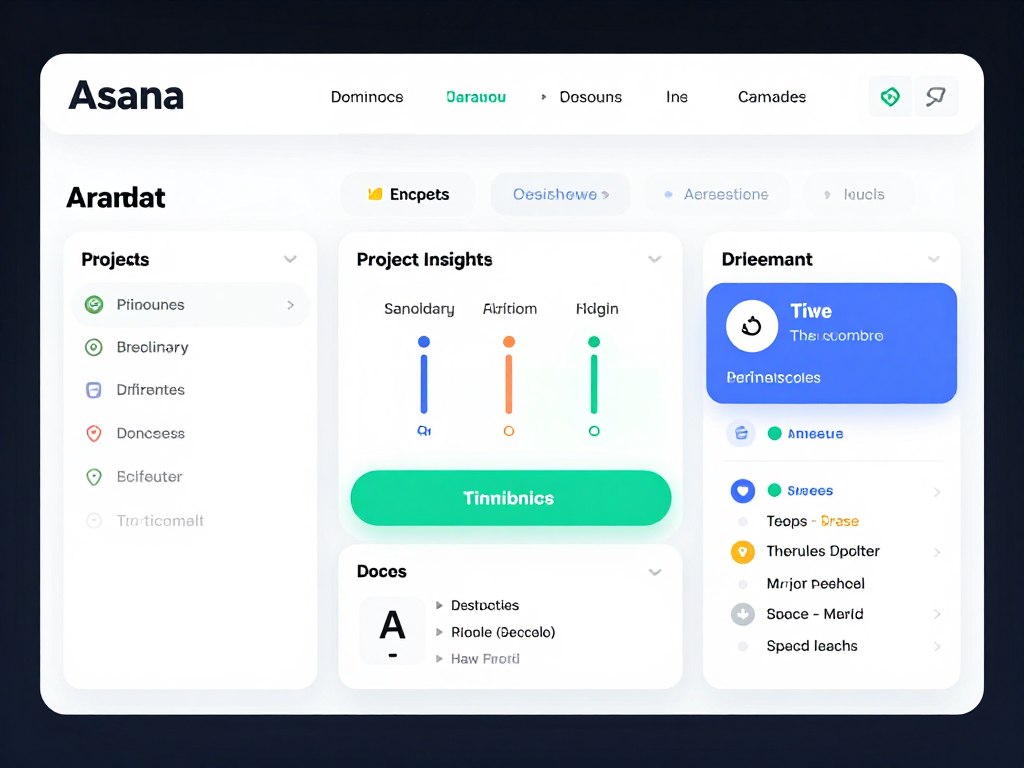
Smart fields adapt to your project types. The AI recognizes patterns in how you structure work and suggests custom fields, templates, and workflows that match your team’s methodology. This adaptive approach means Asana becomes more valuable the longer you use it.
Workload management prevents team burnout. Asana AI monitors individual capacity and alerts managers when assignments become unsustainable. It can even suggest redistributing tasks based on availability and skill sets, ensuring projects stay on track without overwhelming team members.
- Predictive timeline analysis for early risk detection
- Automated task assignment based on workload and skills
- Smart dependencies prevent scheduling conflicts
- Portfolio-level insights across multiple projects
- Goal tracking with automatic progress updates
- Template library for common project types
Monday.com AI Automations
Monday.com combines visual project boards with powerful automation capabilities. The AI layer adds intelligent suggestions, predictive analytics, and automatic workflow optimization that reduces manual project management overhead.
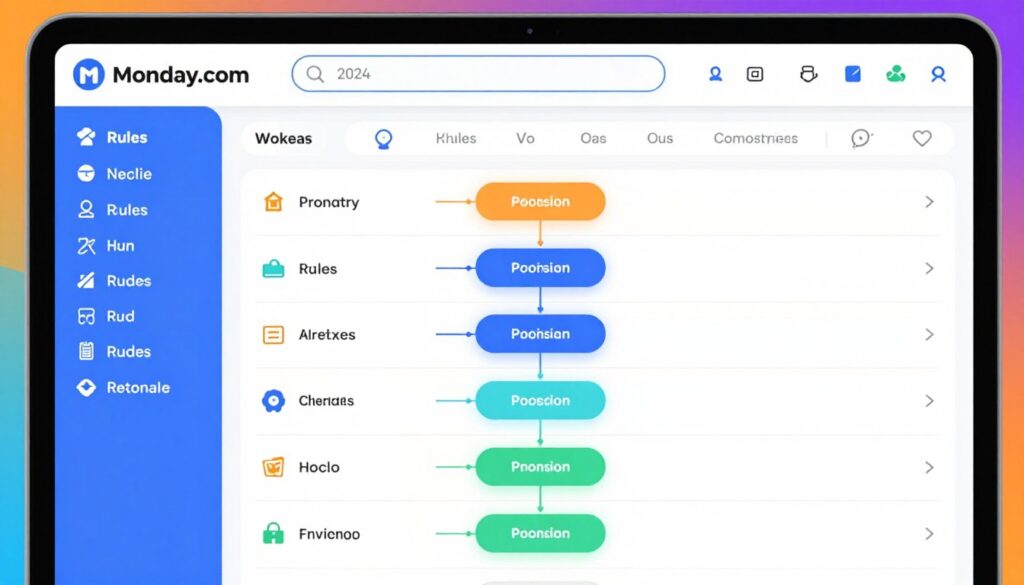
The platform excels at cross-team coordination. When marketing completes their deliverable, Monday.com AI automatically notifies the sales team and creates follow-up tasks. When development marks features complete, it updates customer success documentation and training materials. These automated handoffs eliminate the coordination gaps that typically slow down collaborative projects.
Customization options make Monday.com adaptable to any workflow. Build boards that match your exact processes, then let AI suggest automation rules based on team patterns. The visual nature makes complex project structures understandable at a glance, improving transparency across stakeholders.
ClickUp Brain
ClickUp aims to replace multiple tools with one comprehensive platform. ClickUp Brain adds AI assistance throughout, answering questions about your projects, summarizing activity, and helping you find information across documents, tasks, and conversations.
The universal search capability proves particularly valuable. Ask “What’s blocking the product launch?” and ClickUp Brain searches across all connected information to provide comprehensive answers. This contextual awareness eliminates the information silos that plague organizations using multiple disconnected tools.
Document collaboration integrates directly with task management. Write project specifications, link them to tasks, and watch ClickUp automatically create work items from document sections. This tight integration between planning and execution keeps teams aligned as projects evolve.
Trello AI Power-Ups
Trello’s simplicity has always been its strength. AI Power-Ups enhance this simplicity with intelligent automation, card suggestions, and workflow optimization while maintaining the visual board interface users love.
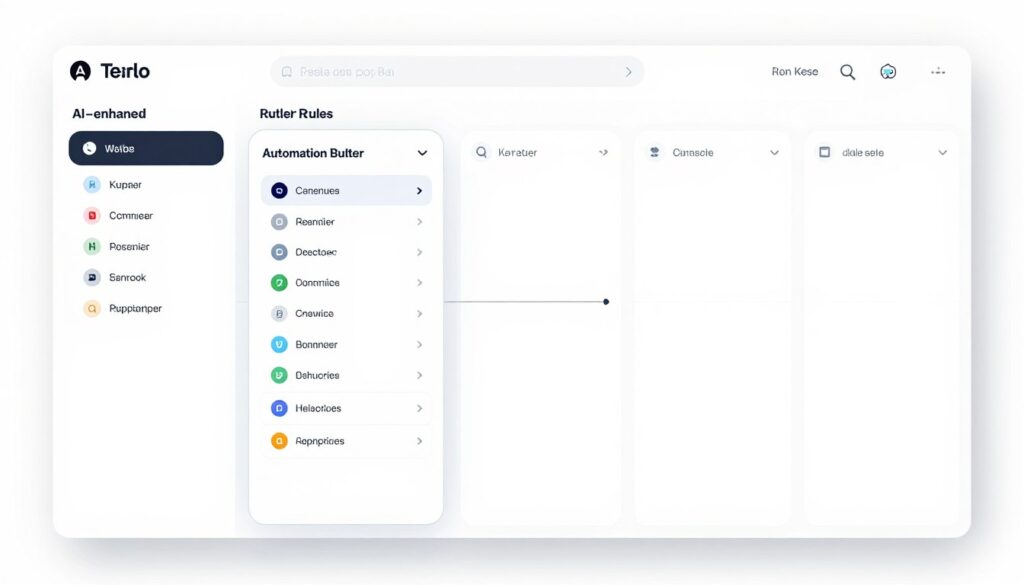
Butler automation uses natural language rules. Type “When a card moves to Done, assign it to John and add a green label,” and Trello executes this automatically. The accessibility of automation democratizes process improvement, allowing any team member to optimize workflows without technical knowledge.
For teams preferring lightweight project management, Trello with AI Power-Ups delivers sophisticated capabilities without overwhelming complexity. The board metaphor remains intuitive while automation handles repetitive coordination tasks in the background.
Notion Project Management AI
Notion’s flexibility makes it popular for teams wanting customized project management. AI features add intelligence to this flexibility, automatically creating project views, suggesting optimal structures, and keeping documentation synchronized with task progress.
The wiki-style documentation integrates seamlessly with project tracking. Meeting notes automatically extract action items and create tasks. Project briefs link to relevant tasks. Status updates pull from multiple databases to create comprehensive project overviews. This interconnectedness makes Notion feel like a custom-built system designed specifically for your workflow.
Database views provide multiple perspectives on the same information. See tasks as a Kanban board, calendar, table, or timeline without duplicating data. AI suggestions help you build the views most useful for your specific needs, optimizing information display for different roles and purposes.
Select Your Project Management Solution
Project management tools reflect different philosophies. Asana offers comprehensive enterprise features, Monday.com provides visual flexibility, ClickUp aims for all-in-one consolidation, Trello maintains simplicity with power, and Notion delivers customizable knowledge management. Choose based on team size, project complexity, and desired learning curve.
AI Data Analysis and Research Tools
Data holds answers, but extracting insights requires specialized skills and significant time investment. AI analysis tools make data accessible to everyone, automatically identifying patterns, generating visualizations, and answering complex questions without requiring statistical expertise.
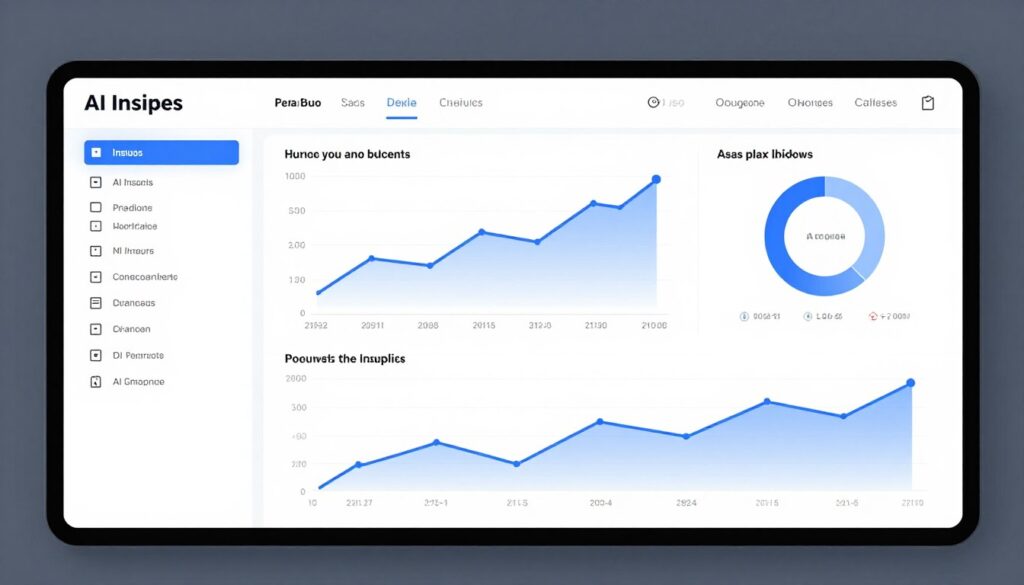
These platforms transform raw information into actionable intelligence. Upload a dataset, ask questions in plain language, and receive visual answers that drive better decisions. The democratization of data analysis empowers every team member to work with information effectively.
Tableau AI Analytics
Tableau has long been a leader in data visualization. The 2026 AI Analytics features add natural language queries, automated insight discovery, and intelligent dashboard creation that makes sophisticated analysis accessible without extensive training.
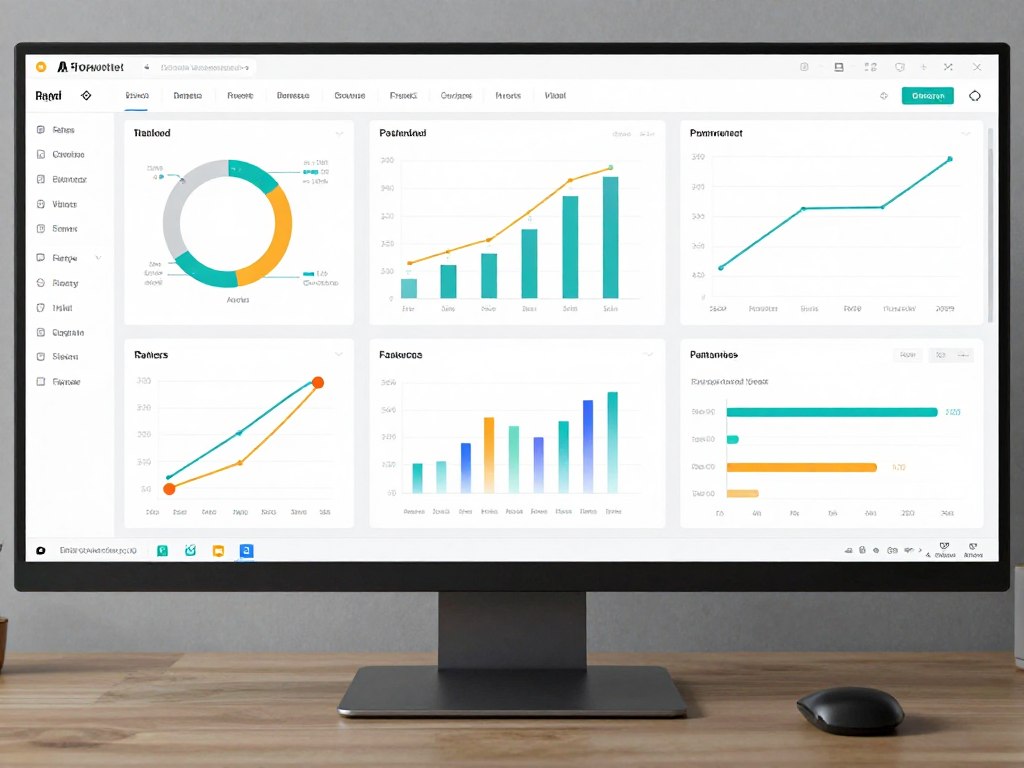
Ask Tableau questions like “Which products are growing fastest?” or “Show me sales trends by region” and watch it generate appropriate visualizations automatically. The AI understands data context, selecting chart types that best communicate specific insights rather than defaulting to generic presentations.
Automated insight discovery scans your data for interesting patterns. It identifies correlations, anomalies, and trends you might miss through manual exploration. These proactive insights often reveal opportunities or risks that warrant further investigation.
Perplexity AI Research
Research traditionally requires sifting through numerous sources, evaluating credibility, and synthesizing information. Perplexity AI handles this process automatically, providing well-researched answers with citations to source materials.
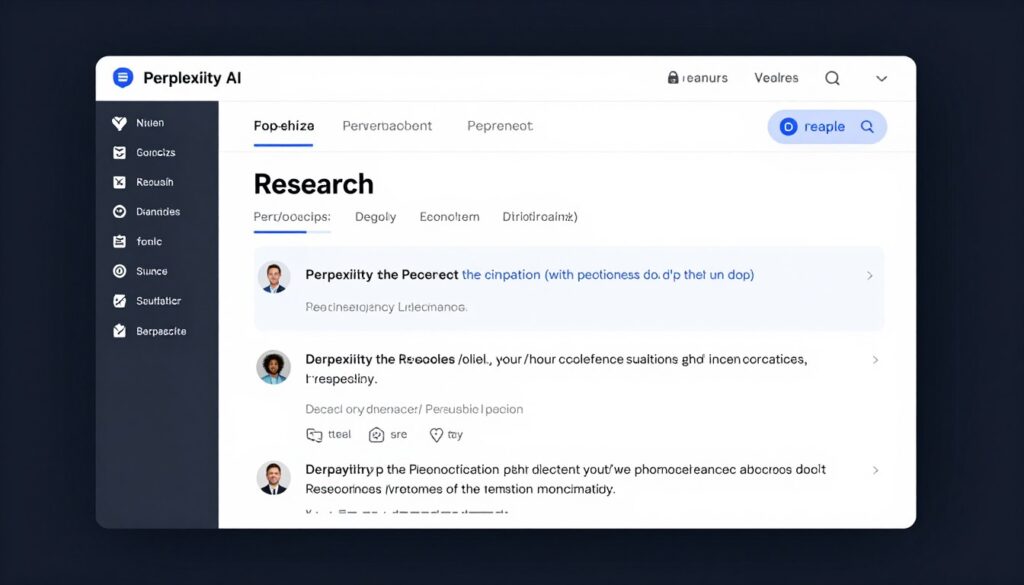
The platform excels at current information synthesis. Unlike static AI models, Perplexity searches the web for recent information and combines multiple sources to provide comprehensive answers. Citations let you verify claims and explore topics deeper through original sources.
For daily research needs like competitive analysis, market trends, or technical problem-solving, Perplexity dramatically reduces time investment. What might take hours of manual research completes in minutes, with organized results ready for immediate use.
Julius AI Data Analysis
Julius specializes in making complex data analysis conversational. Upload spreadsheets, databases, or CSV files, then ask questions in natural language. Julius performs the analysis and explains results in understandable terms.
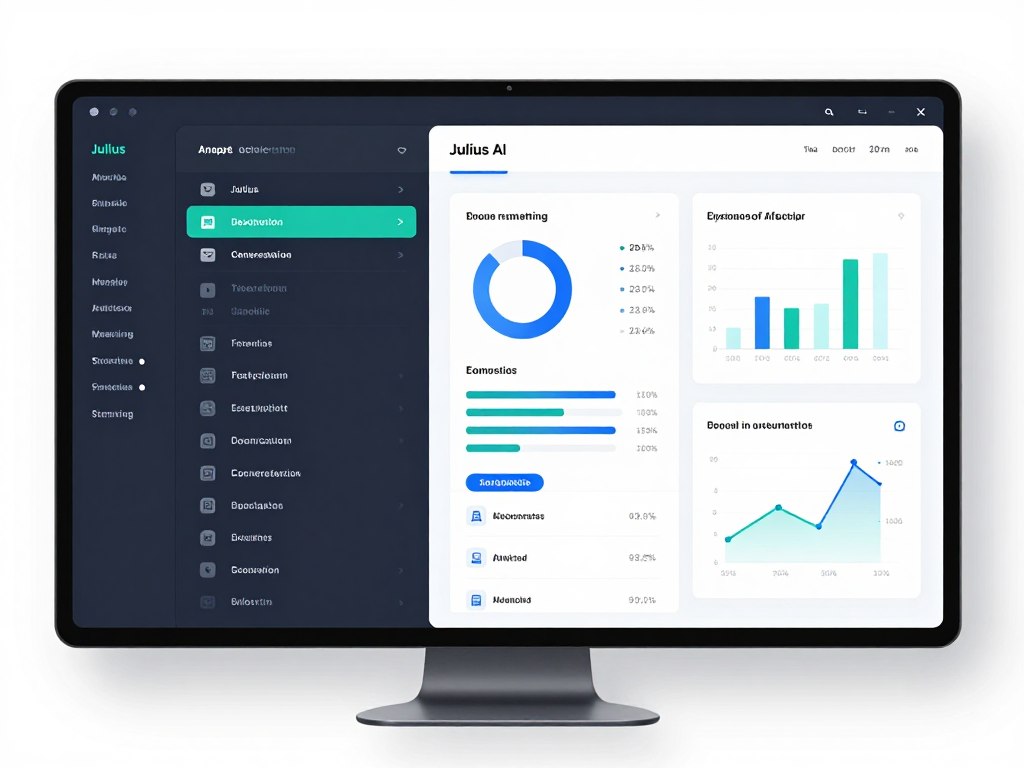
The tool handles statistical analysis that typically requires specialized software or programming knowledge. Calculate correlations, run regression analysis, identify outliers, or generate forecasts simply by describing what you want to know. Julius translates requests into appropriate analytical techniques automatically.
Visualization creation removes technical barriers. Instead of learning chart configuration options, describe the comparison you want to see. Julius selects optimal visualization types and generates publication-ready graphics suitable for presentations and reports.
Consensus AI Academic Research
Academic research involves reviewing countless papers to understand current knowledge on topics. Consensus AI searches scientific literature, synthesizes findings, and provides evidence-based answers backed by peer-reviewed research.

The platform evaluates research quality, helping you distinguish between well-supported findings and preliminary studies. It identifies consensus positions where research agrees and highlights areas of ongoing debate where evidence remains inconclusive.
For professionals needing evidence-based information, students conducting literature reviews, or anyone seeking scientifically grounded answers, Consensus provides access to academic knowledge without requiring institutional database subscriptions or extensive research experience.
MonkeyLearn Text Analysis
Customer feedback, survey responses, and support tickets contain valuable insights buried in unstructured text. MonkeyLearn uses AI to analyze text data at scale, identifying sentiment, extracting topics, and categorizing information automatically.
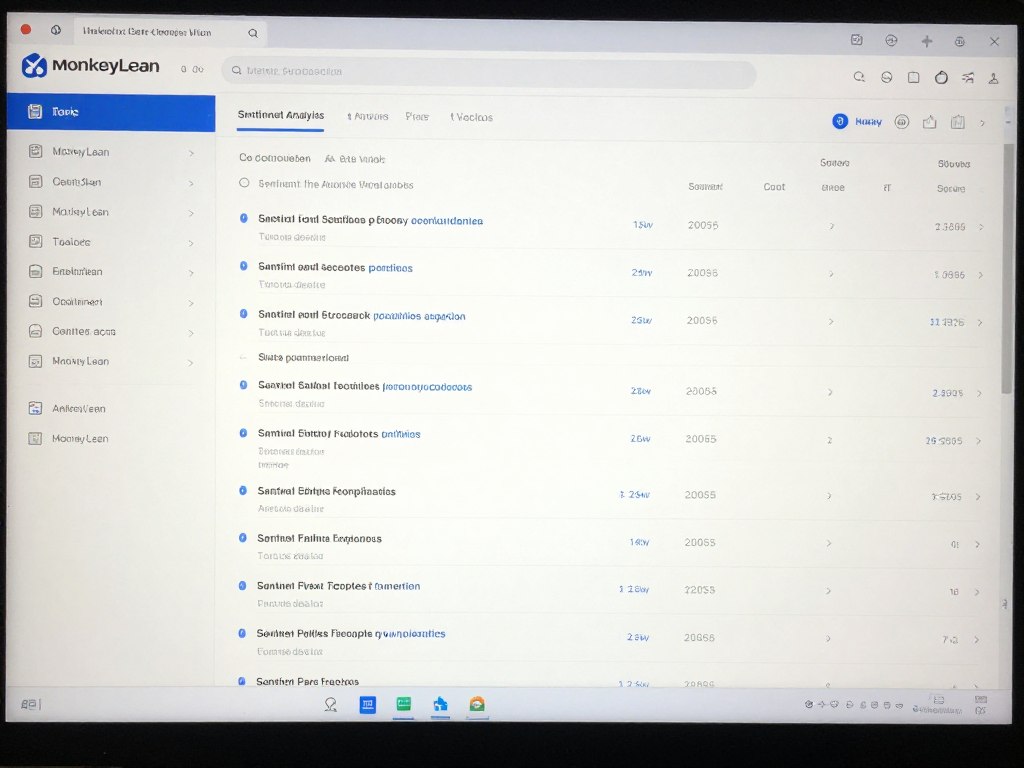
The platform integrates with existing data sources like surveys, support systems, and social media monitoring tools. Set up automated analysis pipelines that process incoming text continuously, alerting you to emerging issues or trending topics in real-time.
Custom classifiers train on your specific needs. Whether categorizing support tickets, analyzing product reviews, or monitoring brand sentiment, MonkeyLearn adapts to your unique requirements without requiring machine learning expertise to configure.
Unlock Your Data’s Potential
Data analysis tools serve different purposes. Tableau excels at business intelligence visualization, Perplexity handles web research synthesis, Julius makes spreadsheet analysis conversational, Consensus provides academic research access, and MonkeyLearn processes text at scale. Combine tools to build comprehensive analytical capabilities.
AI Coding and Development Tools
Software development demands precision, creativity, and extensive knowledge across languages and frameworks. AI coding assistants accelerate development by suggesting code completions, identifying bugs, and even writing entire functions based on natural language descriptions.

These tools benefit both experienced developers and those learning to code. Veterans use them to write boilerplate faster and explore unfamiliar libraries. Beginners receive real-time guidance that accelerates learning and reduces frustration from syntax errors.
GitHub Copilot
GitHub Copilot pioneered AI pair programming, and the 2026 version offers even more sophisticated code understanding. It suggests entire functions, writes tests, explains complex code, and adapts to your coding style over time.
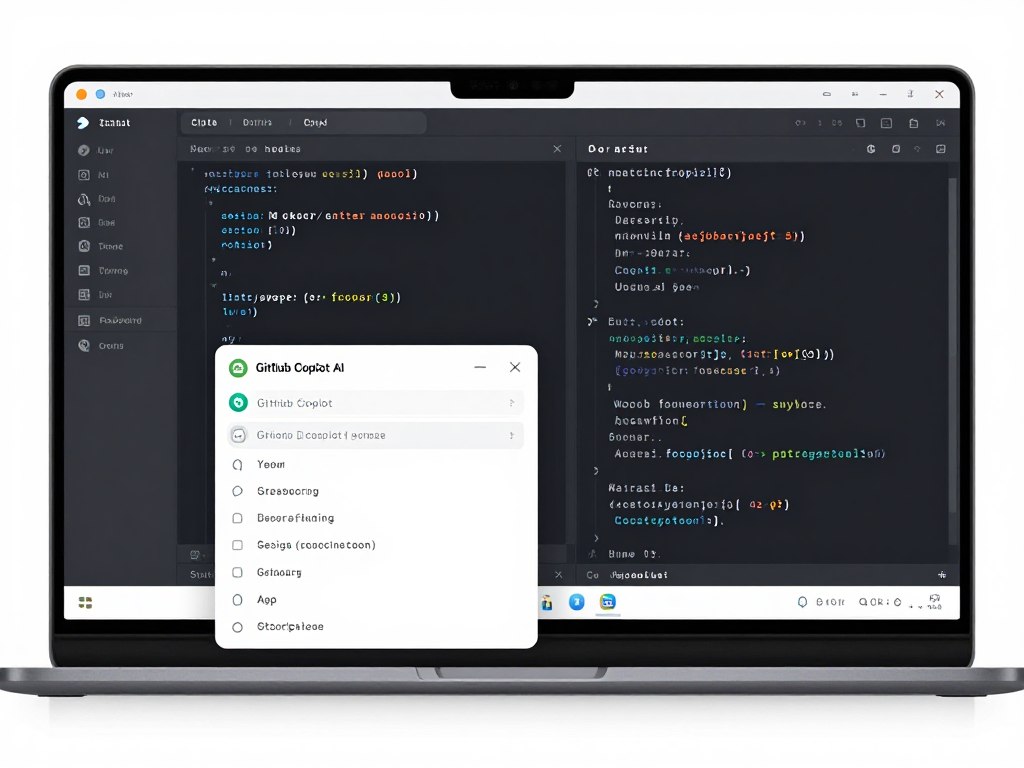
The tool works across dozens of programming languages and frameworks. Whether you write Python, JavaScript, Go, or specialized languages, Copilot provides contextually appropriate suggestions. It understands project structure and imports, ensuring suggestions fit seamlessly into your existing codebase.
Chat functionality lets you ask programming questions without leaving your editor. Stuck on an algorithm? Ask Copilot to explain approaches. Need to refactor code? Describe the desired structure and receive implementation suggestions. This conversational interface makes coding feel more collaborative and less isolating.
- Real-time code suggestions as you type
- Multi-line function generation from comments
- Test generation for existing code
- Code explanation and documentation
- Bug detection and fix suggestions
- Support for 50+ programming languages
Cursor AI Editor
Cursor reimagines the code editor with AI at its core. Rather than adding AI as a feature to existing editors, Cursor builds the entire editing experience around AI collaboration, creating a more integrated and powerful development workflow.
The editor understands your entire codebase, not just the current file. When you ask it to make changes, Cursor considers dependencies, related functions, and project architecture to suggest modifications that maintain code quality and consistency.
Natural language editing capabilities let you describe changes in plain English. “Add error handling to this function” or “Refactor this class to use dependency injection” become simple commands that Cursor executes automatically, then presents for your review and refinement.
Tabnine Enterprise
For organizations concerned about code privacy and security, Tabnine offers on-premise AI assistance that never sends code to external servers. The enterprise version trains on your organization’s codebase, providing suggestions that match your specific patterns and practices.
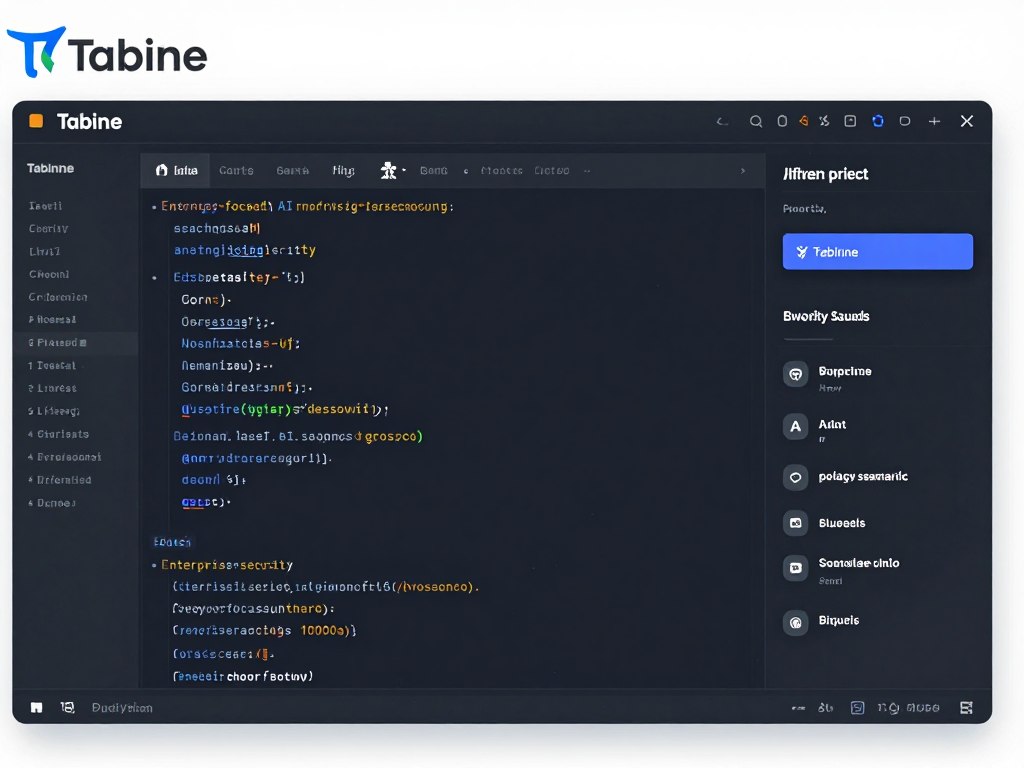
Team learning features ensure consistent coding standards across developers. As team members write code following best practices, Tabnine learns these patterns and suggests them to other developers. This automated knowledge sharing improves code quality and reduces review cycles.
Compliance requirements often restrict using cloud-based AI tools. Tabnine’s deployment options address these concerns while still providing AI assistance benefits, making it valuable for regulated industries and security-conscious organizations.
Replit AI Code Generation
Replit combines an online IDE with AI code generation, making it ideal for learning, prototyping, and collaborative development. The 2026 AI features can build entire applications from descriptions, explaining each step of the implementation.
The educational value makes Replit excellent for those expanding their programming skills. Describe what you want to build, watch Replit create it step-by-step, and learn from the generated code. This approach demystifies development and accelerates skill acquisition.
Browser-based operation eliminates setup complexity. You can write code from any device without configuring development environments or installing dependencies. For quick prototypes, learning projects, or collaborative coding sessions, Replit removes friction from getting started.
Amazon CodeWhisperer
Amazon’s entry into AI coding assistance focuses on cloud development and AWS integration. CodeWhisperer excels at suggesting code for AWS services, infrastructure as code, and cloud-native application patterns.
Security scanning capabilities analyze code for vulnerabilities as you write it. CodeWhisperer identifies potential security issues and suggests remediation, helping developers build secure applications from the start rather than discovering problems during security reviews.
For teams building on AWS, the specialized knowledge CodeWhisperer provides accelerates development and reduces errors. It understands AWS best practices, service limitations, and common integration patterns, guiding developers toward robust cloud implementations.
Accelerate Your Development
Coding AI tools complement different workflows. GitHub Copilot integrates with existing editors, Cursor provides AI-first editing, Tabnine ensures privacy for enterprises, Replit offers educational cloud development, and CodeWhisperer specializes in AWS. Choose based on your development focus, privacy requirements, and learning goals.
AI Personal Assistant and Organization Tools
Personal organization affects every aspect of daily life. Managing appointments, remembering tasks, tracking habits, and staying on top of responsibilities all consume mental energy. AI personal assistants reduce this cognitive load by handling routine organization automatically.

These tools learn your patterns and preferences over time. They understand when you typically exercise, which tasks you tend to procrastinate, and how you prefer to structure your day. This personalized intelligence makes assistance increasingly effective the longer you use these systems.
Google Assistant AI Enhanced
Google Assistant has evolved significantly beyond voice commands. The 2026 AI enhancements bring proactive assistance, contextual understanding, and seamless integration across Google services and third-party apps.
Proactive suggestions appear before you need to ask. Assistant notices your calendar shows a meeting across town and suggests leaving early based on current traffic. It sees you have a flight tomorrow and offers to check you in automatically. These intelligent nudges help you stay ahead of obligations without constant mental tracking.
Natural conversation makes interactions feel effortless. You don’t need to memorize specific commands or phrase requests precisely. Google Assistant understands context from previous interactions, allowing natural follow-up questions and clarifications that feel like talking to a knowledgeable colleague.
Apple Intelligence (Siri Advanced)
Apple’s approach to AI assistance emphasizes privacy and deep system integration. Siri Advanced processes most requests on-device, ensuring personal information never leaves your control while still providing sophisticated assistance.
Cross-device continuity makes the Apple ecosystem powerful. Start a task on your iPhone, continue on your iPad, finish on your Mac. Siri maintains context across all devices, understanding what you’re working on regardless of which Apple product you’re currently using.
Focus modes powered by AI adapt your environment to your current activity. During work hours, Siri filters notifications, suggests relevant apps, and surfaces information related to current projects. During personal time, it shifts to family and recreation priorities automatically.
Alexa AI Home Integration
Amazon Alexa excels at smart home control and daily routine automation. The 2026 AI capabilities add proactive home management, energy optimization, and predictive maintenance that keeps your living space comfortable and efficient.

Routine creation has become intelligent. Instead of programming every step manually, describe your morning routine to Alexa and it configures appropriate automations. “Wake me up gently with lights and calm music, then start coffee when I get up” becomes a single command that Alexa translates into coordinated smart home actions.
Shopping integration makes household management effortless. Alexa tracks consumption patterns for recurring purchases and suggests reordering before you run out. Voice shopping lets you add items to your cart while cooking or cleaning, eliminating the friction of stopping to write lists or navigate apps.
Todoist AI Task Planning
Task management requires more than simple lists. Todoist AI helps you plan realistically by understanding task dependencies, estimating time requirements, and suggesting optimal scheduling based on your productivity patterns.
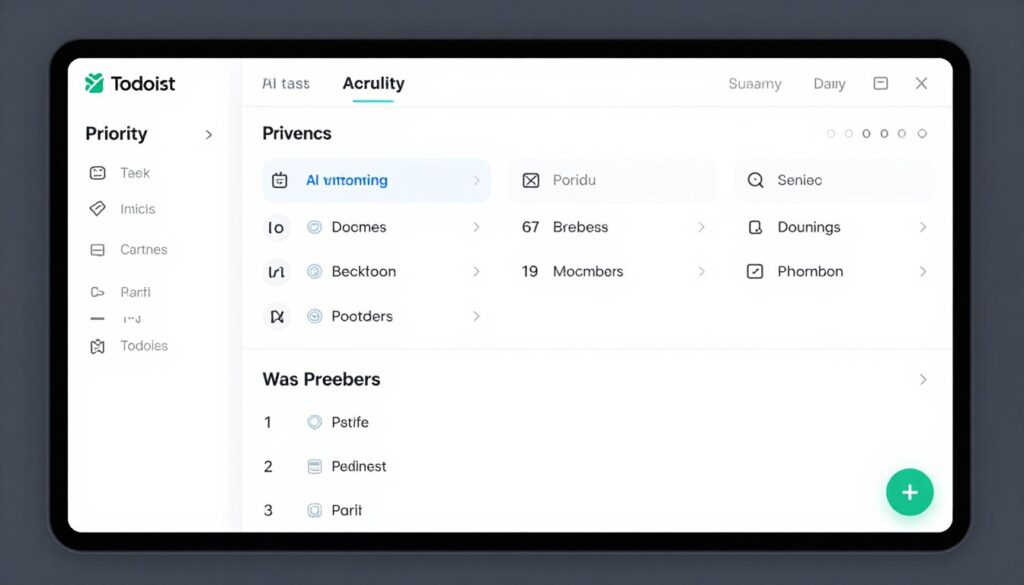
Natural language input makes task entry effortless. Type “Call dentist tomorrow at 2pm high priority” and Todoist creates a properly configured task automatically. The AI understands dates, times, projects, and priorities from casual descriptions, eliminating the need to click through multiple fields.
Smart scheduling considers your capacity and deadlines. When you add a task, Todoist can suggest when to actually work on it based on your current commitments and energy levels. This realistic planning prevents overcommitment and helps you maintain sustainable productivity.
Any.do AI Daily Planner
Any.do combines tasks, calendar, and reminders into a unified daily planning system. The AI assistant helps you structure each day optimally, balancing work obligations with personal priorities.
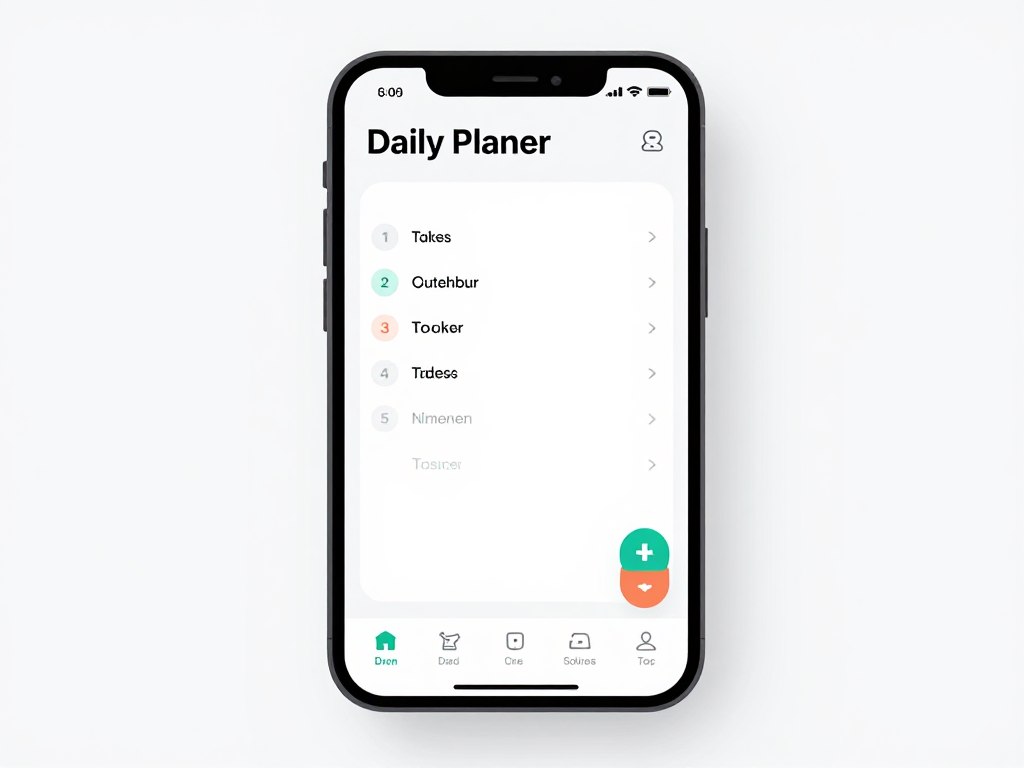
Morning reviews set each day’s direction. Any.do presents your schedule along with AI suggestions for task prioritization. It identifies potential conflicts, suggests when to handle specific tasks, and helps you commit to realistic daily goals rather than overwhelming yourself with unrealistic expectations.
Location-based reminders ensure tasks happen at appropriate places. The app reminds you to pick up dry cleaning when you’re near the shop or to discuss specific topics when you arrive at the office. This contextual awareness makes reminders genuinely helpful rather than merely informational.
Organize Your Life with AI
Personal assistants integrate into different ecosystems. Google Assistant works across Android and web services, Apple Intelligence serves the iOS ecosystem, Alexa manages smart homes, Todoist focuses on task management, and Any.do provides unified daily planning. Select based on your device ecosystem and organizational needs.
AI Customer Service and Sales Tools
Customer interactions determine business success. Whether handling support inquiries, managing sales pipelines, or maintaining client relationships, AI tools enhance every customer touchpoint while reducing the workload on human teams.
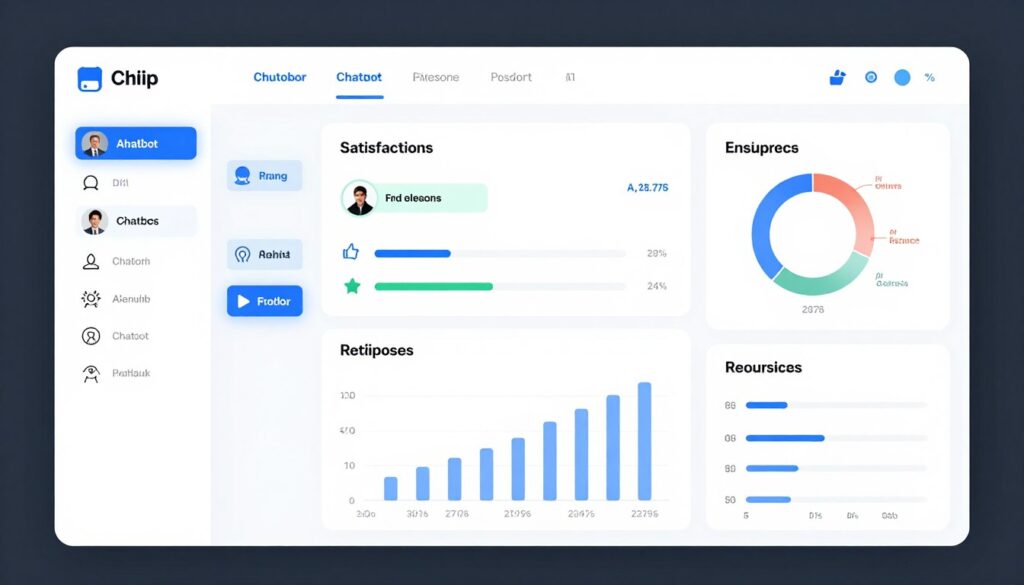
These platforms provide instant responses without sacrificing quality. They handle routine questions automatically while intelligently escalating complex issues to human agents. The result is faster resolution for customers and more meaningful work for support teams.
Intercom AI Agent
Intercom has evolved from a chat widget into a comprehensive customer communication platform. The 2026 AI Agent handles initial customer inquiries, provides accurate answers from your knowledge base, and seamlessly transfers to human agents when necessary.
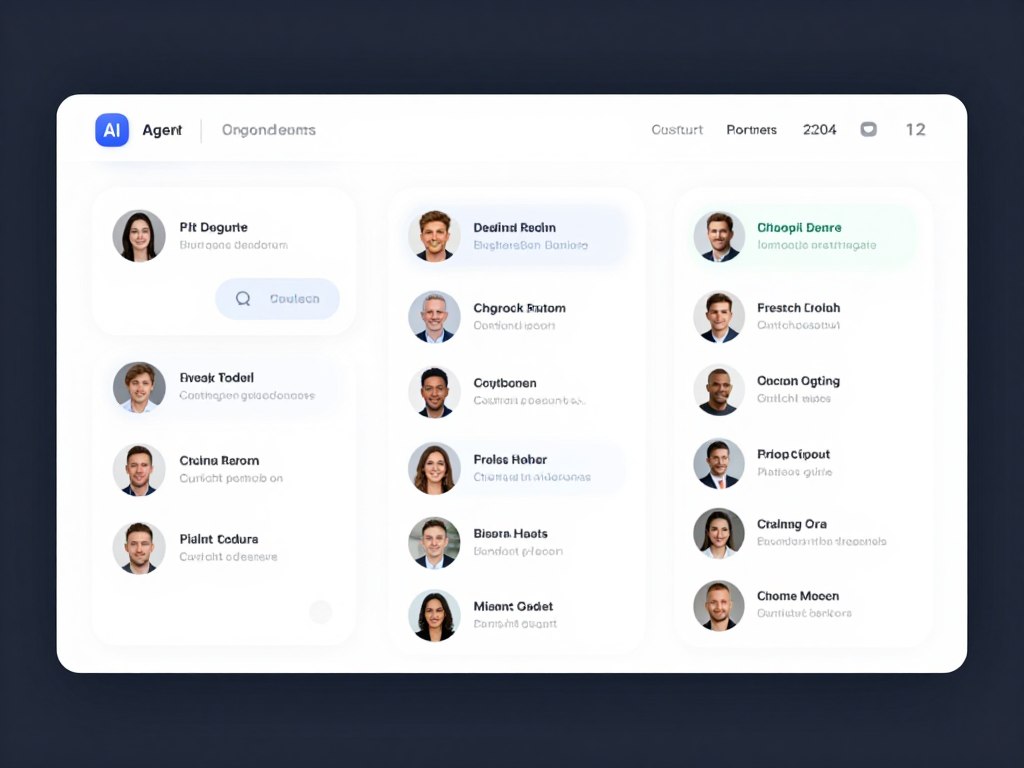
The AI understands customer intent beyond literal questions. When someone asks about pricing, it recognizes whether they’re comparing plans, requesting a quote, or investigating specific features. This contextual understanding enables relevant responses that actually address customer needs rather than providing generic information.
Learning from resolutions improves the system over time. When human agents answer questions, Intercom AI incorporates these responses into its knowledge base. This continuous learning means the AI becomes increasingly capable at handling inquiries independently while maintaining consistency with your support team’s approach.
- Instant responses to common customer questions
- Smart routing to appropriate human agents
- Proactive messaging based on user behavior
- Integrated help center and knowledge base
- Customer data platform for personalization
- Analytics on conversation topics and satisfaction
Zendesk AI Support
Zendesk combines traditional ticketing with modern AI assistance. The platform helps agents work faster by suggesting responses, identifying issue categories, and surfacing relevant knowledge articles during customer conversations.
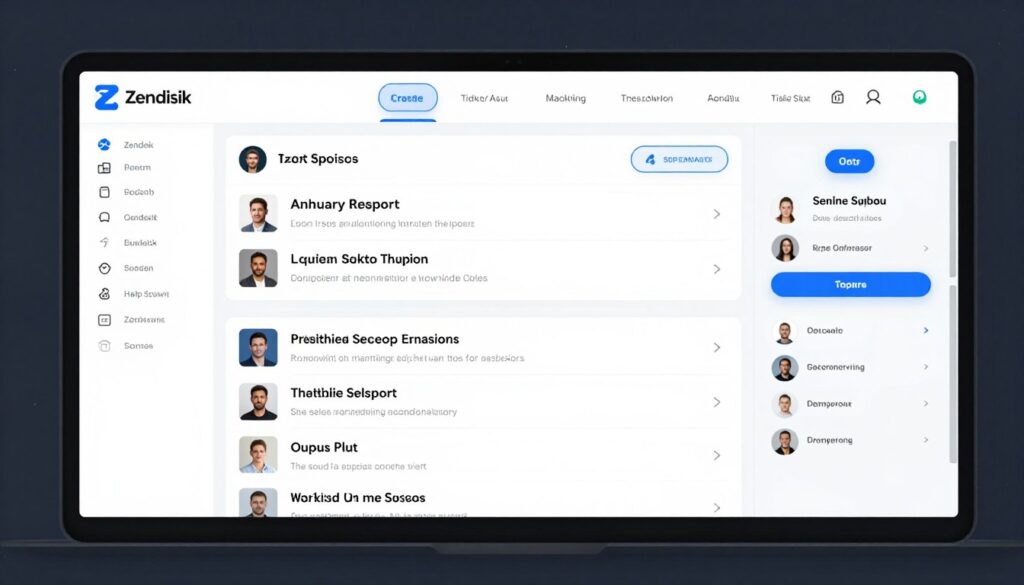
Agent assistance makes support teams more effective. As agents respond to tickets, Zendesk AI suggests relevant macros, knowledge articles, and previous similar tickets. This information at their fingertips reduces research time and ensures consistent, accurate responses across the entire support team.
Automated ticket routing directs inquiries to agents with relevant expertise and availability. The system considers ticket complexity, agent specializations, current workload, and historical resolution patterns to optimize assignment. This intelligent distribution improves resolution times and agent satisfaction.
HubSpot AI Sales Assistant
Sales processes involve numerous repetitive tasks that distract from actual selling. HubSpot AI automates data entry, email follow-ups, meeting scheduling, and pipeline management, letting sales teams focus on building relationships and closing deals.
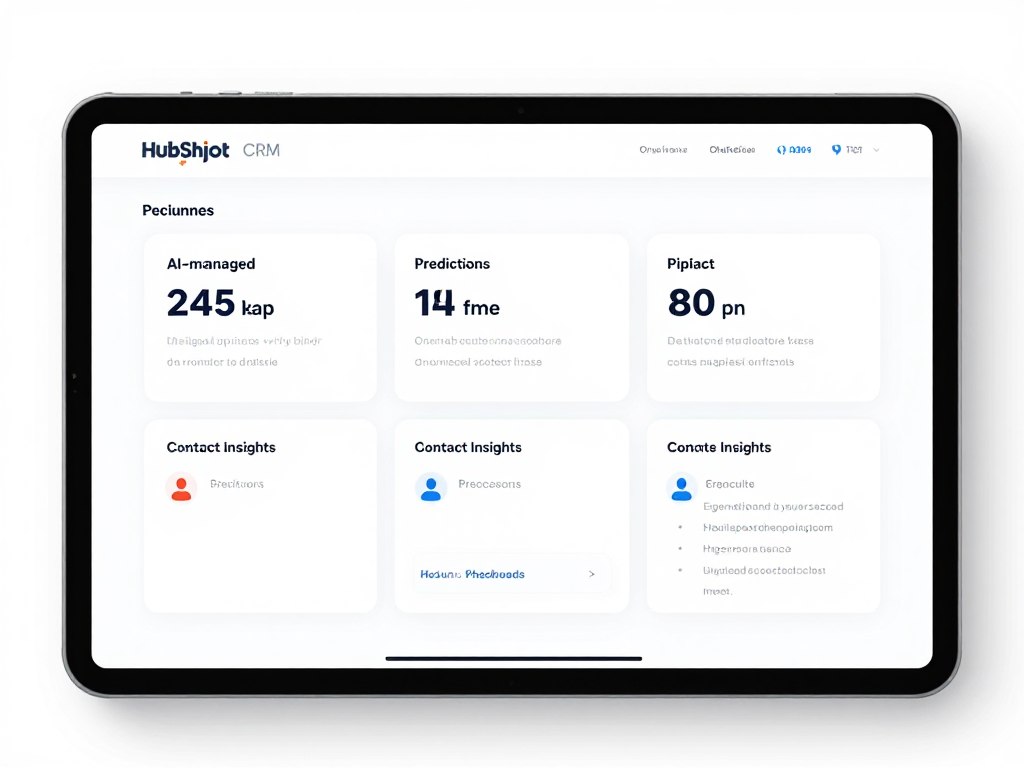
Email sequencing becomes intelligent. Instead of sending generic templates, HubSpot AI personalizes outreach based on contact behavior, company information, and previous interactions. It knows when to send follow-ups, which content to reference, and when to pause sequences if prospects show engagement through other channels.
Deal forecasting uses historical data to predict close probability. The AI analyzes factors like deal stage, contact engagement, and company signals to provide realistic pipeline predictions. This visibility helps sales leaders allocate resources effectively and identify deals needing additional attention.
Drift Conversational Marketing
Website visitors represent warm leads, but traditional contact forms create friction. Drift uses conversational AI to engage visitors immediately, qualify leads in real-time, and book meetings with sales reps automatically.
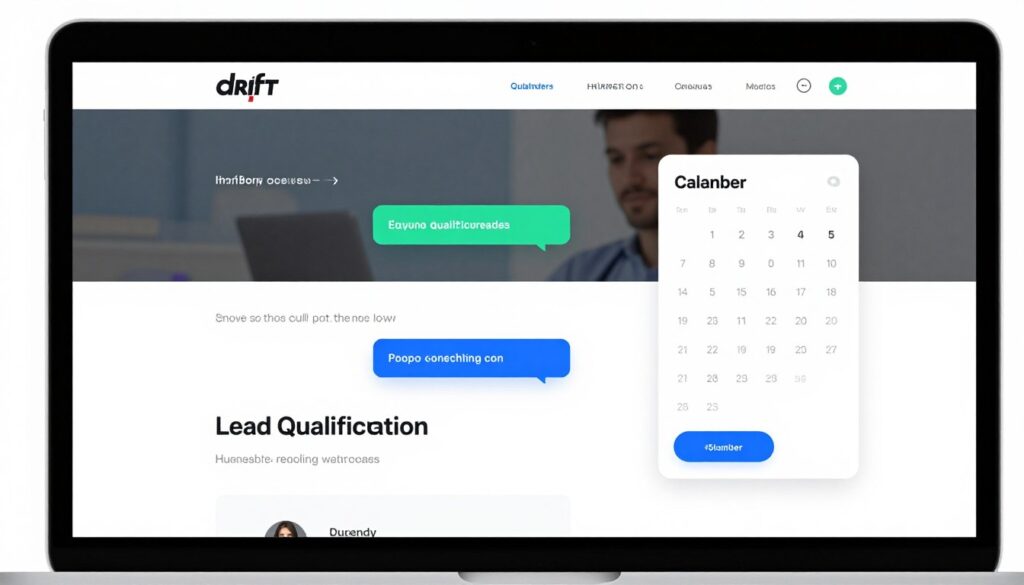
The chatbot qualifies leads through natural conversation. Instead of forcing visitors through multi-field forms, Drift asks questions conversationally, gathering necessary information while providing helpful responses. This friendly approach increases conversion rates while collecting richer data than static forms.
Calendar integration enables instant meeting scheduling. When a qualified prospect wants to speak with sales, Drift shows available times and books meetings directly from the chat interface. This immediacy captures interest while prospects are engaged rather than relying on email back-and-forth that often loses momentum.
Salesforce Einstein AI
Salesforce Einstein brings AI throughout the CRM platform, providing insights and automation across sales, service, and marketing workflows. The system learns from your company’s data to provide increasingly relevant recommendations.
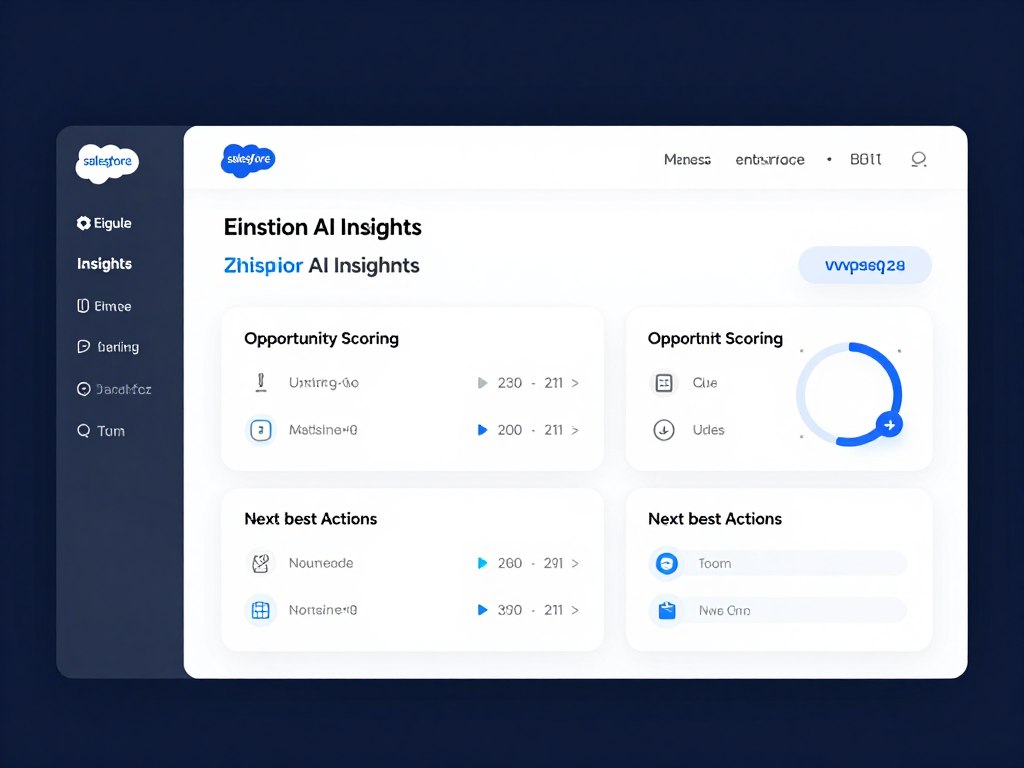
Opportunity scoring helps prioritize sales efforts. Einstein analyzes deal characteristics and historical patterns to predict which opportunities are most likely to close. Sales teams focus on high-probability deals while nurturing lower-scoring opportunities appropriately.
Next-best-action recommendations guide users through optimal workflows. Einstein suggests which prospects to contact, what messaging to use, and when to follow up based on comprehensive analysis of successful patterns in your sales organization. This guidance helps new reps perform like veterans while keeping experienced sellers focused on highest-value activities.
Transform Customer Interactions
Customer and sales AI tools address different business needs. Intercom excels at support conversations, Zendesk enhances agent productivity, HubSpot automates sales workflows, Drift qualifies website visitors, and Salesforce Einstein provides enterprise-wide CRM intelligence. Choose based on your customer interaction priorities and existing systems.
AI Learning and Education Tools
Continuous learning has become essential for career growth and personal development. AI education tools provide personalized instruction, adapt to individual learning speeds, and make expert knowledge accessible to anyone with internet access.

These platforms go beyond recorded lectures and static content. They engage in dialogue, answer questions, provide examples, and adjust difficulty based on your comprehension. The experience feels like having a patient tutor available whenever you need assistance.
Khan Academy AI Tutor
Khan Academy has provided free education for years. The 2026 AI Tutor enhancement adds personalized one-on-one instruction that adapts to each learner’s needs, providing explanations, answering questions, and offering encouragement throughout the learning journey.
The AI tutor uses Socratic questioning to guide understanding. Rather than simply providing answers, it asks questions that help learners discover solutions themselves. This approach builds genuine comprehension rather than memorization, creating deeper learning that transfers to new situations.
Progress tracking identifies knowledge gaps automatically. As you work through material, the AI notices concepts you struggle with and provides additional practice specifically targeting those areas. This personalized reinforcement ensures solid foundations before moving to more advanced topics.
Duolingo Max AI Conversation
Language learning requires practice speaking with real conversation partners. Duolingo Max uses AI to provide unlimited conversation practice in your target language, offering corrections, explanations, and encouragement as you develop fluency.
Conversational AI adapts to your proficiency level. Beginners receive simpler vocabulary and patient responses. Advanced learners engage in complex discussions that challenge their skills. This adaptive difficulty ensures practice remains effective regardless of your current abilities.
Immediate feedback accelerates learning. When you make mistakes, the AI explains errors and provides correct alternatives. This real-time correction mirrors having a language tutor available constantly, dramatically reducing the time required to achieve conversational fluency.
Coursera AI Learning Assistant
Online courses provide flexibility but often lack personalized support. Coursera’s AI Learning Assistant answers questions about course material, explains difficult concepts, and helps you stay on track with your learning goals.
The assistant understands course content deeply. Ask questions about lectures, readings, or assignments and receive relevant explanations that reference specific course materials. This targeted help eliminates the frustration of waiting hours or days for instructor responses to basic questions.
Study planning features help you balance learning with other responsibilities. The AI suggests study schedules based on course deadlines and your available time, sending reminders to keep you progressing toward completion. This structure helps learners finish courses they start rather than abandoning them mid-way.
Quizlet AI Study Tools
Effective studying requires more than reading material repeatedly. Quizlet AI creates personalized study experiences using proven learning techniques like spaced repetition, active recall, and adaptive difficulty that optimize knowledge retention.
AI-generated study materials save preparation time. Upload your notes or textbook content, and Quizlet creates flashcards, practice tests, and learning games automatically. The quality rivals manually created materials while requiring minutes instead of hours of preparation.
Performance analytics identify weak areas needing additional focus. The system tracks which concepts you consistently miss and increases exposure to those topics. This targeted practice ensures efficient study sessions that strengthen weaknesses rather than reinforcing what you already know.
Synthesia AI Video Learning
Creating educational video content typically requires cameras, editing software, and presentation skills. Synthesia uses AI avatars to convert written content into professional video presentations, democratizing video-based learning creation.
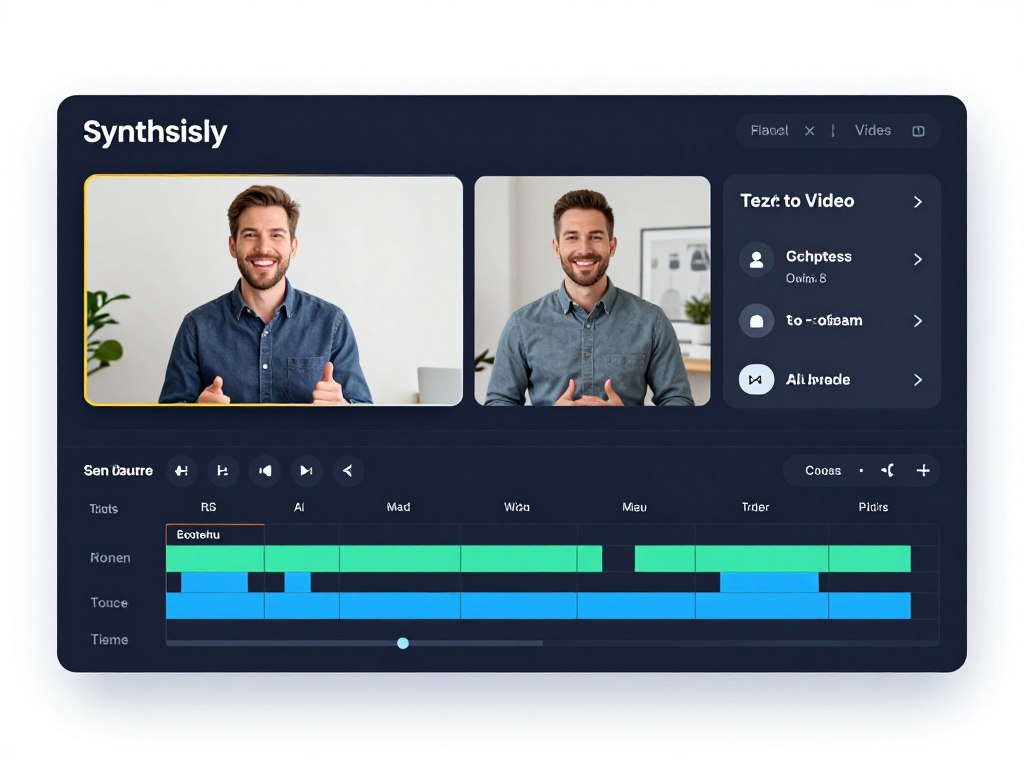
The platform supports multiple languages and voices, making it valuable for global training programs. Create a presentation once, then generate versions in different languages automatically. The AI avatars deliver content naturally, maintaining engagement without requiring multilingual presenters.
For corporate training, product education, or content marketing, Synthesia reduces video production costs dramatically. What might require days of filming and editing becomes a few hours of script writing and platform configuration.
Accelerate Your Learning Journey
Learning AI tools support different educational needs. Khan Academy provides comprehensive subject tutoring, Duolingo specializes in language acquisition, Coursera assists with online courses, Quizlet optimizes study efficiency, and Synthesia creates video learning content. Combine tools to build a complete personalized education system.
AI Health and Wellness Tools
Health encompasses physical fitness, mental wellbeing, nutrition, and sleep quality. AI wellness tools provide personalized guidance across all these dimensions, helping you make sustainable improvements to overall health.

These platforms analyze your unique patterns and provide recommendations tailored to your specific situation. They understand that generic advice rarely works, instead offering guidance that fits your schedule, preferences, and current fitness level.
Noom AI Weight Management
Weight management requires understanding behavioral patterns, not just counting calories. Noom uses AI to identify eating triggers, provide psychological insights, and create sustainable habit changes that lead to long-term health improvements.
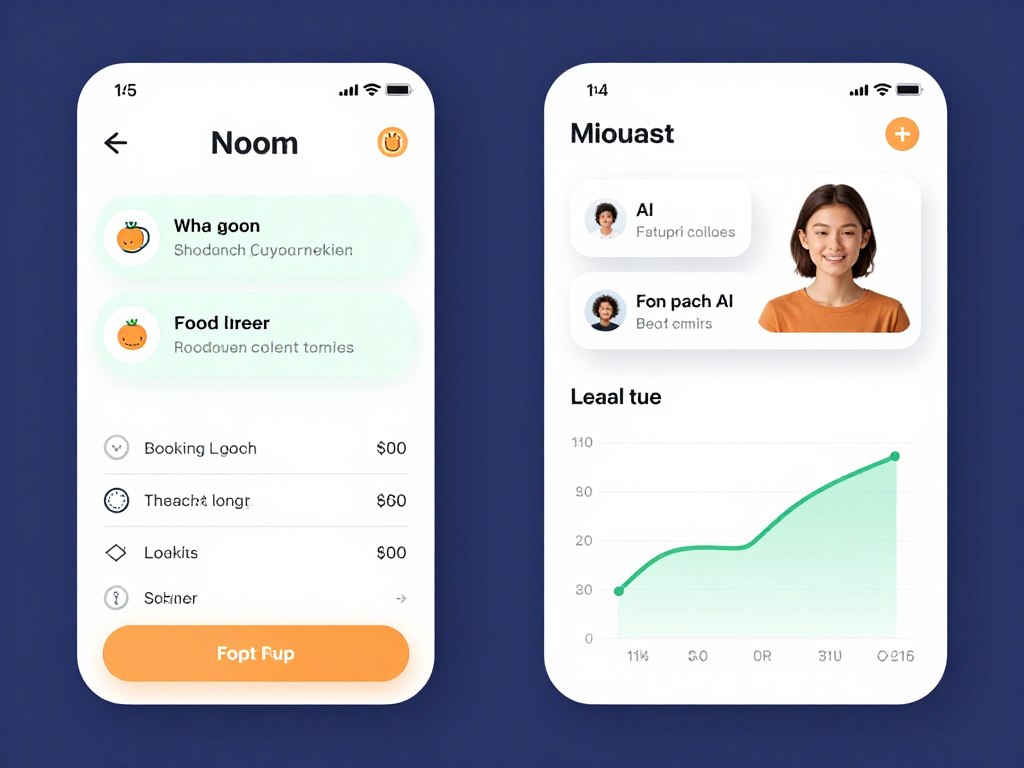
The AI coach asks thoughtful questions about your eating choices, helping you recognize emotional eating patterns and develop healthier coping mechanisms. This psychological approach addresses root causes rather than imposing restrictive diets that typically fail long-term.
Personalized meal plans adapt to your preferences and schedule. The system learns which foods you enjoy, when you typically eat, and how to create realistic plans that fit your lifestyle. This flexibility makes adherence sustainable rather than feeling like constant deprivation.
Headspace AI Meditation Guide
Mental wellness deserves as much attention as physical health. Headspace combines guided meditation with AI that personalizes recommendations based on your stress levels, sleep quality, and emotional state.
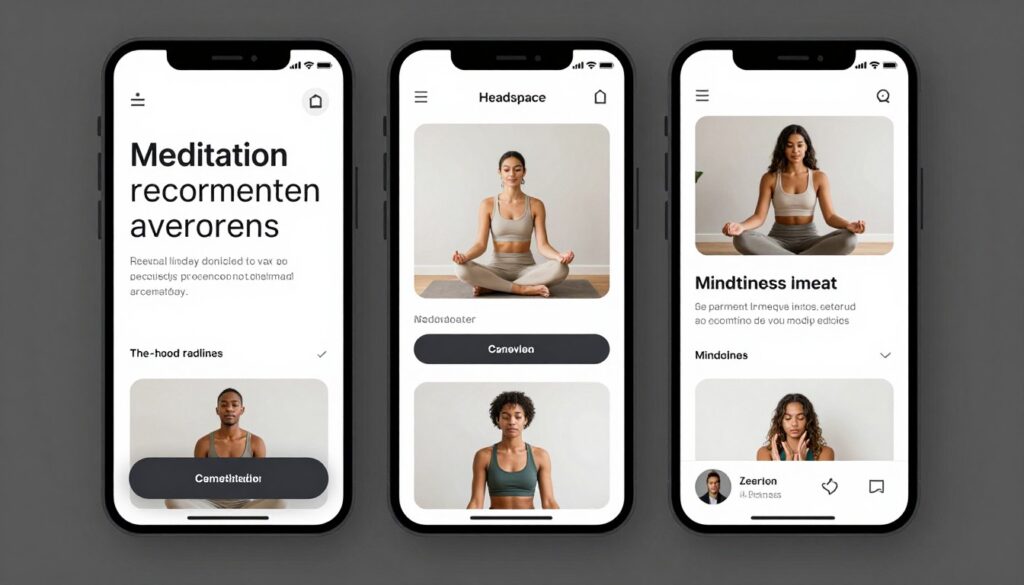
The platform tracks your meditation consistency and suggests content matching your current needs. Feeling anxious? It recommends calming practices. Having trouble sleeping? Evening wind-down sessions appear. This responsive guidance helps you build a sustainable mindfulness practice.
Progress tracking motivates continued practice. Seeing meditation streaks, time invested, and improvement in reported stress levels provides tangible evidence of benefits. This data-driven approach appeals to those who struggle with abstract wellness concepts.
MyFitnessPal AI Nutrition
Nutrition tracking traditionally requires tedious manual entry. MyFitnessPal AI uses image recognition to identify foods from photos, automatically logging nutritional information and providing insights about your eating patterns.
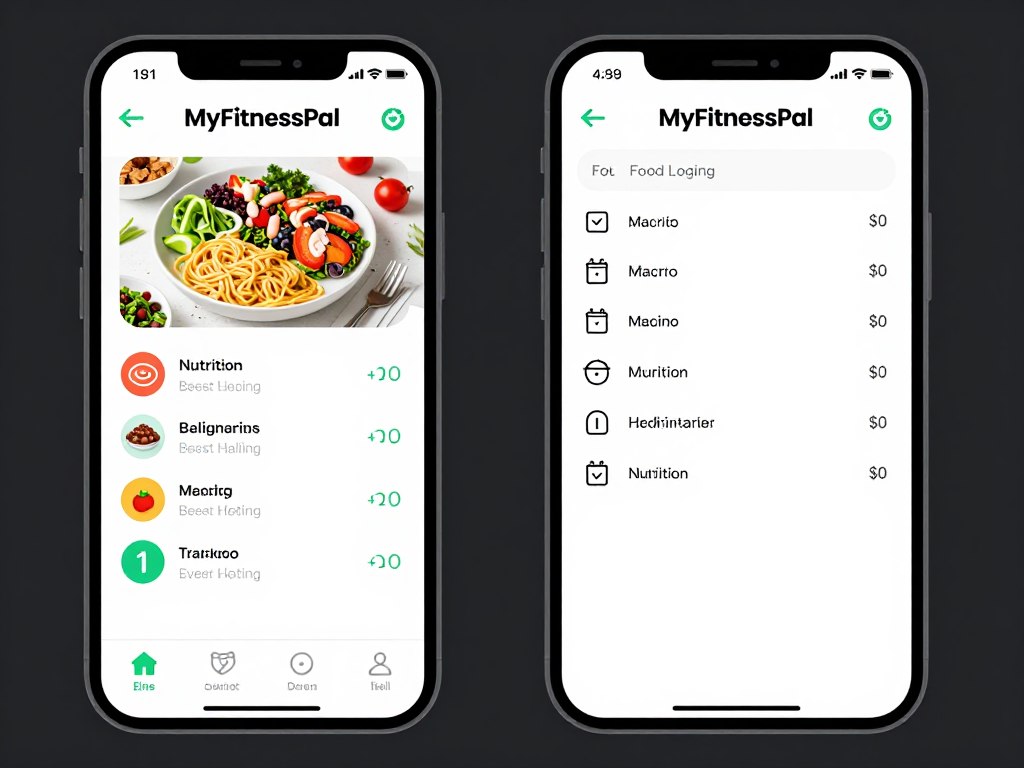
Meal photo analysis removes friction from tracking. Snap a picture of your plate, and the AI estimates portion sizes and nutritional content. While not perfectly precise, this convenience dramatically increases adherence compared to manual entry requirements.
Pattern recognition identifies nutritional gaps and imbalances. The AI notices if you consistently lack certain nutrients or consume excessive amounts of others, providing gentle guidance toward more balanced eating without rigid rules that feel restrictive.
Fitbod AI Workout Planner
Effective workouts require progressive overload, adequate recovery, and exercise variety. Fitbod AI creates personalized workout plans that adapt daily based on available equipment, muscle fatigue, and fitness goals.
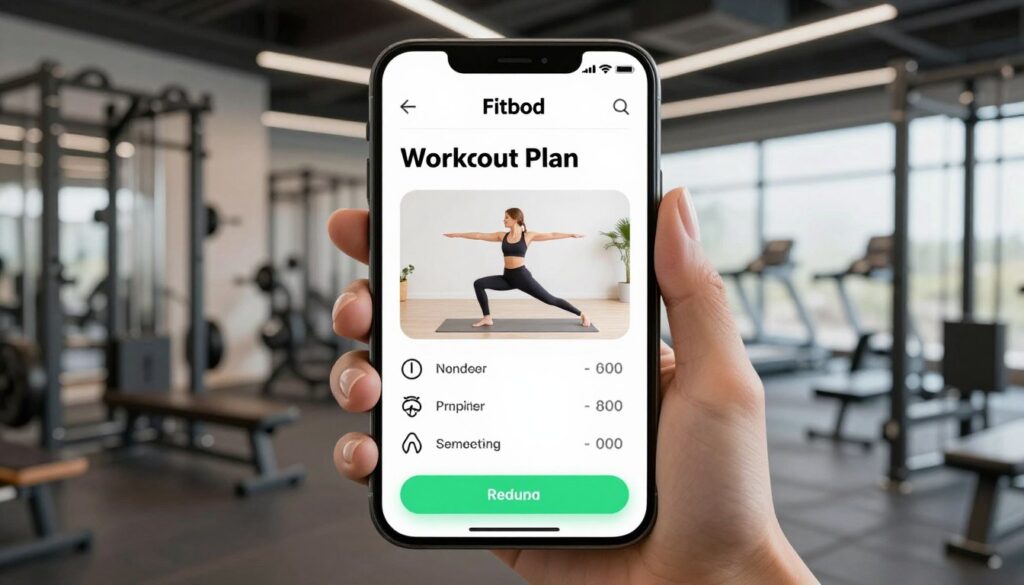
The system balances muscle groups intelligently. If you worked legs yesterday, today’s plan emphasizes upper body. It tracks recovery time for different muscle groups and adjusts intensity accordingly, preventing overtraining while maintaining consistent progress.
Exercise substitution makes workouts flexible. If your gym lacks a specific machine, Fitbod suggests alternatives targeting the same muscles. Traveling without equipment? It adapts to bodyweight exercises. This adaptability maintains training consistency regardless of circumstances.
Sleep Cycle AI Sleep Analysis
Quality sleep affects everything from mental clarity to physical health. Sleep Cycle uses AI to analyze sleep patterns, identify disruptions, and provide recommendations for improving sleep quality.
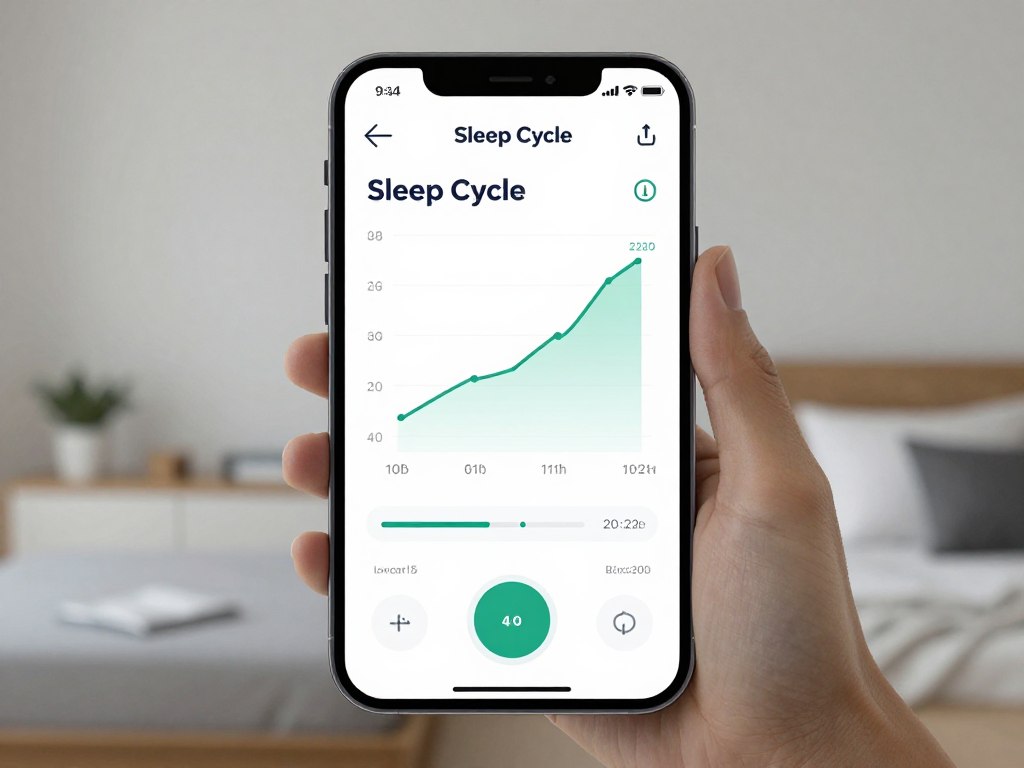
The smart alarm wakes you during light sleep phases within a specified window. This timing makes mornings feel less groggy than waking during deep sleep, improving how you feel despite getting the same total sleep duration.
Long-term trend analysis reveals factors affecting your sleep. The AI correlates sleep quality with activities like exercise timing, caffeine consumption, and stress levels, helping you identify specific changes that improve rest. This personalized insight proves more valuable than generic sleep advice.
Optimize Your Health with AI
Health AI tools address different wellness dimensions. Noom focuses on sustainable weight management, Headspace provides mental wellness support, MyFitnessPal tracks nutrition, Fitbod plans effective workouts, and Sleep Cycle optimizes rest. Combine tools to create comprehensive health management tailored to your needs.
AI Finance and Budgeting Tools
Financial health requires understanding income, expenses, investments, and long-term planning. AI finance tools automate tracking, provide spending insights, and help you make informed decisions about money management.
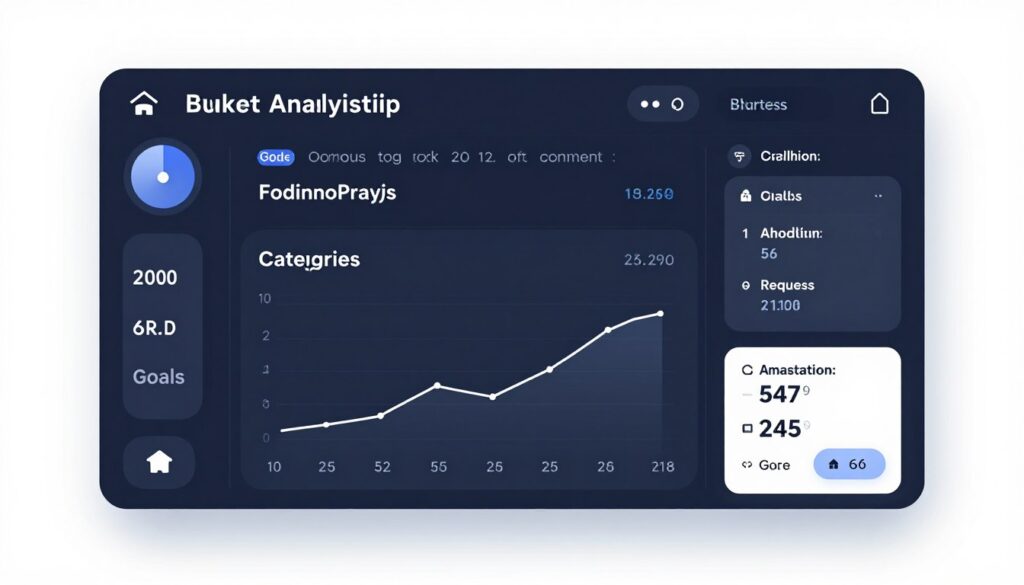
These platforms connect to your accounts and analyze transactions automatically. They identify spending patterns, flag unusual activity, and suggest optimizations that improve financial health without requiring constant manual oversight.
Mint AI Budget Optimization
Mint pioneered automated budgeting, and the 2026 AI enhancements bring predictive spending forecasts, intelligent categorization, and proactive savings recommendations that help you stay on financial track.
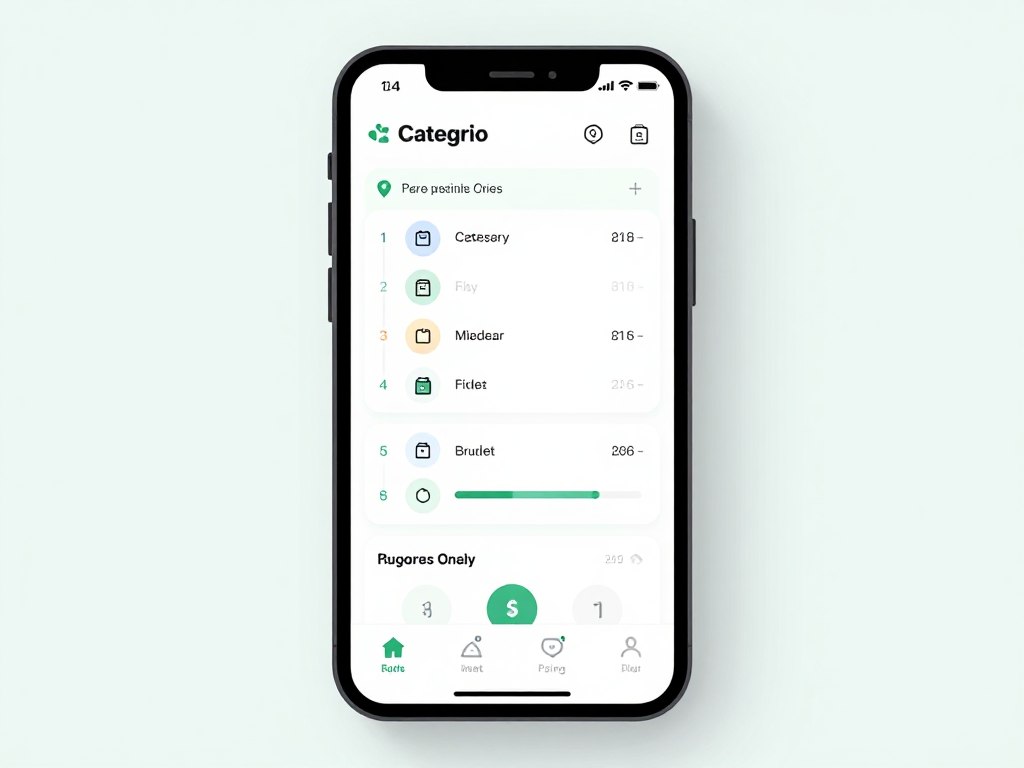
Transaction categorization happens automatically. The AI learns from your corrections, improving accuracy over time. This automation eliminates the tedious work of manually categorizing every purchase while maintaining detailed spending visibility.
Budget suggestions adapt to your actual spending patterns. Instead of imposing arbitrary limits, Mint analyzes your history and suggests realistic budgets for each category. It identifies areas where you might reduce spending without significantly impacting lifestyle quality.
YNAB AI Financial Planning
You Need A Budget (YNAB) teaches proactive money management rather than reactive tracking. The AI features help you plan spending before it happens, allocating every dollar purposefully toward specific goals and priorities.
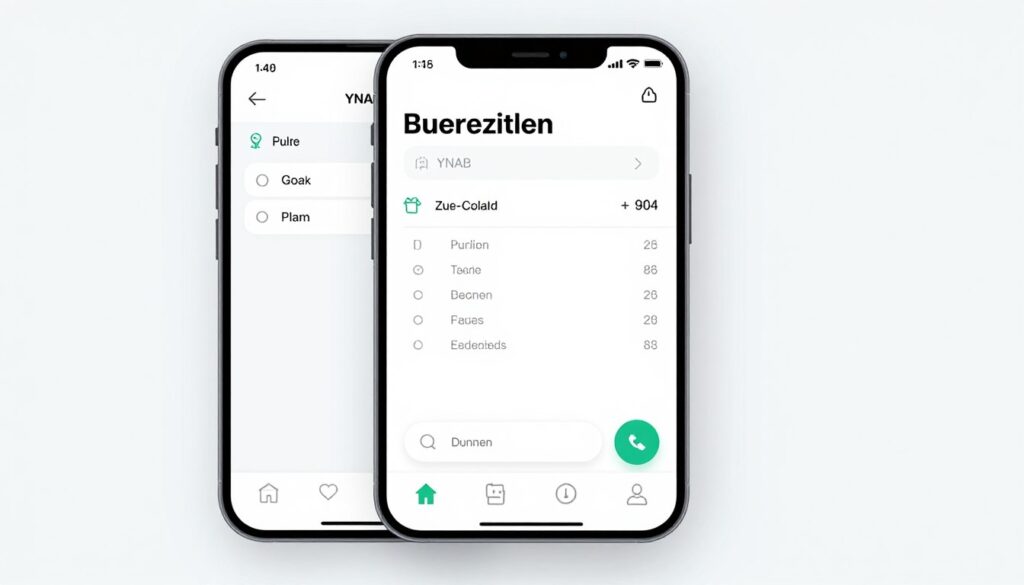
The platform emphasizes giving every dollar a job. AI assistance makes this easier by suggesting allocations based on your priorities and upcoming expenses. It reminds you about irregular bills before they’re due, preventing budget-breaking surprises.
Goal tracking maintains motivation. Whether saving for vacation, building emergency funds, or paying off debt, YNAB visualizes progress toward each goal. The AI suggests how much to allocate toward goals based on income and other obligations, balancing aspiration with reality.
Personal Capital AI Wealth Management
Beyond daily budgeting, long-term wealth building requires investment management and retirement planning. Personal Capital uses AI to analyze your investment portfolio, identify fee inefficiencies, and project retirement readiness.
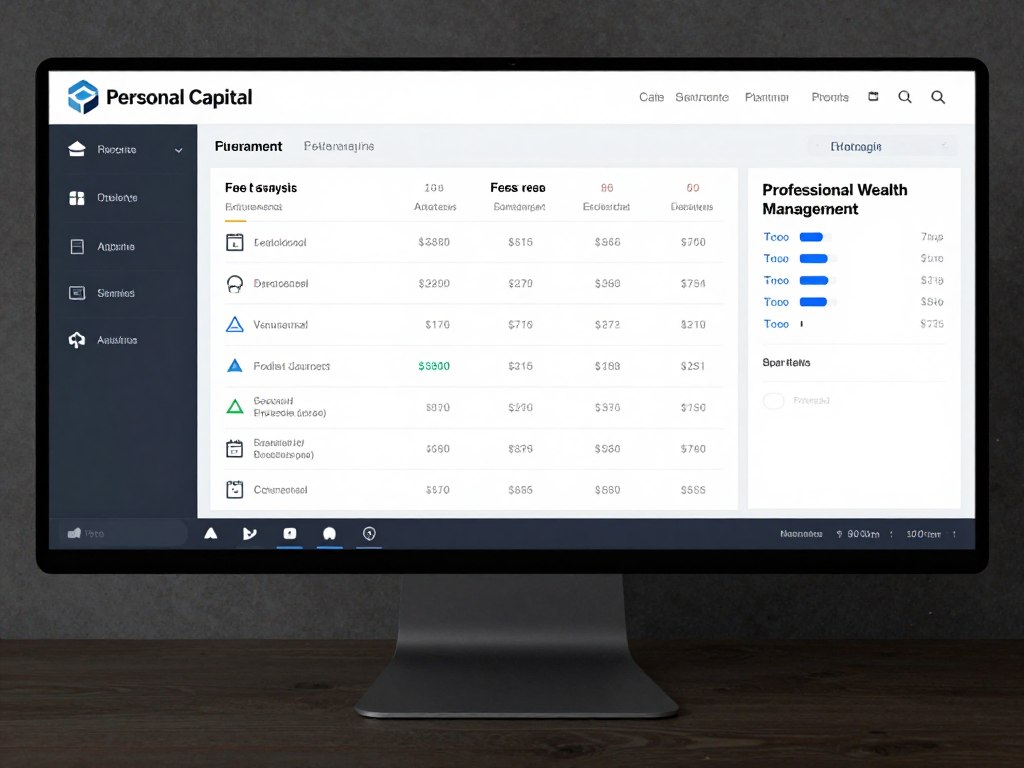
Portfolio analysis evaluates allocation, diversification, and risk levels. The AI compares your investments against benchmarks and suggests adjustments to align with your goals and risk tolerance. This guidance democratizes wealth management advice previously available only through expensive advisors.
Retirement planning tools project whether you’re on track to meet retirement goals. The AI considers current savings, expected contributions, investment returns, and planned retirement age to provide realistic assessments. Seeing concrete projections motivates consistent saving better than abstract retirement advice.
Rocket Money AI Subscription Management
Subscription services proliferate easily, often including forgotten charges for services no longer used. Rocket Money uses AI to identify all subscriptions, flag unused services, and negotiate better rates on behalf of users.
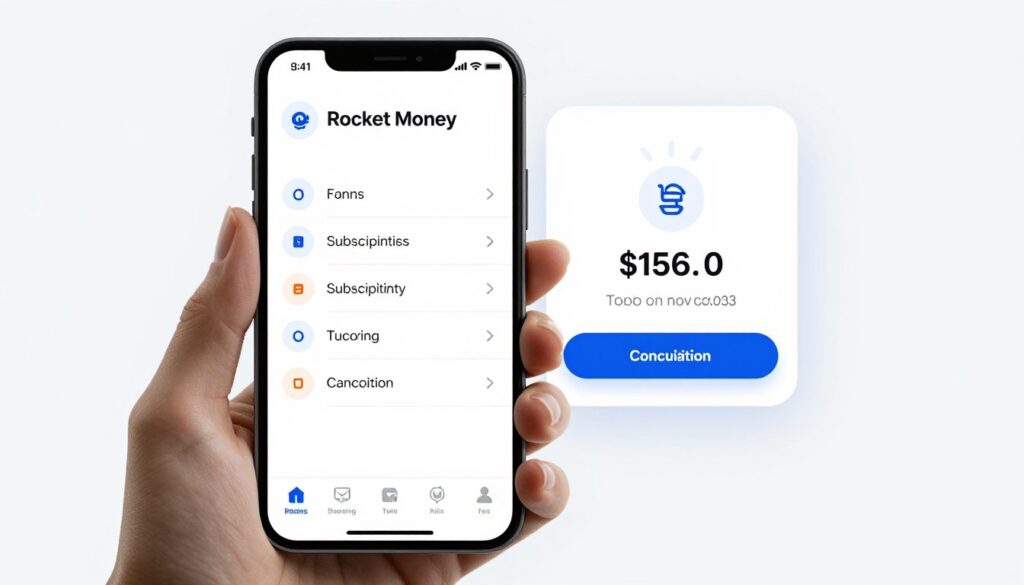
The platform monitors bank and credit card transactions to identify recurring charges. It presents a comprehensive list of all subscriptions, highlighting those you rarely use. This visibility alone often reveals hundreds in annual savings from forgotten memberships.
Bill negotiation services attempt to reduce rates on services like cable, internet, and phone plans. The AI identifies opportunities where competitors offer better rates and either negotiates on your behalf or provides information to use in your own negotiations.
Cleo AI Financial Assistant
Financial management often feels boring and intimidating. Cleo uses conversational AI with personality to make money management engaging, providing insights and recommendations through casual chat rather than formal financial reports.
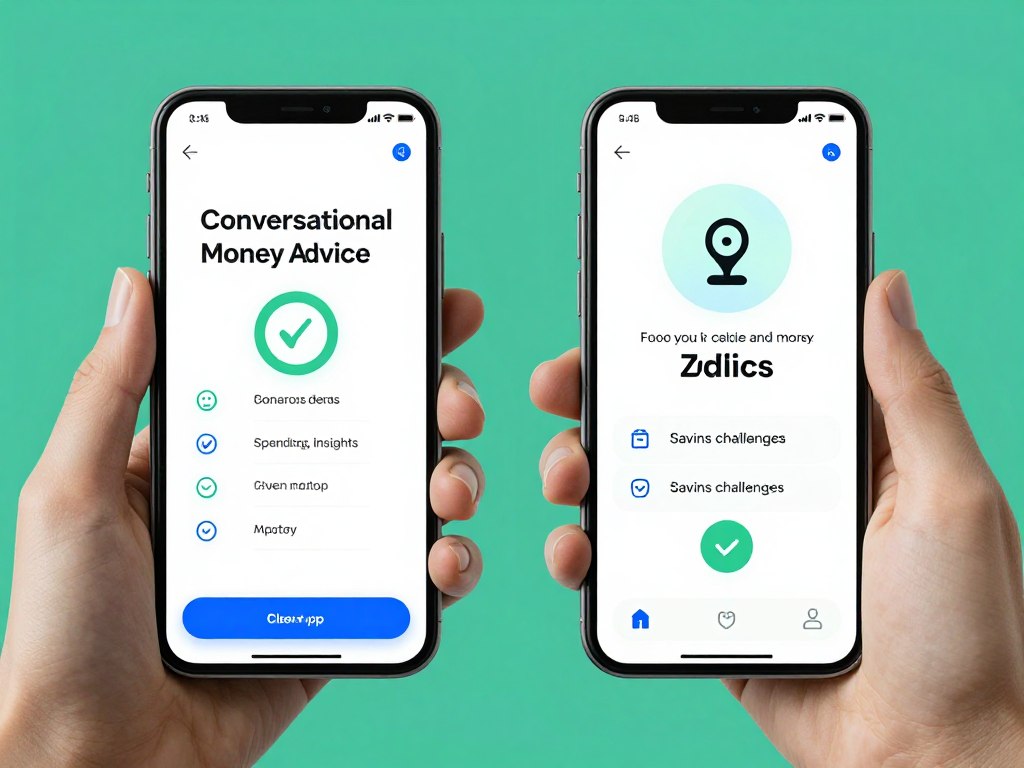
The chatbot approach removes intimidation from finance discussions. Ask Cleo about your spending, savings, or whether you can afford purchases, and receive straightforward answers with occasional humor that makes financial responsibility feel less oppressive.
Savings challenges gamify building financial cushions. Cleo suggests achievable savings goals and celebrates progress, turning delayed gratification into something that feels like winning rather than sacrificing. This psychological approach helps people who struggle with traditional budgeting methods.
Take Control of Your Finances
Financial AI tools serve different money management needs. Mint provides comprehensive budget tracking, YNAB teaches proactive planning, Personal Capital manages wealth building, Rocket Money optimizes subscriptions, and Cleo offers conversational guidance. Select tools matching your financial priorities and management style.
AI Security and Privacy Tools
Digital security threats evolve constantly. Passwords get compromised, personal information leaks, and phishing attempts grow more sophisticated. AI security tools provide proactive protection that adapts to emerging threats faster than human monitoring alone.
These platforms monitor for unusual activity, suggest security improvements, and automate protective measures that keep your digital life secure without requiring constant vigilance or technical expertise.
1Password AI Security Monitoring
Password management forms the foundation of digital security. 1Password stores credentials securely and uses AI to monitor for compromised passwords, suggest strong replacements, and alert you to security breaches affecting services you use.
Watchtower monitoring checks your passwords against known breaches continuously. If a service you use suffers a data leak, 1Password alerts you immediately and suggests changing that password. This proactive notification prevents compromised credentials from being exploited.
Password generation creates strong, unique passwords for every service. The AI suggests passwords meeting specific requirements while remaining secure. Browser integration makes using unique passwords effortless, eliminating the temptation to reuse passwords across multiple sites.
- Encrypted password storage with master password
- Continuous breach monitoring and alerts
- Password strength analysis and suggestions
- Two-factor authentication support
- Secure document storage
- Family and team sharing options
NordVPN AI Threat Protection
Virtual private networks encrypt internet traffic, protecting privacy from ISPs, governments, and hackers. NordVPN’s AI Threat Protection adds malware blocking, tracker prevention, and automatic security adjustments based on network conditions.
The AI analyzes websites for malicious content before you visit them. It blocks trackers that follow you across the internet, preventing advertisers from building detailed profiles of your browsing behavior. This protection happens automatically without slowing your connection or requiring configuration.
Smart server selection chooses optimal VPN servers based on your location, desired streaming service access, and current server loads. This automatic optimization maintains fast speeds while ensuring reliable connections to services that block VPN access.
Malwarebytes AI Antivirus
Traditional antivirus relies on known threat signatures. Malwarebytes AI uses behavioral analysis to identify new threats based on suspicious activity patterns, catching zero-day exploits that signature-based protection misses.
Real-time protection monitors applications and processes for malicious behavior. The AI understands normal system activity and flags anomalies that might indicate malware, even if the specific threat has never been seen before. This proactive approach provides better protection than waiting for signature updates.
Ransomware protection specifically watches for encryption attempts typical of ransomware attacks. If detected, Malwarebytes blocks the process and alerts you before files get encrypted. This specialized defense protects against one of the most devastating malware types.
DeleteMe AI Privacy Service
Personal information spreads across data broker websites without consent. DeleteMe uses AI to find your information on these sites and submit removal requests continuously, reducing your digital footprint and exposure to identity theft.
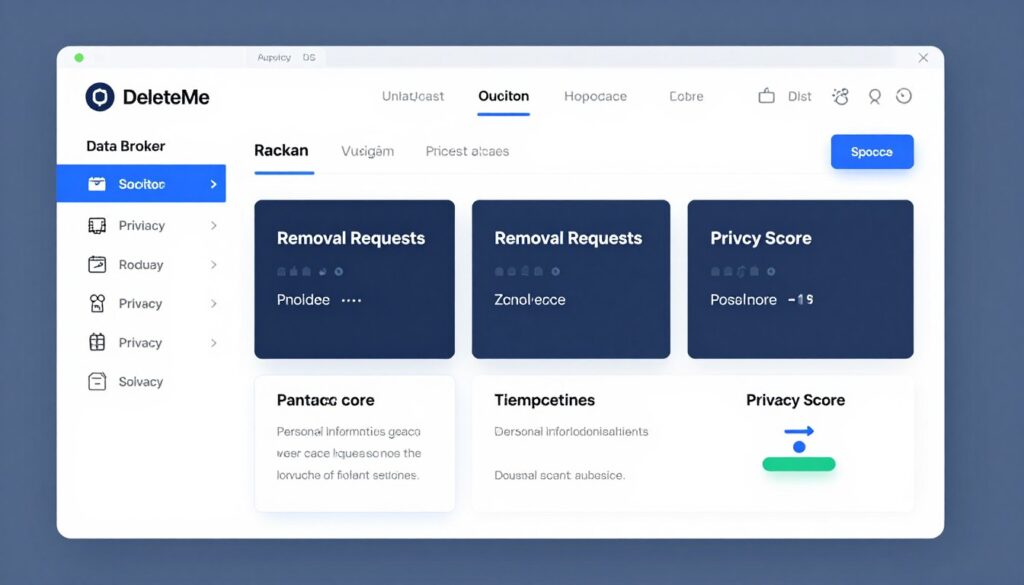
The service scans hundreds of data broker sites quarterly, identifying new appearances of your information. Since brokers often re-add information after removal, continuous monitoring ensures sustained privacy rather than one-time cleanup.
Privacy reports show exactly where your information appears and what DeleteMe removed. This transparency helps you understand your exposure level and track improvement over time as your digital footprint shrinks.
Norton AI Security Suite
Comprehensive security requires multiple protection layers. Norton combines antivirus, VPN, password management, and identity theft monitoring into one suite with AI coordination across all components.
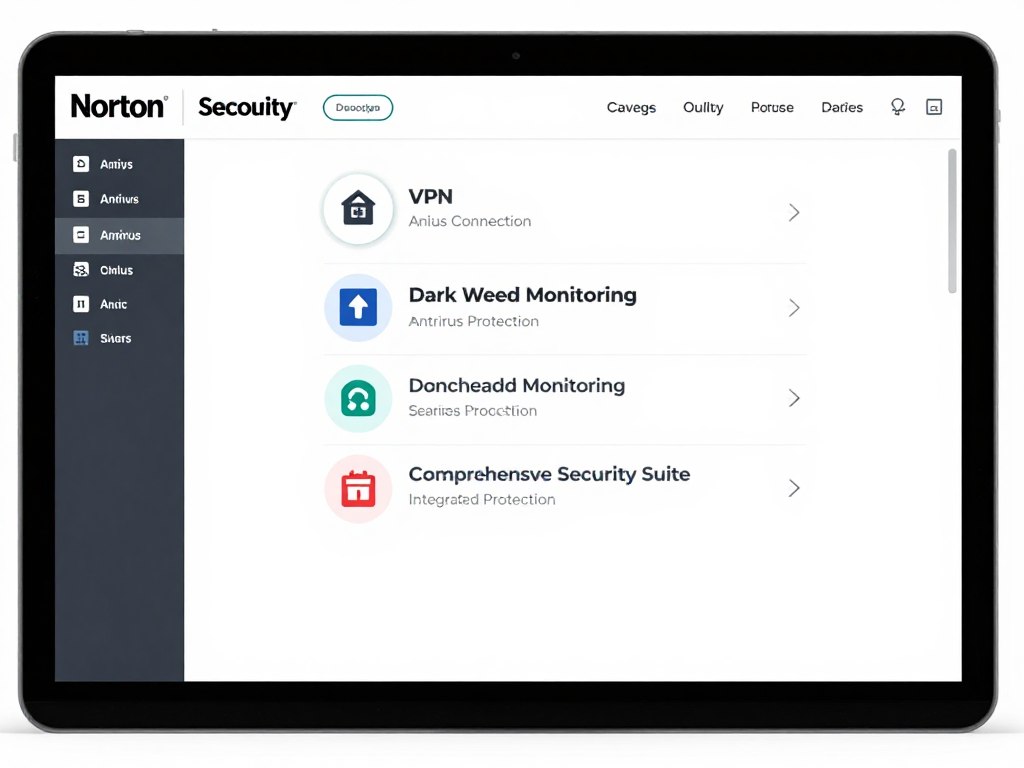
Dark web monitoring searches underground marketplaces for your personal information. If your email, credit card numbers, or other sensitive data appears for sale, Norton alerts you immediately so you can take protective action before criminals exploit the information.
Identity theft protection includes restoration services if your identity gets stolen. Norton experts assist with credit freezes, fraud alerts, and restoration processes, providing both prevention and remediation in one security package.
Strengthen Your Digital Security
Security requires layered protection. 1Password secures credentials, NordVPN protects connections, Malwarebytes blocks malware, DeleteMe removes personal data exposure, and Norton provides comprehensive coverage. Implement multiple tools to create defense in depth against evolving digital threats.
How to Implement AI Tools in Your Daily Routine
Adopting new tools successfully requires thoughtful implementation. Trying to change everything simultaneously leads to overwhelm and abandonment. Strategic adoption ensures AI tools actually improve your life rather than becoming abandoned subscriptions.

Start with One Pain Point
Identify your biggest daily frustration. Does email overwhelm you? Start with Superhuman or Gmail AI. Do meetings lack follow-through? Try Otter.ai or Notion AI. Struggle with task organization? Implement Todoist or Any.do first.
Focusing on one problem area creates measurable improvement. You’ll see concrete benefits quickly, building momentum and understanding before expanding to other tools. This success encourages continued adoption rather than creating tool fatigue.
Allow Learning Curve Time
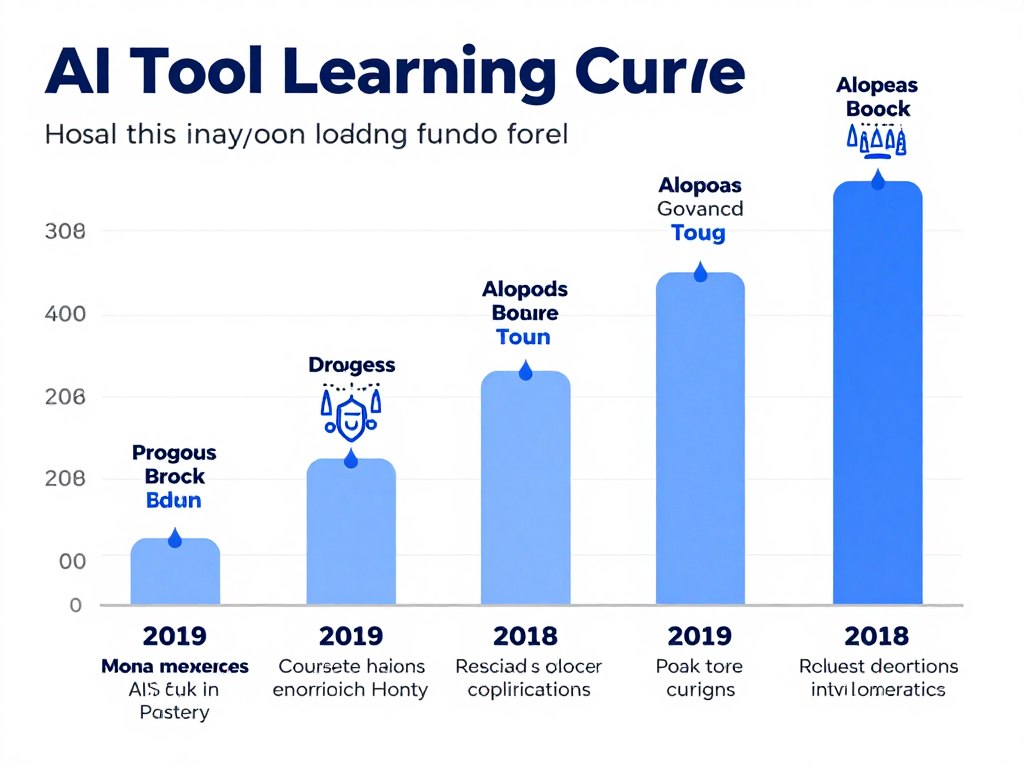
Every tool requires adjustment periods. The first week might feel slower as you learn new workflows. This temporary inefficiency is normal and necessary. Most tools become faster than old methods within two weeks of consistent use.
Set realistic expectations. You won’t master every feature immediately. Start with core functionality, then gradually explore advanced capabilities as basic usage becomes automatic. This progressive learning prevents overwhelm.
Integrate Don’t Accumulate
AI tools work best when they connect to each other and your existing systems. Choose tools that integrate with apps you already use. Zapier, Make, or native integrations keep information flowing between platforms automatically.
Avoid creating information silos. If your calendar lives in Google but your tasks live in a disconnected app, you’ll waste time manually synchronizing. Select tools that play well together or consolidate similar functions in comprehensive platforms.
Review and Optimize Regularly
Set monthly reviews of your AI tool stack. Which tools do you use consistently? Which subscriptions remain unused? Are there redundant functions across multiple platforms? Regular assessment prevents subscription creep and ensures you’re getting value.
Usage patterns change over time. A tool that seemed essential six months ago might no longer fit your workflow. Permission to cancel subscriptions that aren’t serving you prevents waste and keeps your toolkit lean and effective.
Week 1-2: Foundation
Select and implement your first AI tool targeting your biggest pain point. Focus on basic features only.
- Choose one productivity area to improve
- Research top 2-3 tools for that need
- Select one tool and commit to 14-day trial
- Use core features daily
Week 3-4: Expansion
Once your first tool becomes habitual, add a complementary tool in a different category.
- Identify next biggest workflow friction
- Select complementary tool with integration
- Connect new tool to existing workflow
- Maintain consistency with first tool
Month 2: Integration
Focus on connecting your adopted tools to work together seamlessly through automation.
- Map information flow between tools
- Create automation connections
- Eliminate manual data transfer
- Refine workflows based on usage
Month 3+: Optimization
Review your complete toolkit, remove unused subscriptions, and explore advanced features.
- Audit actual tool usage patterns
- Cancel unused subscriptions
- Learn advanced features of kept tools
- Document your optimized workflow
Common Implementation Mistakes to Avoid
Many people sabotage their AI tool adoption through predictable errors. Recognizing these patterns helps you avoid them and increase success probability.
- Subscribe to 10 tools simultaneously
- Skip onboarding tutorials and guides
- Expect immediate productivity gains
- Never customize default settings
- Use tools inconsistently
- Keep paying for unused subscriptions
- Ignore tool updates and new features
What NOT to Do
- Adopt one tool at a time methodically
- Complete setup wizards thoroughly
- Allow 2-week adjustment periods
- Configure tools to match your workflow
- Build daily usage habits
- Review subscriptions monthly
- Stay current with feature releases
Best Practices
Measuring Success
Track specific metrics to verify tools deliver actual value. Subjective feelings can be misleading, especially during adjustment periods when tools might feel slower despite being faster.
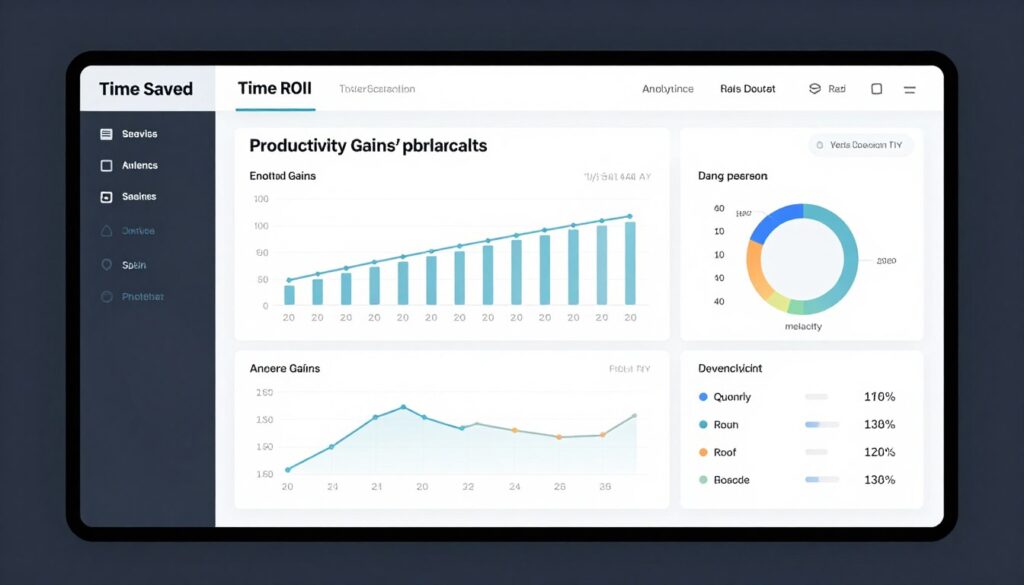
Time saved represents the most tangible metric. How long did weekly reporting take before automation? How much faster do you complete similar tasks now? Document these improvements to justify continued investment.
Quality improvements matter beyond speed. Do AI writing tools reduce revision cycles? Does project management software decrease missed deadlines? These qualitative benefits often exceed pure time savings in total value delivered.
AI Tools Cost Analysis and Budget Planning
AI tools range from completely free to hundreds of dollars monthly. Understanding pricing models helps you build an effective toolkit without overspending or compromising on essential capabilities.
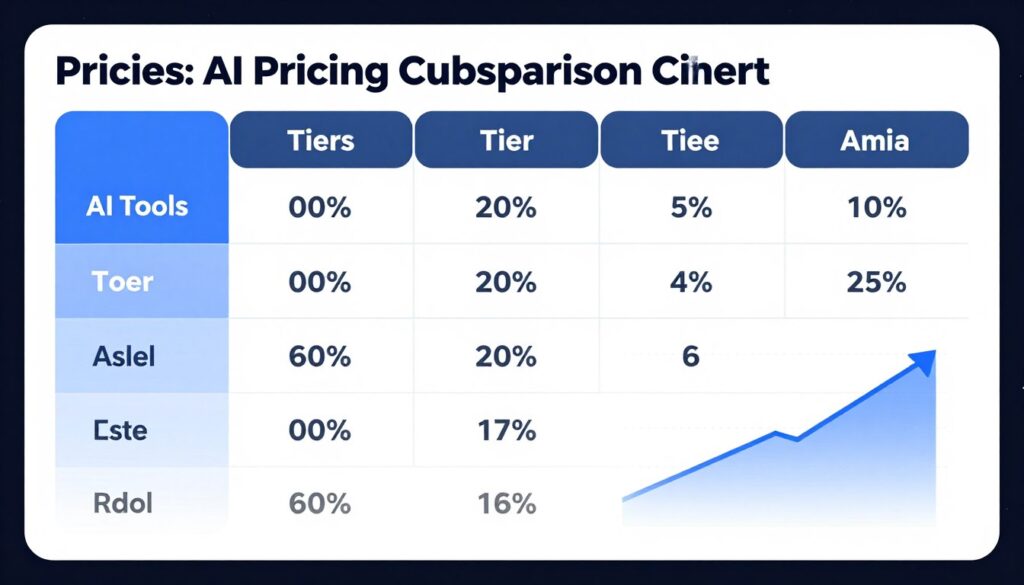
Free vs. Paid: Making the Right Choice
Many AI tools offer free tiers with meaningful functionality. ChatGPT, Google Bard, Notion, Trello, and numerous other platforms provide substantial value at zero cost. Starting with free versions lets you verify value before committing financially.
Free tiers typically impose usage limits. ChatGPT free restricts access during peak times. Image generators limit monthly creations. Project management tools cap team members or storage. Evaluate whether these limitations affect your actual usage patterns.
Paid tiers make sense when you regularly hit free tier limits or when premium features directly address your needs. Paying for tools you use daily that save significant time or improve output quality represents worthwhile investment. Subscriptions for rarely-used tools waste money regardless of capability.
| Tool Category | Best Free Options | When to Upgrade | Typical Paid Cost |
| AI Writing | ChatGPT, Google Bard, Claude | Daily heavy use, need faster response times, require latest models | $20-30/month |
| Image Generation | DALL-E 3 (limited), Bing Image Creator | Professional content creation, high volume needs, commercial use | $10-60/month |
| Project Management | Trello, Asana Basic, ClickUp Free | Team collaboration, advanced automation, unlimited storage needed | $10-25/user/month |
| Communication | Slack Free, Microsoft Teams Free | Message history access, video recording, advanced integrations | $7-15/user/month |
| Productivity | Google Workspace Free, Notion Personal | Team collaboration, advanced AI features, increased storage | $8-20/month |
| Data Analysis | Google Sheets, basic Tableau | Complex visualizations, large datasets, automated reporting | $15-70/month |
Budget-Friendly AI Tool Stacks
You can build comprehensive AI assistance across most daily needs for under $50 monthly or even completely free. Strategic selection focuses budget on high-impact paid tools while using free alternatives where they suffice.
Free Stack ($0/month)
- ChatGPT Free for writing and research
- Google Workspace for productivity
- Trello for project management
- Bing Image Creator for visuals
- Google Assistant for voice assistance
- Notion Personal for documentation
Limitations: Usage caps, slower responses, basic features only, limited team collaboration
Starter Stack ($30-50/month)
- ChatGPT Plus ($20) for reliable AI access
- Grammarly Premium ($12) for writing quality
- Notion Plus ($10) for team docs
- Otter.ai Basic (free) for meeting notes
- Canva Free for design
Benefits: Professional features, no daily limits, priority access, suitable for individuals and small teams
Professional Stack ($100-150/month)
- ChatGPT Plus + Claude Pro ($40)
- Midjourney ($30) for images
- Notion Team ($15) for collaboration
- Superhuman ($30) for email
- Asana Premium ($25) for projects
Benefits: Premium features across categories, team collaboration, advanced AI models, professional support
Maximizing ROI from AI Tools
Return on investment goes beyond simple cost savings. Consider time saved, quality improvements, stress reduction, and opportunity costs of manual work versus AI-assisted completion.
Calculate hourly value of your time. If you earn or bill $50 hourly, a tool that saves 10 hours monthly justifies $500 in costs theoretically. In practice, aim for 5-10x ROI, meaning $50 monthly subscriptions should save 5-10 hours of equivalent work.
Quality improvements often exceed time savings in value. An AI writing tool might save 2 hours weekly while also improving content quality that drives more engagement. The time savings alone justify costs while quality improvements provide additional unmeasured value.
Annual vs. Monthly Subscriptions
Most AI tools offer discounts for annual commitments, typically 20-40% compared to monthly billing. This savings tempts early commitment, but carries risks when you haven’t verified long-term value.
Start with monthly subscriptions during evaluation periods. Once you’ve used a tool consistently for 2-3 months and can’t imagine working without it, annual commitments make financial sense. The savings outweigh flexibility for proven essential tools.
Beware of sunk cost fallacy with annual subscriptions. If a tool isn’t delivering value, cancel rather than using it just because you paid. The money is already spent whether you use it or not.
Optimize Your AI Tool Budget
Build your toolkit strategically, starting with free options and upgrading only tools you use daily. Calculate ROI based on time saved and quality improvements. Review subscriptions quarterly to eliminate waste and reallocate budget to higher-value tools.
Future of AI Tools: What’s Coming in 2026 and Beyond
AI development accelerates continuously. Understanding emerging trends helps you prepare for changes and make informed decisions about which tools to adopt and which might become obsolete soon.

Multimodal AI Becomes Standard
Future AI tools won’t separate text, image, audio, and video. They’ll handle all formats seamlessly in single conversations. You’ll describe a concept verbally, receive a visual representation, refine it through text edits, and export in any format needed.
This convergence eliminates current friction of switching between specialized tools. One AI assistant will handle writing, image creation, voice interaction, and video editing within unified workflows rather than requiring separate applications for each medium.
Personal AI Agents Gain Autonomy
Current AI tools require human direction for every task. Emerging agent systems will act more independently, understanding your goals and taking initiative to achieve them without step-by-step instructions.
Imagine telling your AI agent “I need to launch this product next quarter.” It automatically creates project plans, assigns tasks, schedules meetings, drafts marketing materials, and monitors progress, only seeking input for decisions requiring human judgment.
Privacy-First On-Device AI
Concerns about data privacy drive development of powerful on-device AI that doesn’t send information to cloud servers. By late 2026, expect capable AI models running entirely on smartphones and laptops with privacy guarantees.
This shift enables AI assistance for sensitive information like health records, financial data, and confidential business documents without privacy risks of cloud processing. Performance might lag cloud models slightly but privacy benefits outweigh limitations for many use cases.
AI Skill Tutoring Becomes Sophisticated
Current learning AI provides information and answers questions. Next-generation systems will actively teach skills through practice, providing real-time coaching as you work on actual projects rather than abstract exercises.
Want to learn programming? Your AI tutor watches as you code, offering suggestions and explaining concepts precisely when you need them. Learning design? It critiques your work in progress with specific improvement guidance rather than generic tips.
Prediction and Forecasting Improvements
AI will become significantly better at predicting outcomes and forecasting trends. Project management tools will accurately predict completion dates considering historical patterns. Financial tools will forecast cash flow with greater precision. Marketing platforms will predict campaign performance before launch.
This predictive capability enables proactive decision-making rather than reactive problem-solving. You’ll address potential issues before they materialize and optimize strategies based on likely outcomes rather than gut feeling.
Specialized Industry AI Tools Proliferate
General-purpose AI tools dominate currently. By 2026, expect highly specialized tools for specific industries and professions. Medical AI for doctors, legal AI for attorneys, accounting AI for financial professionals, each understanding domain-specific needs deeply.
These specialized tools will provide expertise currently requiring years of training. They’ll understand industry regulations, best practices, and nuanced requirements that general tools miss. This specialization will make AI assistance more valuable for professional work.
Will AI tools replace human workers?
AI tools augment human capabilities rather than replace them. They handle repetitive tasks, provide information quickly, and automate routine work, freeing humans for creative problem-solving, relationship building, and strategic thinking that AI cannot replicate. Jobs will evolve to emphasize uniquely human skills while AI handles mechanical aspects.
How will AI tool costs change over time?
Basic AI capabilities will likely become cheaper or free as technology matures and competition increases. Premium features, specialized tools, and enterprise capabilities will continue commanding higher prices. Expect consolidation where comprehensive platforms bundle multiple AI capabilities at competitive rates compared to subscribing to many single-purpose tools.
What privacy concerns should users watch for?
Major concerns include data retention policies, how companies use your information to train AI models, third-party data sharing, and security of stored conversations. Read privacy policies carefully, use privacy-focused alternatives for sensitive information, and prefer on-device AI when handling confidential data. Expect regulations requiring greater transparency and user control.
How can I stay current with AI tool developments?
Follow AI tool blogs and newsletters, join user communities for tools you use, attend virtual product updates and webinars, participate in beta testing programs, and review changelog updates regularly. Most tools announce major features through email, making newsletter subscriptions an easy way to stay informed without active research.
Prepare for the AI-Powered Future
AI capabilities evolve rapidly. Stay informed about emerging trends, experiment with new tools as they launch, and continuously evaluate whether new capabilities address needs better than current solutions. The future arrives gradually, then suddenly.
Conclusion: Building Your AI-Powered Daily Workflow
The most amazing AI tools for daily use in 2026 share common characteristics. They solve real problems, integrate smoothly into existing workflows, and deliver value that justifies their cost and learning investment. The specific best tools depend entirely on your unique needs, preferences, and circumstances.

Start your AI journey by identifying your biggest daily friction points. Email overwhelm? Meeting chaos? Task organization failures? Content creation bottlenecks? Data analysis paralysis? Select one problem area and implement a solution from this guide.
Give new tools genuine trials. Most benefits emerge after initial learning curves when tools become automatic rather than requiring conscious effort. The first week might feel slower. The second week feels natural. By the third week, you can’t imagine working without the assistance.
Build your toolkit gradually. Resist the temptation to adopt everything simultaneously. Master one tool, then add another. This methodical approach creates sustainable change rather than overwhelming yourself and abandoning all new systems.
The AI landscape will continue evolving. Tools featured here will improve with new capabilities. New competitors will emerge with innovative approaches. Stay curious and willing to experiment, but avoid constant tool-switching that prevents you from gaining expertise in any single platform.
Remember that AI tools serve you, not the other way around. They should reduce stress and increase capability, not create new obligations or anxiety. If a tool doesn’t improve your life after genuine effort to learn it, move on without guilt. The right tools feel like superpowers. The wrong tools feel like burdens.
Your AI-powered workflow will be unique to you. It might combine ChatGPT for writing, Notion for organization, Midjourney for visuals, and Grammarly for editing. Or perhaps you prefer Claude, Asana, DALL-E, and Otter.ai. The specific combination matters less than finding tools that genuinely enhance your daily productivity and satisfaction.
The future of work involves human-AI collaboration. Those who embrace these tools thoughtfully will find themselves more capable, productive, and valuable than ever. Those who resist will fall behind as AI assistance becomes expected rather than exceptional.
Your journey starts with a single tool. Choose one from this guide, commit to mastering it, and experience firsthand how AI can transform your daily workflow. The investment of time and potentially money will return multiplied through increased capability and reduced frustration.
The most amazing AI tools for daily use in 2026 are here, accessible, and ready to enhance your life. The only question remaining is which one you’ll try first.
Start Your AI Transformation Today
You’ve discovered 40+ AI tools that can revolutionize your daily workflow. Now it’s time to act. Choose one tool that addresses your biggest pain point and commit to using it consistently for 30 days. Track your results. Measure your improvement. Then expand to additional tools as you’re ready.








Comments are closed