
The artificial intelligence landscape transforms at breakneck speed. This week alone brings revolutionary new AI tools that reshape how teams collaborate, how businesses analyze data, and how individuals boost personal productivity.
August 2026 marks a pivotal moment in AI evolution. The tools launching this week demonstrate unprecedented sophistication in understanding context, automating workflows, and delivering actionable insights. From project management assistants that predict bottlenecks to content generators that capture brand voice, these innovations address real business challenges.
This comprehensive roundup examines seventeen groundbreaking AI tools released between August 10-16, 2026. Each tool receives detailed analysis covering core features, practical applications, pricing structures, and integration capabilities. Whether you manage teams, create content, analyze data, or optimize workflows, this week brings tools designed for your specific needs.
The AI Productivity Revolution Accelerates
Productivity tools like those released this week represent the third wave of workplace AI transformation. First came simple automation. Then arrived intelligent assistants. Now we witness truly adaptive systems that learn organizational patterns, anticipate needs, and proactively solve problems.
Teams worldwide struggle with fragmented workflows. Data lives in disconnected apps. Meeting notes vanish into forgotten folders. Action items slip through cracks. The new AI tools launching this week attack these pain points with surgical precision.
These platforms don’t just automate tasks. They understand context across multiple data sources. They recognize patterns in team behavior. They predict project risks before humans spot warning signs. This represents fundamental evolution in how AI serves business needs.
Traditional Tools Limitations
- Require manual data entry across platforms
- Lack contextual awareness between apps
- Demand constant human oversight
- Generate isolated insights without connections
- Need extensive configuration and maintenance
New AI Tools Advantages
- Automatically sync data across your entire workspace
- Understand relationships between projects and tasks
- Operate autonomously with minimal supervision
- Connect insights across all business functions
- Self-configure based on usage patterns
The tools featured below share common DNA. Each leverages large language models trained on domain-specific data. Each prioritizes seamless integrations with existing business apps. Each focuses on saving time rather than adding complexity. Most importantly, each solves problems that plagued productivity software for decades.
Project Management AI Tools Transform Team Collaboration
Project management emerged as the hottest category for new AI tools this week. Four distinct platforms launched, each targeting different team sizes and management philosophies. These tools move beyond simple task tracking into predictive analytics, resource optimization, and intelligent workflow automation.
Modern project management demands more than Gantt charts and due dates. Teams need tools that identify blockers before they delay projects. Managers require visibility into workload distribution across the entire team. Stakeholders expect accurate completion forecasts. The AI tools released this week deliver all three capabilities.
Strategic Project Intelligence Platform
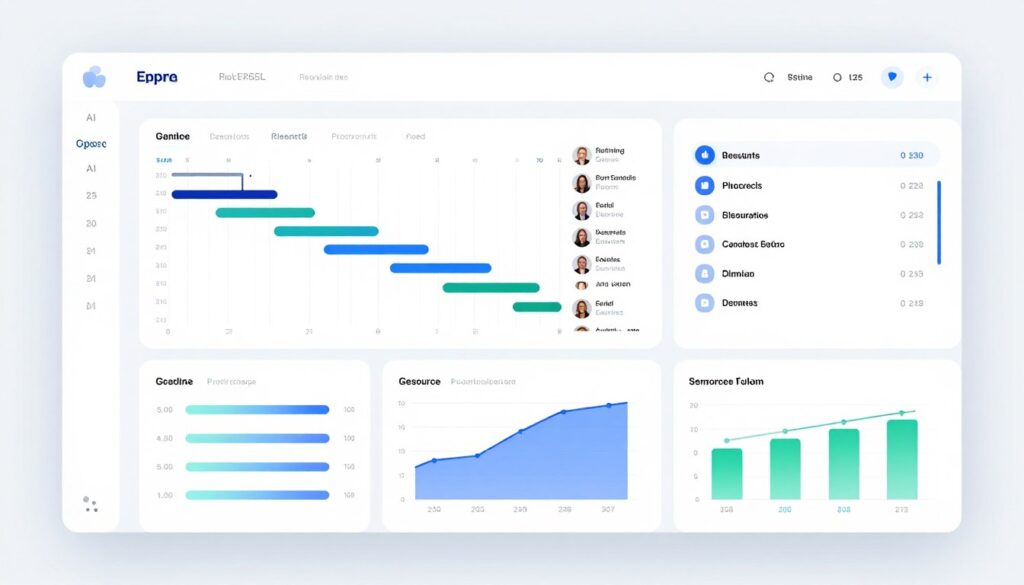
Strategic Project Intelligence Platform revolutionizes how enterprise teams manage complex initiatives. Launched August 12, this tool combines traditional project management with predictive AI that forecasts project outcomes with remarkable accuracy.
The platform analyzes historical project data across your organization to identify patterns invisible to human managers. It recognizes when projects drift off course based on subtle signals like declining communication frequency or increasing task reassignments. The system then suggests specific interventions before problems become crises.
Core Capabilities
- Predictive risk assessment that flags potential delays five weeks in advance
- Automated resource reallocation suggestions based on team capacity and skill matching
- Natural language project updates that transform status reports into executive summaries
- Cross-project dependency mapping that reveals hidden bottlenecks
- Intelligent meeting notes integration that converts discussions into action items automatically
- Real-time workflow optimization recommendations
- Customizable AI agent that learns your management style preferences
Integration Ecosystem
Strategic Project Intelligence Platform connects with over forty business apps right out of the box. The tool pulls data from communication platforms, document repositories, time tracking systems, and existing project management software. This comprehensive integration means the AI understands complete project context rather than isolated data points.
The platform offers native integrations with popular tools teams already use daily. Email clients, calendar apps, messaging platforms, and file storage services all feed information into the central AI engine. This eliminates duplicate data entry while ensuring the system maintains current information.
Pricing Structure
The platform operates on tiered subscription pricing. Small teams of up to ten members access core features for ninety-nine dollars monthly. Mid-size teams pay two hundred forty-nine dollars for advanced analytics and unlimited projects. Enterprise plans with custom AI training and dedicated support start at seven hundred ninety-nine dollars per month.
All plans include a fourteen-day trial with full feature access. No credit card required during trial period. Annual subscriptions receive twenty percent discount.
Agile Sprint Optimizer
Agile Sprint Optimizer targets software development teams practicing scrum methodology. Released August 13, this specialized tool applies AI to sprint planning, velocity tracking, and retrospective analysis.
Development teams waste hours in planning meetings debating story point estimates. Agile Sprint Optimizer eliminates this friction by analyzing past sprint data to suggest accurate estimates. The tool examines code complexity, team member experience with similar tasks, and historical completion patterns.
Developer-Focused Features
- Automated story point estimation based on historical sprint velocity
- Sprint capacity planning that accounts for vacation, meetings, and technical debt
- Code commit analysis that predicts feature completion dates
- Intelligent backlog prioritization using business value and technical dependencies
- Retrospective insights generated from team communication patterns
- Automated standup summaries from project management updates
The platform integrates directly with GitHub, GitLab, Bitbucket, and other version control systems. This deep technical integration allows the AI to understand actual development progress rather than relying solely on manual status updates. The system recognizes when pull requests indicate a feature nears completion even before developers update task status.
Strengths
- Exceptional accuracy in sprint velocity predictions
- Seamless git integration for automatic progress tracking
- Reduces planning meeting duration by forty percent
- Developer-friendly interface with minimal friction
Limitations
- Requires three months historical data for optimal performance
- Limited value for non-technical project types
- Steeper learning curve for non-developer stakeholders
Pricing begins at forty-nine dollars monthly for teams up to five developers. Larger teams pay twelve dollars per additional developer monthly. Enterprise plans with advanced analytics and custom integrations require contact for pricing.
Marketing Campaign Coordinator
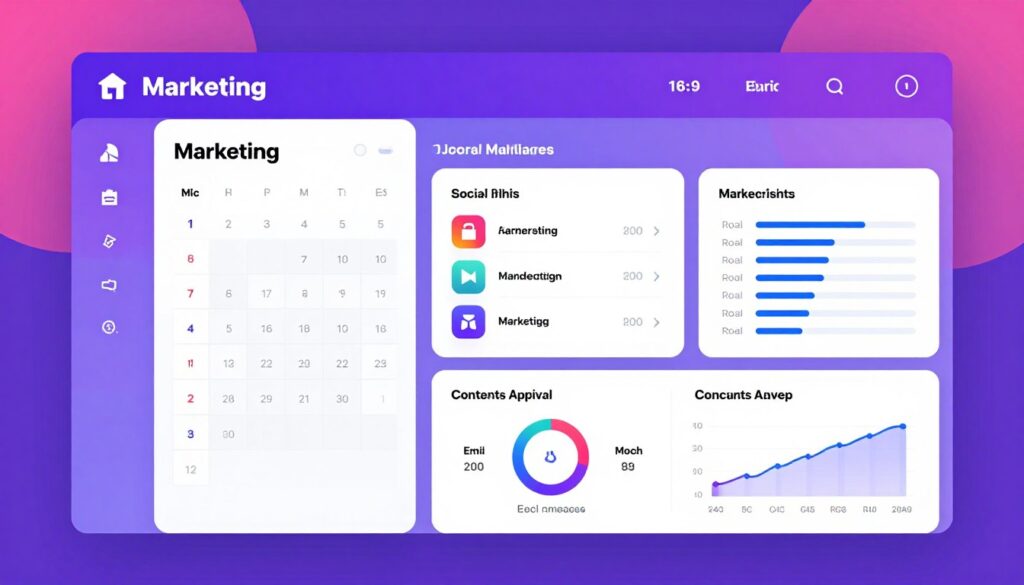
Marketing Campaign Coordinator addresses the chaos of managing campaigns across email, social media, content marketing, and paid advertising. Launched August 14, this tool brings unified project management specifically designed for marketing team workflows.
Marketing teams juggle content calendars, approval workflows, asset management, and performance tracking across disconnected platforms. This tool centralizes all campaign elements in one place while applying AI to optimize timing, messaging, and resource allocation.
Marketing-Specific Intelligence
- Cross-channel campaign timeline creation with automatic conflict detection
- Content approval workflows that route to appropriate stakeholders based on campaign type
- Asset library with AI-powered tagging and brand guideline compliance checking
- Budget allocation recommendations based on channel performance data
- Automated competitive campaign monitoring and benchmarking
- Performance prediction for campaign concepts before launch
The platform connects with major marketing platforms including email service providers, social media management tools, advertising networks, and analytics platforms. This unified data access enables the AI to provide cross-channel insights that reveal which combinations of tactics drive best results.
Campaign Coordinator includes specialized features for different marketing functions. Content teams receive editorial calendars with AI-suggested posting schedules. Paid media teams get budget optimization recommendations. Social media managers access sentiment analysis and engagement forecasting.
Team Collaboration Features
The tool excels at coordinating work between creative teams, copywriters, designers, and campaign managers. Automated hand-offs ensure assets move through approval chains without manual follow-up. Real-time collaboration features allow multiple team members to work simultaneously on campaign planning.
Meeting notes integration captures decisions from planning sessions and automatically creates corresponding tasks and action items. The AI recognizes campaign milestones mentioned in discussions and adds them to project timelines.
| Plan Type | Team Size | Monthly Cost | Key Features |
| Starter | Up to 5 users | $79 | Basic campaign management, 2 channel integrations |
| Professional | Up to 15 users | $199 | Unlimited campaigns, 10 integrations, AI predictions |
| Agency | Up to 50 users | $499 | Multi-client management, white label, custom workflows |
| Enterprise | Unlimited | Custom | Dedicated support, custom AI training, API access |

Content Creation AI Assistants Reach New Sophistication
Content creation tools dominated AI releases throughout 2024 and 2025. This week brings fourth-generation content assistants that finally understand brand voice, maintain consistency across long documents, and generate genuinely useful first drafts requiring minimal editing.
Earlier content AI frustrated users with generic output that required extensive rewriting. These new tools learn from your existing content to match tone, style, and terminology. They understand industry-specific context that prevents embarrassing errors in specialized fields.
Brand Voice Content Engine
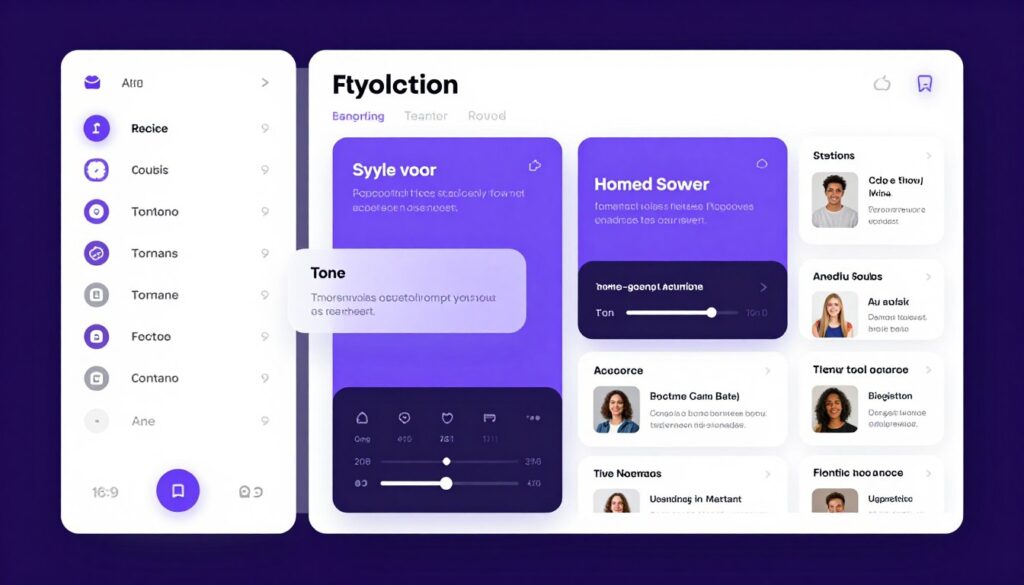
Brand Voice Content Engine represents a breakthrough in AI writing tools. Launched August 11, this platform analyzes your existing content library to create a detailed brand voice profile. It then generates new content that authentically matches your established style.
The system ingests blog posts, marketing copy, social media content, and internal documentation. Advanced language models identify patterns in sentence structure, vocabulary choices, formatting preferences, and tonal qualities. This creates a comprehensive voice fingerprint unique to your organization.
Advanced Writing Features
- Multi-document consistency checking across all content types
- Terminology database that ensures correct product names and industry terms
- Audience adaptation that adjusts complexity for different reader segments
- SEO optimization without sacrificing natural language flow
- Fact-checking integration with real-time source verification
- Collaboration mode where multiple writers maintain unified voice
- Version history with AI-suggested revisions highlighting
The platform generates various content types including blog articles, email campaigns, social media posts, product descriptions, and landing page copy. Each content type uses appropriate formatting and structure conventions while maintaining consistent brand voice.
Quality and Control
Unlike earlier AI writing tools that prioritized speed over quality, Brand Voice Content Engine focuses on producing publication-ready drafts. The system includes built-in editing workflows where human writers refine AI suggestions rather than starting from scratch.
Granular control allows specification of desired word count, target keywords, content structure, and reference materials. The AI incorporates these parameters while maintaining natural language flow. Writers also set creativity levels from conservative (closely matching existing content) to exploratory (introducing fresh perspectives within brand guidelines).
Pricing starts at sixty-nine dollars monthly for individual content creators with basic brand voice training. Team plans supporting up to ten users cost one hundred seventy-nine dollars. Enterprise packages with advanced customization and API access begin at four hundred ninety-nine dollars monthly.
Technical Documentation Generator
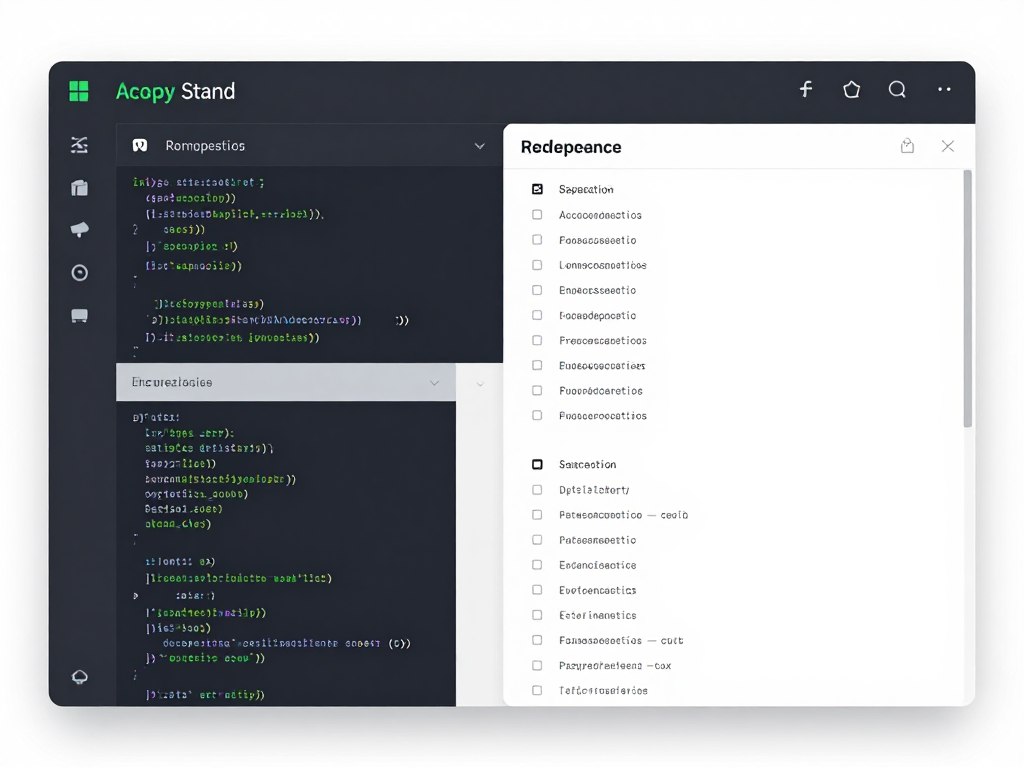
Technical Documentation Generator solves one of software development’s most persistent problems: keeping documentation current with rapidly changing codebases. Released August 13, this tool automatically generates comprehensive technical documentation from source code, comments, and commit messages.
Developers notoriously neglect documentation when deadlines loom. This creates knowledge silos and onboarding nightmares. Technical Documentation Generator maintains up-to-date documentation by analyzing code changes in real-time and updating relevant documentation sections automatically.
Documentation Automation
- Automatic API reference generation from code annotations and function signatures
- Integration guide creation based on code examples and usage patterns
- Changelog compilation from commit messages and pull request descriptions
- Architecture diagram generation from code structure analysis
- Tutorial creation by analyzing common code usage patterns
- Search functionality with natural language query understanding
The platform connects directly to version control systems and monitors code repositories for changes. When developers commit updates that affect public APIs or modify functionality, the AI identifies impacted documentation and suggests updates. Teams review and approve changes before publication.
Documentation Generator supports multiple programming languages and frameworks. It recognizes language-specific conventions for comments and annotations. Output formats include Markdown, HTML, and popular documentation site generators.
Developer Experience Focus
The tool prioritizes creating documentation that developers actually want to read. It generates practical code examples for every API endpoint. It explains complex concepts using analogies and diagrams. It maintains consistent terminology across all documentation sections.
Interactive elements allow documentation readers to test API calls directly from the documentation page. This eliminates context-switching between documentation and development environments. Developers explore API capabilities without leaving the documentation site.
Advantages
- Dramatically reduces documentation maintenance burden
- Keeps documentation synchronized with codebase automatically
- Generates code examples that actually work
- Improves documentation quality consistency
Considerations
- Requires well-commented code for optimal results
- Initial setup demands configuration time investment
- Works best with modern programming languages
Individual developer plans cost thirty-nine dollars monthly. Team plans supporting up to twenty developers run one hundred twenty-nine dollars monthly. Enterprise plans with private deployment and custom templates require consultation for pricing.
Email Campaign Composer
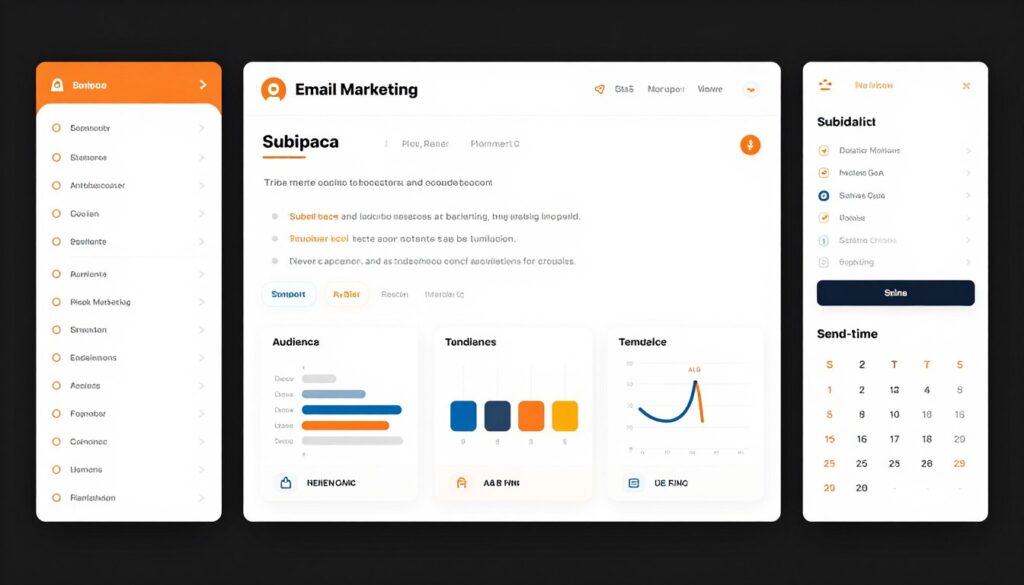
Email Campaign Composer transforms email marketing from tedious manual work into streamlined automation. Released August 15, this tool generates complete email campaigns including subject lines, body copy, calls-to-action, and optimal send times.
Email remains the highest ROI marketing channel but demands consistent effort. Creating engaging email content that converts requires understanding audience preferences, testing multiple variations, and analyzing performance data. Email Campaign Composer automates these workflows while maintaining personalization at scale.
Campaign Intelligence Features
- Subject line generation with predicted open rate scores
- Body content creation optimized for specific goals like clicks or conversions
- Personalization that goes beyond first name insertion
- Send time optimization based on individual recipient behavior patterns
- Automated A/B testing with statistical significance detection
- Segment-specific messaging variations within single campaigns
- Reply analysis that flags conversations requiring human attention
The platform analyzes past email campaign performance to understand what resonates with your specific audience. It identifies patterns in subject lines that generate high open rates. It recognizes content structures that drive clicks. It learns optimal email lengths for your subscriber base.
Email Campaign Composer integrates with major email service providers including Mailchimp, Constant Contact, SendGrid, and others. This allows seamless campaign deployment without changing existing tools. The AI provides recommendations that enhance rather than replace current workflows.
Performance Optimization
Every campaign receives detailed performance predictions before sending. The system estimates open rates, click rates, and conversion likelihood based on historical data analysis. This allows teams to refine campaigns before they reach subscriber inboxes.
Post-send analysis goes beyond basic metrics. The AI identifies which specific phrases drove engagement. It recognizes successful call-to-action positioning. It provides actionable recommendations for improving future campaigns based on concrete data rather than guesswork.
Subscriber list management includes intelligent segmentation suggestions. The AI analyzes engagement patterns to identify high-value subscribers, at-risk churners, and optimal re-engagement timing. These insights help sales teams prioritize follow-up efforts effectively.
| Feature | Starter Plan | Growth Plan | Enterprise Plan |
| Monthly Email Volume | Up to 10,000 | Up to 100,000 | Unlimited |
| AI-Generated Campaigns | 20 per month | Unlimited | Unlimited |
| A/B Testing | Basic (2 variations) | Advanced (5 variations) | Unlimited variations |
| Send Time Optimization | Basic | Advanced | Predictive AI |
| Monthly Price | $49 | $149 | Custom |
Data Analysis and Business Intelligence Platforms
Data analysis AI tools help teams extract insights from massive datasets without requiring data science expertise. This week brings three platforms that democratize advanced analytics for business users across all departments.
Organizations collect enormous amounts of data but struggle to transform it into actionable insights. Traditional business intelligence tools require technical skills that most business users lack. These new AI platforms allow anyone to ask questions in plain English and receive sophisticated analysis within seconds.
Conversational Analytics Engine
Conversational Analytics Engine eliminates the complexity barrier in data analysis. Released August 12, this platform allows business users to explore data using natural language questions instead of SQL queries or complex interfaces.
Users simply type questions like “What were our top-selling products last quarter?” or “Which marketing channels drove the most conversions in July?” The AI understands the intent, queries appropriate data sources, performs analysis, and presents results with automatically generated visualizations.
Analysis Capabilities
- Natural language query processing that understands business terminology
- Automatic data source identification based on question context
- Statistical analysis with plain-language explanations of findings
- Predictive modeling accessible to non-technical users
- Anomaly detection with automatic alerting for significant changes
- Cross-dataset correlation discovery
- Automated insight narration explaining what data patterns mean
The platform connects to databases, spreadsheets, business apps, and cloud data warehouses. Once connected, the AI maps data structures to understand relationships between different data sources. This enables answering questions that require combining information from multiple systems.
Visualization generation happens automatically based on data types and analysis goals. The AI selects appropriate chart types whether showing trends over time, comparing categories, or displaying geographic distributions. Users customize visualizations after initial generation if desired.
Enterprise Data Management
Security and governance features ensure sensitive data remains protected. Administrators control which data sources individual users can query. Row-level security policies apply automatically regardless of how users ask questions. The system maintains detailed audit logs of all data access.
Conversational Analytics Engine supports collaborative analysis. Teams create shared workspaces where colleagues explore data together. Insights save as reusable templates that others can apply to updated data. This builds institutional knowledge around common analysis patterns.
Pricing follows user-based licensing. Small teams up to five users pay ninety-nine dollars monthly. Business plans supporting up to twenty-five users cost two hundred ninety-nine dollars. Enterprise plans with unlimited users and advanced governance features require custom pricing discussions.
Sales Performance Intelligence
Sales Performance Intelligence brings AI-powered forecasting and pipeline analysis specifically designed for sales teams. Launched August 14, this platform helps sales managers identify at-risk deals, optimize team performance, and forecast revenue with unprecedented accuracy.
Sales teams drown in CRM data without clear visibility into what actions actually move deals forward. This tool analyzes thousands of successful deals to identify patterns that predict closing likelihood. It provides specific recommendations for advancing stalled opportunities.
Sales-Focused Analytics
- Deal health scoring that predicts win probability for every opportunity
- Next-best-action recommendations based on similar successful deals
- Sales team performance benchmarking with peer comparisons
- Pipeline coverage analysis showing gaps in future revenue
- Win-loss analysis identifying why deals succeed or fail
- Territory optimization suggestions for balanced workload distribution
- Churn prediction for existing customer accounts
The platform integrates with major CRM systems including Salesforce, HubSpot, Pipedrive, and Microsoft Dynamics. Deep integration pulls comprehensive deal information including activities, emails, calls, and meeting notes. This holistic view enables more accurate predictions than analyzing deal stages alone.
Revenue forecasting combines historical patterns, current pipeline state, and external market factors. The AI provides multiple forecast scenarios ranging from conservative to optimistic. Sales leaders use these projections for reliable quarterly planning.
Team Performance Optimization
Individual rep coaching recommendations help managers provide targeted guidance. The system identifies specific skills where reps struggle based on their deal patterns. It suggests training resources and best practices from top performers.
Automated alerts notify managers when deals show warning signs. Late activities, declining engagement, or extended time in specific stages trigger proactive intervention recommendations. This prevents deals from quietly dying in the pipeline.
Sales team collaboration improves through shared insights. Reps see what tactics work for colleagues in similar situations. Best practices from successful deals become templates that others can follow. This institutional knowledge accelerates onboarding for new team members.
Key Benefits
- Improves forecast accuracy by thirty to forty percent
- Identifies at-risk deals three weeks earlier on average
- Reduces time spent on pipeline reviews by half
- Provides actionable recommendations instead of just reports
Implementation Notes
- Requires clean CRM data for optimal predictions
- Needs six months historical data minimum
- Most valuable for B2B sales with longer cycles
Pricing structures around sales team size. Teams up to ten reps pay one hundred forty-nine dollars monthly. Mid-size teams of eleven to fifty reps pay three hundred ninety-nine dollars. Enterprise pricing for larger teams starts at seven hundred ninety-nine dollars monthly.
Customer Behavior Insights Platform
Customer Behavior Insights Platform helps product and marketing teams understand how users interact with websites and applications. Released August 16, this tool combines traditional analytics with AI-powered behavior prediction and anomaly detection.
Standard analytics tools report what happened but struggle explaining why. This platform applies machine learning to identify meaningful behavior patterns and surface unexpected changes. Product teams discover issues and opportunities that manual analysis would miss.
Behavioral Analysis Features
- Automatic user segment discovery based on behavior patterns
- Journey mapping that identifies common paths to conversion
- Friction point detection highlighting where users struggle
- Feature adoption tracking with usage trend forecasting
- Cohort analysis comparing user groups over time
- Session replay with AI-highlighted interesting moments
- Predictive churn modeling for at-risk users
The platform collects data through lightweight tracking code that monitors user interactions without impacting site performance. It captures clicks, scrolls, form interactions, and navigation patterns. Privacy controls ensure compliance with data protection regulations across different jurisdictions.
AI-powered insights automatically surface in daily digests. The system identifies significant changes in user behavior, emerging patterns in how people use features, and segments showing unusual activity. Teams receive proactive alerts instead of manually hunting for insights in dashboards.
Product Development Support
Product managers use behavioral data to prioritize feature development. The platform shows which existing features drive retention and which go unused. It predicts how proposed changes might impact user engagement before development begins.
A/B testing integration enables running experiments with automatic winner declaration. The AI calculates statistical significance and recommends when tests have collected sufficient data. It also identifies external factors that might skew results.
Cross-platform tracking follows user journeys across web, mobile apps, and offline touchpoints. This unified view reveals how different channels contribute to conversions. Marketing teams optimize budget allocation across channels based on concrete behavioral data.
Pricing depends on monthly tracked users. Sites with up to ten thousand monthly users pay seventy-nine dollars monthly. Mid-volume sites with up to one hundred thousand users pay one hundred ninety-nine dollars. High-traffic sites require custom enterprise pricing based on volume and feature requirements.

Meeting Productivity and Collaboration Tools
Meetings consume enormous time in modern work environments. The new AI tools released this week tackle meeting inefficiency through automated note-taking, action item extraction, and follow-up coordination.
Professionals spend average of twenty-three hours weekly in meetings according to recent research. Much of that time produces minimal value due to poor preparation, lack of clear outcomes, and forgotten action items. These tools apply AI to make every meeting more productive.
Intelligent Meeting Assistant
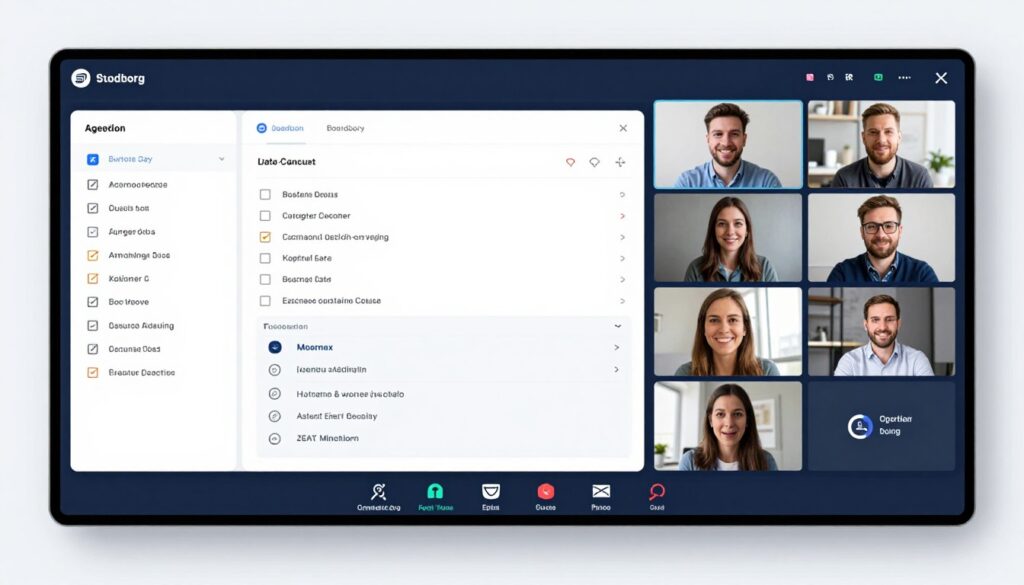
Intelligent Meeting Assistant joins video calls as a silent participant that records, transcribes, and analyzes discussions in real-time. Released August 11, this tool transforms chaotic meetings into organized outcomes with minimal manual effort.
The assistant captures complete meeting context including who said what, decisions reached, and commitments made. Participants focus on discussion rather than frantically scribbling notes. After meetings, everyone receives comprehensive summaries with timestamped highlights.
Meeting Intelligence Features
- Real-time transcription with speaker identification across all participants
- Automatic action items extraction with assignee recognition
- Decision tracking that documents what was decided and why
- Follow-up task creation in project management tools
- Meeting summaries generated within minutes of conclusion
- Topic segmentation that organizes discussions by agenda items
- Sentiment analysis showing team engagement levels
The platform integrates with Zoom, Microsoft Teams, Google Meet, and other video conferencing systems. Setup requires single-click authorization allowing the assistant to join scheduled meetings automatically. No software installation needed for participants.
AI-generated summaries highlight key discussion points, decisions, and next steps. Summaries use clear language rather than verbatim transcripts. This makes reviewing meeting outcomes faster than reading complete transcripts.
Action Item Management
Extracted action items route automatically to assigned team members through integrations with project management platforms. The system recognizes when someone commits to completing a task and creates corresponding work items without manual data entry.
Follow-up reminders ensure action items don’t fall through cracks. The assistant tracks completion status and sends gentle nudges to assignees approaching deadlines. Meeting organizers receive progress reports without pestering team members individually.
Historical meeting data becomes searchable knowledge base. Teams locate past decisions by searching for topics or participants. This institutional memory prevents redundant discussions and helps onboard new team members.
| Plan | Monthly Meetings | Features | Price |
| Starter | Up to 20 | Basic transcription, summaries, action items | $29/month |
| Professional | Up to 100 | Advanced analytics, integrations, team workspace | $99/month |
| Business | Unlimited | Custom vocabulary, security controls, API access | $299/month |
| Enterprise | Unlimited | Private deployment, custom AI training, dedicated support | Custom |
Collaborative Workspace Hub
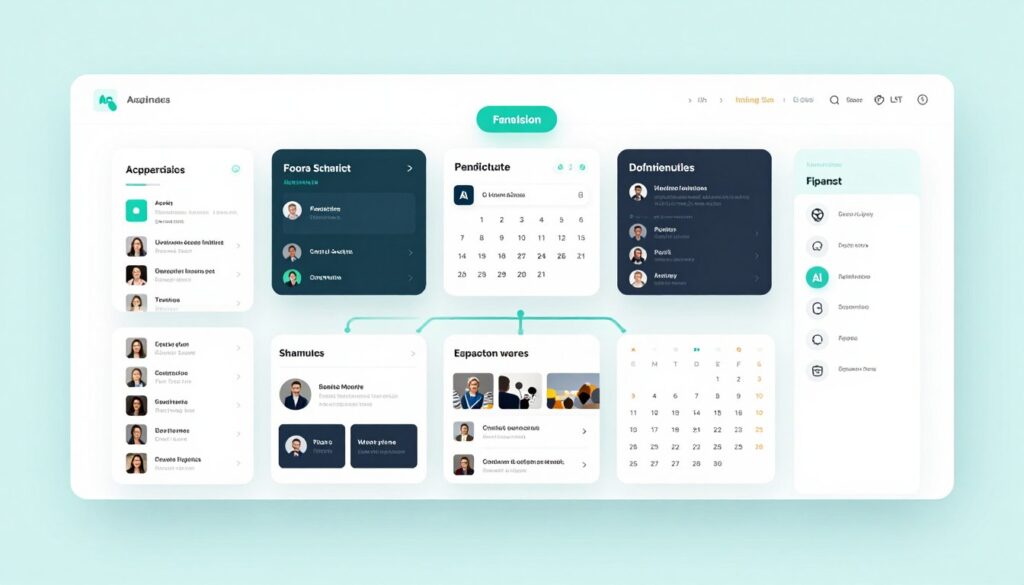
Collaborative Workspace Hub consolidates scattered team work into single unified platform. Released August 15, this tool combines document collaboration, project tracking, communication, and AI assistance in one place.
Teams struggle with context-switching between dozens of apps. Important information gets buried in different tools. Collaborative Workspace Hub eliminates this fragmentation by bringing essential work tools together with intelligent connections between them.
Unified Workspace Features
- Integrated document editing with real-time collaboration across multiple users
- Native project management without requiring separate tools
- Built-in team messaging organized by projects and topics
- Centralized file storage with AI-powered organization and search
- Meeting scheduling and video conferencing without external apps
- Workflow automation connecting different workspace components
- AI assistant available throughout the platform for contextual help
The platform design prioritizes reducing cognitive load. Everything related to a project lives in one place. Team members access documents, tasks, conversations, and files without navigating between apps. This focused environment helps teams maintain momentum.
AI assistance permeates the entire workspace. The assistant suggests relevant documents when discussing topics. It recommends team members to involve based on project context. It identifies duplicate efforts across different projects. This ambient intelligence makes teams more effective without requiring constant interaction.
Integration and Migration
Despite being comprehensive platform, Collaborative Workspace Hub plays well with existing tools. Connectors sync data with popular business apps. Teams migrate gradually rather than switching everything simultaneously.
Automated migration tools import data from other platforms. The system analyzes existing project structures and recreates them in the new workspace. Historical data remains searchable after migration.
Flexible pricing accommodates different team sizes and needs. Small teams up to ten members pay forty-nine dollars monthly. Growing teams with up to fifty members pay one hundred forty-nine dollars. Enterprise plans for larger organizations start at four hundred ninety-nine dollars monthly.
Benefits
- Eliminates constant app-switching that disrupts focus
- Reduces time wasted searching across multiple tools
- Improves team coordination through unified context
- Simplifies onboarding with single platform to learn
Considerations
- Requires organizational commitment to consolidation
- Migration demands upfront time investment
- May lack specialized features of dedicated tools
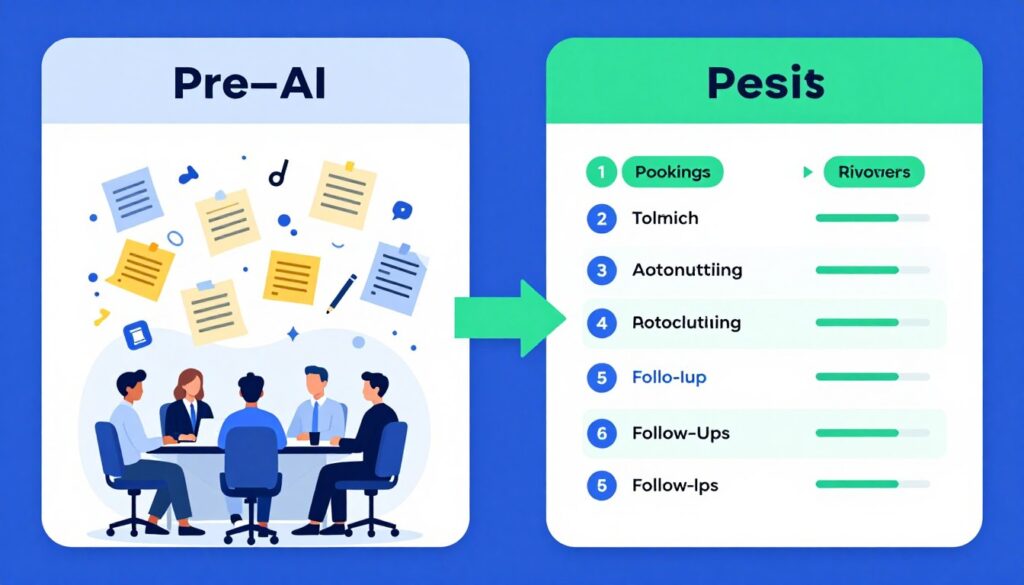
Automation and Workflow Optimization Platforms
Workflow automation tools help teams eliminate repetitive manual work. This week brings sophisticated automation platforms that go beyond simple triggers and actions into intelligent process optimization.
Earlier automation tools required technical expertise to configure. These new platforms use AI to suggest automation opportunities and build workflows through natural language descriptions. Business users automate processes without involving IT departments.
No-Code Automation Builder
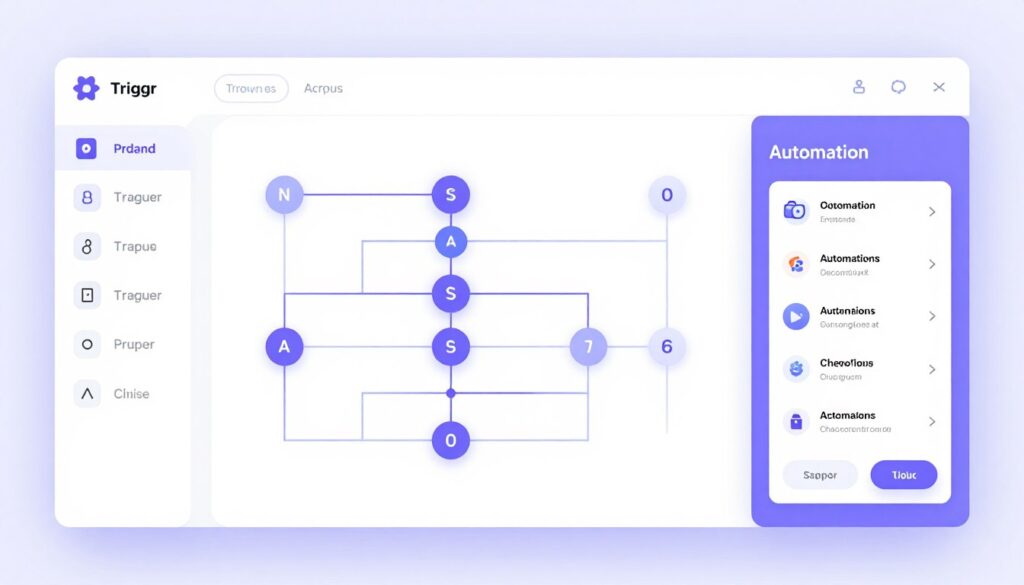
No-Code Automation Builder democratizes workflow automation for non-technical users. Released August 12, this platform allows anyone to create sophisticated automations using visual workflow designer and AI assistance.
The tool watches how users perform repetitive tasks and suggests automation opportunities. Users describe desired workflows in plain English. The AI translates descriptions into functioning automations connecting various business apps.
Intelligent Automation Features
- Visual workflow builder with drag-and-drop components
- AI-suggested automation based on observed work patterns
- Natural language workflow creation without coding
- Pre-built templates for common business processes
- Cross-app data synchronization without manual copying
- Conditional logic that handles complex decision trees
- Error handling and automatic retry mechanisms
The platform connects with hundreds of popular business apps across multiple categories. Email systems, CRM platforms, project management tools, spreadsheets, databases, and communication apps all integrate seamlessly. This extensive connectivity enables automating workflows that span entire technology stacks.
Automation templates provide starting points for common scenarios. Lead routing, invoice processing, customer onboarding, and content approval workflows come pre-configured. Users customize templates to match specific business processes rather than building from scratch.
Process Optimization
The AI continuously monitors automation performance and suggests improvements. It identifies bottlenecks where workflows slow down. It recommends additional steps that could enhance processes. This ongoing optimization ensures automations remain efficient as business needs evolve.
Detailed execution logs show exactly what happened during each automation run. When workflows fail, clear error messages explain the issue and suggest fixes. This transparency helps users troubleshoot problems without technical support.
Team collaboration features allow sharing automations across organizations. Colleagues build on each other’s workflows rather than recreating solutions. Centralized automation libraries become institutional knowledge repositories.
Pricing scales with automation complexity. Basic plans supporting up to one hundred automation runs monthly cost nineteen dollars. Professional plans with one thousand runs monthly cost seventy-nine dollars. Enterprise plans with unlimited runs and priority support require custom pricing discussion.
Process Mining and Optimization
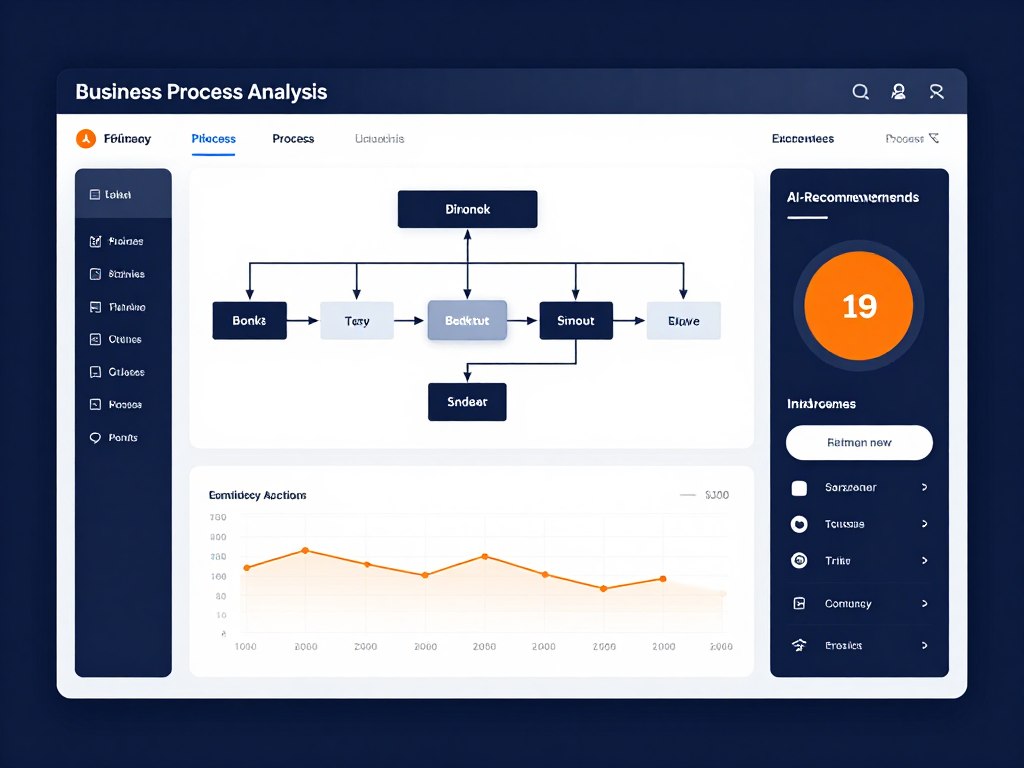
Process Mining and Optimization takes different approach to workflow improvement. Released August 16, this platform analyzes how work actually flows through organizations to identify inefficiencies and recommend optimizations.
Most organizations have documented processes that don’t match reality. People develop workarounds and shortcuts. Process Mining reveals the truth by analyzing system logs, timestamps, and data flows across business applications.
Process Analysis Capabilities
- Automatic process discovery from system logs and application data
- Bottleneck identification showing where work gets delayed
- Variant analysis comparing different ways people complete same tasks
- Conformance checking against documented procedures
- Root cause analysis for process failures and delays
- Optimization recommendations with projected impact estimates
- Continuous monitoring that alerts to process degradation
The platform connects to business systems to collect process execution data. It reconstructs actual workflows by analyzing timestamps, user actions, and data changes. This reveals true process flows including hidden steps and exceptions.
Visualization tools show processes as interactive flowcharts. Users drill down into specific process variants to understand edge cases. Animated replays show how individual work items moved through systems over time.
Optimization and Improvement
AI analyzes discovered processes to identify improvement opportunities. It calculates potential time savings from eliminating bottlenecks. It estimates cost reductions from standardizing process variants. These quantified projections help prioritize optimization efforts.
What-if modeling allows testing process changes before implementation. Users modify process flows to explore different scenarios. The system predicts how changes would affect cycle times, costs, and throughput based on historical data patterns.
Process Mining supports continuous improvement programs by establishing performance baselines. Teams track metrics like cycle time, throughput, and error rates over time. The platform alerts when processes deviate from expected patterns requiring investigation.
Advantages
- Reveals actual workflows versus documented procedures
- Quantifies improvement opportunities with data
- Identifies problems invisible in traditional analysis
- Provides objective basis for process redesign
Requirements
- Needs detailed system logs for accurate analysis
- Most valuable for high-volume repeatable processes
- Requires some technical expertise for initial setup
Pricing depends on analyzed process volume. Small deployments analyzing up to fifty thousand process instances monthly cost one hundred ninety-nine dollars. Mid-size deployments cost four hundred ninety-nine dollars. Enterprise deployments with millions of monthly instances require custom pricing.

Customer Service and Support AI Agents
Customer service AI reached new sophistication levels this week. Two platforms launched that handle complex customer interactions with empathy and accuracy that rivals human agents.
Earlier chatbots frustrated customers with rigid scripts and inability to handle nuanced situations. These new AI agents understand context, access relevant information across systems, and escalate appropriately when human intervention becomes necessary.
Conversational Support Agent
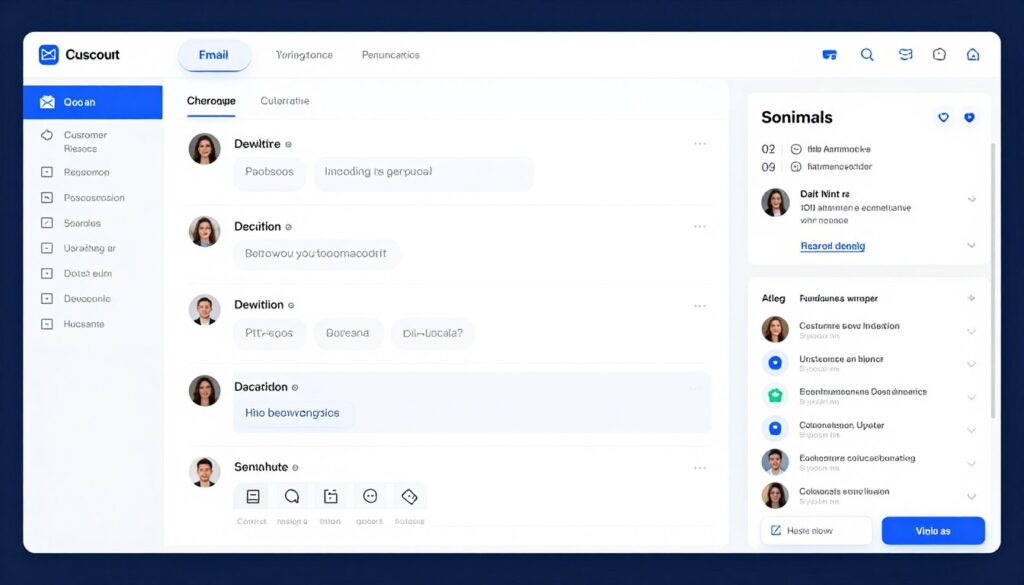
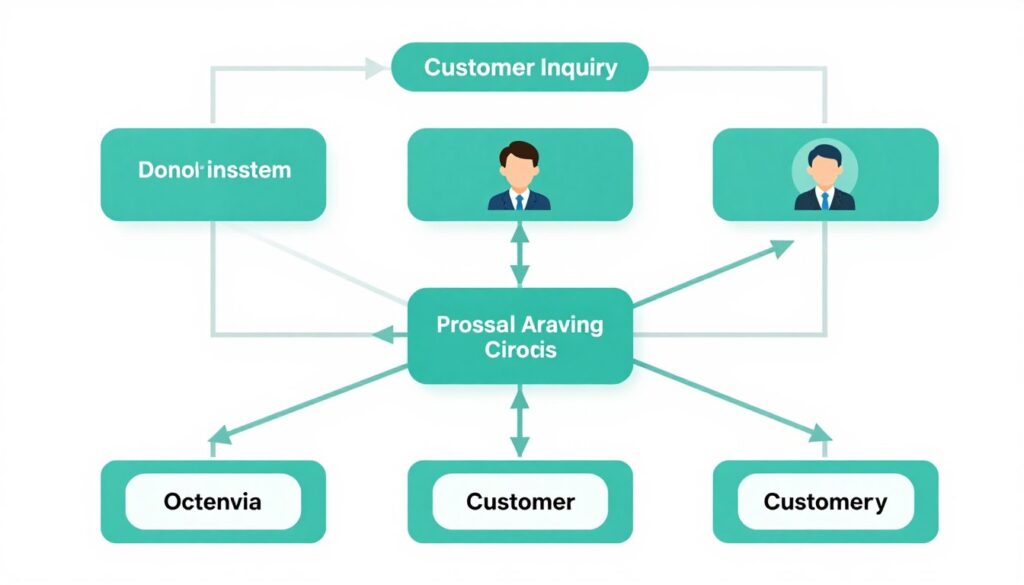
Conversational Support Agent provides AI-powered customer service across multiple channels including email, chat, social media, and messaging apps. Released August 13, this platform handles routine inquiries automatically while seamlessly escalating complex issues to human agents.
The agent understands customer intent even when questions are vaguely worded. It accesses order history, account information, and knowledge base articles to provide accurate responses. Customers receive help faster without waiting for available human agents.
Intelligent Support Features
- Multi-channel support handling email, chat, and social simultaneously
- Intent recognition that understands what customers actually need
- Automatic information retrieval from CRM and order systems
- Personalized responses based on customer history and preferences
- Sentiment analysis that detects frustrated customers needing immediate help
- Smart escalation to human agents with full conversation context
- Continuous learning from human agent corrections
The platform trains on your existing support tickets, help documentation, and product information. This domain-specific training ensures responses align with your brand voice and accurately reflect your products and policies.
Integration with CRM systems, order management platforms, and billing systems gives the agent complete customer context. It references past purchases when helping with returns. It checks subscription status when handling billing inquiries. This contextual awareness makes interactions feel personalized rather than robotic.
Human-AI Collaboration
The agent works alongside human support teams rather than replacing them. It handles straightforward inquiries automatically. Complex issues escalate to humans with comprehensive context about previous conversation. Human agents spend time on situations requiring empathy and judgment instead of answering repetitive questions.
Agent performance improves continuously through feedback loops. Human agents review and correct AI responses. The system learns from these corrections to improve future interactions. Over time, the agent handles increasingly complex inquiries independently.
Analytics dashboards show which topics the agent handles successfully and which require human intervention. This data guides knowledge base improvements and agent training priorities. Support managers track resolution times, customer satisfaction, and automation rates.
Pricing follows conversation volume. Plans supporting up to five hundred monthly conversations cost eighty-nine dollars. Mid-volume plans with up to five thousand conversations cost two hundred forty-nine dollars. High-volume enterprise plans require custom pricing based on expected conversation volume.
Research and Knowledge Management Tools
Research and knowledge work consume significant professional time. The new AI tools released this week help individuals and teams discover information, synthesize insights, and organize knowledge more effectively.
Information overload represents one of modern work’s biggest challenges. These platforms apply AI to filter signal from noise, connect related concepts, and surface relevant knowledge at the right moment.
Deep Research Assistant
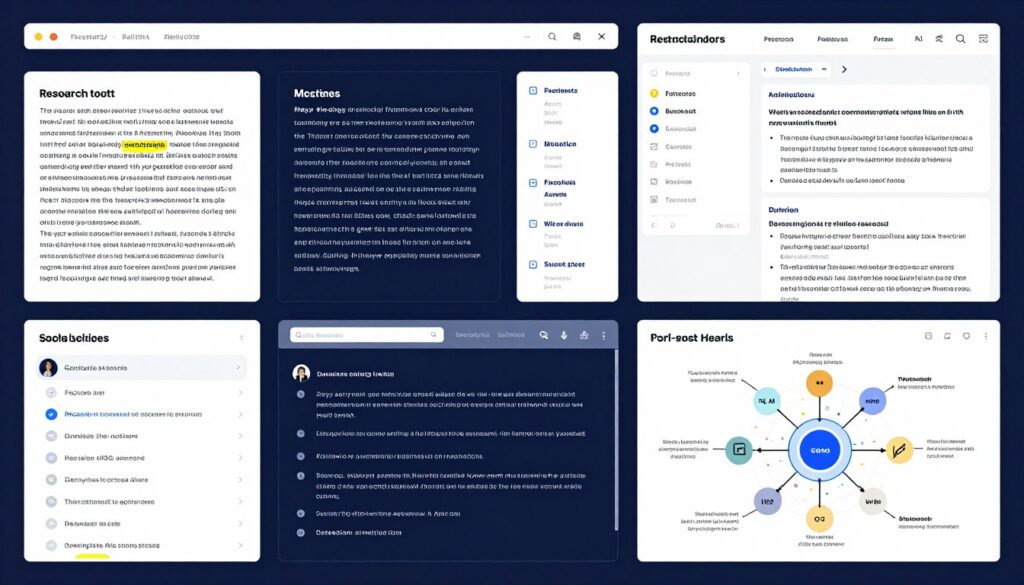
Deep Research Assistant transforms how professionals conduct research and gather information. Released August 14, this platform uses AI to search multiple sources, synthesize findings, and generate comprehensive research reports.
Traditional research involves manually searching, reading, and synthesizing information from many sources. This process consumes hours or days. Deep Research Assistant completes initial research in minutes while maintaining quality and accuracy.
Research Automation Features
- Multi-source search across academic papers, news, websites, and databases
- Intelligent synthesis that identifies key themes across sources
- Automatic citation generation in multiple academic formats
- Fact-checking with source verification and credibility assessment
- Research report generation with customizable structure and depth
- Related topic discovery that expands research scope appropriately
- Collaboration features for team research projects
The platform accesses diverse information sources including academic databases, news archives, company websites, government data, and specialized industry publications. This comprehensive coverage ensures research captures multiple perspectives on any topic.
AI synthesis goes beyond summarizing individual sources. The system identifies connections between concepts across different materials. It recognizes contradictions in the literature. It highlights gaps where sources disagree or information remains unclear.
Research Quality and Verification
Source credibility assessment helps researchers evaluate information quality. The AI analyzes author credentials, publication reputation, citation frequency, and potential bias. This guidance helps distinguish reliable sources from questionable ones.
Generated research reports include full citations linking to original sources. Researchers verify AI findings by reviewing source materials directly. This transparency maintains academic integrity while accelerating research processes.
The platform saves research projects in organized workspaces. Related research queries group together. Teams collaborate on shared research projects with automatic conflict resolution when multiple people work simultaneously.
Benefits
- Reduces research time by sixty to seventy percent
- Discovers sources humans might overlook
- Maintains comprehensive citation tracking automatically
- Identifies contradictions and gaps in literature
Considerations
- Still requires human verification of findings
- Most effective for informational research versus highly specialized technical topics
- Access to some sources requires separate subscriptions
Individual researchers pay forty-nine dollars monthly for unlimited research projects. Team plans supporting up to ten researchers cost one hundred twenty-nine dollars. Academic and enterprise plans with expanded source access and custom features require consultation for pricing.
Knowledge Graph Builder
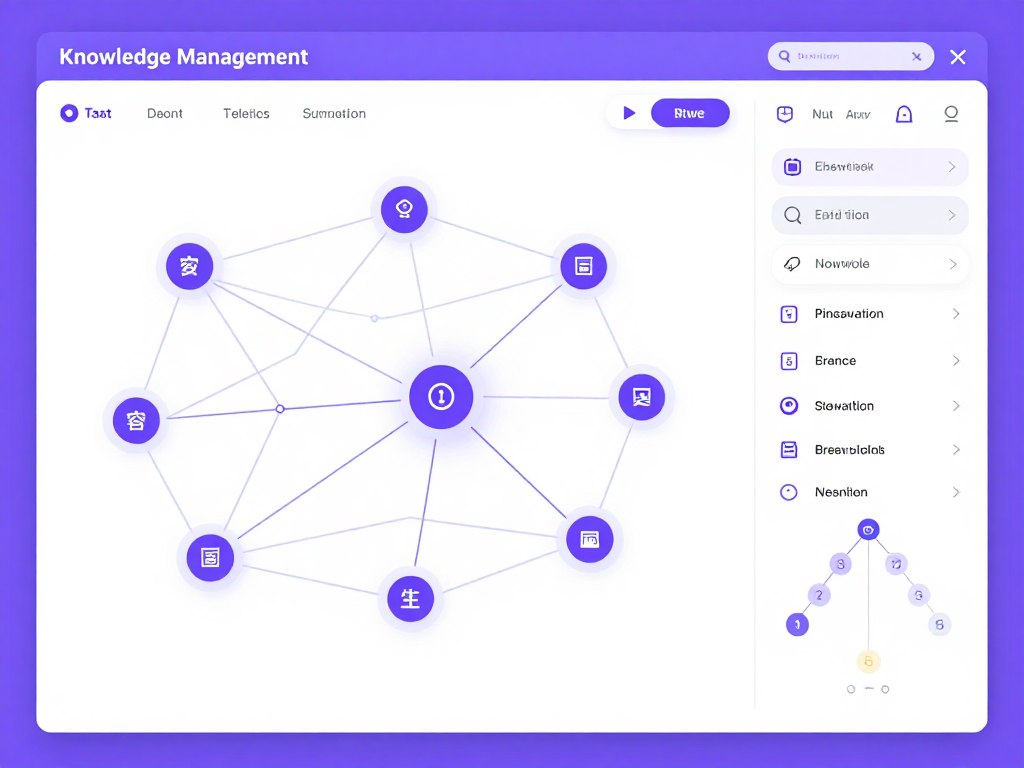
Knowledge Graph Builder helps organizations capture and organize institutional knowledge. Released August 15, this platform automatically creates knowledge graphs from documents, conversations, and other information sources.
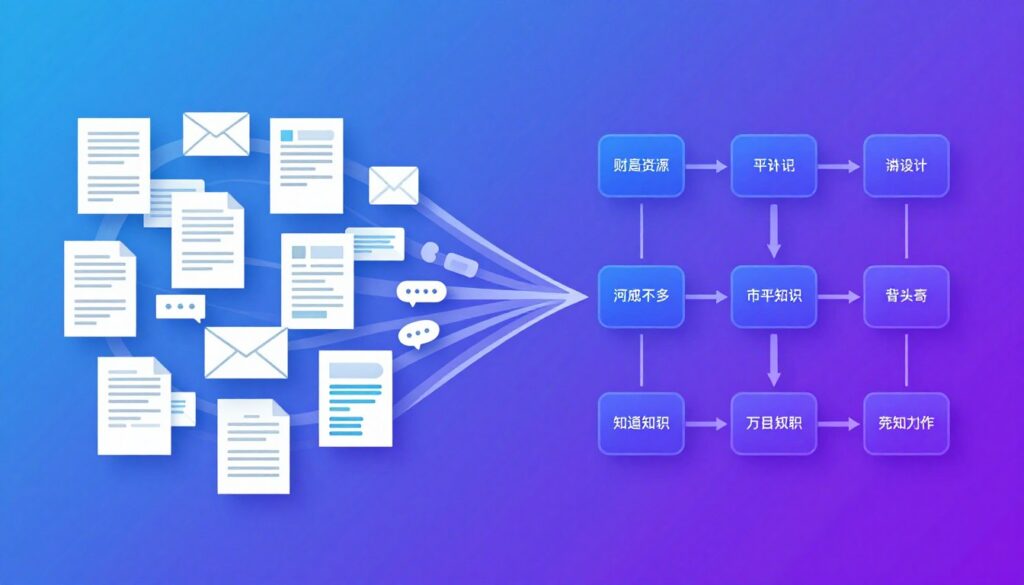
Organizations accumulate vast amounts of information scattered across documents, emails, chat logs, and individual memories. Knowledge Graph Builder consolidates this information into connected knowledge base that reveals relationships and patterns.
Knowledge Capture and Organization
- Automatic knowledge extraction from documents and conversations
- Concept identification and entity recognition across all content
- Relationship mapping showing how concepts connect
- Dynamic knowledge graph visualization with interactive exploration
- Intelligent search that understands semantic meaning not just keywords
- Automatic content categorization and tagging
- Version tracking showing how knowledge evolves over time
The platform analyzes uploaded documents to identify key concepts, entities, and relationships. It recognizes that different documents discuss the same topics using varied terminology. The knowledge graph connects related information regardless of how it’s expressed.
Natural language search allows asking questions rather than keyword matching. The AI understands question intent and surfaces relevant information even when exact terms don’t appear. This makes finding information intuitive rather than requiring specialized search skills.
Organizational Knowledge Management
Teams contribute to organizational knowledge bases through normal work activities. The system monitors designated channels and documents for new information worth capturing. This passive knowledge collection reduces friction compared to requiring manual knowledge base updates.
Access controls ensure sensitive information remains protected. Administrators define which users can view different knowledge domains. The system automatically applies these restrictions in search results and graph visualizations.
Knowledge gaps become visible through graph analysis. The AI identifies topics with insufficient documentation or areas where information contradicts across sources. These insights guide knowledge creation priorities.
Pricing depends on knowledge base size. Small knowledge bases up to ten thousand documents cost seventy-nine dollars monthly. Medium bases up to one hundred thousand documents cost one hundred ninety-nine dollars. Large enterprise deployments require custom pricing based on scale and requirements.
Specialized AI Tools for Specific Industries
Beyond general productivity tools, this week brought industry-specific AI solutions addressing unique challenges in healthcare, finance, and legal sectors. These specialized platforms demonstrate AI’s expanding reach into domain-specific applications.
Industry-specific tools require deep understanding of sector regulations, terminology, and workflows. The platforms launching this week were developed in collaboration with industry experts to ensure they meet specialized requirements.
Clinical Documentation Assistant
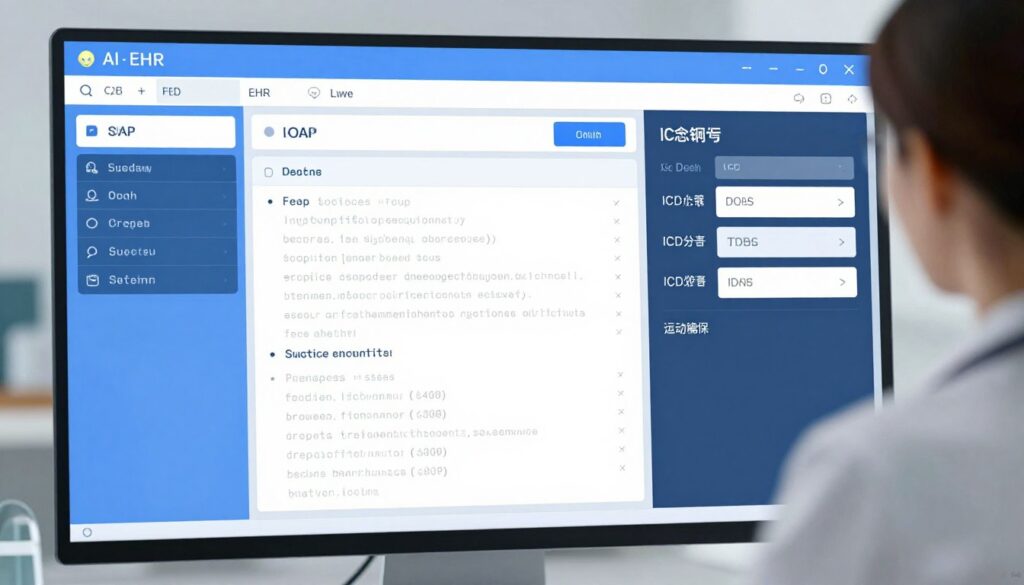
Clinical Documentation Assistant helps healthcare providers streamline medical documentation. Released August 16, this HIPAA-compliant platform generates comprehensive patient notes from brief physician inputs and ambient listening during appointments.
Physicians spend hours daily on documentation rather than patient care. This tool captures clinical information and generates structured notes meeting billing and regulatory requirements. Doctors review and approve AI-generated documentation saving significant time.
Healthcare-Specific Features
- Ambient listening during patient visits with automatic transcription
- SOAP note generation following medical documentation standards
- ICD-10 and CPT coding suggestions for billing accuracy
- Clinical terminology recognition and standardization
- Integration with major EHR systems for seamless workflows
- Quality assurance checking for documentation completeness
- Compliance monitoring ensuring regulatory adherence
The platform underwent extensive training on medical terminology, clinical workflows, and documentation requirements. It understands medical jargon and abbreviations common in healthcare settings. This specialized knowledge ensures generated documentation meets professional standards.
Privacy and security receive top priority. The system maintains HIPAA compliance with encrypted data transmission, access logging, and strict data retention policies. Healthcare organizations control all patient information with no third-party data sharing.
Clinical Workflow Integration
The assistant integrates with existing EHR systems through standard healthcare interoperability protocols. Documentation flows directly into patient records without manual copying. This eliminates double-entry while maintaining complete medical records.
Physicians customize documentation templates to match their practice style. The AI learns individual preferences for note structure and detail level. This personalization makes generated notes feel authentically written by each provider.
Quality metrics track documentation completion rates, coding accuracy, and time savings. Healthcare administrators use this data to demonstrate ROI and optimize clinical workflows. The system identifies opportunities for further efficiency improvements.
Clinical Benefits
- Reduces documentation time by forty to fifty percent
- Improves billing accuracy through better coding
- Allows physicians to focus on patient care
- Maintains comprehensive documentation for legal protection
Implementation Requirements
- Requires physician review and approval of all documentation
- Initial training period for AI to learn practice patterns
- Integration complexity varies by EHR system
Pricing structures around physician count. Small practices with up to three physicians pay two hundred forty-nine dollars monthly. Mid-size practices cost four hundred ninety-nine dollars. Large healthcare organizations require enterprise pricing discussions based on scale and specific requirements.

Implementation Best Practices for New AI Tools
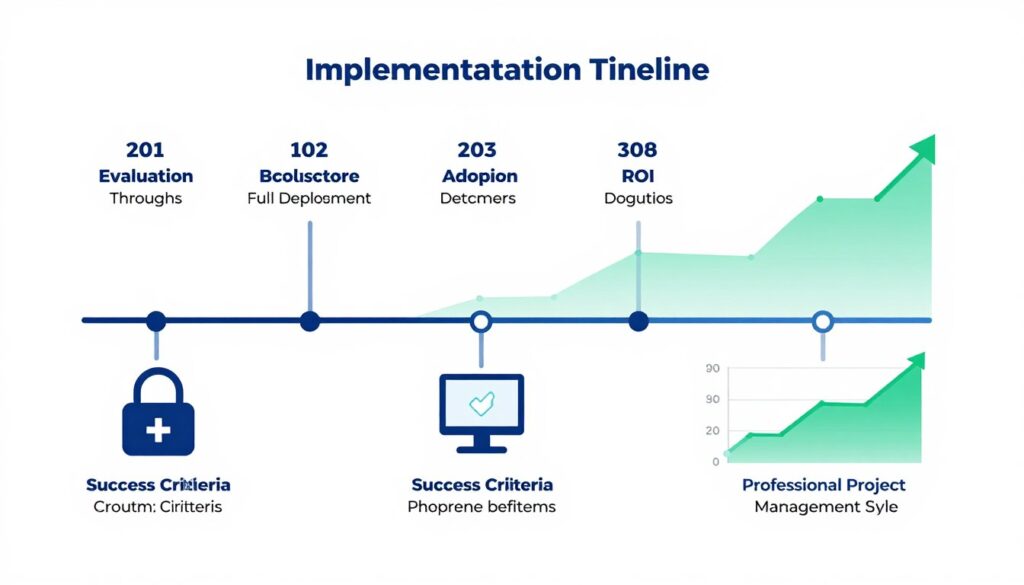
Successfully adopting new AI tools requires thoughtful implementation beyond simply signing up for accounts. Organizations that follow structured rollout processes realize value faster while avoiding common pitfalls.
The most effective implementations balance enthusiasm for innovation with pragmatic change management. Teams need time to adapt to new workflows. Clear success metrics help demonstrate value to stakeholders.
Evaluation and Selection Process
Begin by clearly defining problems you want to solve. Generic goals like “improve productivity” lack specificity needed for effective tool selection. Instead, identify concrete pain points such as “reduce time spent in status meetings” or “accelerate customer inquiry response times.”
Evaluate multiple tools addressing your specific needs. Most platforms offer free trials allowing hands-on testing. Involve actual end users in evaluation rather than relying solely on management perspectives. People who use tools daily often identify deal-breakers that demos don’t reveal.
Consider integration requirements carefully. Tools that don’t connect with your existing technology stack create data silos and force manual workarounds. Prioritize platforms with robust APIs and pre-built integrations for your current business apps.
Pilot Programs and Phased Rollout
Start with limited pilot programs rather than organization-wide deployment. Select a small team or department to test tools in real working conditions. This controlled environment allows identifying issues before broad rollout.
Define clear pilot success criteria before beginning. Establish baseline metrics for current performance. Measure the same metrics after sufficient pilot duration. Quantitative data demonstrates value more convincingly than anecdotal feedback.
Gather qualitative feedback from pilot participants. What worked well? What caused friction? What additional training would help? This user perspective guides adjustments before wider deployment.
Training and Change Management
Invest in comprehensive user training beyond basic product tutorials. Help teams understand not just how to use tools but why these changes benefit them personally. People resist change when value propositions remain unclear.
Identify champions within each team who embrace new tools enthusiastically. These advocates provide peer support more effectively than top-down mandates. Champions help colleagues overcome initial learning curves.
Expect productivity to dip temporarily during initial adoption. Learning new tools takes time away from productive work. Budget for this transition period rather than expecting immediate efficiency gains.
Common Implementation Mistakes
- Skipping pilot programs and deploying organization-wide immediately
- Inadequate training leading to underutilization of features
- Choosing tools based on features rather than actual needs
- Ignoring integration requirements with existing systems
- Failing to establish clear success metrics
- Implementing too many new tools simultaneously
- Neglecting change management and user adoption efforts
Success Factors
- Clear problem definition before tool selection
- Hands-on evaluation by actual end users
- Phased rollout with defined pilot programs
- Comprehensive training and ongoing support
- Executive sponsorship and visible commitment
- Regular feedback collection and iteration
- Quantitative measurement of business impact
Measuring ROI and Business Impact
Track quantitative metrics that demonstrate value. Time savings, cost reductions, and productivity improvements provide concrete ROI calculations. Compare current performance against pre-implementation baselines.
Monitor adoption rates to ensure tools actually get used. Low adoption indicates training gaps, poor user experience, or misalignment between tool capabilities and actual needs. High adoption without productivity gains suggests the tool doesn’t effectively solve targeted problems.
Conduct regular reviews to assess ongoing value. AI tools evolve rapidly with new features and capabilities. Periodic reassessment ensures you leverage latest capabilities and identifies opportunities for expanded use cases.
Future Trends in AI Tools Development
The tools launched this week hint at broader trends shaping AI product development. Understanding these directions helps organizations prepare for upcoming innovations and make strategic technology decisions.
AI tools increasingly integrate with each other rather than operating as isolated solutions. The next generation emphasizes seamless data flow between specialized tools creating comprehensive AI-powered work environments.
Multi-Agent Collaboration Systems
Future AI tools will feature multiple specialized agents working together. Instead of single AI assistant handling all tasks, different agents will manage specific domains while coordinating with each other. Project management agent will collaborate with content creation agent which coordinates with data analysis agent.
This multi-agent architecture mirrors how human teams operate. Each agent develops deep expertise in narrow domains. Agents communicate to complete complex workflows requiring diverse skills. The orchestration layer manages agent coordination ensuring smooth handoffs.
Adaptive Learning and Personalization
AI tools will continuously learn from individual user behavior to provide increasingly personalized experiences. Rather than offering same features to everyone, tools will adapt interfaces, recommendations, and automation based on how each person works.
Personalization extends beyond simple preference settings. Tools will recognize work patterns and proactively suggest optimizations. They’ll learn which information each person needs and when. This adaptive intelligence makes tools feel custom-built for individual workflows.
Ambient Intelligence and Proactive Assistance
Next-generation tools will operate more proactively rather than waiting for explicit commands. Ambient intelligence monitors context continuously and intervenes when helpful. The AI notices when you’re working on a proposal and surfaces relevant past examples automatically.
Proactive assistance requires understanding broader context beyond immediate tasks. Tools will connect information across projects, recognize patterns in how you work, and anticipate needs before you explicitly request help. This creates truly intelligent assistance versus reactive command execution.
Near-Term Evolution (6-12 Months)
- Deeper integration between complementary tools
- Improved natural language understanding
- More accurate domain-specific models
- Enhanced privacy and security features
- Better mobile experiences for AI tools
Medium-Term Advances (1-2 Years)
- Multi-modal AI processing text, images, video together
- Autonomous agent systems handling complex workflows
- Personalized AI models trained on individual data
- Real-time collaboration between AI agents
- Advanced reasoning capabilities for complex problems
Long-Term Vision (2-5 Years)
- Fully autonomous AI team members
- Seamless human-AI collaboration
- Predictive intelligence anticipating needs
- Unified AI platforms replacing tool fragmentation
- AI-driven business process optimization
Privacy-Preserving AI Technologies
Growing privacy concerns drive development of AI tools that deliver intelligence without compromising data security. Federated learning allows training models on distributed data without centralizing sensitive information. Differential privacy techniques ensure individual data points remain protected in aggregate analysis.
Organizations increasingly demand on-premise or private cloud deployment options for AI tools. Vendors respond with architectures that process sensitive data locally while leveraging cloud resources for less sensitive operations. This hybrid approach balances security requirements with AI capability needs.

Staying Current with AI Innovation
The seventeen AI tools covered in this roundup represent just one week of innovation in this rapidly evolving field. New platforms launch daily addressing emerging needs and improving on existing solutions.
Staying informed about AI developments provides competitive advantage. Early adopters of effective tools establish operational efficiencies that compound over time. Organizations that wait risk falling behind competitors who leverage AI capabilities first.
The tools released in August 2026 demonstrate AI’s maturation from experimental technology to reliable business software. These platforms solve real problems with measurable impact. They integrate seamlessly with existing workflows rather than requiring complete process redesigns.
Implementation remains crucial for realizing AI tool benefits. The most sophisticated platform delivers zero value if teams don’t adopt it effectively. Successful organizations pair cutting-edge tools with thoughtful change management ensuring technology serves people rather than creating new burdens.
Never Miss Next Week’s AI Breakthroughs
This comprehensive weekly roundup arrives in your inbox every Monday morning. Discover new tools before your competitors. Access exclusive beta invitations. Receive detailed implementation guides. Join 50,000+ professionals who trust our AI tools coverage.
Key Takeaways from This Week
- Project management AI tools now predict risks and optimize resources proactively rather than just tracking tasks
- Content creation platforms finally match brand voice authentically through advanced training on organizational content
- Data analysis tools democratize sophisticated analytics through natural language interfaces accessible to non-technical users
- Meeting productivity platforms transform discussions into organized action items automatically reducing post-meeting coordination time
- Workflow automation becomes accessible to business users without coding through visual builders and AI assistance
- Customer service AI agents handle complex inquiries with empathy approaching human performance levels
- Research tools accelerate information gathering and synthesis by sixty to seventy percent while maintaining quality
- Industry-specific platforms demonstrate AI’s expansion into specialized domains with deep contextual understanding
The AI tools landscape will continue evolving at breakneck pace. Platforms launched this week will receive updates adding capabilities we haven’t imagined. Entirely new categories will emerge addressing problems we currently accept as unchangeable.
Organizations that establish processes for continuously evaluating and adopting beneficial AI tools position themselves for sustained success. This requires balancing innovation enthusiasm with pragmatic assessment of business needs and implementation realities.
The future belongs to teams that effectively collaborate with AI augmentation. These tools amplify human capabilities rather than replacing them. The most successful professionals will be those who learn to direct AI tools toward high-value work while automating repetitive tasks.










Comments are closed