
The landscape of content creation has transformed dramatically. What once demanded hours of manual effort now requires just minutes with the right AI tools for content creators.
As we navigate 2026, artificial intelligence has become the cornerstone of efficient content production. Creators who embrace these technologies save an average of 15 hours weekly while producing higher-quality work.
This comprehensive guide examines the most powerful AI tools revolutionizing content creation this year. Whether you’re managing social media accounts, producing video content, or crafting written content, you’ll discover platforms that dramatically enhance your productivity.
From free plan options to enterprise solutions, we’ve analyzed tools across every category. You’ll learn which platforms deliver the best value, easiest learning curve, and most impressive results for your specific use cases.
Ready to 10x Your Content Productivity?
Explore 15+ cutting-edge AI tools designed specifically for content creators in 2026. Each tool has been tested and reviewed for real-world performance.
AI Writing Tools: Creating Exceptional Written Content Faster
Written content remains the foundation of most content strategy efforts. Modern AI writing tools have evolved far beyond simple text generation.
These platforms now understand context, maintain brand voice, and produce content that resonates with your target audience. The best tools eliminate filler words and create engaging narratives that hold reader attention.
Jasper AI: The Industry-Leading Writing Assistant
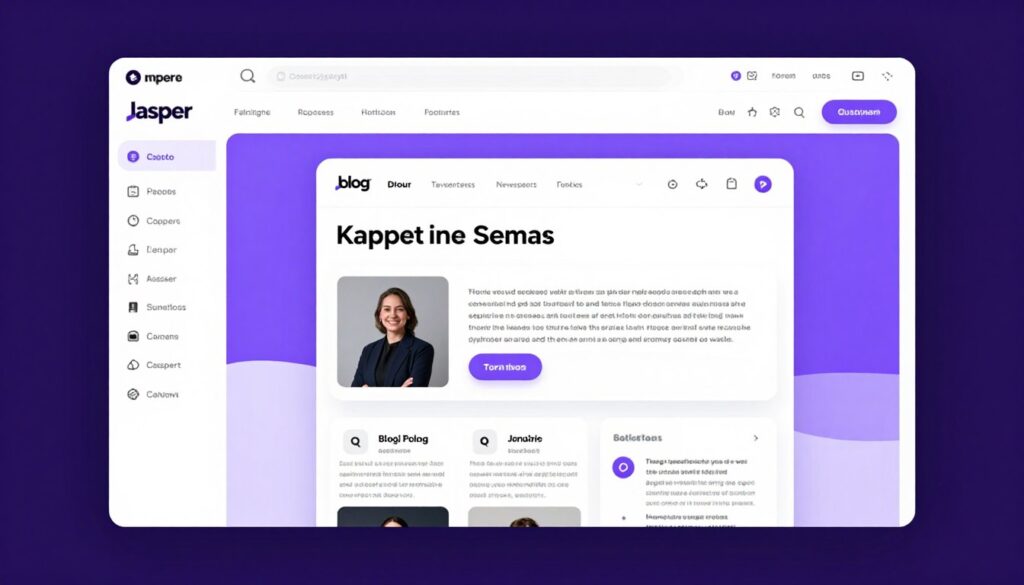
Jasper AI dominates the writing tool market with its sophisticated language models and extensive template library. The platform excels at maintaining consistent brand voice across all your content.
The tool offers over 50 templates for various content types. Blog posts, social media updates, product descriptions, and email campaigns all benefit from Jasper’s intelligence.
Key Features
- Boss Mode for long-form content creation
- 50+ content templates and frameworks
- Brand voice customization and memory
- SEO optimization suggestions built-in
- Multi-language support for 25+ languages
- Plagiarism checker integration
- Chrome extension for writing anywhere
Pricing Structure
- Creator Plan: $39 per month for individuals
- Teams Plan: $99 per month for collaboration
- Business Plan: Custom pricing for enterprises
- 7-day free trial available
- No free version offered
- Annual billing saves 20 percent
Advantages
- Exceptional output quality with minimal editing
- Extensive template library saves time
- Strong brand voice consistency
- Regular updates with new features
- Excellent customer support resources
Disadvantages
- Higher price point than competitors
- Learning curve for advanced features
- No free plan option available
- Output quality varies by template
Transform Your Writing Process Today
Start your 7-day free trial of Jasper AI and experience professional-grade content creation. No credit card required to begin.
Copy.ai: Budget-Friendly Content Generation
Copy.ai delivers impressive results at a fraction of competitor pricing. The platform focuses on short-form content excellence, making it ideal for social media managers and marketing teams.
The free version provides generous access to core features. This makes Copy.ai an excellent starting point for content creators exploring AI-generated content options.
The platform shines in creating compelling ad copy, product descriptions, and social media posts. Marketing teams appreciate the speed at which Copy.ai generates multiple variations for A/B testing.
Writesonic: Comprehensive Content Creation Platform
Writesonic combines writing assistance with additional features like image generation and chatbot functionality. This all-in-one approach appeals to content creators seeking consolidated tools.
The platform’s Chatsonic feature provides real-time information access, ensuring your content remains current and accurate. This capability sets Writesonic apart from competitors relying solely on static training data.
Best For
Writesonic excels for bloggers, e-commerce businesses, and agencies managing multiple client accounts.
- Multi-client content management
- E-commerce product descriptions
- SEO-optimized blog articles
- Social media content calendars
Pricing Options
Flexible plans accommodate different business needs and content volumes.
- Free trial: 10,000 words monthly
- Unlimited Plan: $20 per month
- Business Plan: $19 per month per user
- Enterprise: Custom solutions available
AI Video Creation Tools: Professional Content in Minutes
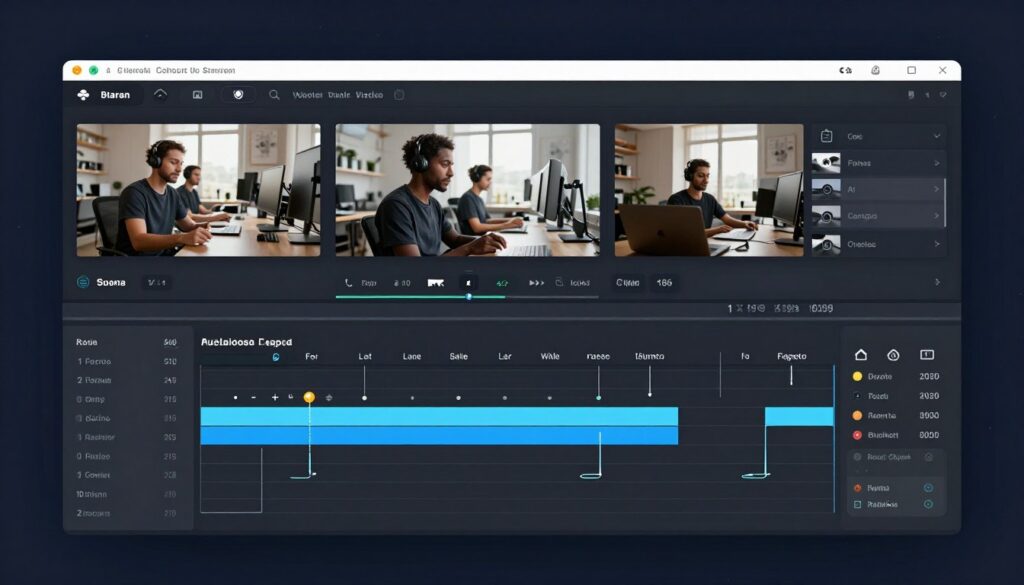
Video content dominates social media engagement metrics. AI-powered video tools democratize professional video production, eliminating the need for expensive equipment or extensive technical knowledge.
These platforms handle everything from script generation to final rendering. Content creators can produce broadcast-quality videos using just their smartphone and an AI video editing assistant.
Descript: Revolutionary Video Editing Through Text
Descript fundamentally reimagines video editing. Instead of manipulating timelines and clips, you edit video by editing its transcript. This text-based approach reduces the learning curve dramatically.
The platform’s Overdub feature creates a voice clone from your recordings. You can correct mistakes or add new content without re-recording entire segments. This saves countless hours in the editing process.
Studio Sound
Remove background noise, enhance voice clarity, and achieve studio-quality audio with one click. Your recordings sound professional regardless of recording environment.
Automatic Transcription
Industry-leading transcription accuracy converts speech to text instantly. Edit video by editing words, making the process intuitive and fast.
Screen Recording
Capture high-quality screen recordings with system audio and webcam overlay. Perfect for tutorials, presentations, and product demos.
Pro Tip: Descript’s free plan includes 1 hour of transcription monthly and unlimited video exports at 720p resolution. This provides substantial value for creators testing the platform.
Edit Video Like a Document
Experience the future of video editing with Descript’s text-based approach. Start creating professional videos in minutes, not hours.
Synthesia: AI Avatar Video Generation
Synthesia eliminates the need for cameras, microphones, or actors. The platform generates professional videos featuring realistic AI avatars that deliver your script naturally.
This tool particularly benefits businesses creating training videos, product explanations, or multilingual content. A single script becomes dozens of localized videos with different avatars and languages.
The platform supports 120+ languages and accents. This global reach makes Synthesia invaluable for international marketing campaigns and educational content.
| Plan Type | Monthly Price | Video Minutes | Avatar Options | Best For |
| Starter | $30 | 10 minutes | 90+ stock avatars | Solo creators testing AI video |
| Creator | $89 | 30 minutes | Stock + 1 custom avatar | Regular video producers |
| Enterprise | Custom | Unlimited | Multiple custom avatars | Large teams and agencies |
Runway ML: Advanced Video Editing AI
Runway ML brings cutting-edge AI research to practical video editing tasks. The platform offers features like background removal, object tracking, and style transfer that previously required specialized software and expertise.
Content creators use Runway for tasks ranging from simple background replacements to complex visual effects. The AI understands video context and maintains consistency across frames automatically.
AI Tools for Social Media Management and Content
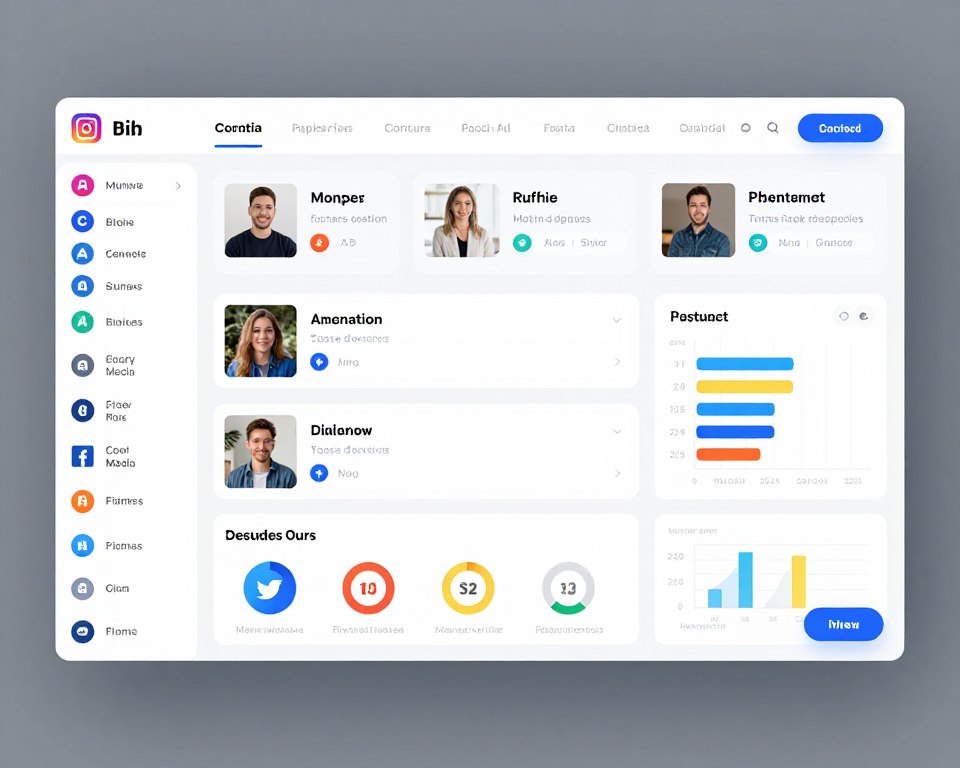
Social media demands consistent, engaging content across multiple platforms. AI tools streamline this process by generating platform-specific content, optimizing posting times, and analyzing performance metrics.
The best platforms understand each social network’s unique requirements. They adapt content length, format, and tone automatically for Instagram, LinkedIn, Twitter, and other channels.
Buffer AI Assistant: Smart Scheduling and Content Ideas
Buffer integrates AI capabilities into its established social media management platform. The AI Assistant helps generate post ideas, repurpose content, and optimize engagement timing.
The tool analyzes your past performance to suggest optimal posting schedules. It identifies which content types resonate most with your audience on each platform.
- Automatic post scheduling based on engagement patterns
- Content idea generation from trending topics
- Hashtag suggestions optimized for reach
- Performance analytics with AI insights
- Team collaboration features for agencies
- Instagram, Facebook, Twitter, LinkedIn support
- Browser extension for quick content sharing
- Free plan supports 3 social channels
Buffer’s free plan provides excellent value for individual creators. You can manage three social channels with scheduled posting, basic analytics, and the AI Assistant features.
Simplify Your Social Media Strategy
Join over 140,000 businesses using Buffer to save time and grow their social media presence. Start with the free plan today.
Canva Magic Write: Design and Copy Combined
Canva’s Magic Write feature integrates AI writing directly into the design process. Create social media graphics while simultaneously generating captions, headlines, and descriptions.
This seamless integration eliminates switching between tools. Design your post and write your copy in one unified workflow, saving significant time in content production.
Canva Pro members get unlimited Magic Write usage. The free version allows 25 queries monthly, sufficient for casual social media creators testing the feature.
Lately AI: Content Repurposing Powerhouse
Lately transforms long-form content into dozens of social media posts automatically. Upload a blog article, podcast episode, or video, and Lately generates platform-specific content variations.
The AI learns your brand voice over time. It identifies which phrases and concepts generate the most engagement, then prioritizes similar language in future posts.
This learning capability makes Lately increasingly effective the longer you use it. The platform becomes a personalized content assistant that understands your brand and audience intimately.
Marketing teams appreciate how Lately maximizes content ROI. One quality blog post becomes weeks of social media content without manual effort.
AI Image Generation and Design Tools

Visual content drives engagement across all platforms. AI image generation tools enable content creators to produce custom graphics, illustrations, and photographs without traditional design skills.
These platforms understand natural language prompts. Describe what you want, and the AI generates multiple variations within seconds. This democratizes professional design for every content creator.
Midjourney: Artistic Excellence in AI Generation
Midjourney produces stunning, artistic images that often surpass competitor outputs in aesthetic quality. The platform excels at creative interpretations and artistic styles.
Content creators use Midjourney for blog headers, social media graphics, concept art, and unique visual elements. The images generated feel crafted rather than computational.
Strengths
- Superior artistic quality and aesthetic appeal
- Strong understanding of artistic styles and movements
- Active community sharing prompts and techniques
- Consistent updates improving capabilities
- Excellent for marketing and brand visuals
- Multiple aspect ratio support
Limitations
- No free version available currently
- Requires Discord for access and generation
- Learning curve for prompt engineering
- Limited text rendering in images
- Monthly subscription required
The Basic Plan costs $10 per month for approximately 200 image generations. This provides substantial creative capacity for regular content creators.
DALL-E 3: Precision and Photorealism
DALL-E 3, integrated into ChatGPT Plus and Microsoft services, delivers photorealistic images with excellent prompt understanding. The latest version significantly improved text rendering and compositional accuracy.
The tool excels at complex scene compositions. You can specify multiple elements, their relationships, and precise details, and DALL-E 3 typically delivers accurate results.
Photorealistic Rendering
Generate images indistinguishable from professional photography. Perfect for product mockups, marketing materials, and realistic scenes.
Text Integration
Industry-leading ability to render readable text within images. Create graphics with headlines, labels, and captions that display correctly.
Safety Controls
Built-in content filters ensure brand-safe outputs. Reduce concerns about inappropriate or copyright-infringing generations.
Access DALL-E 3 through ChatGPT Plus ($20 monthly) or Microsoft Copilot. Both provide unlimited generations within reasonable usage limits.
Adobe Firefly: Commercial-Safe AI Art
Adobe Firefly addresses a critical concern for content creators: commercial licensing. The AI trains exclusively on Adobe Stock images and public domain content, ensuring generated images are safe for commercial use.
Integration with Adobe Creative Cloud applications makes Firefly particularly powerful. Generate images directly within Photoshop, Illustrator, and Express without workflow disruption.
Commercial Use Confidence: Adobe provides legal indemnification for Firefly-generated content used commercially. This protection gives businesses peace of mind regarding copyright concerns.
The free plan includes 25 monthly generative credits. Paid Creative Cloud subscriptions provide higher limits integrated across Adobe’s ecosystem.
Create Commercially Safe AI Images
Generate stunning visuals with legal peace of mind. Adobe Firefly offers commercial licensing protection other platforms cannot match.
AI Voice and Audio Production Tools
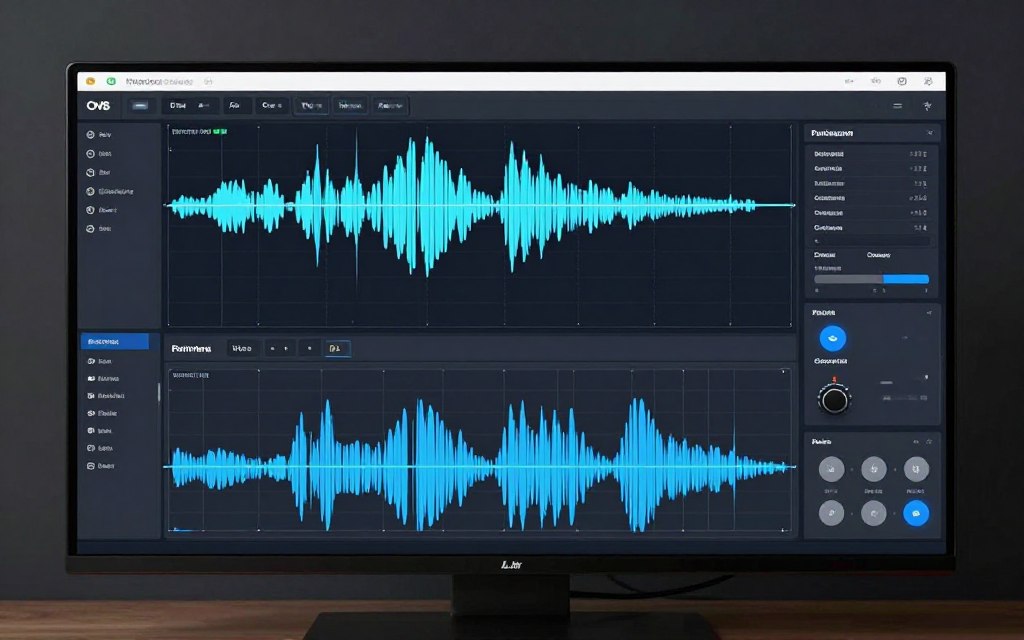
Audio content continues growing through podcasts, audiobooks, and voice-enabled platforms. AI audio tools handle everything from voice generation to professional mixing.
These platforms eliminate expensive studio time and specialized equipment. Content creators produce broadcast-quality audio from home offices using AI-powered processing.
ElevenLabs: Hyper-Realistic Voice Synthesis
ElevenLabs generates the most natural-sounding AI voices currently available. The platform’s voice cloning creates custom voices from short audio samples.
Content creators use ElevenLabs for audiobook narration, podcast intros, video voiceovers, and accessibility features. The voices convey emotion and natural speech patterns convincingly.
Voice Library Features
- 100+ pre-made voices across accents
- Custom voice cloning from samples
- Emotion and emphasis control
- Multi-language support expanding weekly
- Commercial usage rights included
- API access for integration
Pricing Tiers
- Free: 10,000 characters monthly
- Starter: $5 for 30,000 characters
- Creator: $22 for 100,000 characters
- Pro: $99 for 500,000 characters
- Scale: Custom enterprise pricing
- Voice cloning on paid plans
The free version lets you test voice quality extensively. This trial period helps determine if ElevenLabs fits your specific voice content needs.
Descript Overdub: Your Voice, Unlimited Takes
Overdub creates a voice clone specifically for editing your own recordings. Make corrections, add sentences, or change wording without re-recording entire segments.
This feature transforms podcast and video editing. Fix mistakes discovered in post-production by typing corrections rather than scheduling additional recording sessions.
The technology requires initial voice training using provided scripts. After this setup, your AI voice clone integrates seamlessly into editing workflows.
Adobe Podcast AI: Professional Audio Enhancement
Adobe Podcast AI uses machine learning to transform amateur recordings into studio-quality audio. The platform removes background noise, enhances voice clarity, and balances audio levels automatically.
The free web app provides unlimited audio enhancement. Simply upload your recording, and Adobe’s AI processes it within minutes.
Time Savings: Content creators report Adobe Podcast AI reduces audio editing time by 80 percent. What previously required an hour of manual editing now takes just minutes.
AI Research and SEO Optimization Tools
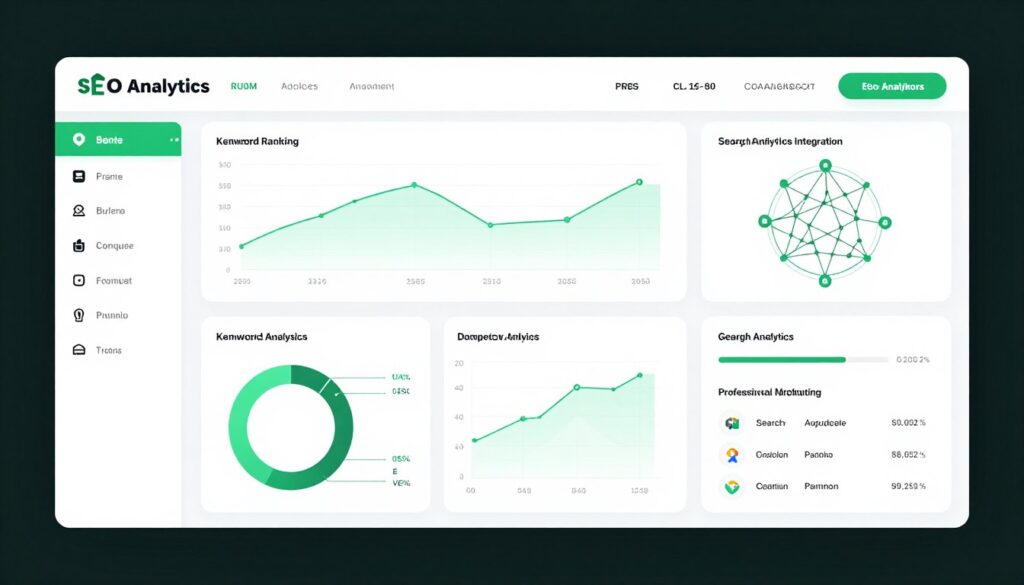
Effective content requires research and optimization. AI-powered SEO tools analyze search trends, identify opportunities, and optimize content for maximum visibility.
These platforms combine traditional SEO capabilities with AI-driven insights. They predict trending topics, analyze competitor strategies, and suggest content improvements automatically.
Surfer SEO: Data-Driven Content Optimization
Surfer SEO analyzes top-ranking pages for your target keywords and provides specific optimization recommendations. The platform guides content structure, keyword usage, and topical coverage.
The Content Editor scores your writing in real-time. As you write, Surfer indicates how well your content matches ranking factors for your target search terms.
Integration with Google Docs and WordPress streamlines the optimization process. Write and optimize simultaneously without switching between applications.
Rank Higher with Data-Backed Content
Surfer SEO helps your content outrank competitors by analyzing hundreds of ranking factors. Start optimizing today with a 7-day money-back guarantee.
Frase IO: AI Research Assistant
Frase automates content research by analyzing top-ranking pages and extracting relevant information. The platform identifies questions people ask, topics competitors cover, and content gaps you can exploit.
The AI can generate complete content briefs automatically. These briefs outline recommended structure, key topics, and optimization targets before you begin writing.
- Automatic SERP analysis for keywords
- Question research from forums and search
- Content brief generation with structure
- AI writing assistant for drafting
- Optimization scoring similar to Surfer
- Answer engine for quick research
- Competitor content comparison
- Team collaboration features
Pricing starts at $15 monthly for the basic Solo plan. This tier includes unlimited AI-powered search queries and basic optimization features.
MarketMuse: Enterprise Content Intelligence
MarketMuse provides comprehensive content strategy insights for serious publishers and enterprise teams. The platform analyzes your entire content inventory and identifies opportunities for improvement.
The AI evaluates topical authority across your website. It recommends new content to create and existing content to update for maximum search visibility.
| Feature | Capability | Business Impact |
| Content Inventory Analysis | Analyzes all existing content for gaps and opportunities | Identifies quick-win optimizations |
| Topic Modeling | Maps your topical authority against competitors | Guides strategic content planning |
| Competitive Intelligence | Monitors competitor content strategies | Reveals untapped opportunities |
| Content Briefs | Generates detailed optimization guidelines | Improves writer efficiency |
| ROI Tracking | Measures content performance and value | Proves content marketing ROI |
MarketMuse suits established content operations with significant publishing volume. The platform requires enterprise-level investment but delivers sophisticated strategic guidance.
AI Productivity and Workflow Automation
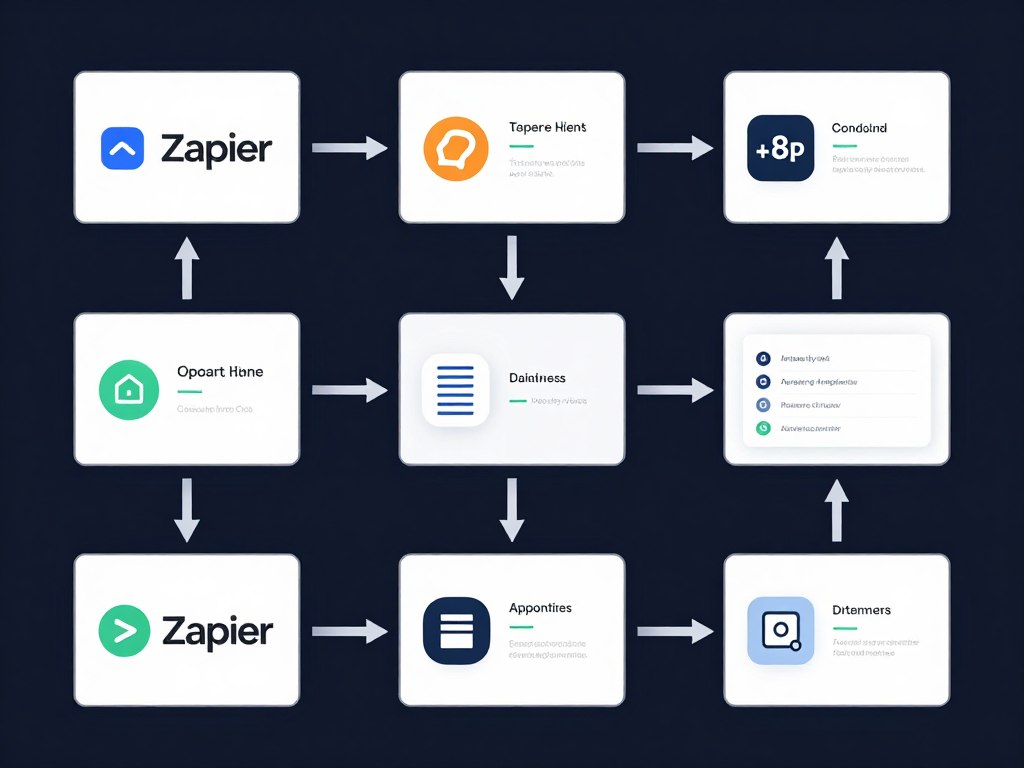
Beyond creating content, AI tools streamline workflows and automate repetitive tasks. These platforms connect your content creation apps and handle time-consuming processes automatically.
Smart automation frees creators to focus on strategy and creativity rather than manual data entry and routine tasks.
Notion AI: Intelligent Workspace Assistant
Notion AI integrates artificial intelligence directly into the popular workspace platform. The assistant helps with writing, summarizing, organizing information, and generating ideas without leaving your workspace.
The tool understands context from your existing Notion pages. It can summarize meeting notes, extract action items, or draft responses based on your knowledge base.
Core Capabilities
- Summarize long documents instantly
- Extract action items from meetings
- Continue writing in your style
- Translate content between languages
- Explain complex topics simply
- Generate tables and databases
- Brainstorm ideas for projects
- Fix spelling and grammar
Notion AI costs $10 monthly as an add-on to any Notion plan. The free Notion plan supports the AI add-on, making this accessible for individual creators.
The integration depth makes Notion AI particularly valuable. You’re not switching tools or copying content between applications. Everything happens within your existing workflow.
Zapier AI: Automation Without Coding
Zapier connects over 5,000 applications and automates workflows between them. Recent AI additions enable natural language automation creation. Describe what you want automated, and Zapier builds the workflow.
Content creators use Zapier to automate social media posting, organize research materials, backup content, and sync data between platforms. These automations run continuously without manual intervention.
Social Media Automation
Automatically share new blog posts across all social platforms. Zapier formats content appropriately for each network and schedules posts optimally.
Content Backup
Save all published content to cloud storage automatically. Create searchable archives of everything you produce across platforms.
Lead Management
Capture leads from content and add them to your CRM automatically. Trigger personalized email sequences based on content engagement.
The free plan supports 100 automated tasks monthly across five workflows. This provides substantial value for creators testing automation possibilities.
ChatGPT Plus: Your AI Content Assistant
ChatGPT needs no introduction, but the Plus subscription unlocks capabilities essential for content creators. Access to GPT-4, DALL-E 3, and advanced data analysis transforms ChatGPT into a comprehensive creation tool.
Content creators use ChatGPT for research, outlining, drafting, editing, repurposing, and brainstorming. The platform handles diverse content tasks across the entire creation process.
Advantages
- Access to most advanced GPT-4 model
- DALL-E 3 image generation included
- Custom GPTs for specialized tasks
- Browse internet for current information
- Analyze documents and data files
- Consistent $20 monthly pricing
- Faster response times during peak usage
Limitations
- Usage caps during high-demand periods
- Not specialized for specific industries
- Requires prompt engineering skills
- No free version for GPT-4 access
Upgrade Your AI Capabilities
ChatGPT Plus provides the most advanced AI models for just $20 monthly. Unlock GPT-4, image generation, and custom AI assistants today.
Specialized AI Tools for Niche Content Needs
Beyond general-purpose tools, specialized AI platforms address specific content creation challenges. These niche solutions often outperform generalist tools for particular use cases.
Murf AI: Professional Voiceover Production
Murf AI focuses exclusively on voice generation for professional applications. The platform offers superior voice quality and control compared to general-purpose voice tools.
Content creators producing e-learning courses, explainer videos, and audiobooks benefit from Murf’s extensive voice library and precise control options.
- 120+ voices in 20+ languages
- Pitch, speed, and emphasis controls
- Voice over video synchronization
- Collaboration features for teams
- Commercial usage rights included
- Voice cloning on enterprise plans
- API for automated workflows
- Free trial with limited generations
Pricing starts at $19 monthly for basic access. Professional creators appreciate the audio quality justifying the specialized subscription.
Pictory AI: Video Creation from Text
Pictory transforms blog posts and scripts into engaging videos automatically. The AI selects relevant stock footage, adds captions, and creates complete videos requiring minimal editing.
This tool particularly benefits bloggers wanting to repurpose written content into video format. One blog article becomes multiple social media videos without manual video editing.
Input Options
Pictory accepts multiple content formats as starting points for video creation.
- Article URLs convert to videos
- Plain text scripts work perfectly
- Existing videos for editing
- Zoom recordings for highlights
Output Features
Generated videos include professional elements automatically applied.
- Auto-generated captions and subtitles
- Relevant stock footage selection
- Background music options
- Brand customization options
Otter.ai: Transcription and Meeting Intelligence
Otter.ai provides real-time transcription for interviews, meetings, and podcasts. The AI identifies different speakers and creates searchable, editable transcripts automatically.
Content creators conducting interviews appreciate Otter’s accuracy and speaker identification. Podcast producers use it to generate show notes and episode transcripts effortlessly.
The free plan provides 600 minutes of monthly transcription. This generous allowance supports substantial content creation without immediate subscription requirements.
How to Select the Right AI Tools for Your Workflow
The abundance of AI tools creates decision paralysis. Strategic tool selection prevents subscription fatigue while maximizing productivity gains.
Assess Your Primary Content Types
Different creators need different tools. A video producer requires different capabilities than a blogger or social media manager.
Video-Focused Creators
Prioritize video editing, voice generation, and script assistance tools.
- Descript for editing efficiency
- ElevenLabs for voiceovers
- ChatGPT for script development
- Pictory for repurposing content
Written Content Specialists
Focus on writing assistants, SEO tools, and research platforms.
- Jasper or Copy.ai for drafting
- Surfer SEO for optimization
- Frase for research automation
- Grammarly for editing polish
Social Media Managers
Emphasize design tools, scheduling platforms, and content repurposing.
- Canva for graphic creation
- Buffer for scheduling automation
- Lately for content repurposing
- ChatGPT for caption writing
Multi-Platform Creators
Build a comprehensive stack covering all content formats.
- ChatGPT Plus as foundation
- Canva Pro for all visuals
- Descript for audio and video
- Buffer for distribution
Evaluate Free Plans and Trials
Most quality AI tools offer free plans or trial periods. Test extensively before committing to paid subscriptions.
| Tool Category | Free Option Available | Trial Period | Recommended Test Duration |
| Writing Assistants | Limited word counts | 7-14 days typical | 2 weeks minimum |
| Video Editors | Watermarks or limits | 7 days common | 1 month ideal |
| Design Tools | Full free versions | 30-day Pro trials | 1 month testing |
| SEO Platforms | Very limited | 7 days standard | 2-3 months assessment |
| Social Media | Generous free tiers | 14-30 days | 1 month minimum |
Calculate Time Savings ROI
Subscriptions cost money, but time savings create value. Calculate whether a tool justifies its subscription through productivity gains.
ROI Formula: If a $30 monthly tool saves you 5 hours weekly, and your time is worth $50 hourly, you gain $1,000 monthly value from a $30 investment. That’s exceptional ROI.
Track time spent on tasks before and after adopting AI tools. This data reveals which subscriptions deliver genuine productivity improvements versus marginal gains.
Avoid Tool Overload
More tools don’t automatically mean better results. Each additional platform creates learning curves, subscription costs, and workflow complexity.
- Start with 3-5 core tools maximum
- Master each platform before adding more
- Eliminate redundant capabilities across tools
- Consolidate when platforms overlap significantly
- Review subscriptions quarterly for actual usage
- Cancel underutilized services without hesitation
- Prefer all-in-one solutions when quality matches specialists
- Build workflows around tools rather than collecting tools
Implementing AI Tools: Best Practices for 2026

Acquiring tools represents just the first step. Effective implementation determines whether AI actually improves your content production or simply adds complexity.
Create Standard Operating Procedures
Document how you use each tool for specific tasks. These procedures ensure consistent quality and efficiency across all content projects.
Standard procedures particularly benefit teams. New members onboard faster when clear guidelines exist for tool usage and content workflows.
- Research topic with Frase IO analysis
- Generate outline using ChatGPT
- Draft content in Jasper or Google Docs
- Optimize with Surfer SEO recommendations
- Create featured image in Canva
- Edit with Grammarly for polish
- Schedule social promotion via Buffer
Blog Writing Process
- Script development with ChatGPT assistance
- Record raw footage or screen content
- Import to Descript for editing
- Generate voiceover with ElevenLabs
- Add music and sound effects
- Create thumbnail in Canva
- Export and upload to platforms
Video Production Workflow
- Repurpose blog content with Lately
- Design graphics using Canva templates
- Write captions with Copy.ai assistance
- Schedule across platforms in Buffer
- Monitor engagement and analytics
- Respond to comments and messages
- Adjust strategy based on performance
Social Media Campaign
Maintain Human Oversight
AI tools enhance human creativity rather than replacing it. Every AI output requires human review, editing, and quality control.
The most successful content creators use AI to handle routine tasks while focusing their expertise on strategy, creativity, and audience connection.
Quality Warning: Publishing AI-generated content without human review risks errors, awkward phrasing, and factual inaccuracies. Always edit and verify AI outputs before publication.
Stay Updated on New Capabilities
AI tools evolve rapidly. Features that didn’t exist last month may transform your workflow this month. Regular exploration of platform updates reveals new productivity opportunities.
Follow tool blogs, join user communities, and experiment with new features. Early adoption of powerful capabilities provides competitive advantages.
2026 Trends Shaping AI Content Creation
The AI tool landscape continues evolving at unprecedented speed. Understanding emerging trends helps creators prepare for upcoming changes and opportunities.
Multimodal AI Integration
Tools increasingly handle multiple content types within single platforms. Write text, generate images, and create videos without switching applications.
This consolidation simplifies workflows dramatically. One subscription provides comprehensive content creation capabilities across all formats.
Personalization and Brand Voice Learning
Modern AI tools learn your specific brand voice and style preferences. The more you use them, the better they match your unique communication patterns.
This personalization makes AI outputs require less editing over time. The technology adapts to you rather than forcing you to adapt to generic outputs.
Real-Time Collaboration Features
AI tools now support team collaboration natively. Multiple creators work simultaneously with AI assistance, streamlining agency and enterprise content production.
Version control, commenting, and workflow management integrate directly into AI platforms, eliminating disconnected tool stacks.
Improved Accuracy and Fact-Checking
2026 AI models incorporate better fact-checking and source citation capabilities. This reduces the risk of publishing inaccurate AI-generated content.
Some platforms now provide source links for factual claims, allowing quick verification of AI-generated information.
“The future of content creation isn’t human versus AI. It’s human plus AI. The creators who thrive combine their expertise with AI capabilities to produce more, better, faster.”
Budget Planning: AI Tool Investment Strategies
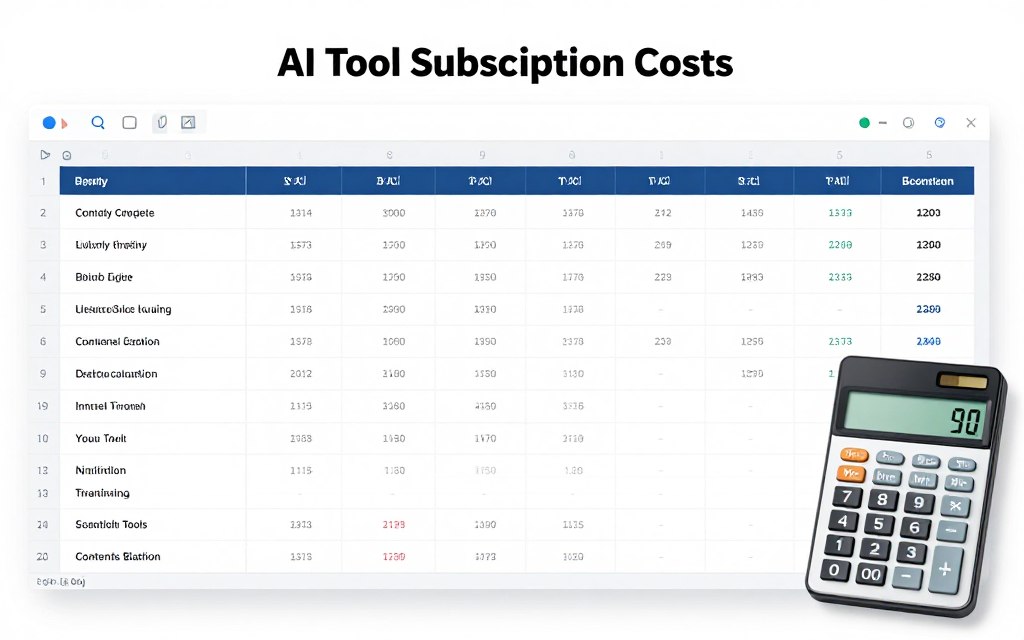
Strategic budget allocation maximizes AI tool value while controlling costs. Different creator types require different investment levels.
Starter Budget: Under $50 Monthly
Beginning creators can access powerful AI capabilities with minimal investment. Free plans and strategic single subscriptions provide substantial productivity gains.
Essential Free Tools
- ChatGPT free version for writing
- Canva free for design
- Buffer free for social scheduling
- Otter.ai free for transcription
- Adobe Podcast for audio enhancement
Monthly Cost: $0
Single Premium Addition
- ChatGPT Plus: $20
- Or Canva Pro: $13
- Or Copy.ai Pro: $36
Add one paid tool to free stack based on primary content type.
Monthly Cost: $13-36
Professional Budget: $100-300 Monthly
Established creators benefit from comprehensive tool suites. Multiple subscriptions cover all content creation aspects professionally.
- ChatGPT Plus for writing and research: $20
- Canva Pro for all visual content: $13
- Jasper AI for long-form content: $39
- Descript for video and podcast editing: $24
- Surfer SEO for optimization: $89
- Buffer Pro for social management: $15
- ElevenLabs for voice content: $22
This professional stack totals approximately $222 monthly and covers comprehensive content creation needs across all formats.
Enterprise Budget: $500+ Monthly
Agencies and large content teams require enterprise features like collaboration, advanced analytics, and white-label capabilities.
Enterprise investments focus on team efficiency, client management, and workflow automation at scale. ROI calculations emphasize time savings across multiple team members.
Download: AI Tools Budget Planner
Get our free spreadsheet template to calculate ROI for your specific AI tool investments. Includes cost tracking, time savings calculator, and subscription management.
Common AI Tool Implementation Mistakes to Avoid
Understanding typical mistakes helps you avoid costly errors and frustrating experiences when adopting AI tools.
Over-Reliance on AI Output
Publishing AI content without human editing creates quality problems. Successful creators treat AI as a first-draft assistant requiring human refinement.
AI excels at structure, ideas, and speed but lacks nuanced understanding of your specific audience. Human expertise transforms generic AI output into compelling, audience-specific content.
Ignoring Learning Curves
Advanced AI tools require time investment to master. Rushing through tutorials and expecting immediate results leads to frustration and tool abandonment.
Dedicate specific time to learning each platform thoroughly. This upfront investment pays dividends through long-term efficiency gains.
How long does it take to become proficient with AI content tools?
Basic proficiency typically requires 2-4 weeks of regular use. Advanced mastery develops over 2-3 months. The learning curve varies by tool complexity and your technical comfort level.
Can I use AI-generated content for commercial purposes?
Most AI tools grant commercial usage rights, but verify each platform’s terms. Some impose restrictions on reselling AI outputs or require attribution. Adobe Firefly provides explicit commercial protection others don’t offer.
Do I need technical skills to use these AI tools?
No specialized technical knowledge is required for most content creation AI tools. Platforms prioritize user-friendly interfaces accessible to non-technical creators. Basic computer literacy suffices for getting started.
How do I prevent my content from sounding robotic?
Always edit AI outputs to add personal voice, specific examples, and unique insights. Use AI for structure and ideas, then infuse your expertise and personality. The combination creates authentic content efficiently.
Should I disclose when content uses AI assistance?
Disclosure requirements depend on your industry and audience expectations. Many creators mention AI assistance transparently while emphasizing human oversight and expertise. Honesty builds trust with audiences.
Which AI tool should I start with first?
Start with ChatGPT Plus or a writing assistant aligned with your primary content type. Master one tool completely before adding others. This focused approach prevents overwhelm and builds confidence.
Neglecting Data Security
Uploading sensitive business information to AI platforms without understanding data policies creates security risks. Review privacy policies and avoid inputting confidential information.
Enterprise plans typically offer better data protection than free versions. If handling client information, invest in business-tier subscriptions with appropriate security guarantees.
Measuring AI Tool Impact on Your Productivity
Quantifying productivity improvements validates your AI tool investments and identifies optimization opportunities.
Track Time Investment Per Content Piece
Record time spent creating content before and after AI tool adoption. This data reveals actual efficiency gains rather than perceived improvements.
| Content Type | Pre-AI Time | Post-AI Time | Time Saved | Efficiency Gain |
| 1500-word blog post | 4 hours | 2 hours | 2 hours | 50% |
| Social media posts (10) | 90 minutes | 30 minutes | 60 minutes | 67% |
| 5-minute video | 6 hours | 3 hours | 3 hours | 50% |
| Product description | 30 minutes | 10 minutes | 20 minutes | 67% |
| Email newsletter | 2 hours | 1 hour | 1 hour | 50% |
Monitor Content Quality Metrics
Productivity means nothing if content quality suffers. Track engagement metrics, conversion rates, and audience feedback alongside time savings.
Ideal scenarios show improved or maintained quality with reduced production time. If quality declines, adjust your AI usage approach rather than abandoning tools entirely.
Calculate Monthly Output Volume
Count content pieces produced monthly before and after AI adoption. Volume increases demonstrate capacity expansion from productivity tools.
Many creators double or triple output while maintaining quality standards. This volume growth creates opportunities for audience expansion and revenue increase.
Building Your AI-Powered Content Creation System
The AI tools for content creators in 2026 offer unprecedented capabilities for productivity enhancement. Strategic adoption transforms content creation from time-intensive labor into efficient, creative work.
Success requires thoughtful tool selection aligned with your specific content types and business goals. Start small with free plans, test thoroughly, and expand your stack strategically based on measured results.
Remember that AI tools enhance rather than replace human creativity. Your expertise, audience understanding, and unique perspective remain irreplaceable. AI simply amplifies your capabilities and frees time for strategic thinking.
Key Takeaways
- Start with 3-5 core tools matched to your content types
- Test free plans extensively before paid subscriptions
- Create standard procedures for consistent tool usage
- Always apply human oversight to AI outputs
- Track productivity metrics to validate investments
- Stay updated on new features and capabilities
- Avoid tool overload through strategic selection
- Calculate ROI based on time savings value
Next Steps
- Identify your primary content creation challenges
- Select one tool addressing your biggest bottleneck
- Test the free plan or trial for two weeks
- Document your workflow and results
- Decide whether to subscribe based on data
- Master that tool before adding another
- Build your complete stack over 3-6 months
- Continuously optimize based on performance
The content creation landscape will continue evolving rapidly. Creators who embrace AI tools strategically position themselves for sustained success and competitive advantage.
Your investment in learning and implementing these technologies today creates compounding returns through years of enhanced productivity and creative output.
Start Your AI-Powered Content Journey Today
You’ve discovered the tools transforming content creation in 2026. Now it’s time to experience the productivity revolution firsthand. Choose your first tool and start creating more, better content in less time.










Comments are closed