
Monetizing your website with Google AdSense can transform your online presence from a passion project into a revenue-generating asset. However, getting that coveted AdSense approval isn’t always straightforward. Many website owners find themselves frustrated after rejection, unsure of what went wrong or how to fix it.
In this comprehensive guide, we’ll walk you through the exact requirements for AdSense approval, common reasons for rejection, and actionable steps to optimize your website. Whether you’re applying for the first time or trying again after rejection, you’ll discover everything you need to know to succeed. And if you’re short on time, we’ll also explore how services like Conew.in can provide you with AdSense-ready websites to fast-track your monetization journey.
Why Google AdSense Is Worth Your Effort
Before diving into the approval process, let’s understand why Google AdSense remains one of the most popular monetization options for website owners:
- Easy setup process once approved
- No minimum traffic requirements for application
- Manage multiple websites with a single account
- High-quality ads from reputable advertisers
- Reliable payment system with 68% revenue share

With over 40 million websites using Google AdSense, it’s clear that this platform offers significant value. However, Google maintains strict quality standards, making the approval process somewhat challenging for newcomers.
Essential Requirements for AdSense Approval
Google has specific criteria that your website must meet before it can be approved for AdSense. Understanding these requirements is the first step toward successful monetization:
1. Content Quality and Originality
Google prioritizes websites with valuable, original content that serves a clear purpose. Your content should be:

- Original and not copied from other sources
- Substantial in volume (aim for at least 30-40 quality articles)
- Well-written with proper grammar and formatting
- Valuable to your target audience
- Regularly updated to show site activity
Each article should ideally be at least 1,000 words long and provide comprehensive information on your chosen topic. Thin content with little value is a common reason for rejection.
2. Website Structure and Essential Pages
Your website should have a professional structure with these essential pages:
- About Us page explaining your website’s purpose and team
- Contact Us page with a working method to reach you
- Privacy Policy page detailing how you handle user data
- Terms of Service outlining the rules for using your site
These pages build credibility and show Google that you’re running a legitimate website. They’re also required for compliance with various regulations, including GDPR if you have European visitors.
3. User Experience and Navigation
Google evaluates how visitors interact with your site. Ensure your website is:
- Easy to navigate with a clear menu structure
- Mobile-friendly and responsive on all devices
- Fast-loading with optimized images and code
- Free from excessive ads, pop-ups, or interstitials
- Organized with a logical content hierarchy
A poor user experience not only hurts your AdSense application but also reduces your chances of building a loyal audience.
4. Technical Requirements
Ensure your website meets these technical criteria:
- Properly indexed in Google Search Console
- Free from malware, viruses, or suspicious code
- Compliant with Google’s Webmaster Guidelines
- Accessible content (not hidden behind login walls)
- Working links without excessive redirects
Submitting your site to Google Search Console and fixing any reported issues is essential before applying for AdSense.
7 Tips to Optimize Your Website for Fast AdSense Approval
Now that you understand the basic requirements, let’s explore specific optimization strategies to increase your chances of approval:
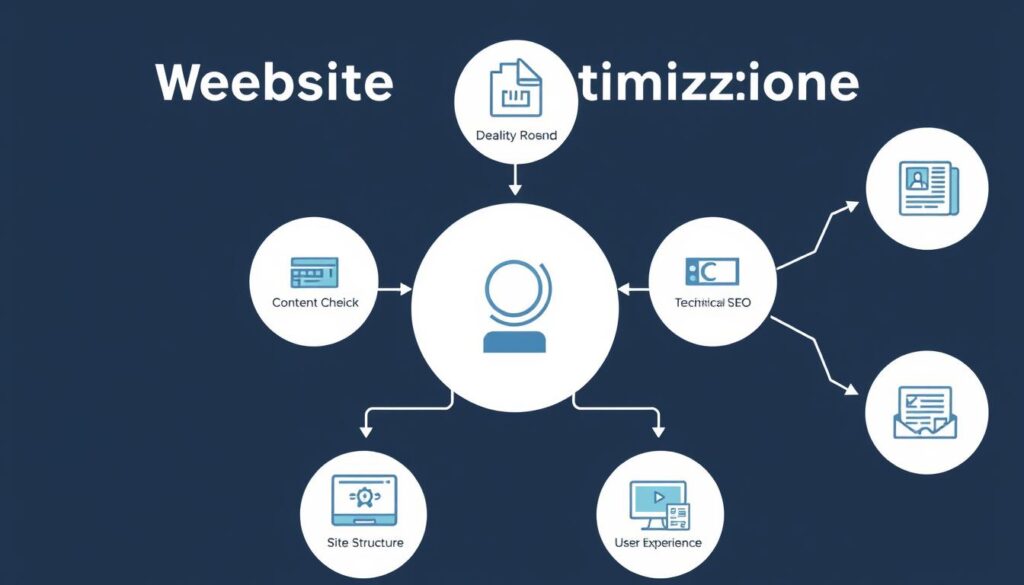
1. Focus on Organic Traffic
While Google doesn’t specify minimum traffic requirements, websites with organic traffic have higher approval rates. Avoid artificial traffic sources like bots or paid clicks. Instead:
- Implement basic SEO practices with relevant keywords
- Create content that answers common questions in your niche
- Share your content on social media platforms
- Build quality backlinks from reputable websites
Even modest organic traffic signals to Google that your content provides value to real users.
2. Ensure Website Maturity
Newer websites often face more scrutiny during the AdSense review process. While not an official requirement, a website that’s been active for at least six months demonstrates commitment and stability. During this time:
- Publish content consistently
- Build your site’s authority in your niche
- Develop a content calendar for regular updates
- Engage with your audience through comments or social media
3. Use a Professional Theme
Your website’s appearance matters for both users and AdSense reviewers. Consider using AdSense-friendly themes like:
- Astra Pro
- GeneratePress
- Sahifa
- Newspot Magazine
These themes are designed with clean code and optimal ad placement opportunities, increasing your chances of approval.
4. Implement Proper Navigation
Clear navigation helps users find what they’re looking for and signals to Google that your site is well-organized:
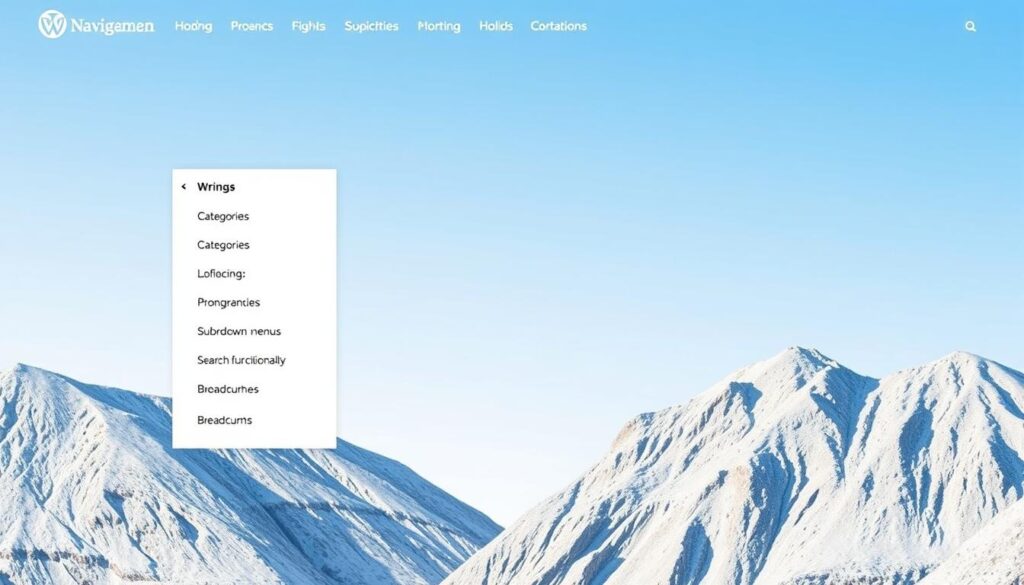
- Create a logical menu structure with categories and subcategories
- Implement breadcrumbs for easy navigation
- Include a search function for larger sites
- Use descriptive, keyword-rich internal links
- Consider implementing a silo structure for content organization
5. Optimize for Mobile
With most internet traffic coming from mobile devices, Google prioritizes mobile-friendly websites:
- Use responsive design that adapts to all screen sizes
- Test your site on multiple devices
- Ensure buttons and links are easily tappable on small screens
- Optimize images for faster loading on mobile connections
Use Google’s Mobile-Friendly Test tool to identify and fix any mobile usability issues.
6. Index Your Content in Google Search Console
Ensure Google can discover and index your content properly:
- Submit your sitemap to Google Search Console
- Request indexing for new or updated pages
- Fix any crawl errors or coverage issues
- Monitor your site’s performance in search results
7. Avoid YMYL (Your Money or Your Life) Topics
Google holds websites in certain niches to higher standards, particularly those that could impact users’ health, finances, or safety:
- Financial advice or investment recommendations
- Medical information or health advice
- Legal advice or information
- News or information on major life decisions
If your site covers these topics, ensure you have proper credentials and provide accurate, well-researched information with appropriate citations.
Common Reasons for AdSense Rejection (And How to Fix Them)
Understanding why applications get rejected can help you avoid common pitfalls:
Insufficient Content
If your site lacks substantial content, Google may reject your application. Ensure you have:
- At least 30-40 high-quality articles
- Content that’s at least 1,000 words per article
- Original content that provides value
- Regular content updates
Policy Violations
Ensure your content doesn’t violate Google’s policies by avoiding:
- Copyright infringement or plagiarized content
- Adult, violent, or hateful content
- Excessive profanity or controversial material
- Content promoting illegal activities
Poor User Experience
Fix these common user experience issues:
- Slow loading times
- Excessive pop-ups or interstitials
- Difficult navigation
- Non-responsive design
Technical Issues
Address these technical problems:
- Broken links or 404 errors
- Malware or suspicious code
- Incorrect AdSense code implementation
- Missing required pages
If your application is rejected, Google will typically provide a reason. Address the specific issues mentioned in the rejection notice before reapplying.
Step-by-Step AdSense Application Process
Once your website meets all the requirements, follow these steps to apply for AdSense:
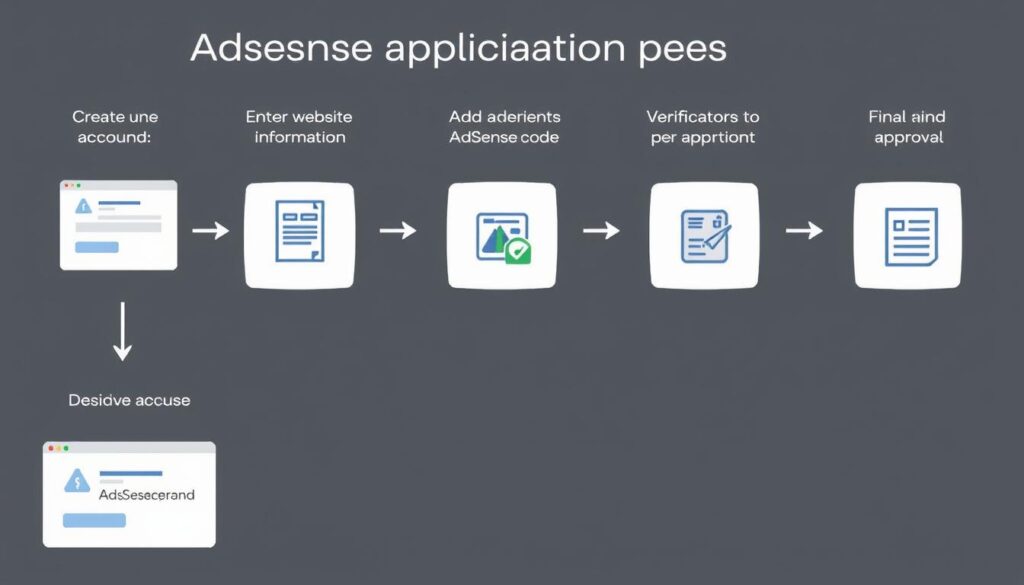
- Create an AdSense Account: Visit the Google AdSense website and click “Get started” to begin the signup process.
- Enter Your Website Information: Provide your website URL and contact information. Ensure the email address you use has access to your website’s backend.
- Review and Accept Terms: Read through Google’s terms and conditions and accept them to proceed.
- Add the AdSense Code: Google will provide a code snippet that you need to add to your website. Place this code between the <head> tags of your website.
- Submit for Review: Once the code is implemented, submit your application for review. Google will verify that the code is properly installed and that your site meets their requirements.
- Wait for Approval: The review process typically takes 1-2 weeks, though it can sometimes be longer. During this time, Google will evaluate your website against their criteria.
- Complete Account Setup: If approved, you’ll need to provide tax information and set up your payment method to start receiving earnings.
Remember that even after approval, your site must continue to comply with AdSense policies to remain in good standing.
The Shortcut: AdSense-Ready Websites from Conew.in
If you’re finding the AdSense approval process challenging or time-consuming, there’s a faster alternative. Conew.in offers pre-built websites that are specifically designed to meet Google AdSense requirements, saving you weeks or even months of preparation.

Skip the Waiting and Start Earning Today
Conew.in provides fully-developed websites that are already optimized for AdSense approval. These sites come with:
- High-quality original content in profitable niches
- Professional design with AdSense-friendly layouts
- All required pages (About, Contact, Privacy Policy, Terms)
- Mobile-responsive design
- Technical optimization for fast loading
- Easy transfer to your ownership
This approach is particularly valuable if you’ve faced rejection before or if you want to start monetizing quickly without the learning curve of building an AdSense-compliant site from scratch.
What to Do After AdSense Approval
Once your site is approved for AdSense, follow these best practices to maximize your earnings:
Optimize Ad Placement
Strategic ad placement can significantly impact your earnings:
- Place ads above the fold where they’re more visible
- Use a mix of ad sizes and formats
- Test different placements to find what works best
- Consider using Auto ads to let Google optimize placement
Continue Creating Quality Content
Ongoing content creation helps maintain and grow your traffic:
- Publish new content regularly
- Update existing content to keep it relevant
- Focus on topics that attract engaged visitors
- Monitor which content generates the most ad revenue
Monitor Performance
Use AdSense reports to understand and improve your performance:
- Track which content generates the most revenue
- Identify high-performing ad units
- Monitor your CTR (Click-Through Rate) and RPM (Revenue Per Mille)
- Use A/B testing to optimize your strategy
Remember that AdSense earnings typically grow over time as you refine your strategy and increase your traffic.
Frequently Asked Questions About AdSense Approval
How much traffic do I need for AdSense approval?
Google doesn’t specify a minimum traffic requirement for AdSense approval. However, having some organic traffic demonstrates that your site provides value to real users. Sites with as little as 50-100 daily visitors have been approved, but the quality of your content and compliance with policies are more important factors than traffic volume.
How long does the AdSense approval process take?
The AdSense review process typically takes 1-2 weeks, though it can sometimes extend to a month or more during busy periods. The timeline can vary based on factors like your website’s complexity, content volume, and how closely it adheres to AdSense policies.
Can I apply for AdSense with a new website?
Yes, you can apply for AdSense with a new website, but approval may be more challenging. While Google doesn’t have an official website age requirement, sites that have been active for at least 6 months with regular content updates tend to have higher approval rates. If you’re starting fresh, consider using an AdSense-ready website from Conew.in to bypass this waiting period.
What should I do if my AdSense application is rejected?
If your application is rejected, carefully review the reason provided in Google’s notification email. Address the specific issues mentioned, make the necessary improvements to your website, and then reapply after 2-4 weeks. Common reasons for rejection include insufficient content, policy violations, navigation issues, or missing required pages.
Conclusion: Your Path to AdSense Success
Getting approved for Google AdSense is a significant milestone in your website monetization journey. By following the guidelines in this article, you’ll be well-positioned to meet Google’s requirements and start earning from your content.
Remember that the key factors for approval include original, valuable content, a professional website structure, excellent user experience, and compliance with Google’s policies. Whether you choose to optimize your existing website or start with an AdSense-ready solution from Conew.in, the effort you put into meeting these standards will pay off in sustainable ad revenue.

Ready to Start Monetizing with AdSense?
Choose the path that works best for you:
DIY Approach
- Implement the guidelines in this article
- Optimize your existing website
- Apply and wait for approval
Fast-Track Solution
- Get an AdSense-ready website from Conew.in
- Skip the waiting and optimization process
- Start monetizing quickly








Comments are closed