
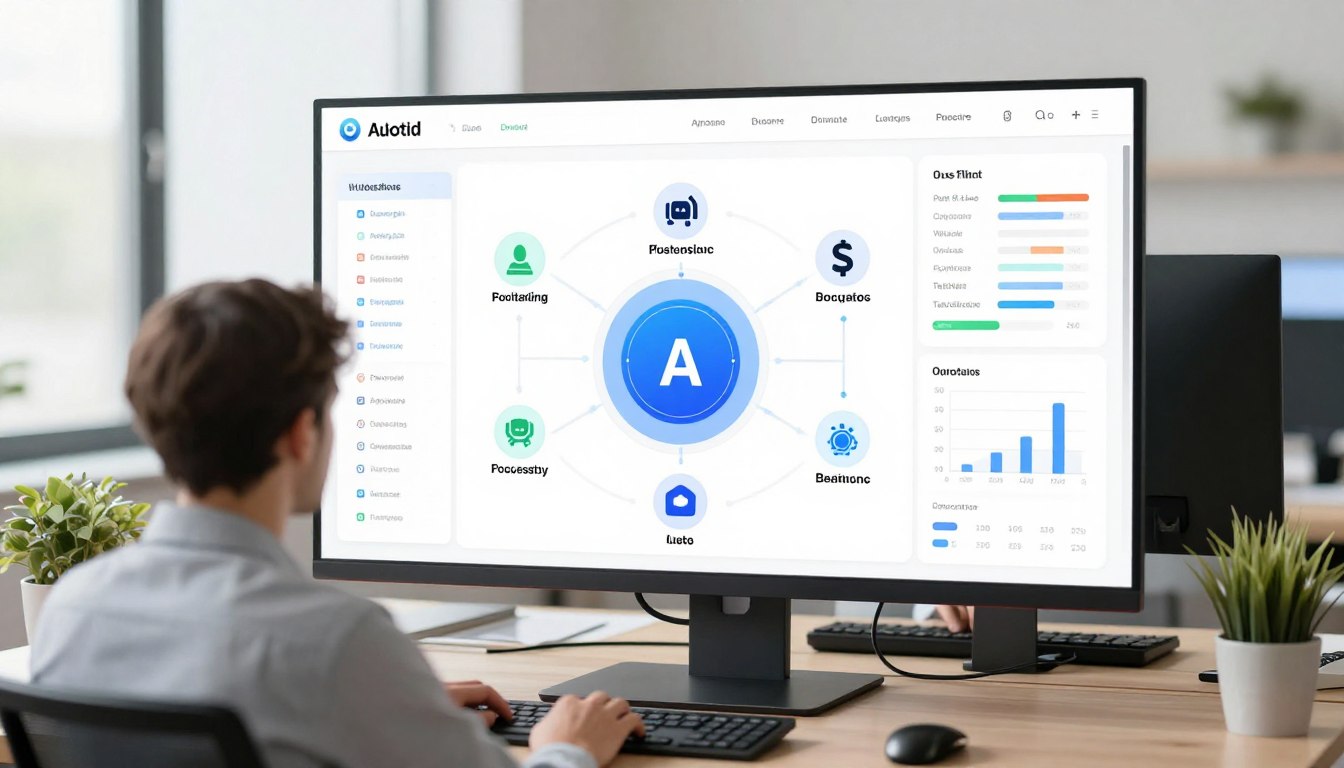
Small business owners face a critical challenge in 2026. They must compete with larger companies while managing limited resources. Artificial intelligence has become the great equalizer. AI automation for small business is no longer a luxury reserved for enterprise corporations.
The technology landscape has shifted dramatically. What once required massive budgets and technical teams now fits within reach of businesses with modest resources. Cloud-based solutions and user-friendly platforms have democratized access to powerful automation tools.
Market data reveals compelling trends. Small businesses that implement AI automation report average efficiency gains of thirty-five percent. They reduce operational costs by twenty to forty percent within the first year. Customer satisfaction scores increase as response times drop and service quality improves.
This transformation touches every aspect of operations. Marketing campaigns become more targeted and effective. Sales teams close deals faster with intelligent lead scoring. Customer service operates around the clock without expanding headcount. Financial management grows more accurate as AI handles repetitive tasks.
The barrier to entry continues to fall. Many AI tools now offer free trials or freemium models. Implementation timelines have shortened from months to weeks or even days. Small businesses can start with a single process and expand gradually as they gain confidence.
Ready to Start Your AI Journey?
Download our free AI Readiness Assessment to identify the best automation opportunities for your business. Get personalized recommendations in under 5 minutes.
Why AI Automation Matters for Small Businesses in 2026
The competitive landscape has evolved beyond recognition. Small businesses face pressure from multiple directions. Large corporations leverage technology at scale. Startups move with unprecedented agility. Customer expectations rise constantly. Traditional manual processes no longer suffice.

Artificial intelligence levels the playing field in remarkable ways. A team of five can now accomplish what previously required fifteen people. Businesses use AI to analyze customer behavior patterns that would take humans weeks to identify. Marketing campaigns reach precisely targeted audiences with minimal waste.
Cost efficiency drives adoption across industries. Labor expenses continue climbing while AI solutions become more affordable. The math becomes simple. Businesses can invest in technology once and reap ongoing benefits. Manual processes require continuous expenditure on salaries, training, and overhead.
Customer expectations have reached new heights. People expect instant responses regardless of the hour. They demand personalized experiences based on their preferences and history. They lose patience with delays and generic interactions. AI automation helps small businesses meet these demands without burning out their teams.
Traditional Operations
- Manual data entry consumes hours daily
- Email responses delayed until business hours
- Marketing blasts sent to entire contact lists
- Customer service limited by staff availability
- Inventory management requires constant monitoring
- Sales follow-up depends on individual memory
AI-Powered Operations
- Automated data extraction and organization
- Instant chatbot responses twenty-four seven
- Personalized campaigns based on behavior analysis
- AI handles routine inquiries around the clock
- Predictive analytics optimize inventory levels
- Automated reminders and follow-up sequences
The knowledge gap has narrowed significantly. Early AI solutions required data scientists and developers. Modern platforms feature intuitive interfaces that business owners can master quickly. Drag-and-drop builders replace complex coding. Pre-built templates accelerate implementation. Support communities offer guidance and best practices.
Scalability presents another crucial advantage. Manual processes break down as businesses grow. Adding capacity means hiring and training new staff. AI solutions scale effortlessly. The same system that serves ten customers can serve a thousand with minimal adjustments. This flexibility helps small businesses pursue growth opportunities they might otherwise avoid.
Top AI Automation Tools for Customer Service
Customer service represents one of the most impactful areas for AI implementation. Businesses struggle to provide consistent support across multiple channels. Customers contact companies through email, chat, social media, and phone. Managing these touchpoints stretches small teams beyond capacity.

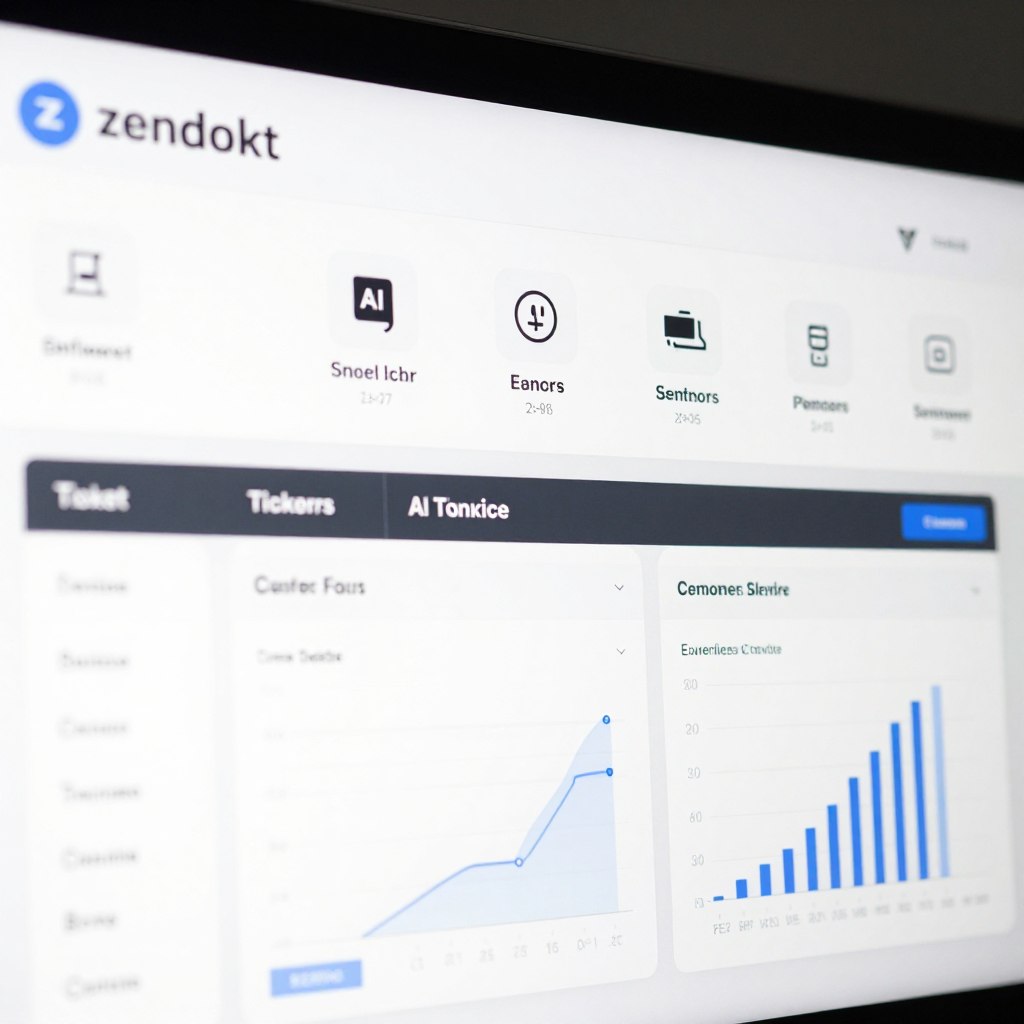
Zendesk AI
Zendesk offers comprehensive AI-powered customer support automation. The platform analyzes incoming tickets and routes them intelligently. AI suggests responses based on historical data and context. Small businesses benefit from unified inbox management across all channels.
Pricing starts at forty-nine dollars per agent monthly for the Suite Team plan. The system includes chatbots that handle common inquiries automatically. Advanced analytics identify trends and improvement opportunities.

Intercom
Intercom specializes in conversational AI that feels natural and helpful. The Resolution Bot handles repetitive questions without human intervention. Custom answer bots learn from your knowledge base and previous conversations. The platform integrates seamlessly with existing customer relationship management systems.
Plans begin at seventy-four dollars monthly for essential features. Businesses use Intercom to qualify leads, provide support, and engage customers proactively. The messenger works across web and mobile platforms.
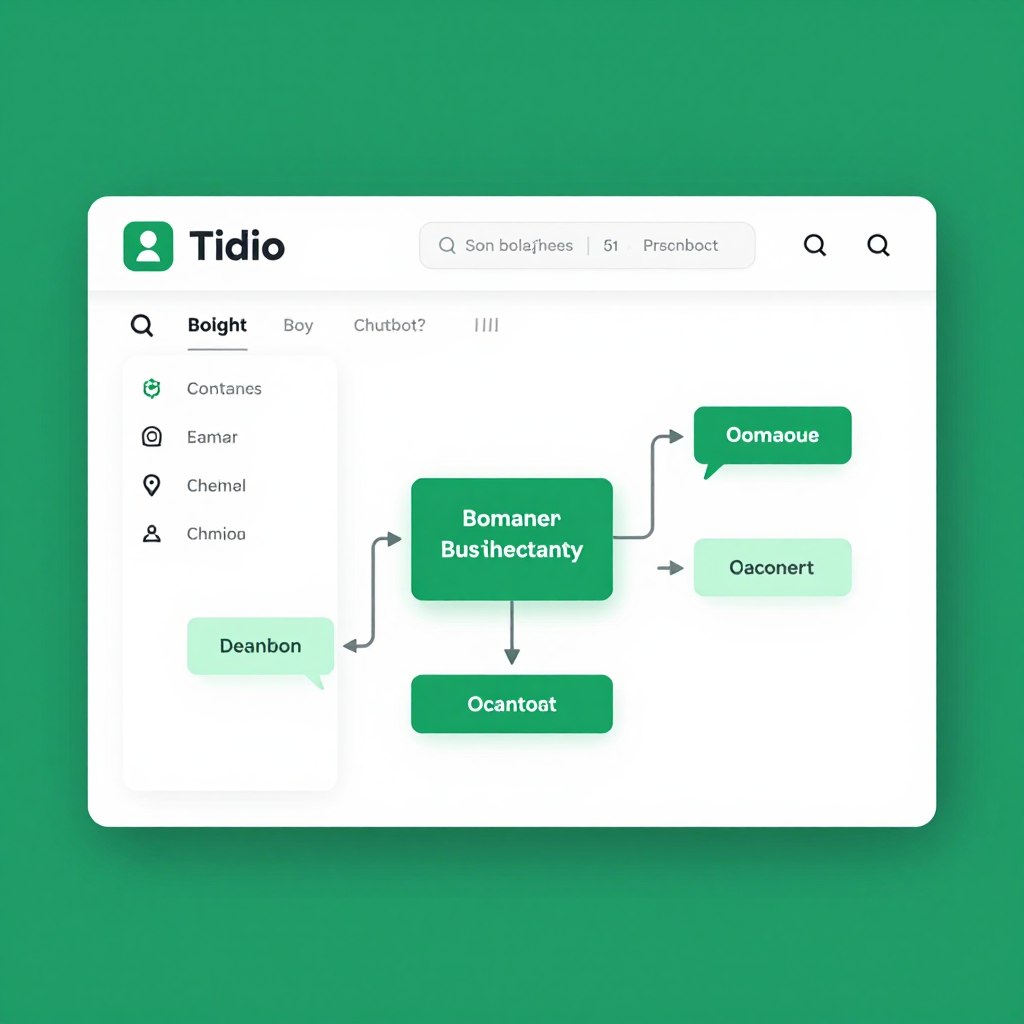
Tidio
Tidio provides an accessible entry point for small businesses new to AI automation. The visual chatbot builder requires no coding knowledge. Pre-designed templates cover common scenarios like order tracking and FAQ responses. The free plan supports up to fifty conversations monthly.
Paid plans start at nineteen dollars monthly for increased capacity. Tidio connects to popular e-commerce platforms including Shopify and WooCommerce. Live chat seamlessly transfers complex issues to human agents.
These customer service tools help small businesses maintain high-quality support without expanding teams proportionally. Chatbots handle routine inquiries instantly. Customers receive immediate acknowledgment even outside business hours. Human agents focus their energy on complex issues requiring personal attention and creative problem-solving.
Implementation typically takes one to three weeks depending on complexity. Businesses start by identifying their most common customer questions. They build responses using the platform’s knowledge base or training tools. Testing ensures the AI handles variations in how customers phrase questions. Monitoring continues after launch to refine and improve performance.
AI Automation Tools for Marketing Excellence
Marketing demands constant attention across multiple channels. Small businesses struggle to maintain consistent presence on social media while managing email campaigns and analyzing performance data. Artificial intelligence transforms scattered efforts into coordinated strategies that drive measurable results.
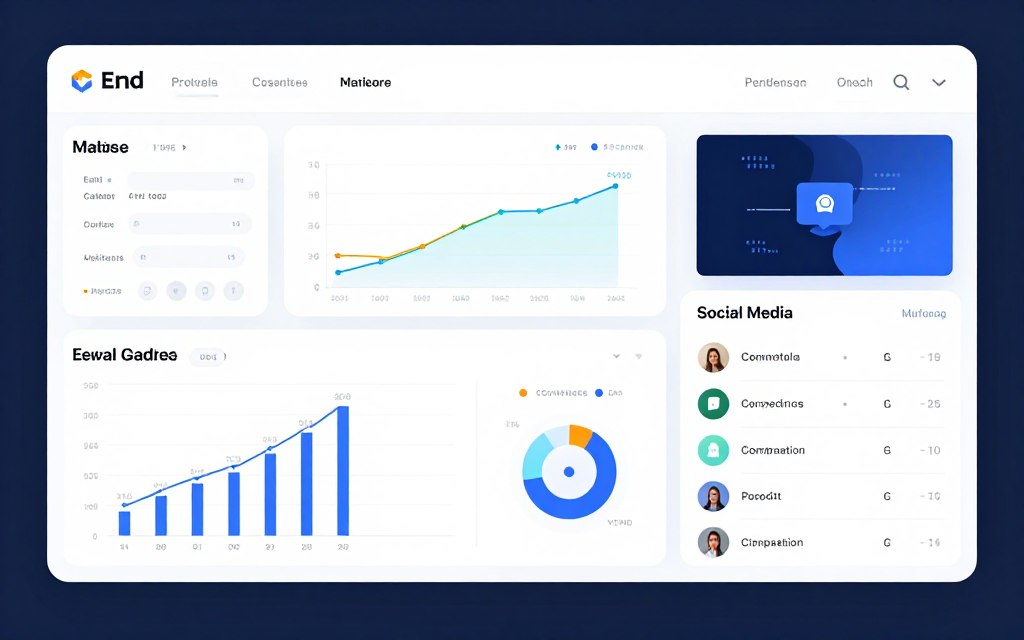
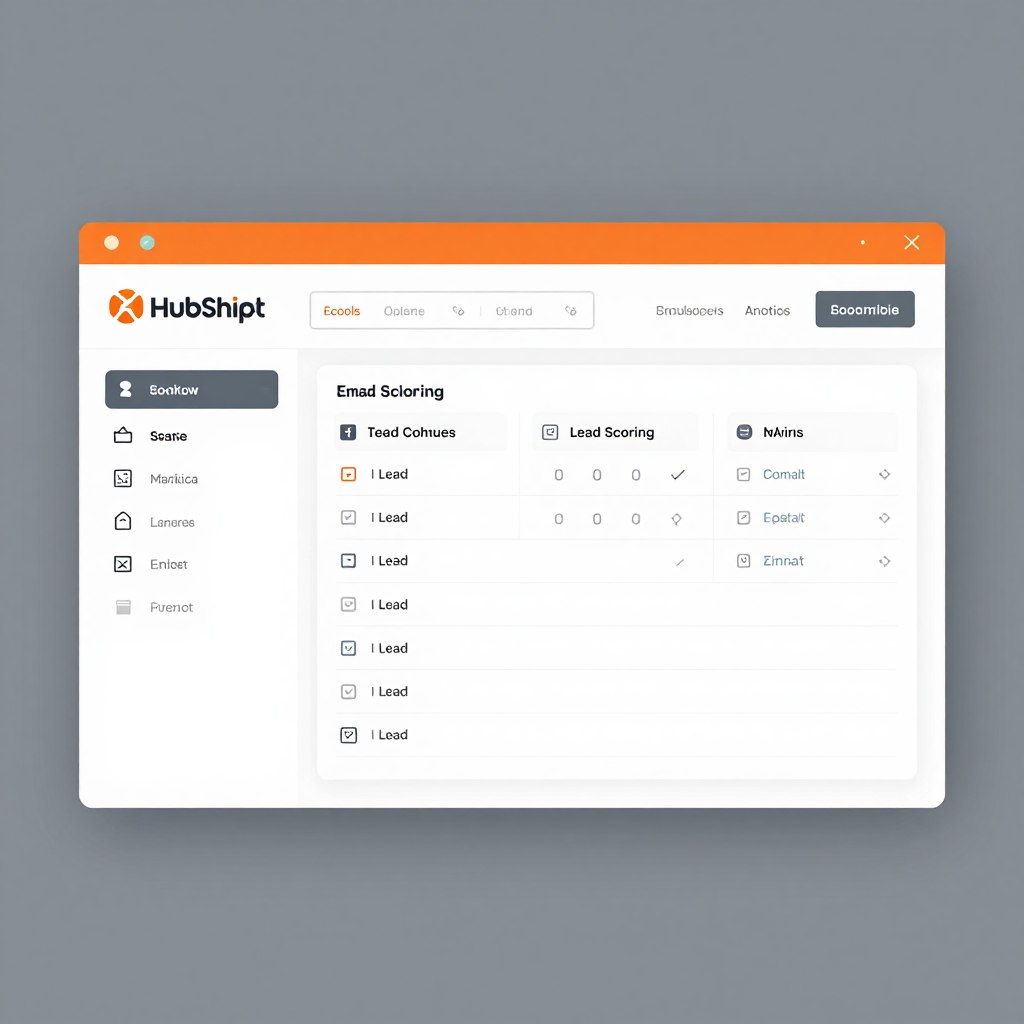
HubSpot Marketing Hub
HubSpot delivers enterprise-level marketing automation accessible to small businesses. The AI analyzes contact behavior to optimize send times and content. Lead scoring identifies prospects most likely to convert. Automated workflows nurture leads through personalized sequences.
The free tier includes basic CRM and email marketing for unlimited contacts. Paid plans start at forty-five dollars monthly. HubSpot helps small businesses create targeted marketing campaigns without dedicated marketing teams.
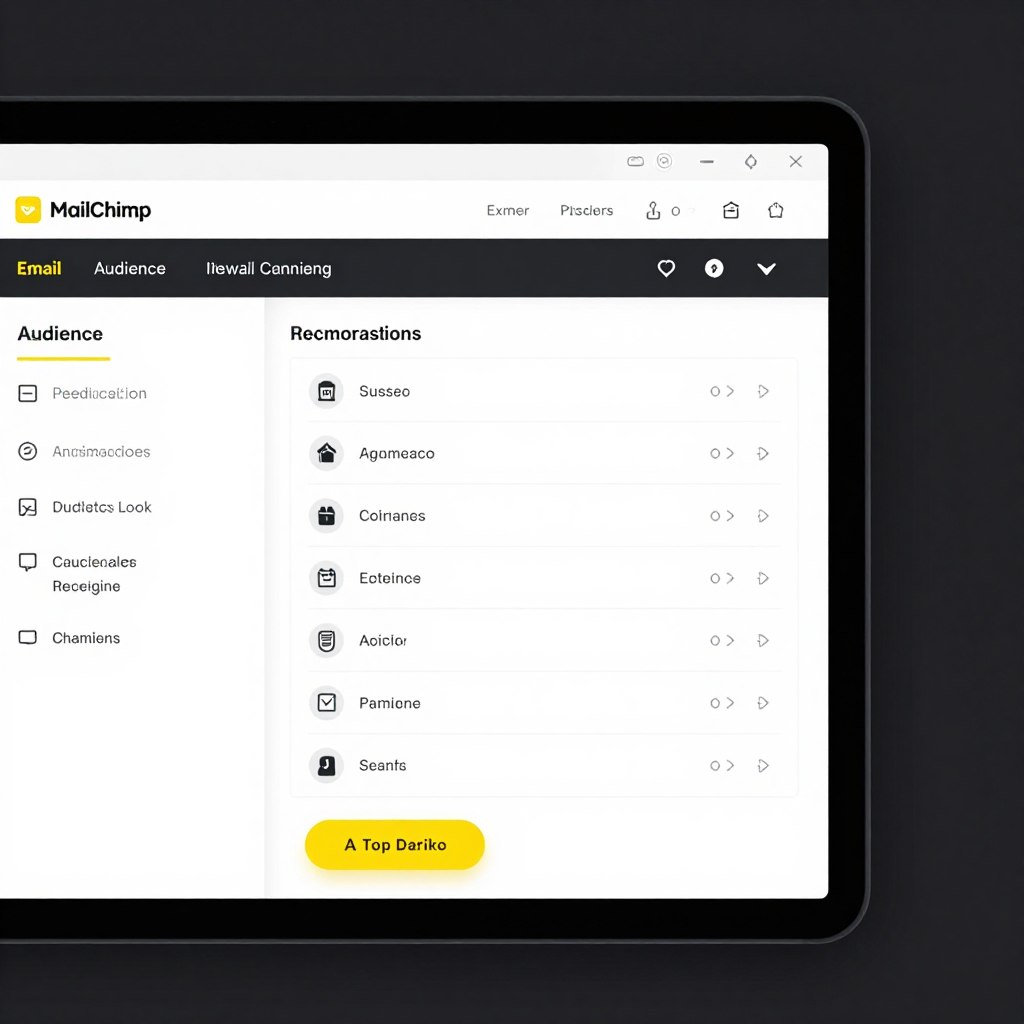
Mailchimp
Mailchimp pioneered accessible email marketing and continues innovating with AI features. Content Optimizer suggests improvements to increase engagement. Send Time Optimization determines when subscribers are most likely to open emails. Predictive demographics fill gaps in customer data.
Free plans support up to five hundred contacts with basic features. Essential plans begin at thirteen dollars monthly. The platform excels at email marketing automation with growing capabilities in social media and customer relationship management.
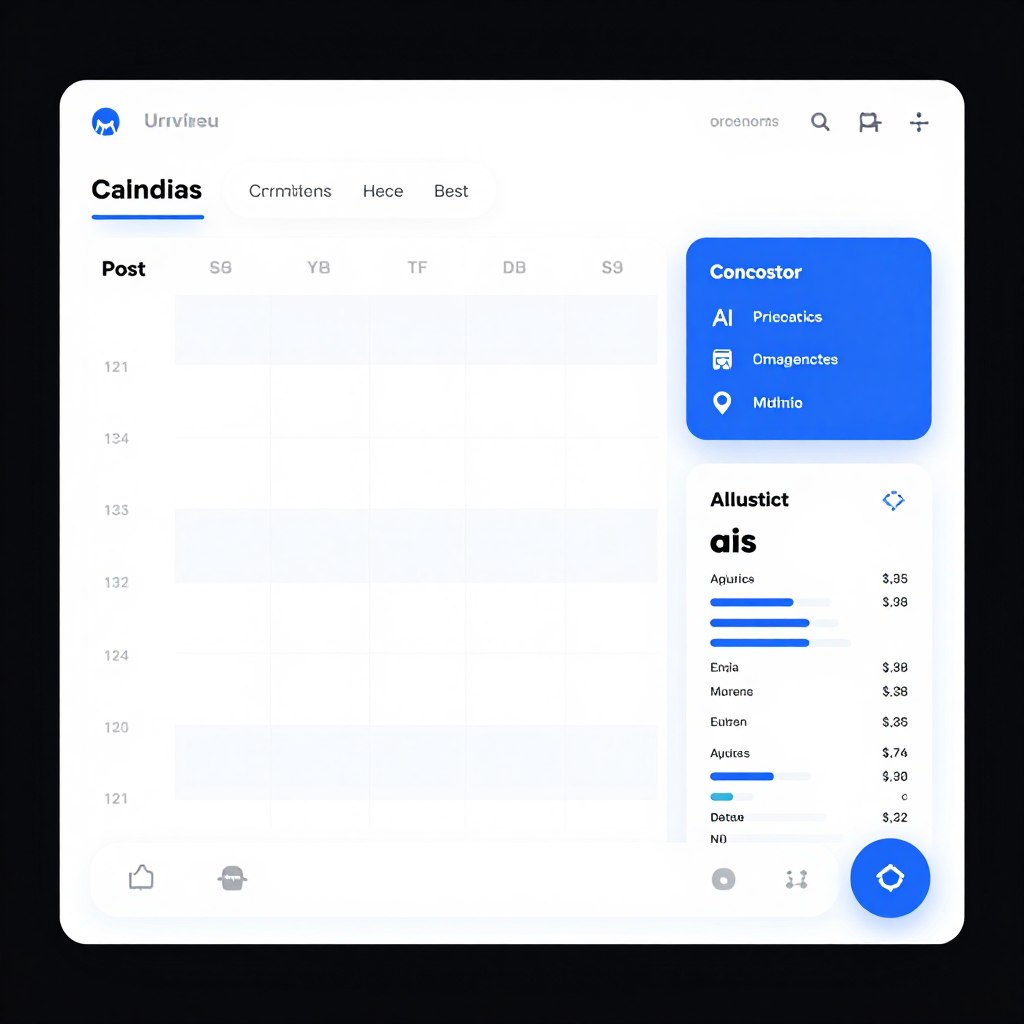
Buffer
Buffer simplifies social media management across multiple platforms. AI-powered recommendations suggest optimal posting times based on audience engagement patterns. The content calendar provides visual planning for marketing campaigns. Analytics track performance and identify top-performing content types.
Free plans allow management of three social channels. Essentials plans cost six dollars monthly per channel. Buffer helps small businesses maintain consistent social media presence without constant manual posting.
Marketing automation delivers compounding benefits over time. Systems learn from campaign performance and continuously refine targeting. Businesses reach customers with relevant messages at optimal moments. Personalization scales beyond what manual efforts could achieve. Data accumulates to inform strategic decisions and reveal market trends.
AI Tools for Sales Process Automation
Sales teams waste significant time on administrative tasks rather than actual selling. Data entry consumes hours. Follow-up reminders slip through cracks. Lead qualification happens inconsistently. AI automation transforms sales operations by handling routine work and surfacing actionable insights.
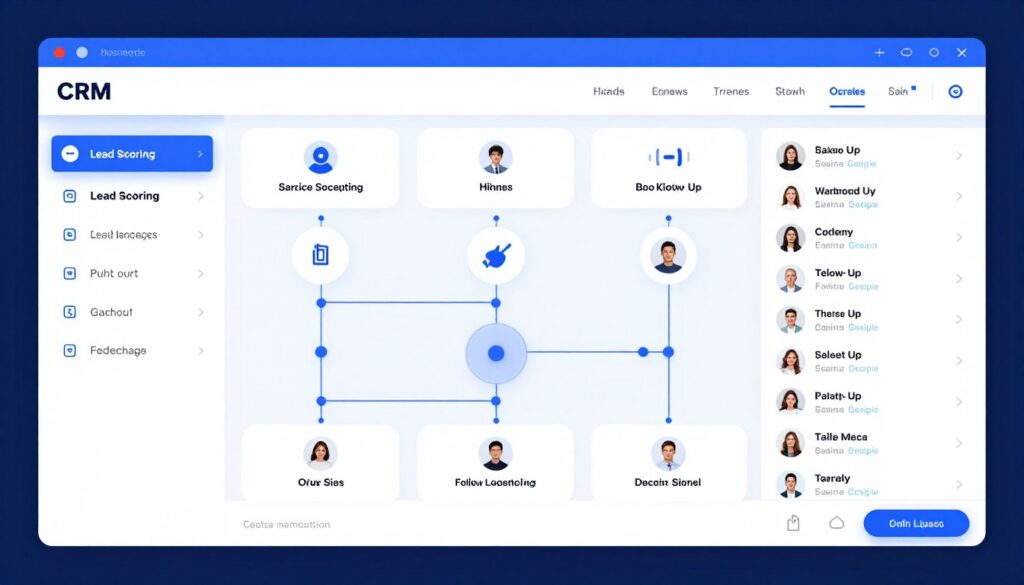
Salesforce Einstein
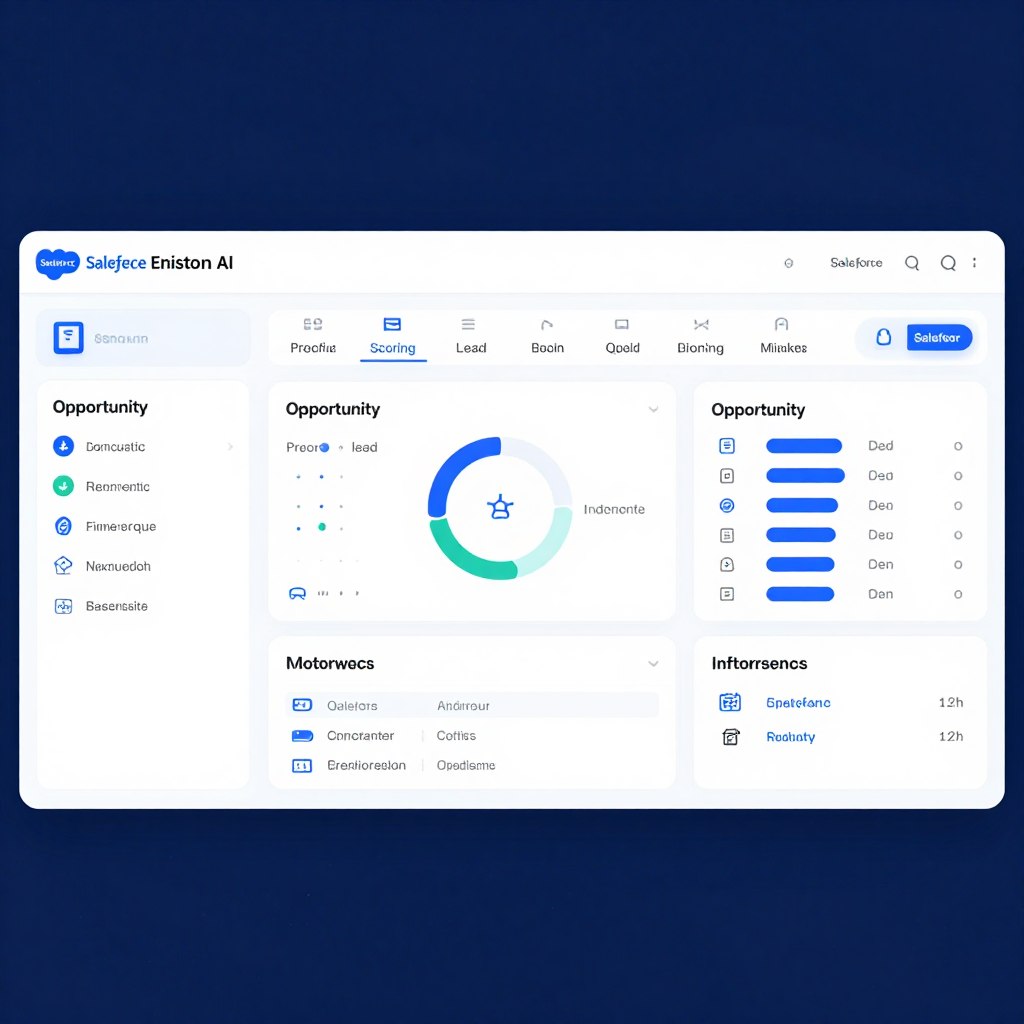
Salesforce Einstein brings artificial intelligence directly into the leading CRM platform. Predictive lead scoring identifies which prospects deserve immediate attention. Opportunity insights forecast deal closure probability. Automated activity capture eliminates manual data entry from emails and calendar events.
Salesforce Essentials starts at twenty-five dollars per user monthly. Einstein features integrate throughout the platform. Small businesses gain enterprise-grade intelligence without complex implementation.
Pipedrive
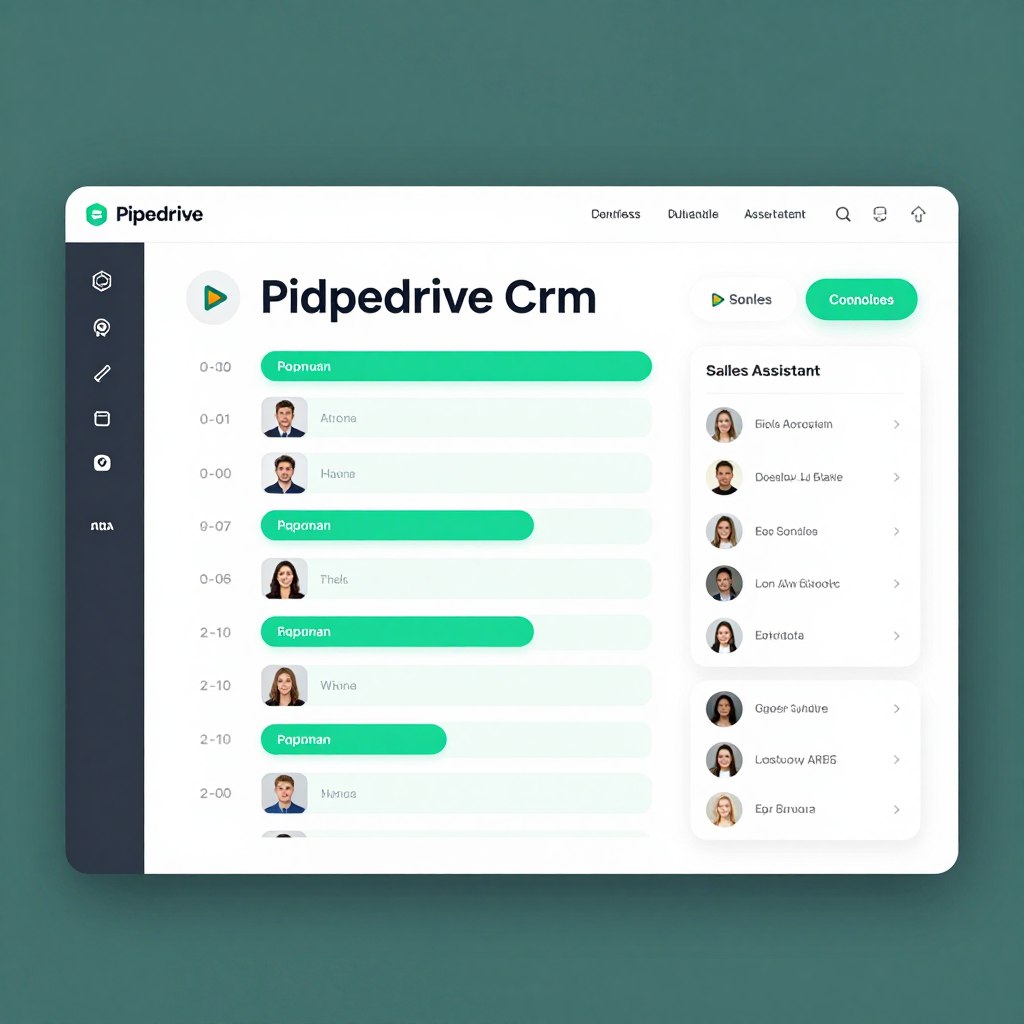
Pipedrive focuses on visual pipeline management enhanced by AI recommendations. The Sales Assistant monitors your pipeline and suggests next best actions. Smart contact data automatically enriches lead information. Email integration tracks opens and clicks to gauge interest levels.
Essential plans begin at fourteen dollars per user monthly. The interface emphasizes simplicity while delivering powerful automation. Pipedrive suits sales-focused teams wanting straightforward tools that actually get used.
Close
Close combines CRM with built-in calling and email capabilities designed for inside sales teams. Predictive dialer maximizes calling efficiency. Email sequences automate follow-up based on prospect behavior. Power dialer connects representatives with leads faster than manual dialing.
Startup plans cost twenty-five dollars per user monthly. Close eliminates the need for separate phone systems or email tools. Everything works from a single interface optimized for sales velocity.
Sales automation directly impacts revenue generation. Representatives spend more time in meaningful conversations with prospects. Lead qualification becomes data-driven rather than intuitive. Follow-up happens consistently without relying on individual discipline. Pipeline visibility improves as accurate data flows automatically into reporting systems.
AI Automation for Business Operations and Workflow
Operational efficiency determines whether small businesses thrive or merely survive. Repetitive tasks consume valuable time that could drive growth. Document management becomes chaotic without systems. Project coordination relies on constant manual updates. AI automation brings order and efficiency to daily operations.
Zapier
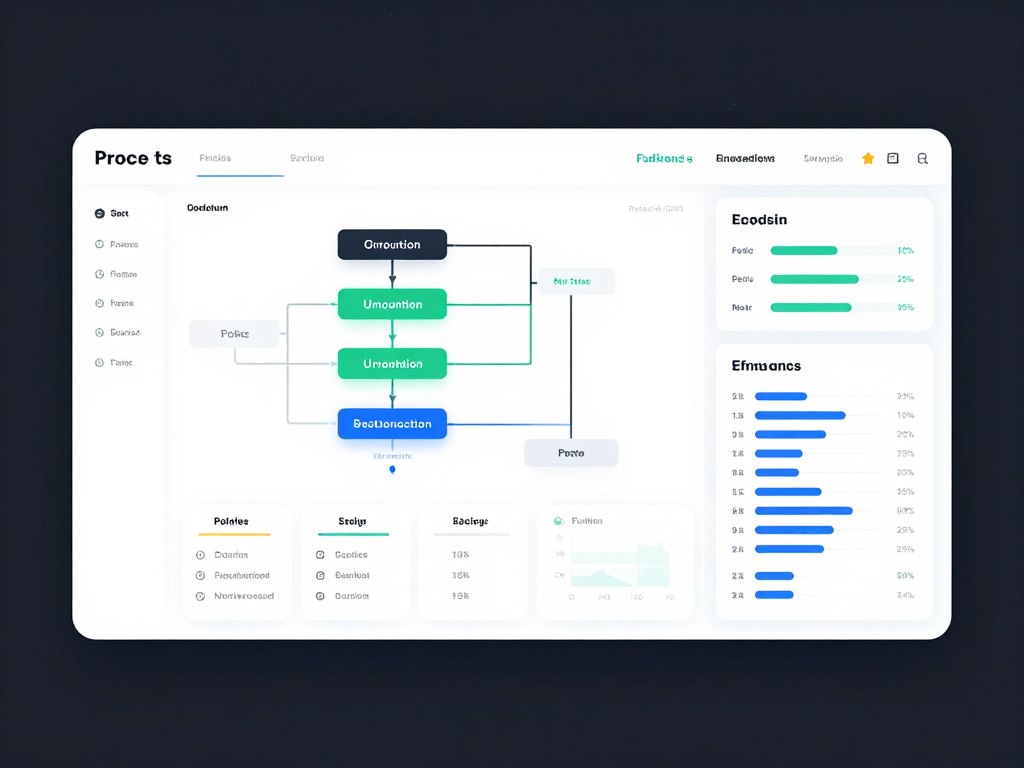
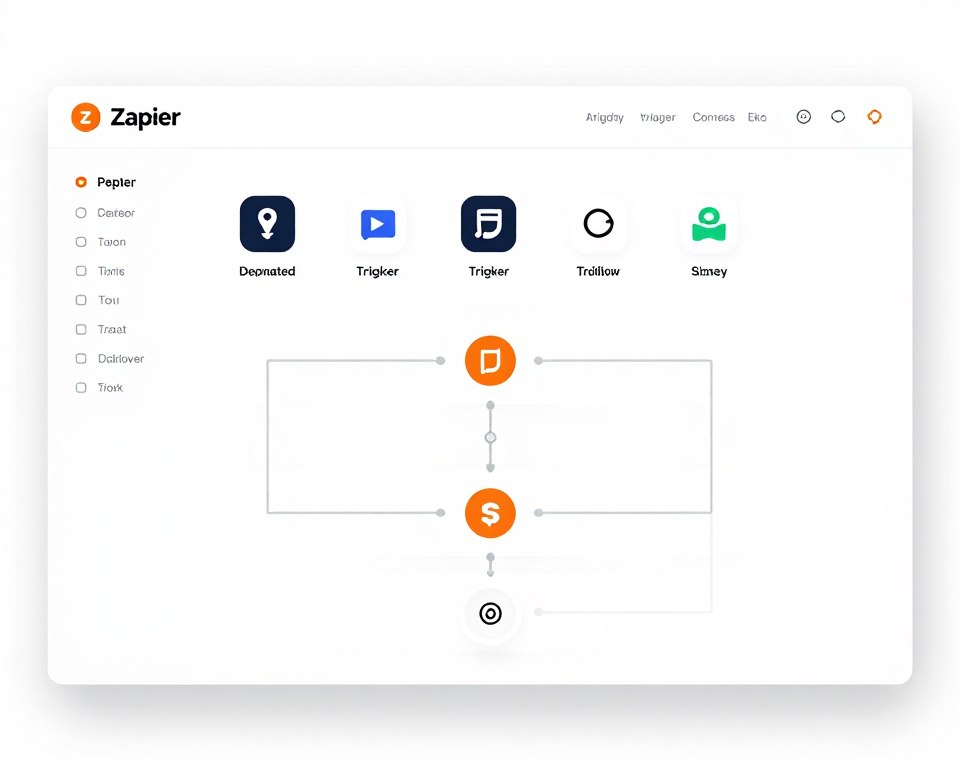
Zapier connects over six thousand applications without requiring programming knowledge. The platform creates automated workflows called Zaps that trigger actions across different tools. When a customer completes a purchase in Shopify, Zapier can add them to a Mailchimp list, create a task in Asana, and log the sale in Google Sheets.
The visual workflow builder makes complex automation accessible. Businesses use Zapier to eliminate data re-entry between systems. Multi-step Zaps handle sophisticated processes that would otherwise require custom development. Filters and paths add conditional logic to workflows.
Free plans support up to five single-step Zaps. Starter plans cost nineteen dollars monthly for twenty Zaps. Professional plans at forty-nine dollars monthly unlock multi-step workflows and premium app integrations. Zapier saves hours weekly by connecting the tools small businesses already use.
Monday.com
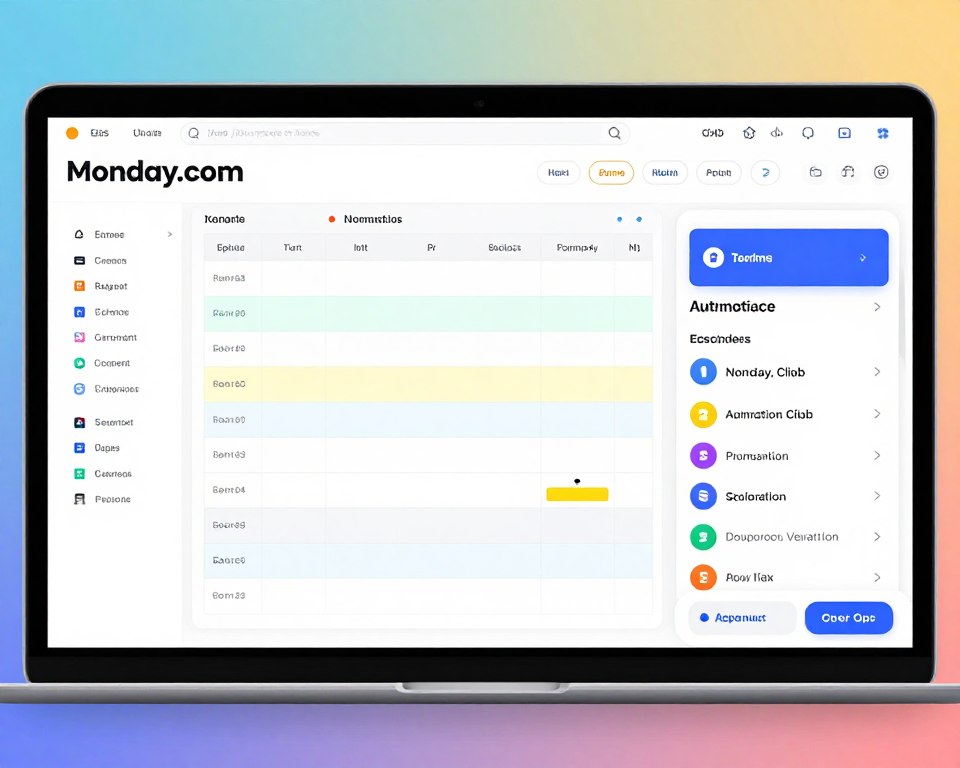
Monday.com transforms project management through visual workflows and intelligent automation. The platform adapts to various use cases from simple task tracking to complex project portfolios. Automation recipes handle repetitive updates like status changes, notifications, and deadline reminders.
Teams build custom workflows using flexible building blocks. Integrations connect Monday.com to communication tools, file storage, and business applications. Time tracking, resource management, and reporting features provide visibility across operations. The mobile app keeps teams synchronized regardless of location.
Individual plans start free for up to two users. Basic plans cost eight dollars per seat monthly. Standard plans at ten dollars monthly add automation and integrations. Monday.com helps small businesses coordinate work without drowning in manual updates and status meetings.
Additional Operations Tools
| Tool | Primary Function | Key AI Features | Starting Price | Best For |
| Notion AI | Knowledge Management | Content generation, automated summaries, smart search | $8/user/month | Documentation and team wikis |
| Airtable | Database Management | Automated data organization, smart views, connected records | $10/user/month | Flexible data tracking |
| Calendly | Scheduling | Smart availability, automated reminders, timezone detection | $8/user/month | Meeting coordination |
| DocuSign | Document Signing | Smart field detection, workflow automation, compliance tracking | $10/user/month | Contract management |
Operations automation creates compound efficiency gains. When multiple tools work together automatically, businesses eliminate entire categories of manual work. Information flows between systems without human intervention. Teams focus on strategic decisions rather than data shuffling. Error rates drop as AI handles precise but tedious tasks consistently.
Practical Implementation Strategies for AI Automation
Successfully implementing AI automation requires strategic planning rather than random tool adoption. Small businesses that rush into automation often face disappointment. Those who follow structured approaches achieve measurable results within weeks. The key lies in identifying the right opportunities and executing methodically.

Identifying Automation Opportunities
Start by documenting current processes in detail. Shadow team members for a week and record every repetitive task. Look for activities that follow consistent rules or patterns. These represent prime automation candidates. Customer service teams answering the same questions repeatedly signal chatbot opportunities. Sales representatives manually entering data suggest CRM automation needs.
Prioritize opportunities based on three factors. First, frequency matters more than complexity. A task performed fifty times daily offers greater savings than a complex monthly process. Second, consider business impact. Automating lead qualification affects revenue more directly than automating file organization. Third, assess implementation difficulty. Quick wins build momentum and demonstrate value.
High-Value Automation Targets
These processes deliver maximum return on automation investment across most small businesses:
- Customer inquiry responses to common questions
- Lead capture and initial qualification
- Appointment scheduling and confirmation
- Invoice generation and payment reminders
- Social media post scheduling
- Email follow-up sequences
- Inventory level monitoring
- Data entry from forms to databases
Lower-Priority Automation
These tasks can wait until core processes are automated and optimized:
- Complex creative work requiring human judgment
- Rare edge-case scenarios
- Processes that change frequently
- Activities requiring deep personal relationships
- Strategic planning and decision-making
- Highly customized client deliverables
- Regulatory compliance reviews
- Crisis management responses
Quick Assessment Questions
Ask these questions to evaluate automation potential:
- Does this task follow clear rules or patterns?
- How many hours per week does it consume?
- What errors occur when done manually?
- Could anyone perform it with written instructions?
- Does it require real-time human judgment?
- How often does the process change?
- What business outcome does it impact?
- Would customers notice if it improved?
Documentation Checklist
Gather this information before automating any process:
- Step-by-step workflow description
- Current time investment per cycle
- Tools and systems currently used
- Decision points and criteria
- Common variations or exceptions
- Success metrics and quality standards
- Stakeholders who need visibility
- Regulatory or compliance requirements
Implementation Steps for Success
- Start with a Pilot Project: Choose one well-defined process for your first automation. Select something important enough to matter but not so critical that failure creates major problems. A customer FAQ chatbot makes an excellent pilot. Success builds confidence and reveals lessons applicable to future projects.
- Map the Complete Process: Document every step, decision point, and exception. Create flowcharts showing how information moves through the system. Identify where humans currently make decisions and whether AI can replicate that judgment. Unclear processes lead to failed automation attempts.
- Select Appropriate Tools: Match tool capabilities to your specific needs rather than choosing based on popularity. Free trials let you test functionality before committing. Consider integration requirements with existing systems. Evaluate whether you need simple point solutions or comprehensive platforms.
- Configure and Test Thoroughly: Set up the automation in a test environment first. Run multiple scenarios including edge cases and exceptions. Verify that error handling works appropriately. Test with actual team members who will use the system daily. Refine based on their feedback before full launch.
- Train Your Team: Invest time in proper training even for intuitive tools. Create documentation specific to your configuration and workflows. Address concerns about job security by emphasizing how automation eliminates boring work. Designate power users who can help colleagues troubleshoot issues.
- Launch Gradually: Roll out automation in phases rather than all at once. Start with a subset of users or scenarios. Monitor performance closely during the initial period. Be prepared to make adjustments based on real-world usage. Gradual rollout limits the blast radius of any problems.
- Monitor and Optimize: Track key metrics to measure automation effectiveness. Compare time spent before and after implementation. Monitor error rates and customer satisfaction. Gather ongoing feedback from users. Optimize configurations based on data rather than assumptions. Most automation improves significantly after initial adjustments.
- Expand Systematically: After proving success with your pilot, identify the next automation opportunity. Apply lessons learned to accelerate implementation. Build a roadmap of processes to automate over the next six to twelve months. Prioritize based on ROI and strategic importance.
Get Your Free Implementation Roadmap
Download our step-by-step implementation template designed specifically for small businesses. Includes process assessment worksheets, vendor evaluation criteria, and project planning tools.
Overcoming Common Implementation Challenges
Most small businesses encounter similar obstacles when implementing AI automation. Recognizing these challenges in advance helps you prepare effective responses. Team resistance often stems from fear of job loss or change fatigue. Address this through transparent communication about how automation enhances rather than replaces human work.
Technical integration problems arise when systems do not communicate effectively. Research integration capabilities before purchasing tools. Use middleware platforms like Zapier when direct integrations are unavailable. Budget time for technical troubleshooting during implementation.
Data quality issues undermine automation effectiveness. AI systems produce unreliable results when fed inconsistent or inaccurate data. Invest in data cleaning before automating processes that depend on historical information. Establish data entry standards to maintain quality going forward.
Scope creep tempts businesses to automate everything simultaneously. This spreads resources too thin and increases failure risk. Maintain discipline around your pilot project boundaries. Document future automation ideas without immediately acting on them. Success with focused projects trumps failure with ambitious ones.
Insufficient training leads to low adoption rates regardless of tool quality. Schedule dedicated training time rather than expecting team members to learn independently. Create role-specific training focused on tasks they perform daily. Provide ongoing support through office hours or designated experts.
Cost Analysis and ROI for Small Business AI Automation
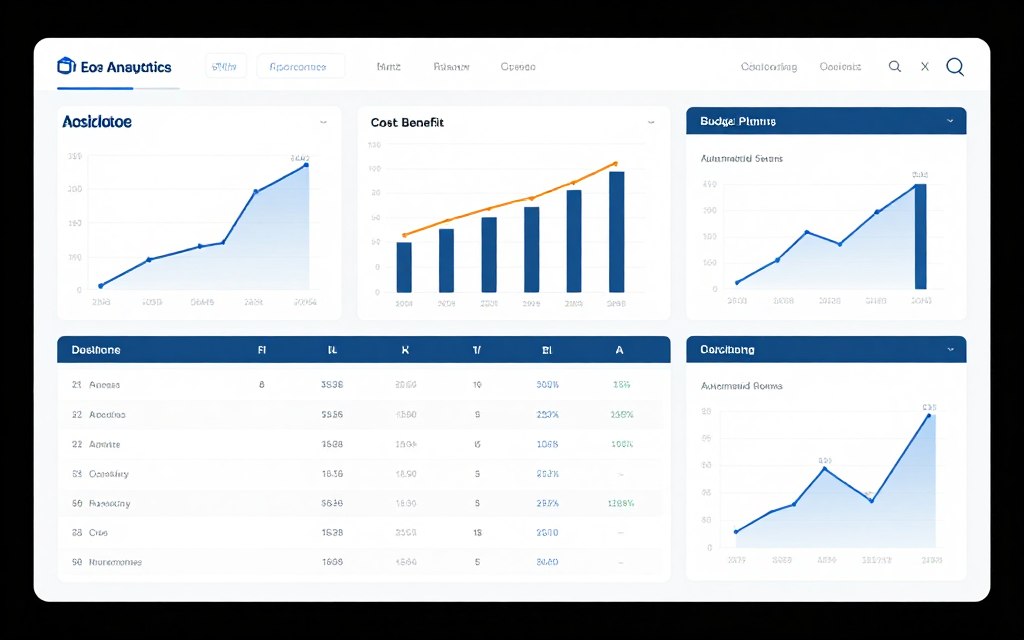
Understanding the complete financial picture helps small businesses make informed decisions about AI automation investments. Direct tool costs represent only part of total expenditure. Hidden costs can surprise unprepared businesses. However, properly implemented automation delivers returns that far exceed investment within months.
Direct and Hidden Costs
Software subscription fees form the most visible expense. Most AI tools use monthly or annual pricing based on user count or usage volume. Entry-level plans typically range from ten to fifty dollars per user monthly. Enterprise features increase costs but small businesses rarely need them initially. Annual commitments often reduce monthly costs by fifteen to twenty-five percent.
Implementation costs vary significantly based on complexity. Simple tools like chatbots or scheduling systems often require only hours of setup time. Complex integrations between multiple systems might need consultant assistance. Budget one hundred to five hundred dollars for professional help with challenging implementations. Many vendors include free onboarding support for new customers.
Training investments pay dividends through higher adoption and better utilization. Plan for three to five hours of initial training per team member. Create documentation and reference materials specific to your workflows. Budget time for ongoing skill development as teams discover advanced features. Internal training costs primarily involve staff time rather than external expenses.
Data migration represents a one-time cost when replacing existing systems. Moving customer records, transaction history, and other information into new platforms takes time. Clean data during migration rather than transferring garbage. Expect to invest twenty to forty hours for thorough data migration depending on volume and complexity.
| Cost Category | Typical Range | Frequency | Notes |
| Software Subscriptions | $50-300/month | Monthly/Annual | Varies by team size and features needed |
| Implementation Setup | $0-500 | One-time | Higher for complex integrations |
| Team Training | $200-800 | One-time | Primarily internal time investment |
| Data Migration | $0-1000 | One-time | Depends on data volume and quality |
| Ongoing Management | 2-5 hours/week | Continuous | Monitoring, optimization, support |
| Integration Tools | $20-100/month | Monthly | Middleware like Zapier if needed |
Calculating Return on Investment
ROI calculation starts with quantifying time savings. Track hours currently spent on tasks targeted for automation. Multiply those hours by relevant hourly costs including wages and overhead. Compare this baseline to projected time requirements after automation. Most businesses see sixty to eighty percent time reduction on automated tasks.
Revenue impact matters as much as cost savings. Sales automation helps teams close more deals with the same effort. Marketing automation increases conversion rates through better targeting and timing. Customer service automation improves satisfaction scores that correlate with retention and referrals. Quantify these benefits conservatively when calculating ROI.
Quality improvements deliver measurable value even when harder to quantify. Automation reduces human errors in data entry, order processing, and customer communications. Fewer mistakes mean less time fixing problems and fewer dissatisfied customers. Error reduction alone often justifies automation investment.
Scalability represents perhaps the greatest long-term benefit. Manual processes break down as businesses grow. Adding capacity means hiring and training additional staff. Automated processes scale almost infinitely without proportional cost increases. A chatbot serves ten or ten thousand customers with identical efficiency.
Sample ROI Scenario
Small Consulting Firm (5 employees)
Investment:
- CRM Software: $150/month
- Email Automation: $50/month
- Scheduling Tool: $40/month
- Implementation: $800 one-time
- Training: $500 one-time
- Total First Year: $4,180
Returns:
- Admin time saved: 15 hours/week at $35/hour = $27,300/year
- Additional clients served: 3 at $5,000 each = $15,000/year
- Reduced errors saving: $2,000/year
- Total Return: $44,300
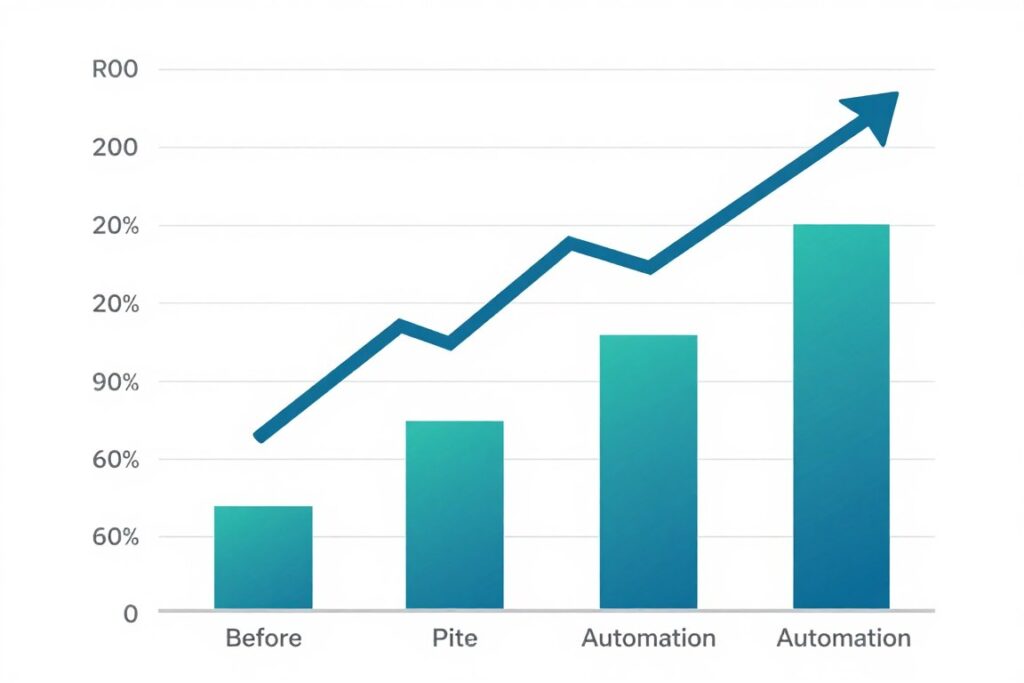
- Net ROI: 960% first year
Budget-Friendly Options for Limited Resources
Small businesses with tight budgets can still access powerful AI automation. Many tools offer free tiers with meaningful capabilities. Mailchimp provides free email automation for up to five hundred contacts. HubSpot includes free CRM and basic marketing tools. Tidio offers free chatbot functionality for moderate usage. Start with free options and upgrade as needs grow.
Open-source alternatives eliminate software costs though they require more technical expertise. WordPress plugins provide chatbots, forms, and automation at no cost. Self-hosted solutions like Mautic offer marketing automation without subscription fees. The trade-off involves higher setup complexity and ongoing maintenance responsibility.
Phased implementation spreads costs over time while delivering incremental value. Automate one process per quarter rather than everything simultaneously. Use savings from early automation to fund subsequent projects. This approach also reduces risk and allows learning between implementations.
Free trials deserve strategic use beyond simple evaluation. Many vendors offer thirty to ninety day trials with full feature access. Time trials to coincide with peak need periods. For example, test email automation during a product launch campaign. You gain immediate value while evaluating long-term fit.
Calculate Your Potential ROI
Use our free ROI calculator customized for small business AI automation. Enter your current costs and see projected savings within 60 seconds. Get a personalized report showing which automations deliver the highest returns for your specific situation.
AI Automation for Accounting and Financial Management
Financial operations demand accuracy while consuming substantial time. Invoice creation, expense tracking, and bookkeeping tie up hours that could drive business growth. AI automation brings precision and efficiency to financial management without requiring accounting expertise.
QuickBooks Online
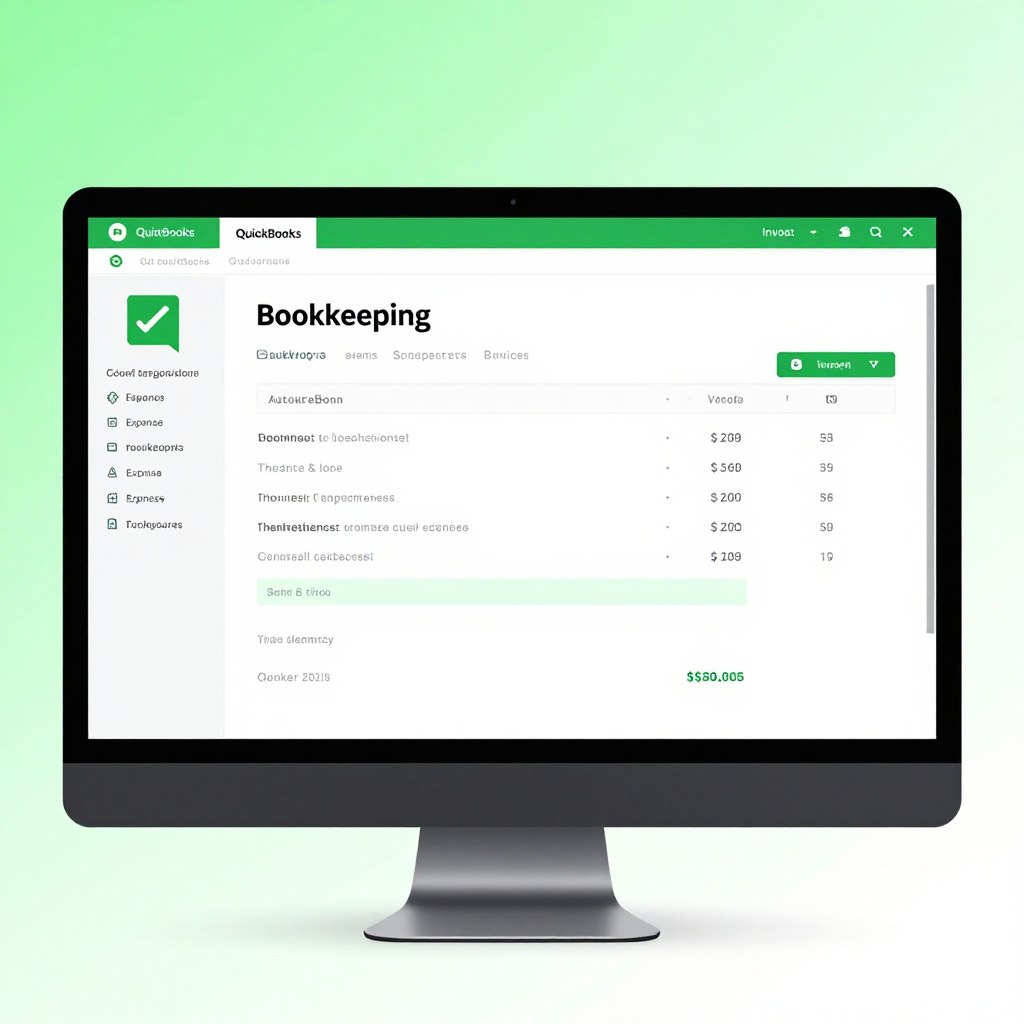
QuickBooks leverages AI to automate routine accounting tasks. The system learns from your patterns to categorize expenses automatically. Bank feeds import transactions and match them to records. Invoice creation pulls data from estimates and projects. Payment reminders send automatically when invoices become overdue.
Machine learning improves categorization accuracy over time. Cash flow forecasting predicts future balances based on historical patterns and upcoming transactions. The mobile app uses optical character recognition to extract data from receipt photos. Small businesses get professional-grade accounting without hiring bookkeepers.
Simple Start plans cost thirty dollars monthly for basic features. Essentials plans at sixty dollars add bill management and time tracking. Plus plans include inventory management at ninety dollars monthly.
FreshBooks
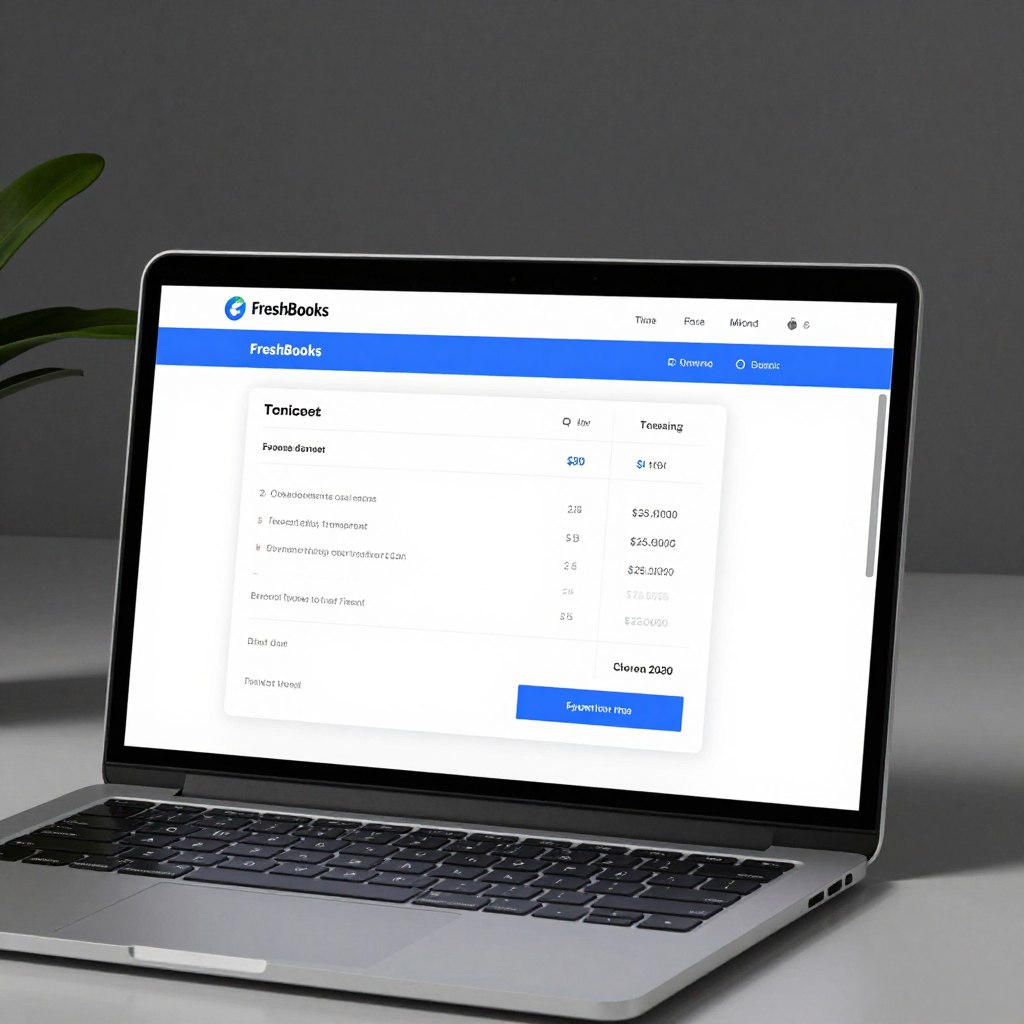
FreshBooks simplifies invoicing and expense management for service-based businesses. Automated invoicing sends bills based on project milestones or time entries. Late payment reminders escalate automatically. Credit card processing integrates directly into invoices for faster payment. Expense tracking captures receipts through mobile photos.
Time tracking connects to projects and automatically flows into invoices. Client portals provide transparency and reduce back-and-forth communication. Recurring invoices handle subscription-based revenue streams. Reports generate insights about profitability by client, project, or service type.
Lite plans start at fifteen dollars monthly for five billable clients. Plus plans support fifty clients at thirty dollars monthly. Premium plans offer unlimited clients at sixty dollars.
Expensify
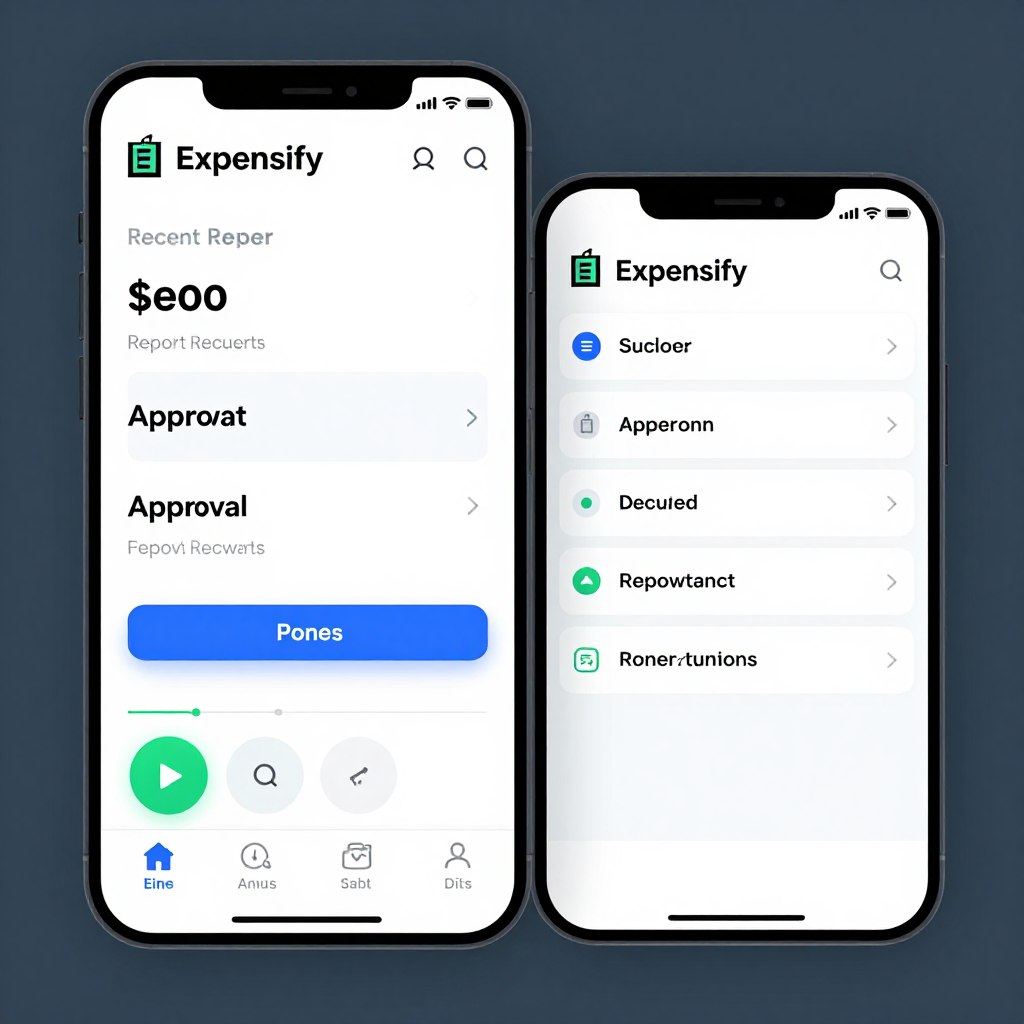
Expensify specializes in expense management and reimbursement automation. SmartScan technology extracts data from receipt photos with remarkable accuracy. The app automatically creates expense reports from submitted receipts. Approval workflows route reports to managers based on company policies. Direct deposit reimburses employees without manual processing.
Credit card integration imports transactions automatically. Mileage tracking uses GPS to log business trips. Policy enforcement flags expenses that violate company rules. Integration with accounting software eliminates duplicate data entry. Corporate card programs provide real-time visibility into spending.
Individual plans cost five dollars per user monthly. Team plans include approval workflows at nine dollars per user. Corporate plans add advanced controls at eighteen dollars.
Financial automation delivers immediate impact on cash flow management. Faster invoicing accelerates payment collection. Automated reminders reduce days sales outstanding without awkward conversations. Accurate expense tracking ensures businesses capture all deductible costs. Real-time visibility into financial health supports better business decisions.
Future of AI Automation: Trends for 2026 and Beyond
The AI landscape evolves rapidly with new capabilities emerging monthly. Small businesses that understand coming trends can position themselves advantageously. Several developments will reshape how small businesses leverage artificial intelligence over the next few years.

Hyper-Personalization at Scale
AI enables personalization that was previously impossible for small businesses. Marketing messages adapt to individual preferences and behaviors. Product recommendations reflect deep understanding of customer needs. Service interactions reference complete relationship history automatically. This level of customization once required large teams. AI delivers it automatically.
Emerging tools analyze customer data across touchpoints to build comprehensive profiles. Natural language processing understands sentiment and emotional state. Predictive analytics anticipate needs before customers articulate them. Small businesses will compete with enterprises on customer experience quality through intelligent personalization.
Voice and Conversational AI
Voice interfaces will transform how customers interact with businesses. Smart speakers and voice assistants already handle simple tasks. Advanced natural language understanding enables complex conversations. Customers will check order status, schedule appointments, and resolve issues entirely through voice.
Small businesses should prepare for voice-first customer journeys. Optimize content for voice search queries. Implement voice-activated ordering and support systems. Design conversational flows that feel natural rather than robotic. Voice AI removes friction from customer interactions while reducing support costs.
Autonomous Decision-Making
AI systems increasingly make decisions without human intervention. Dynamic pricing adjusts in real-time based on demand and competition. Inventory systems automatically reorder products before stockouts occur. Marketing budgets shift between channels based on performance. Small businesses gain enterprise-level optimization without dedicated analysts.
Trust in AI recommendations will grow as systems prove their value. Businesses will move from AI suggestions to AI actions. Guardrails and monitoring ensure AI operates within acceptable parameters. This evolution frees owners to focus on strategy rather than tactical operations.
Integration and Orchestration
Individual AI tools will give way to integrated ecosystems. Data flows seamlessly between marketing, sales, service, and operations systems. Actions in one area trigger responses across the entire business. Customer interactions inform inventory decisions. Sales patterns influence marketing strategies automatically.
Small businesses should prioritize platforms with strong integration capabilities. Avoid isolated point solutions that create data silos. Look for vendors committed to open APIs and partnership ecosystems. Integrated operations deliver exponentially greater value than fragmented tools.
Ethical AI and Transparency
Customers increasingly demand transparency about AI usage. Regulations will require disclosure of automated decision-making. Bias in AI systems faces growing scrutiny. Small businesses must implement AI responsibly to maintain customer trust and avoid legal issues.
Choose vendors committed to ethical AI development. Understand how systems make decisions and what data they use. Provide clear communication when AI handles customer interactions. Build human oversight into critical processes. Responsible AI implementation becomes a competitive advantage.
Preparing Your Business for AI’s Future
Small businesses should take specific actions now to capitalize on emerging trends. Build a data foundation by collecting and organizing customer information systematically. Develop AI literacy across your team through training and experimentation. Start with current AI tools to build confidence and experience. Monitor industry developments to identify opportunities early. Partner with forward-thinking vendors investing in innovation. Stay flexible and willing to adapt as technology evolves.
Industry-Specific AI Solutions
Generic AI tools will be supplemented by industry-specific solutions. Healthcare, legal, manufacturing, and retail businesses will access specialized AI trained on industry data. These vertical solutions understand industry terminology, regulations, and best practices. Implementation becomes faster and results more relevant.
Small businesses should watch for AI tools designed specifically for their industry. Specialized solutions often deliver better results than generic alternatives. Industry associations and trade groups will increasingly recommend proven AI implementations. Learning from peers reduces risk and accelerates adoption.
Real-World Success: Small Businesses Thriving with AI
Theoretical benefits matter less than practical results. Real small businesses across diverse industries demonstrate AI automation’s transformative impact. Their experiences provide blueprints other companies can follow while avoiding common pitfalls.

Retail Success Story
A boutique clothing retailer with three locations struggled with inventory management. Stockouts frustrated customers while overstock tied up capital. The owner implemented an AI-powered inventory system that analyzed sales patterns, seasonal trends, and local events. The system automatically adjusts orders based on predicted demand.
Results appeared within two months. Stockouts decreased by sixty-five percent. Inventory carrying costs dropped thirty percent. Customer satisfaction scores improved as popular items stayed in stock. The owner redirected time from spreadsheet management to customer relationships and product selection. Annual revenue increased eighteen percent while maintaining the same staff size.
The investment totaled eight hundred dollars for software plus twenty hours of implementation time. Monthly costs run one hundred twenty dollars. The retailer now expands confidently knowing inventory systems scale effortlessly to new locations.
Service Business Transformation
A digital marketing agency with seven employees battled client communication challenges. Requests came through email, text, phone, and social media. Important messages got lost in the chaos. Client satisfaction suffered despite quality work. The agency implemented an integrated customer service platform with AI routing and automated responses.
All client communications now flow into a unified inbox. AI categorizes messages by urgency and type. Routine questions receive instant automated responses. Complex issues route to appropriate team members with complete context. Clients receive acknowledgment within minutes regardless of contact method.
Client retention improved from seventy percent to ninety-two percent annually. The team handles thirty percent more clients without adding staff. Response time dropped from an average of four hours to fifteen minutes. Employee stress decreased as organized systems replaced frantic inbox monitoring. The agency invested two thousand dollars in software and implementation with monthly costs of three hundred dollars.
Professional Services Example
A small law firm with four attorneys spent excessive time on administrative tasks. Scheduling consultations involved multiple emails. Document preparation required extensive copying and pasting. Billing captured only sixty percent of actual working time. The firm automated scheduling, document generation, and time tracking.
Prospective clients now book consultations instantly through an online scheduler. The system sends confirmations and reminders automatically. Document templates pull client data from the case management system. Time tracking runs automatically based on calendar entries and computer activity. Billing accuracy increased to ninety-five percent of time worked.
The firm increased billable hours by twenty-two percent without working longer days. Client intake capacity doubled. Administrative staff focused on higher-value client service instead of scheduling coordination. The automation investment paid for itself within three months through captured billable time alone.
“AI automation didn’t replace our team. It freed them to focus on work that actually requires human expertise and creativity. Our clients receive better service and our team enjoys their work more. The ROI exceeded our most optimistic projections.”
These success stories share common elements. Each business started with a specific pain point rather than automating randomly. They chose appropriate tools matched to their needs and budget. Implementation followed structured processes with clear success metrics. Results were measured and optimized over time. Most importantly, automation enhanced rather than replaced human capabilities.
Taking Action: Your AI Automation Journey Starts Now
AI automation for small business has evolved from experimental technology to practical necessity. Companies that embrace intelligent automation gain decisive advantages in efficiency, customer experience, and scalability. The barriers that once prevented small business adoption have largely disappeared.

Cost concerns no longer justify inaction. Free and low-cost tools deliver meaningful value. ROI typically manifests within months rather than years. Implementation complexity has diminished through user-friendly interfaces and extensive support resources. Small businesses can start small and expand as confidence grows.
The competitive landscape demands action. Businesses that automate serve customers better while operating more efficiently. They scale without proportional cost increases. They make data-driven decisions faster than competitors relying on intuition. Delaying automation means falling behind companies that move decisively.
Your automation journey should begin with assessment and planning. Identify processes consuming excessive time or causing friction. Prioritize opportunities based on business impact and implementation difficulty. Research tools designed for your specific needs. Start with a focused pilot project that can demonstrate value quickly.
Recommended Next Steps
- Audit Current Processes: Spend one week documenting how your team actually works. Identify repetitive tasks, bottlenecks, and pain points. Quantify time spent on different activities. This baseline measurement enables you to measure automation impact accurately.
- Research Appropriate Tools: Based on your audit, investigate tools designed for your highest-priority needs. Read reviews from businesses similar to yours. Take advantage of free trials to test functionality. Verify integration capabilities with your existing systems.
- Calculate Expected ROI: Project time savings and revenue impact from automation. Account for implementation costs and ongoing subscriptions. Ensure positive ROI within six to twelve months. Conservative projections reduce disappointment and build credibility.
- Implement Your First Automation: Choose one well-defined process for your pilot. Follow structured implementation including planning, configuration, testing, training, and monitoring. Measure results against your baseline. Optimize based on real-world usage.
- Build on Success: Use momentum from your pilot to tackle additional automation opportunities. Apply lessons learned to accelerate future implementations. Develop internal expertise that reduces dependence on external consultants. Create a culture that embraces intelligent automation.
The businesses thriving in 2026 share a common characteristic. They view AI automation as an ongoing journey rather than a one-time project. They continuously evaluate operations for automation opportunities. They stay informed about emerging capabilities. They invest in team development alongside technology adoption.
Small businesses possess advantages that large corporations lack. You can implement changes quickly without bureaucratic approvals. You understand customer needs intimately. You can pivot strategies based on market feedback. AI automation amplifies these inherent advantages while mitigating resource constraints.
Start Your AI Automation Journey Today
Download our comprehensive Small Business AI Automation Starter Kit. Get step-by-step implementation guides, vendor comparison worksheets, ROI calculators, and proven templates. Everything you need to successfully automate your first process within 30 days.
The future belongs to small businesses that leverage technology strategically. AI automation enables you to compete effectively regardless of company size. The tools exist. The knowledge is accessible. The only remaining requirement is action. Begin your automation journey today and position your business for sustained success in an increasingly competitive marketplace.







Comments are closed