
AI video generation tools have transformed how we create content. What once required expensive equipment and technical expertise now happens with simple text prompts.
The video generation landscape changed dramatically in recent months. New models produce realistic motion and camera movement. Free plans offer more credits than ever before.
This guide examines seven leading platforms that define AI video creation in 2026. Each tool brings unique strengths to different creative needs.
What You’ll Learn: Detailed reviews of the best video generators, recent platform updates, pricing comparisons, and recommendations for specific use cases. We tested each tool to provide accurate, current information.
Compare All 7 Tools Instantly
Download our comprehensive comparison chart with features, pricing, and use case recommendations for all platforms.
What Are AI Video Generation Tools?
AI video generation tools create video content from text descriptions or images. These platforms use advanced machine learning models to generate motion, camera movement, and visual effects.
Modern video generators work through several approaches. Some convert static images into moving scenes. Others generate entire clips from text prompts alone.
The technology relies on video models trained on massive datasets. These models understand how objects move, how cameras behave, and how scenes flow naturally.
How Video Generation Technology Works
Video generation models process prompts through neural networks. The system analyzes your description and creates frames that match your specifications.
The platform generates motion by predicting how each frame should change. Advanced models handle camera movement, object interaction, and realistic physics.
Output quality depends on the underlying video model. Newer models produce higher realism and better temporal consistency across frames.
Key Capabilities of Modern Generators
Today’s best video generators offer specific features that separate them from basic tools. Understanding these capabilities helps you choose the right platform.
Text-to-Video Generation
Create complete video clips from written descriptions. The system interprets your prompt and generates matching visuals with appropriate motion.
- Scene generation from detailed prompts
- Automatic camera movement selection
- Object and character animation
- Style and aesthetic control
Image-to-Video Animation
Transform static images into dynamic video content. Upload existing photos or generated images and add realistic motion.
- Photo animation with natural movement
- Camera motion effects on still images
- Multiple motion direction options
- Preservation of image quality
Camera Control Features
Direct how the virtual camera moves through your scene. Professional camera movement enhances video impact and storytelling.
- Pan, tilt, and zoom controls
- Dolly and tracking shots
- Orbit and reveal movements
- Custom motion paths
Motion Customization
Fine-tune how elements move within generated scenes. Control speed, direction, and intensity of animated elements.
- Motion intensity sliders
- Directional movement control
- Speed variation options
- Multi-element coordination
The Evolution of Video Models
Video generation models improved significantly throughout 2025 and into 2026. Early models produced short clips with limited motion and frequent artifacts.
Current video models generate longer clips with better temporal consistency. The latest platforms create shots up to 10 seconds with smooth, realistic motion.
Recent updates focus on realism and control. New models handle complex prompts better and produce output that feels more natural.
Important Note: Video generation quality varies significantly between platforms. The underlying video model makes the biggest difference in output quality, realism, and motion smoothness.
How We Evaluated These AI Video Generation Tools
We tested each platform extensively over several weeks. Our evaluation process examined real-world performance across multiple criteria.
Each tool received identical prompts to compare output quality. We tested simple and complex scenes to assess model capabilities.
Testing Methodology
Our testing approach focused on practical use cases. We evaluated tools as content creators would actually use them.
We generated over 200 video clips across all platforms. Each test used consistent prompts and settings for fair comparison.
Evaluation Criteria
- Output quality and realism
- Motion smoothness and consistency
- Camera movement accuracy
- Prompt interpretation ability
- Generation speed and reliability
- Platform ease of use
- Pricing and credit systems
- Available features and controls
Test Scenarios
- Simple object motion tests
- Complex scene generation
- Camera movement challenges
- Image-to-video conversions
- Multi-element coordination
- Various duration lengths
- Different aspect ratios
- Style consistency checks
What We Prioritized
Video quality ranked as our top priority. The best video generator must produce usable, professional results consistently.
We valued platforms that offer good free plans or free trials. New users need opportunities to test before committing money.
Ease of use mattered significantly in our rankings. Tools should be accessible to creators without technical backgrounds.
Testing Limitations: AI video generation remains a developing technology. Results can vary based on prompts, timing, and platform updates. Our testing represents performance during evaluation periods in late 2025 and early 2026.
1. Runway Gen-3 Alpha Turbo: Best Overall Video Generator
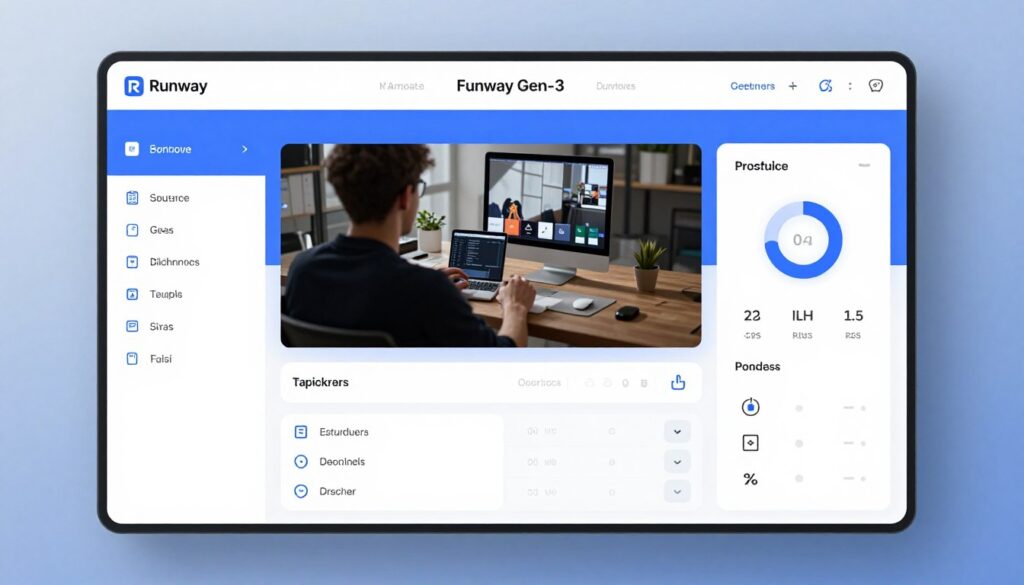
Runway established itself as the leading AI video generation platform for 2026. The Gen-3 Alpha Turbo model delivers exceptional quality and speed.
The platform excels at interpreting complex prompts. Camera movement options provide cinematic control that rivals professional video production.
Key Features and Capabilities
Runway offers comprehensive tools for video creation. The Gen-3 model produces 5 or 10-second clips with remarkable realism.
Core Generation Features
- Text-to-video with advanced prompt understanding
- Image-to-video animation with motion control
- Gen-3 Alpha Turbo for faster generation
- Multiple aspect ratio support
- Extended 10-second clip option
- High-resolution output quality
Professional Controls
- Detailed camera movement presets
- Motion intensity adjustment
- Multi-shot composition tools
- Style consistency features
- Advanced editing integration
- Export options for various platforms
Recent Updates and Improvements
Runway released Gen-3 Alpha Turbo in late 2025. This update significantly improved generation speed without sacrificing quality.
The platform added better camera controls in January 2026. Users now access more precise movement options and path customization.
Motion consistency improved across longer clips. The updated model maintains visual coherence better through 10-second generations.
Pricing and Plans
Runway operates on a credit-based system. New users receive free credits to test the platform capabilities.
| Plan | Price | Credits/Month | Best For |
| Free Trial | $0 | 125 credits | Testing and learning |
| Standard | $12/month | 625 credits | Regular creators |
| Pro | $28/month | 2250 credits | Professional use |
| Unlimited | $76/month | Unlimited relaxed mode | High-volume production |
Each 5-second Gen-3 video costs approximately 5 credits. The 10-second option uses about 10 credits per generation.
Strengths and Limitations
Advantages
- Exceptional output quality and realism
- Superior prompt interpretation
- Professional camera movement options
- Fast generation with Turbo model
- Generous free trial for testing
- Active development and updates
- Strong community and resources
Limitations
- Credit costs add up quickly
- 10-second clips require double credits
- Some complex prompts still challenging
- Occasional inconsistency in results
- Limited editing within platform
Best Use Cases
Runway works excellently for social media content creation. The platform produces engaging clips perfect for Instagram, TikTok, and YouTube shorts.
Marketing teams appreciate the professional quality. The tool creates product demonstrations, explainer content, and promotional materials.
Creative professionals use Runway for concept visualization. The platform helps develop storyboards and test visual ideas quickly.
Start Creating with Runway
Experience the best overall AI video generation platform with 125 free credits. No credit card required to start.
2. Pika 2.0: Best for Creative Camera Movement
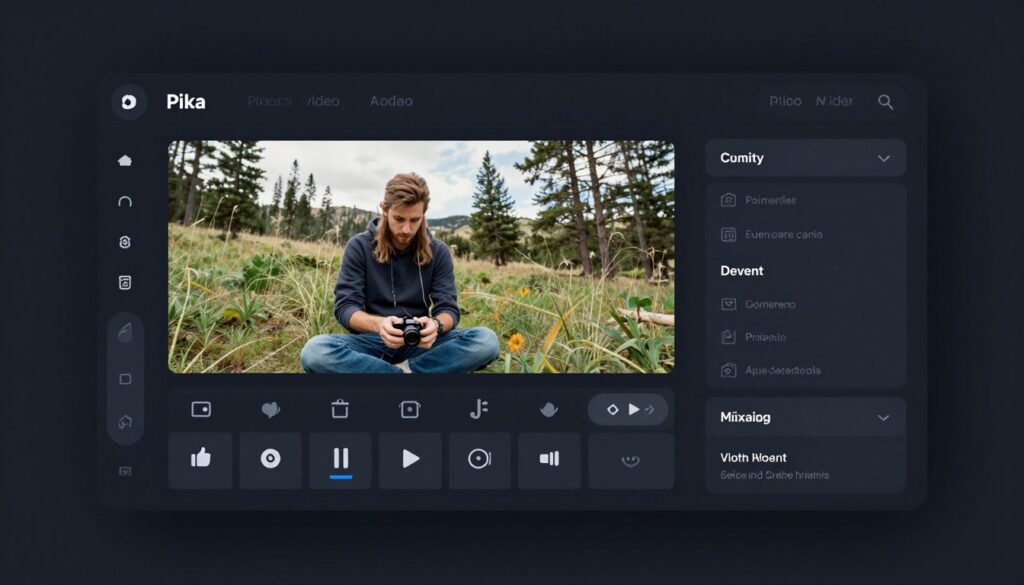
Pika revolutionized AI video generation with its Pika 2.0 release. The platform prioritizes creative camera control and artistic expression.
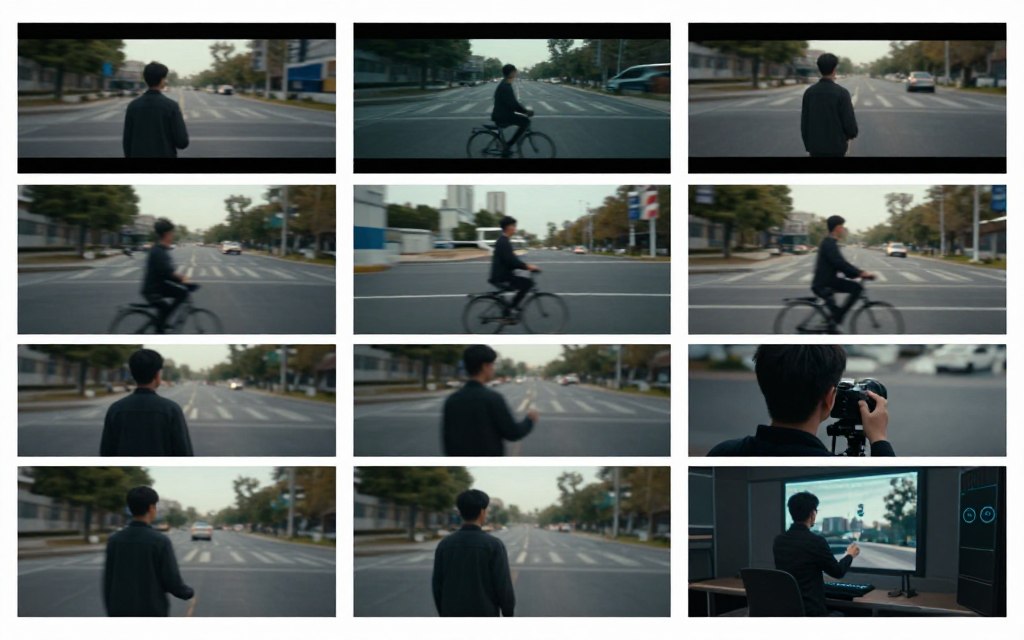
The tool shines when creators need specific camera movements. Pika offers more granular control than most competitors.
What Makes Pika Unique
Pika 2.0 introduced the Pikaffects system for advanced camera work. Users can choreograph complex movements that feel professionally filmed.
The platform handles dynamic scenes exceptionally well. Moving subjects maintain consistency better than many alternatives.
Signature Features
- Advanced Pikaffects camera system
- Detailed motion path controls
- Scene expansion capabilities
- Style transfer options
- Image animation with direction
- Multi-segment composition
Camera Movement Options
- Horizontal and vertical pans
- Zoom in and out controls
- Orbital camera movements
- Tracking shot simulation
- Custom motion paths
- Combined movement effects
2026 Platform Updates
Pika 2.0 launched in December 2025 with substantial improvements. The new video model produces significantly better realism.
January 2026 brought enhanced motion controls. The update added more precise directional options for camera movement.
The platform improved generation speed by approximately 40%. Videos now render faster without quality reduction.
Pricing Structure
Pika offers a generous free plan for experimentation. The free tier includes sufficient credits for regular testing.
| Plan | Monthly Cost | Credits | Features |
| Free | $0 | 250/month | Basic generation, watermark |
| Standard | $10/month | 700/month | No watermark, priority |
| Pro | $35/month | 2000/month | Advanced features, fast queue |
| Unlimited | $95/month | Unlimited relaxed | Unlimited generations |
Each standard generation consumes about 10 credits. Extended clips and advanced features use additional credits.
Performance Assessment
Strengths
- Superior camera movement control
- Excellent free plan with 250 credits
- Artistic and creative output style
- Fast generation times
- Intuitive interface design
- Strong community support
- Regular feature updates
Weaknesses
- Output sometimes less realistic than Runway
- Occasional temporal inconsistencies
- Limited to shorter clip durations
- Advanced features require learning
- Credit usage varies unpredictably
Ideal Applications
Pika excels for creative projects requiring specific camera work. Music video concepts and artistic content benefit from the control.
Social media creators appreciate the distinctive visual style. The output feels more stylized than photorealistic, which works well for certain content.
The platform suits experimental creators. Those willing to explore settings discover unique visual possibilities.
Explore Pika’s Camera Controls
Get 250 free monthly credits to test advanced camera movement features. Perfect for creative video projects.
3. Luma Dream Machine: Best for Realistic Motion
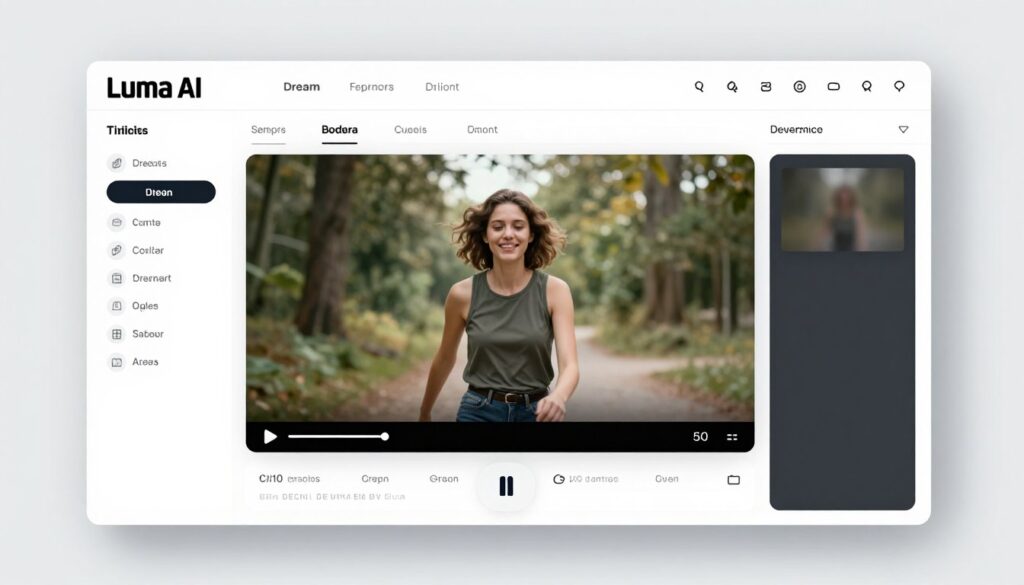
Luma Dream Machine focuses on photorealistic video generation. The platform produces some of the most natural-looking motion available.
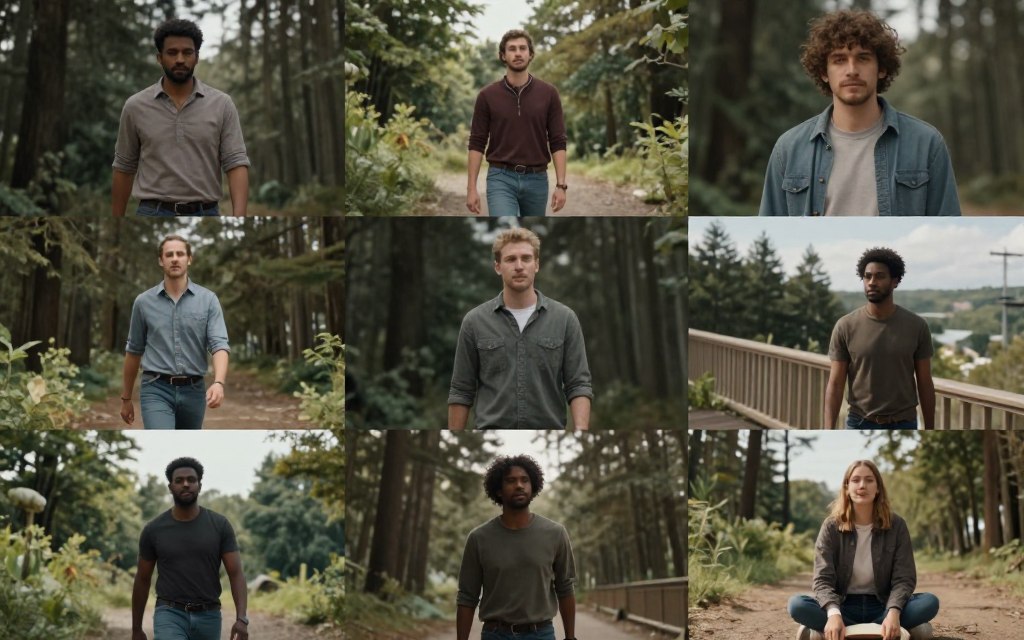
Luma’s video model understands physics and natural movement exceptionally well. The output feels less artificially generated than many competitors.
Core Capabilities
Dream Machine specializes in realistic scene generation. The platform handles complex lighting and material properties effectively.
The tool excels at natural object movement. Physics-based motion makes generated content feel authentic and believable.
Generation Features
- Photorealistic video model
- Natural physics simulation
- High-quality texture rendering
- Smooth motion generation
- Realistic lighting effects
- Multiple resolution options
Technical Strengths
- Superior temporal consistency
- Accurate material rendering
- Natural movement patterns
- Good prompt adherence
- Minimal artifacts in output
- Reliable generation results
Latest Platform Enhancements
Luma updated its video model in February 2026. The new version improved realism across all generation types.
The platform added extended clip options. Users can now generate up to 8 seconds with maintained quality.
Recent updates enhanced prompt understanding. The system interprets complex descriptions more accurately than previous versions.
Pricing and Credits
Luma offers competitive pricing with substantial free credits. New users receive enough credits to thoroughly test the platform.
| Tier | Price | Monthly Credits | Key Benefits |
| Free Plan | $0 | 30 generations | Full feature access |
| Standard | $24/month | 120 generations | Priority queue |
| Plus | $80/month | 400 generations | Faster processing |
| Premier | $240/month | 1200 generations | Maximum priority |
Each generation creates one video clip. Extended duration options do not consume additional credits.
Advantages and Drawbacks
What Works Well
- Exceptional realism and natural motion
- Strong physics understanding
- Consistent temporal quality
- Excellent material rendering
- Generous free plan
- Simple, intuitive interface
- Reliable output quality
Areas for Improvement
- Fewer creative controls than Pika
- Limited camera movement options
- Shorter maximum clip duration
- Generation can be slower
- Less artistic flexibility
Best Use Scenarios
Luma works perfectly for realistic product videos. The platform renders materials and lighting that look genuinely photographed.
Professional presentations benefit from the realistic output. The quality matches or exceeds expectations for business content.
Nature and environment videos look particularly authentic. Luma handles organic movement and natural scenes exceptionally well.
Experience Photorealistic Generation
Start with 30 free generations monthly. Test Luma’s industry-leading realistic motion and rendering.
4. Kling AI: Best for Longer Video Clips
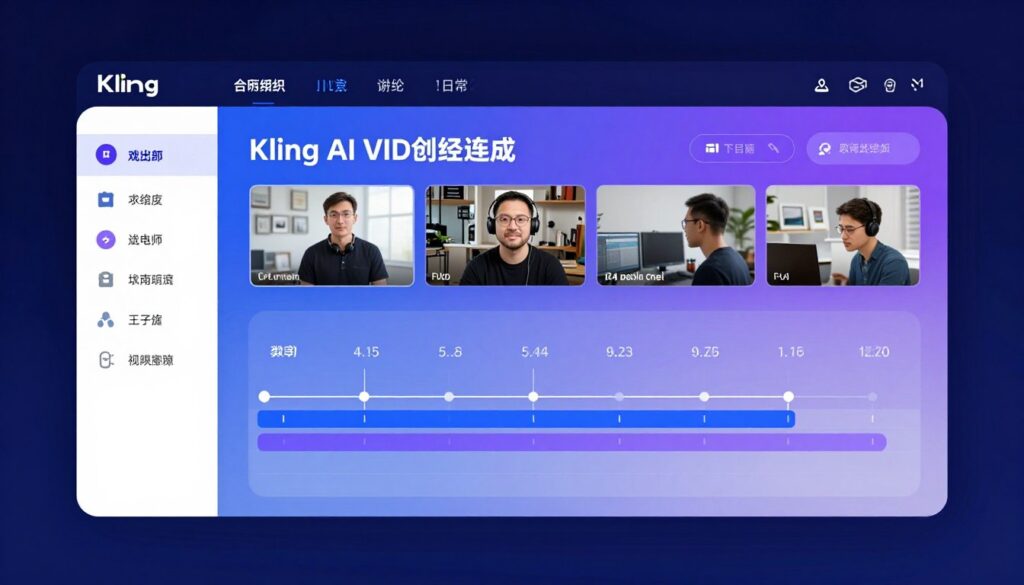
Kling AI stands out by generating significantly longer video clips. The platform produces shots up to 10 seconds consistently.
This Chinese platform gained international attention throughout 2025. The video model competes directly with Western alternatives in quality.
Platform Capabilities
Kling specializes in extended duration without quality degradation. The system maintains consistency across longer time spans.
The platform handles complex scenes with multiple moving elements. Temporal coherence remains strong even in challenging generations.
Key Features
- Up to 10-second video generation
- Strong temporal consistency
- Multiple model versions
- Text and image input options
- Various aspect ratio support
- High-resolution output
Technical Advantages
- Extended duration capability
- Multi-element scene handling
- Good motion smoothness
- Reliable generation quality
- Fast processing speeds
- Stable output consistency
Recent Developments
Kling expanded international availability in early 2026. The platform now accepts users from more countries.
A new model version launched in January 2026. Updates improved realism and reduced common artifacts.
The platform added better camera controls. Users gained access to more movement options similar to competing tools.
Cost Structure
Kling operates on a credit system with reasonable pricing. The platform offers free credits for new users to test capabilities.
| Plan Type | Cost | Credits Included | Best For |
| Free Trial | $0 | 66 credits | Platform testing |
| Basic | $9/month | 660 credits | Casual creators |
| Standard | $30/month | 3300 credits | Regular production |
| Pro | $90/month | 16500 credits | Professional teams |
Five-second generations cost approximately 30 credits. Ten-second clips use around 60 credits per generation.
Performance Analysis
Strong Points
- Industry-leading clip duration
- Excellent temporal consistency
- Competitive pricing structure
- Good free credit allocation
- Reliable quality output
- Fast generation speeds
- Improving international support
Limitations
- Interface primarily in Chinese
- Limited availability in some regions
- Fewer creative controls than competitors
- Customer support language barriers
- Less refined than Western platforms
Optimal Use Cases
Kling works best when duration matters more than artistic control. Longer clips reduce the need for stitching multiple generations.
The platform suits straightforward generation needs. Users wanting extended shots without complex camera work find Kling ideal.
Budget-conscious creators appreciate the competitive pricing. Kling offers good value for the credit cost per second generated.
Generate Longer Video Clips
Test Kling’s extended duration capabilities with 66 free credits. Create up to 10-second clips with strong consistency.
5. Haiper: Best Free AI Video Generator
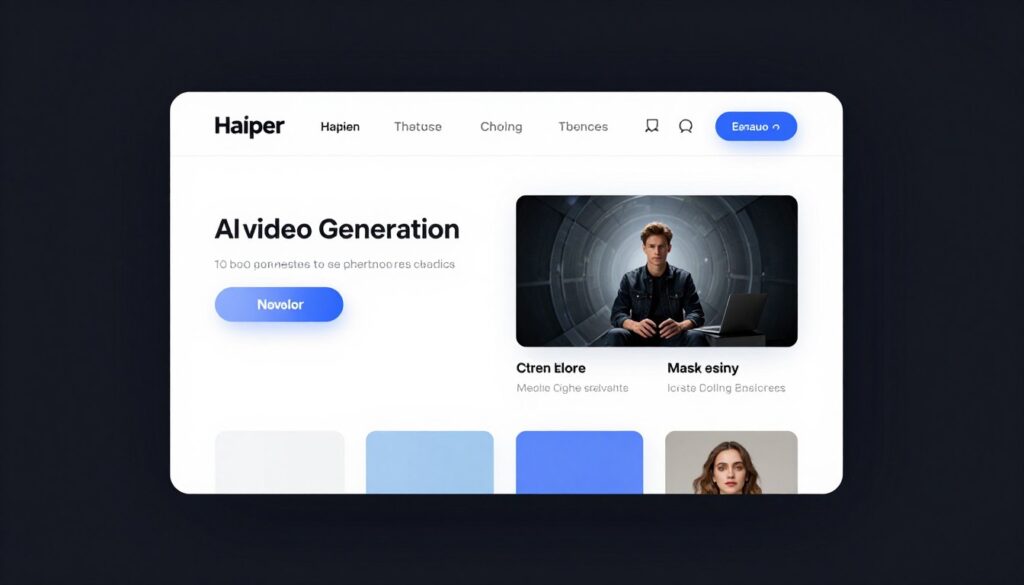
Haiper positions itself as the most accessible AI video generator. The platform offers extensive free capabilities without watermarks.
The tool prioritizes removing barriers to AI video creation. Users generate substantial content without financial commitment.
Platform Features
Haiper provides comprehensive video generation tools in the free tier. The platform includes both text-to-video and image-to-video capabilities.
The system produces quality comparable to paid alternatives. Free users access the same video model as premium subscribers.
Free Tier Capabilities
- Unlimited generations with queue
- No watermark on output
- Full feature access
- Text and image input
- Multiple aspect ratios
- Standard quality exports
Generation Options
- Text-to-video creation
- Image animation
- Video repainting
- Motion customization
- Camera movement controls
- Style variations
Platform Updates
Haiper improved its video model in late 2025. Quality increased significantly while maintaining free access.
The platform added new motion controls in January 2026. Users gained better directional options for animations.
Recent updates increased generation speed. The queue moves faster than previous versions even for free users.
Pricing Comparison
Haiper’s free plan remains the most generous in the industry. Paid plans exist but offer primarily speed benefits.
| Level | Monthly Price | Key Difference | Recommended For |
| Free | $0 | Queue-based generation | Most users |
| Explorer | $10/month | Faster processing | Regular creators |
| Pro | $30/month | Priority queue | Time-sensitive work |
The free tier includes unlimited generations. Users only pay for faster processing and priority access.
Strengths and Weaknesses
Major Advantages
- Completely free unlimited generations
- No watermarks on output
- Full feature access in free tier
- Good quality for free platform
- Simple, accessible interface
- No credit card required
- Regular quality improvements
Trade-offs
- Quality below premium platforms
- Slower generation in free tier
- Queue wait times during peak
- Fewer advanced controls
- Shorter maximum clip duration
Best Applications
Haiper works perfectly for beginners exploring AI video generation. The free access removes barriers to experimentation.
Social media content creators appreciate the unlimited generations. The platform supports high-volume content needs without cost.
Students and educators benefit from free access. Haiper provides learning opportunities without budget requirements.
Start Creating Free Videos Today
Access unlimited AI video generation with no watermarks. Perfect for testing and regular content creation at zero cost.
6. Adobe Firefly Video Model: Best for Creative Professionals
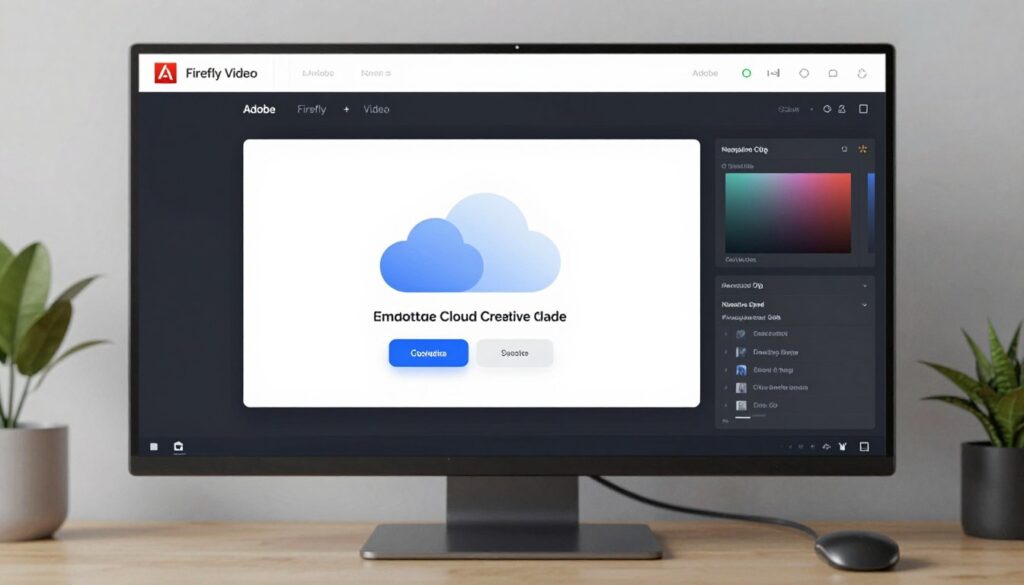
Adobe Firefly Video Model brings enterprise-grade AI video generation to creative professionals. The platform integrates seamlessly with Adobe’s creative ecosystem.
This tool targets users already working in Adobe applications. The integration streamlines workflows for existing Creative Cloud subscribers.
Integration and Features
Firefly Video works within familiar Adobe interfaces. Users access AI generation without leaving their primary creative applications.
The platform emphasizes commercial safety. Adobe trains models on licensed content, reducing copyright concerns for professional use.
Adobe Firefly Capabilities
- Creative Cloud integration
- Commercially safe generation
- Text-to-video creation
- Image animation features
- Style reference options
- High-resolution output
Professional Features
- Direct Premiere Pro integration
- After Effects compatibility
- Team collaboration tools
- Asset management integration
- Enterprise licensing options
- Priority support access
Recent Adobe Updates
Adobe released Firefly Video Model in beta during late 2025. The public release came in February 2026 with enhanced capabilities.
The latest version improved motion quality significantly. Updates focused on commercial viability and professional requirements.
Adobe added better camera controls in early 2026. The system now offers movement options comparable to standalone platforms.
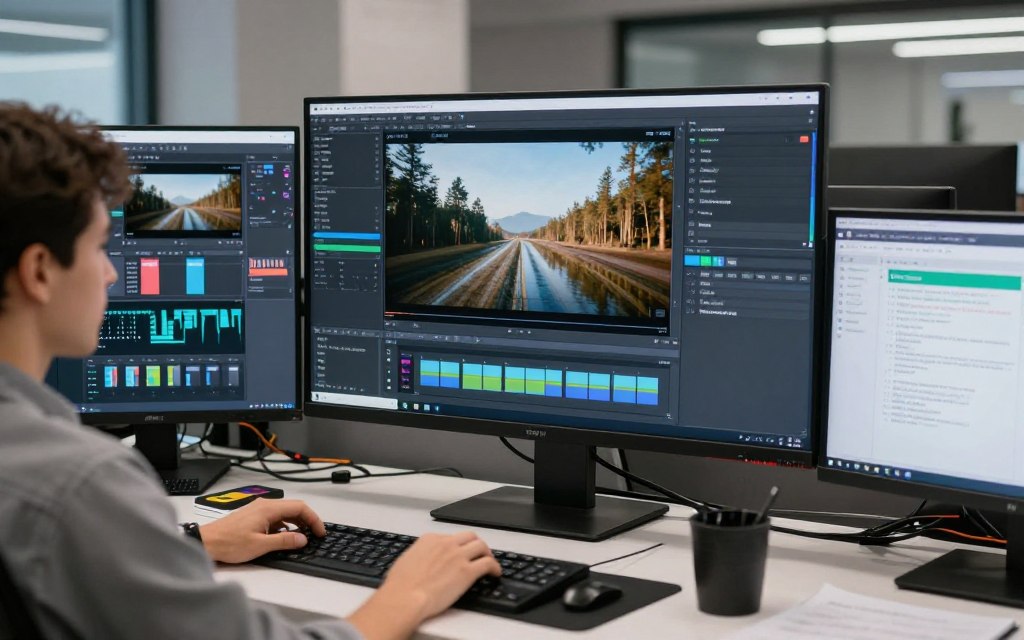
Pricing Through Creative Cloud
Adobe Firefly Video Model comes with Creative Cloud subscriptions. Standalone access also exists for non-subscribers.
| Plan | Cost | Includes | Target User |
| Firefly Free | $0 | 25 credits/month | Testing only |
| Firefly Premium | $5/month | 100 credits/month | Casual users |
| Creative Cloud All Apps | $60/month | Firefly + all Adobe apps | Professionals |
| Enterprise | Custom pricing | Unlimited + support | Large teams |
Most professional users access Firefly through existing Creative Cloud subscriptions. The integration adds value without separate costs.
Performance Evaluation
Professional Advantages
- Seamless Creative Cloud integration
- Commercially safe content generation
- Enterprise support and licensing
- Team collaboration features
- Reliable, consistent output
- Professional workflow optimization
- Adobe’s quality standards
Considerations
- Requires Creative Cloud for best value
- Quality behind specialized platforms
- Limited standalone appeal
- Fewer creative controls than competitors
- Higher cost for non-subscribers
Ideal User Profile
Adobe Firefly Video suits existing Creative Cloud subscribers perfectly. The integration value exceeds standalone platform capabilities.
Enterprise teams benefit from commercial safety guarantees. Adobe’s licensing removes copyright concerns for business use.
Professional workflows gain efficiency through integration. Users avoid switching between multiple applications for video generation.
Integrate AI Video Into Your Workflow
Add Firefly Video to your Creative Cloud subscription. Commercially safe generation within familiar Adobe tools.
7. Genmo Mochi 1: Best Open-Source Video Generator
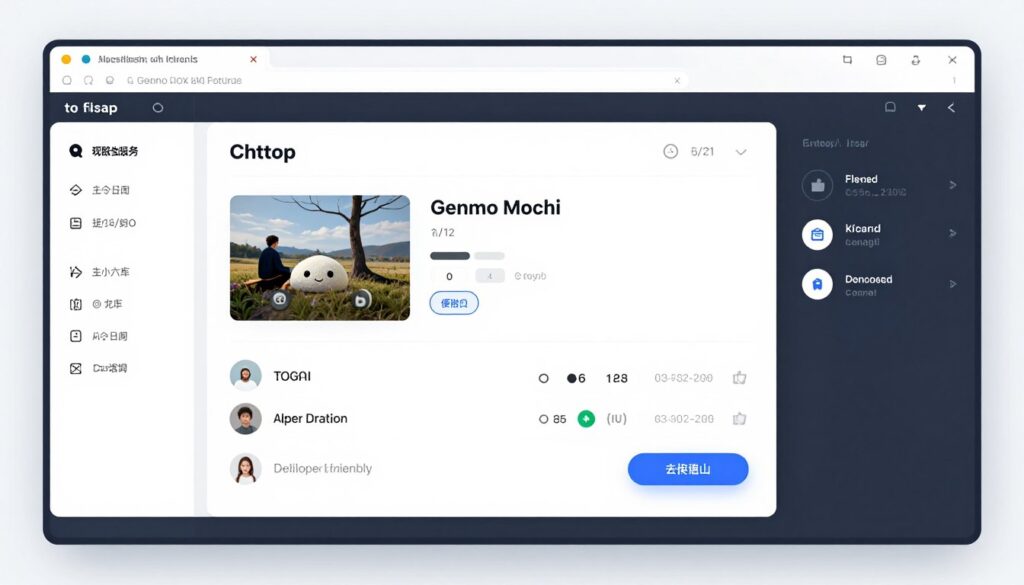
Genmo Mochi 1 represents the leading open-source approach to AI video generation. The platform offers transparency and customization unavailable in proprietary tools.
This tool appeals to developers and technical users. The open nature allows modifications and self-hosting options.
Open-Source Advantages
Mochi 1 provides full access to the underlying video model. Users can inspect, modify, and improve the generation system.
The platform supports self-hosting for privacy-conscious users. Organizations can run the model on their own infrastructure.
Platform Features
- Open-source video model
- Self-hosting capability
- Model customization options
- Community contributions
- Transparent architecture
- Free commercial use
Technical Capabilities
- Text-to-video generation
- Image animation features
- Custom model training
- API access available
- Various output formats
- Community improvements
Development Updates
Genmo released Mochi 1 in open-source form during mid-2025. The community immediately began contributing improvements.
Regular model updates come from both Genmo and community developers. The collaborative approach accelerates development.
February 2026 brought significant quality improvements. Community contributions enhanced motion consistency and output realism.
Pricing and Access
Mochi 1’s open-source nature makes it free for all uses. The hosted platform offers convenient access for non-technical users.
| Access Method | Cost | Requirements | Best For |
| Self-Hosted | Free | GPU hardware | Developers, enterprises |
| Genmo Platform Free | $0 | None | Testing, learning |
| Genmo Turbo | $10/month | None | Regular users |
| Genmo Pro | $35/month | None | Power users |
The open-source model costs nothing to use. Hosted options provide convenience without technical setup requirements.
Strengths and Limitations
Key Benefits
- Completely open-source and free
- Full model transparency
- Self-hosting capability
- Community-driven improvements
- No vendor lock-in
- Free commercial licensing
- Customization possibilities
Current Drawbacks
- Quality below top commercial models
- Technical knowledge helpful
- Self-hosting requires GPU resources
- Less polished user experience
- Smaller support community
Best Use Cases
Genmo Mochi 1 suits developers building AI video features. The open-source nature enables integration into custom applications.
Organizations with privacy requirements benefit from self-hosting. The model runs entirely on internal infrastructure.
Researchers and students appreciate the transparency. Open access supports learning and experimentation without restrictions.
Access Open-Source Video Generation
Download Mochi 1 for free or use the hosted platform. Full transparency and customization for technical users.
Complete AI Video Generator Comparison
This comprehensive comparison helps you evaluate all seven platforms quickly. The table highlights key differences across important criteria.
| Platform | Best For | Max Duration | Free Plan | Starting Price | Video Quality | Camera Controls |
| Runway Gen-3 | Overall quality | 10 seconds | 125 credits | $12/month | Excellent | Excellent |
| Pika 2.0 | Camera movement | 8 seconds | 250 credits | $10/month | Very Good | Outstanding |
| Luma Dream | Realistic motion | 8 seconds | 30 generations | $24/month | Excellent | Good |
| Kling AI | Longer clips | 10 seconds | 66 credits | $9/month | Very Good | Good |
| Haiper | Free access | 6 seconds | Unlimited | Free | Good | Fair |
| Adobe Firefly | Professionals | 5 seconds | 25 credits | $5/month | Very Good | Good |
| Genmo Mochi | Open-source | 6 seconds | Free model | Free | Good | Fair |
Feature Breakdown by Category
Best Video Generators for Quality
- Runway Gen-3 Alpha Turbo
- Luma Dream Machine
- Pika 2.0
These platforms produce the most realistic and professional output. Quality rivals traditional video production in many scenarios.
Best Free Video Tools
- Haiper (unlimited)
- Pika (250 credits)
- Runway (125 credits)
Generous free plans let you test extensively. Haiper’s unlimited free tier stands out for regular use without cost.
Best for Social Media
- Runway Gen-3
- Pika 2.0
- Haiper
These tools excel at creating engaging social content. Fast generation and good quality suit high-volume content needs.
Pricing Value Analysis
Cost per second varies significantly between platforms. Understanding value helps optimize your budget.
Best Value Options
- Haiper offers unlimited free generations
- Kling provides competitive credit pricing
- Pika balances quality and affordability
- Genmo Mochi costs nothing as open-source
Premium Investment
- Runway delivers top quality worth the cost
- Luma justifies pricing with realism
- Adobe integrates with existing workflows
- Premium plans reduce wait times significantly
Find Your Perfect Video Generator
Still unsure which platform fits your needs? Compare features, pricing, and capabilities to make the right choice.
Best AI Video Generator for Your Specific Needs
Different creators have different requirements. These recommendations match tools to common use cases.

Content Creator Recommendations
Social Media Creators
Recommended: Runway or Pika
- Fast generation for high volume
- Multiple aspect ratios
- Engaging visual styles
- Good free trial options
Social platforms reward consistent posting. These tools generate content quickly enough for daily publishing schedules.
Marketing Teams
Recommended: Runway or Adobe Firefly
- Professional quality output
- Commercial use rights
- Team collaboration features
- Consistent brand aesthetics
Marketing requires reliable, professional results. These platforms deliver quality suitable for brand representation.
Educators & Students
Recommended: Haiper or Genmo
- Free unlimited access
- No cost barriers
- Learning-friendly interfaces
- Experimentation encouraged
Education budgets benefit from free tools. Both platforms remove financial barriers to learning video generation.
Business Use Recommendations
Enterprise Organizations
Recommended: Adobe Firefly or Runway
- Commercial licensing clarity
- Enterprise support options
- Team management features
- Reliable service agreements
Large organizations need legal certainty and support. These platforms provide enterprise-appropriate terms and backing.

Small Businesses
Recommended: Pika or Kling
- Affordable pricing tiers
- Good quality-to-cost ratio
- Sufficient features for needs
- Manageable learning curve
Small businesses need quality within budget constraints. These tools balance affordability with professional results.

E-commerce Sellers
Recommended: Luma or Runway
- Realistic product rendering
- Professional presentation
- Multiple angle generation
- Conversion-focused quality
Product videos drive sales when they look professional. These platforms create realistic presentations that build buyer confidence.
Creative Professional Recommendations
Filmmakers & Directors
Recommended: Runway or Pika
- Advanced camera controls
- Cinematic quality output
- Previsualization capabilities
- Creative flexibility
Film professionals use AI for concept development. These tools support storyboarding and visual exploration.
Graphic Designers
Recommended: Adobe Firefly or Runway
- Creative software integration
- Design-focused features
- Style consistency tools
- Professional workflows
Designers work within established tool ecosystems. Integration with existing software streamlines creative processes.
Developers & Researchers
Recommended: Genmo Mochi or Runway
- API access available
- Open-source options
- Custom integration support
- Technical documentation
Technical users need access to underlying systems. These platforms provide APIs and customization options.
Choose Based on Priority: If quality matters most, choose Runway or Luma. If budget is primary, start with Haiper or Genmo. For creative control, Pika leads. For integration, Adobe Firefly wins.
How to Choose the Right AI Video Generator
Selecting the best video generator depends on multiple factors. This framework helps evaluate tools against your specific requirements.
Key Decision Factors
Consider these primary criteria when evaluating video generation platforms. Your priorities determine which tool fits best.
Budget Considerations
Your available budget significantly impacts platform selection. Free plans provide starting points, while paid tiers offer additional features.
- Monthly subscription costs
- Credit or generation limits
- Free trial availability
- Cost per video second
Quality Requirements
Different use cases demand varying quality levels. Professional work requires higher fidelity than casual social media content.
- Output realism needs
- Temporal consistency importance
- Resolution requirements
- Motion smoothness expectations
Feature Needs
Specific features matter for different projects. Identify which capabilities you actually need versus nice-to-have additions.
- Camera movement controls
- Clip duration options
- Aspect ratio flexibility
- Editing integration
Technical Expertise
Your comfort with technology influences platform choice. Some tools require more technical knowledge than others.
- Interface complexity
- Learning curve steepness
- Available tutorials and support
- Community resources
Testing Approach
Most platforms offer free trials or free tiers. Use this testing strategy to evaluate options effectively.
Week 1: Initial Testing
- Sign up for free trials on top choices
- Test identical prompts across platforms
- Compare output quality directly
- Note generation speed differences
- Evaluate interface usability
Week 2: Deep Evaluation
- Create actual project content
- Test advanced features needed
- Measure credit consumption rates
- Assess support quality
- Calculate real-world costs
Week 3: Decision Making
- Review all test results
- Calculate cost per project
- Consider workflow integration
- Check upgrade path options
- Make final platform selection
Common Mistakes to Avoid
New users often make predictable errors when choosing video generators. Avoid these common pitfalls.
Don’t choose based on hype alone. Popular doesn’t always mean best for your needs. Test platforms yourself with your actual use cases.
- Choosing based on price alone without testing quality
- Ignoring free trial opportunities before purchasing
- Overlooking credit consumption rates in calculations
- Not considering workflow integration needs
- Selecting features you won’t actually use
- Underestimating learning curve time requirements
- Forgetting to check commercial licensing terms
Long-Term Considerations
Think beyond immediate needs when selecting a platform. Consider how your requirements might evolve.
Growth Factors
Your video creation volume will likely increase. Ensure platforms scale appropriately.
- Higher tier plan options
- Volume pricing discounts
- Team collaboration features
- API access for automation
Platform Development
AI video generation evolves rapidly. Active development indicates future improvements.
- Update frequency and scope
- Company funding and stability
- Roadmap transparency
- Community size and activity
Getting Started with AI Video Generation
Starting with AI video tools can feel overwhelming. This practical guide walks you through the initial steps.
Your First Video Generation
Creating your first AI video takes just minutes. Follow these steps to generate your initial clip.
- Choose a platform with a generous free trial (Runway, Pika, or Haiper recommended)
- Create your account using email or social login
- Navigate to the text-to-video or image-to-video section
- Write a simple, clear description of what you want
- Select duration and aspect ratio settings
- Click generate and wait for processing
- Review results and download your video
Writing Effective Prompts
Prompt quality dramatically affects output. Better descriptions produce better results.
Good Prompt Structure
- Start with subject description
- Add specific action or motion
- Include setting or environment
- Specify camera movement if needed
- Mention lighting or style preferences
- Keep prompts clear and focused
Example Prompts
Basic: “A golden retriever running through a field”
Better: “A golden retriever running joyfully through a sunlit meadow, camera tracking alongside, warm afternoon lighting”
Advanced: “Close-up shot of a golden retriever running through tall grass in a meadow at golden hour, camera dolly tracking from side, shallow depth of field, cinematic”
Common Beginner Challenges
New users encounter predictable obstacles. Understanding these helps overcome them quickly.
Why don’t my videos match my expectations?
AI video generation requires practice. Models interpret prompts differently than you might imagine. Try multiple variations of your prompt with different wording. Study examples from other users to understand what works.
How do I reduce generation failures?
Start with simpler prompts and gradually add complexity. Avoid requesting impossible physics or movements. Some concepts work better than others. Review platform guidelines for best practices specific to each tool.
Why do my videos have artifacts or glitches?
All AI video models occasionally produce artifacts. Complex scenes with multiple moving elements increase this likelihood. Try regenerating or simplifying your prompt. Some platforms handle certain content types better than others.
How can I maintain consistency across multiple clips?
Use image-to-video features to start from consistent source images. Keep prompts structurally similar across generations. Some platforms offer style reference features. Consider using the same seed values if the platform supports it.
Building Your Skills
Improvement comes through practice and learning. These resources accelerate your development.
- Join platform-specific Discord communities for tips
- Study top creator examples and their prompts
- Experiment with one variable at a time
- Keep a prompt library of what works well
- Watch tutorial videos from experienced users
- Test new platform features as they release
- Share your work for community feedback
Learning Timeline: Most users achieve competency within 2-3 weeks of regular practice. Plan to generate 50-100 test videos during your learning phase to understand each platform’s strengths and limitations.
Advanced AI Video Generation Techniques
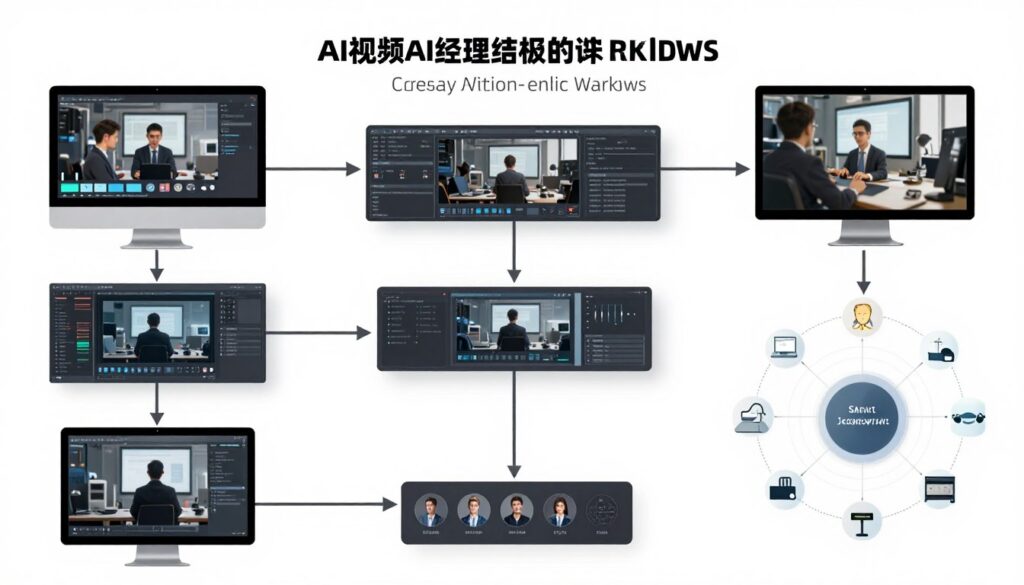
Experienced users employ specific strategies to maximize output quality. These advanced techniques produce superior results.
Multi-Shot Composition
Creating longer narratives requires stitching multiple generations. This approach builds complete stories from individual clips.
Plan your sequence before generating individual shots. Each clip should connect logically to create flow.
Planning Process
- Outline your complete narrative arc
- Break into individual shot descriptions
- Maintain consistent style across prompts
- Generate each shot separately
- Edit together in video software
- Add transitions and effects
Consistency Tips
- Use similar prompt structures throughout
- Reference the same lighting conditions
- Maintain consistent camera perspectives
- Keep subject descriptions identical
- Generate backup variations
- Plan for transition frames
Image-to-Video Optimization
Starting from images often produces better results than text alone. This technique provides more control over composition.
Generate or source high-quality starting images. The initial frame quality significantly impacts the final video.
- Use AI image generators for perfect starting frames
- Ensure images match desired video aspect ratio
- Consider composition for intended motion direction
- Test camera movement options with same image
- Combine image generation and video tools strategically
Camera Movement Mastery
Professional camera work elevates video quality dramatically. Understanding movement options creates cinematic results.
Static Camera Effects
- Locked camera with subject motion
- Focus shifts within frame
- Depth of field changes
- Lighting variations
Dynamic Movement
- Dolly in/out for emphasis
- Pan to reveal elements
- Tilt for vertical exploration
- Orbit for 360-degree views
Complex Choreography
- Combined movements
- Speed variations
- Motivated camera work
- Subject following
Post-Processing Enhancement
AI-generated videos benefit from traditional editing. These enhancements improve final quality.
Essential Edits
- Color grading for consistency
- Stabilization for smooth motion
- Speed ramping for emphasis
- Cropping for composition
- Adding motion blur
Professional Touches
- Sound design and music
- Title and text overlays
- Transition effects
- Color correction matching
- Final quality upscaling
Workflow Optimization
Efficient workflows save time and credits. Develop systems for consistent, fast production.
- Create prompt templates for common needs
- Build reference image libraries
- Develop shot list templates
- Establish quality check procedures
- Maintain organized file systems
- Track successful prompts for reuse
- Batch similar generations together
Pro Tip: Generate multiple variations of critical shots. Having options during editing significantly improves final quality. The small additional credit cost pays dividends in flexibility.
Future of AI Video Generation in 2026 and Beyond
AI video generation evolves rapidly. Understanding emerging trends helps you prepare for upcoming capabilities.
Emerging Capabilities
Several key improvements arrive throughout 2026. These developments expand what AI video tools can accomplish.
Extended Duration
Longer clips without quality loss represent a major focus. Platforms work toward 30-second and one-minute generations.
- Improved temporal consistency
- Better long-form coherence
- Narrative arc understanding
- Complex scene evolution
Enhanced Realism
Photorealism continues improving. Future models approach indistinguishable quality from filmed content.
- Superior physics simulation
- Better human movement
- Realistic facial expressions
- Natural material rendering
Interactive Control
Real-time adjustment during generation becomes possible. Users guide creation dynamically rather than waiting for results.
- Live generation previews
- Mid-process adjustments
- Interactive refinement
- Immediate feedback loops
Audio Integration
Combined audio and video generation creates complete multimedia. Sound design happens automatically alongside visuals.
- Synchronized sound effects
- Automatic music scoring
- Voice generation integration
- Complete audiovisual creation
Industry Impact Predictions
AI video generation transforms multiple industries. These sectors see the most significant changes.
Content Creation
Individual creators compete with production studios. High-quality video becomes accessible to everyone.
- Democratized production
- Lower entry barriers
- Faster iteration cycles
- Personalized content scale
Marketing & Advertising
Brands create custom videos for micro-audiences. Personalization scales infinitely.
- Dynamic ad generation
- A/B testing at scale
- Localized variations
- Real-time content
Education & Training
Custom educational videos adapt to learning styles. Personalized visual instruction becomes standard.
- Adaptive learning content
- Simulation training
- Visual explanations
- Accessibility improvements
Challenges and Considerations
Rapid advancement brings important questions. The industry must address these concerns responsibly.
Ethical Considerations: As AI video becomes indistinguishable from reality, questions about authenticity, consent, and verification become critical. Responsible development and usage guidelines continue evolving.
- Deepfake and misinformation concerns
- Copyright and intellectual property questions
- Artist and creator displacement impacts
- Content authenticity verification needs
- Regulatory framework development
- Environmental costs of computation
- Access and equity considerations
Preparing for Changes
Stay current with AI video generation developments. These practices keep you ahead of changes.
- Follow platform update announcements closely
- Test new features during beta periods
- Engage with creator communities
- Experiment with emerging techniques
- Build adaptable workflows
- Develop transferable skills across platforms
- Maintain awareness of industry discussions
Frequently Asked Questions About AI Video Generation Tools

What is the best AI video generation tool overall?
Runway Gen-3 Alpha Turbo currently leads in overall quality and features. The platform offers exceptional output realism, professional camera controls, and reliable results. However, “best” depends on your specific needs. Pika 2.0 excels for camera movement, Luma Dream Machine for realism, and Haiper for free access.
Are there completely free AI video generators?
Yes. Haiper offers unlimited free video generation without watermarks. Genmo Mochi 1 provides free open-source access. Most platforms including Runway, Pika, and Luma also offer free trials with limited credits. These free options let you test capabilities before committing to paid plans.
How long can AI-generated videos be?
Current platforms generate clips between 5-10 seconds typically. Runway and Kling both support 10-second generations. Pika and Luma create up to 8 seconds. Longer videos require stitching multiple generations together in editing software. The industry continues working toward extended single-generation durations.
Can I use AI-generated videos commercially?
Most platforms allow commercial use of generated content. Check specific terms of service for your chosen platform. Adobe Firefly specifically emphasizes commercial safety. Ensure you own rights to any input images used. Some platforms require attribution or have restrictions on certain use cases.
What video quality can I expect from AI generators?
Quality varies by platform and content type. Top tools like Runway and Luma produce results suitable for professional use including marketing and social media. Output resolution typically reaches 1080p. Realism continues improving but still shows occasional artifacts. Simple scenes work better than complex multi-element compositions.
Do I need technical skills to use AI video generators?
No advanced technical skills are required. Most platforms feature intuitive interfaces accessible to beginners. You need to write clear text descriptions and select basic settings. Learning effective prompt writing takes practice but doesn’t require technical background. More advanced features like API integration do require coding knowledge.
How much do AI video generation tools cost?
Pricing ranges from free to over 0 monthly. Entry-level paid plans start around -12 per month. Professional tiers cost -80 monthly. Unlimited plans reach + per month. Cost per video depends on duration and platform. Free plans with limited credits work well for occasional use.
Can AI video generators create realistic human faces and movement?
Human generation capability varies by platform. Current models handle human subjects with mixed results. Faces can appear realistic in some generations but often show artifacts. Complex human movement remains challenging. The technology improves rapidly, with better human rendering expected throughout 2026.
What’s the difference between video models like Gen-3 and Pika 2.0?
Different video models emphasize different strengths. Gen-3 prioritizes overall quality and realism. Pika 2.0 focuses on creative camera control. Luma’s model excels at natural physics. Each platform trains its model differently, resulting in distinct visual styles and capabilities. Test multiple platforms to find which model suits your aesthetic preferences.
How do generation credits work?
Credits represent generation capacity. Each video creation consumes credits based on duration and settings. A 5-second video might cost 5-30 credits depending on the platform. Monthly plans include credit allocations that refresh each billing cycle. Unused credits typically don’t roll over. Calculate your monthly generation needs to select appropriate plans.
Can I control camera movement in AI-generated videos?
Yes, most modern platforms offer camera controls. Pika 2.0 provides the most extensive movement options including pan, tilt, zoom, and orbit. Runway offers professional camera settings. Options vary by platform. You can specify camera movement through prompt descriptions or dedicated control settings depending on the tool.
Are AI video generators replacing traditional video production?
AI tools complement rather than completely replace traditional production. They excel at concept development, previsualization, and certain content types. Traditional filming still surpasses AI for complex narratives, precise control, and certain quality standards. Many creators combine both approaches for optimal results.
Making Your AI Video Generation Choice
AI video generation tools opened creative possibilities unavailable just months ago. The seven platforms reviewed each bring unique strengths to different needs.
Runway Gen-3 Alpha Turbo delivers the best overall combination of quality, features, and reliability. The platform suits most users seeking professional results.
Pika 2.0 leads in creative camera control. Choose this tool when movement choreography matters most to your projects.

Luma Dream Machine produces the most realistic motion. The platform excels for physics-based animations and natural scenes.
Kling AI generates the longest clips with strong consistency. Budget-conscious creators appreciate the competitive pricing and extended durations.
Haiper removes all barriers with unlimited free access. Start here if you want to experiment without financial commitment.
Adobe Firefly Video integrates seamlessly into professional workflows. Creative Cloud subscribers gain immediate value from the ecosystem connection.
Genmo Mochi 1 offers complete transparency through open-source access. Developers and researchers benefit from customization capabilities.
Your Next Steps
The best way to choose is testing platforms yourself. Use these recommendations to start your exploration.
- Identify your primary use case from the recommendations above
- Sign up for free trials of your top two or three choices
- Generate 10-15 test videos on each platform
- Compare results using identical prompts
- Evaluate interface comfort and workflow fit
- Calculate actual costs based on your usage patterns
- Select the platform that best matches your needs
AI video generation technology continues improving rapidly. Stay current with platform updates and new features. The tools available in late 2026 will surpass current capabilities significantly.
Start creating today. The learning process takes time, but the creative possibilities make the investment worthwhile.
Ready to Start Creating AI Videos?
Choose your platform and begin generating professional video content today. Free trials let you test capabilities risk-free.
Final Recommendation: If you’re uncertain where to start, begin with Runway’s free trial for quality, test Pika for creative control, and try Haiper for unlimited experimentation. This combination provides comprehensive experience across different platform strengths without financial commitment.